

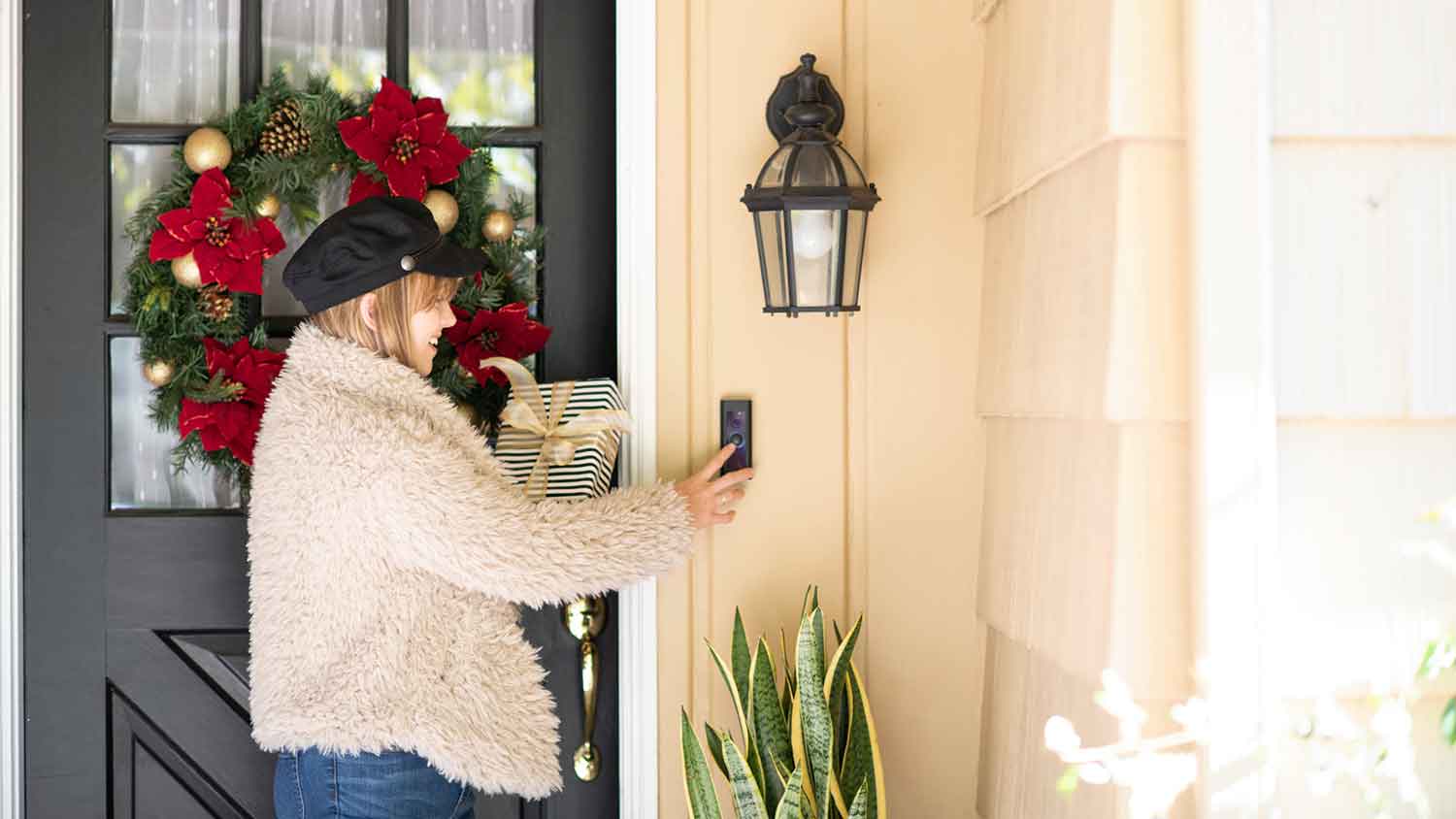
How much does it cost to install a doorbell camera? It depends on whether you plan to DIY or hire a pro. Learn about different models and their power sources, too.
Home security system service costs depend on your project and location. Check with a local pro for your specific job.

Professional security camera installation costs between $589 and $2,040 for your home project in 2026.
Your camera count and camera type drive your total, and wired systems take more work than wireless.
You should budget $150 to $200 for add-ons like video monitors and extra storage for recordings.
Hiring a local security camera installation professional ensures correct placement, avoids coverage gaps, and gets your system running fast.
In 2026, the national average cost for security camera installation is $1,289, based on 4,027 verified projects from Angi Pros. Most homeowners pay between $589 and $2,040, with the spread driven by camera count, camera type, and whether you choose a wired or wireless system. You should also budget $150 to $200 for add-ons like video monitors and extra storage for recordings.
Three main factors drive the cost of a security camera system: the number of cameras you need, the quality of the cameras you choose, and whether you hire a professional or install them yourself.
The type of security cameras you choose will greatly impact your total installation costs. Wireless cameras are the most affordable entry point, while wired and specialty systems carry higher price tags. Understanding your options before purchasing helps you match the right camera type to your security needs and budget. Here’s a table outlining the average costs of the main camera types:
| Camera Type | Average Cost in 2026 |
|---|---|
| Whole-home system | $208–$1,090 |
| CCTV system | $600–$1,600 |
| Surveillance (four cameras) | $500–$1,500 |
| Wireless | $25–$35 per camera |
| Wired | $150–$500 per camera |
The first choice to make when purchasing a security camera comes down to standalone cameras versus going all-in on a whole-home security system with cameras included.
Whole-home security systems include cameras offering strategic vantage points along with an alarm system. The cost of a whole-home security system can range from $208 to $1,090.
Systems commonly include cameras as well as window and door sensors and automated alarms. Today's wireless home security systems link to your devices to give you a real-time view of who is arriving at your home. You’ll know exactly when the package from your latest online shopping spree arrives.
A security camera is a more budget-friendly option that allows you to strategically place a camera in a high-vulnerability spot. This option can be a smart pick if you want to increase security at your home on a budget.
CCTV, short for closed-circuit television, uses coaxial wires and is designed for real-time monitoring. The footage is sent to a specific monitor or recorder, while surveillance cameras connect via Power over Ethernet (POE) and can send data to the cloud. It’s harder to back up video with CCTV because it’s not connected to the internet, but they’re less likely to be hacked like a Wi-Fi security camera.
CCTV isn’t a common choice among homeowners and the cameras have a lower resolution. It’s mostly used in commercial spaces like malls because it requires someone to actively keep an eye on what’s going on.
In comparison, surveillance cameras have excellent resolution, with some models offering 4K and ultra-wide angles so you can pick up the smallest details. Since data is easily stored on the cloud and you can set the camera to record when the motion detectors go off, these cameras are more popular with homeowners.
You can expect to pay $600 to $1,600 for a CCTV system with four cameras, while surveillance cameras cost $500 to $1,500 for four cameras.
Practice password safety with your Wi-Fi network. Changing your password regularly can help prevent hackers from accessing your security devices.

The most affordable cameras are wireless ones, which cost $25 to $35 per camera. You can get sophisticated cameras with more options for $250 or more. The higher-end cameras have features like integrated spotlights, noise-canceling audio, color night vision, and apps that integrate with emergency services.
But if you’re looking for a more secure system with no chance of going offline due to Wi-Fi connectivity issues, you’ll want a wired camera. These cost $150 to $500 or more each.
The features of wireless and wired cameras are fairly similar, but the difference is that wired cameras can connect to analog DVRs for recording footage. Wired cameras on the higher end of the price range have a better resolution of 3 megapixels or more and can offer more sophisticated night vision. However, if you want the best resolution, wireless cameras are a better bet.

The number of cameras you need is one of the biggest factors affecting your total cost, with professional installation running $100 and $200 per camera on top of the camera's purchase price. Larger homes or properties where you want full perimeter coverage will require more cameras than the average four-to-five-camera system. Plan your camera count carefully before purchasing to avoid underestimating your total budget:
| Number of Cameras | Cost in 2026 |
|---|---|
| 1 | $100–$200 |
| 2 | $200–$400 |
| 4 | $400–$800 |
| 6 | $600–$1,200 |
If your home is particularly large or you just want to cover every possible angle around your home, you'll need more than the average four to five cameras in a security camera system.
Camera quality varies widely, and so does the price—some models cost close to $100 each, while others are as little as $20 apiece. Higher-quality cameras offer better resolution, improved night vision, and more advanced features like facial recognition or wide-angle lenses. Matching camera quality to your actual security priorities helps you avoid overspending on features you won't use.
Here are the most common features you’ll find in most wired and wireless cameras, regardless of price:
Night vision
Two-way speaker
Remote monitoring
Motion detection
High-definition video
Data storage
Built-in spotlight
Facial recognition
When choosing a camera for your home, consider what’s most important to you. For example, if your biggest concern is keeping footage secure, opt for a system that offers data storage on a local hard drive. Others may want to know who’s coming and going, so a system with facial recognition will be the priority.
Another essential feature to consider is the camera quality. While higher-quality cameras come at a price, sometimes being able to pick up the smallest of details is a significant benefit when reviewing past footage.
Entry-level cameras tend to have 1080p resolution, while mid-range ones have 2K resolution and colored night vision. Many high-end cameras have 2K to 4K resolution with wider viewing angles. Also, the more expensive systems offer better night vision thanks to infrared LEDs and technology that deliver crisp images.
Labor is the largest line item in most security camera budgets, accounting for 50% to 70% of the total project cost, with wired system installation averaging $80 and $200 per camera. Wireless cameras are easier to set up and can be a reasonable DIY project if you're comfortable with basic tools. A local security camera company goes beyond just mounting cameras — they identify the best monitoring locations, configure your hard drive and video monitor, and verify the entire system is working correctly. If you want full coverage with no blind spots, professional installation is worth the added cost.
Running a surveillance camera system efficiently requires more than just the cameras themselves—several additional components are essential to a complete setup. Budgeting for these items up front prevents unexpected costs after installation is already underway. Here is a breakdown of common add-on equipment costs to factor into your total budget:
| Add-on | Average Cost in 2026 |
|---|---|
| Video monitor | $50–$200 |
| Hard drive storage for the footage | $50–$100 |
| Cables | $15–$30 |
| Surveillance system software | $50–$100 |

Installing your own security cameras can cost up to $200 per camera when done professionally, but buying cameras yourself online runs as little as $20 and $50 each on average. That difference adds up quickly—you could save up to $150 per camera, or roughly $600 to $750 across a standard system. DIY installation is a realistic option for most homeowners as long as you're comfortable setting up a hard drive, video monitor, and connecting all components together.
However, if you encounter technical difficulties or just want security professionals to help you understand how to best cover your home with cameras for maximum visibility, it may be a good idea to reach out to a pro. At the very least, look for a security camera company in your area, get a consultation and a quote, and then consider your options.
Tightening up your home’s security goes beyond cameras. For added peace of mind, consider including other home security upgrades such as motion sensors, gates, and smart locks.
Motion Sensors: Motion sensors detect unexpected movement and can trigger immediate alerts or alarms. Use them to secure entry points and high-traffic areas.
Security Gates: Security gates provide a physical barrier for driveways and entrances. Many models are motorized and integrate with home automation systems.
Smart Locks: Smart locks provide remote access and control over your door locks via smartphone apps. They eliminate the risk of losing your keys and offer detailed access logs.
Doorbell Cameras: Doorbell cameras allow real-time monitoring of front-door activity. With motion detection alerts and two-way communication, you can interact with visitors and deter potential threats.
Glass Break Sensors: These sensors detect the sound of breaking glass and are useful in homes with large glass doors or many windows.
Security Lighting: Security lighting illuminates dark areas around the home, and can be set on timers and/or motion-activated.
Window and Door Sensors: These sensors monitor potential entry points and alert homeowners to unauthorized openings
Panic Buttons: Panic buttons offer immediate contact with security services during emergencies. Place them in strategic and easily accessible locations throughout your home to ensure quick access if the need arises.
Surveillance Drones: Surveillance drones provide aerial views of large properties, ideal for perimeter patrols.
Hiring a security camera pro near you will ensure the home system is installed correctly and save you time and potential problems, such as coverage gaps. Get peace of mind faster by leaving security camera installation to the pros.
Installing a security camera system is a complex task, and improper installation can result in inadequate coverage of your home, making it vulnerable to hackers. Here’s why you should hire a pro for this task:
Security camera pros are familiar with local and state law codes and regulations, ensuring your system complies with all applicable legal requirements.
The pros have the extensive training and experience required to install the system efficiently.
They will know which system to install that best suits your specific security needs.
DIY mistakes can cause you to install the camera in areas with blind spots, which will reduce the area of visible coverage.
Many installers will offer technical support and ongoing maintenance of the security system.
For simple security camera installations, you can try doing it yourself. Focus on these DIY tasks:
Research and choose the best security cameras for your specific needs.
Select locations for the cameras that provide optimal coverage, and be mindful of potential blind spots.
Gather your supplies or purchase the required tools and equipment to install the cameras properly.
Test the system once it has been installed, and regularly check the cameras to ensure they continue to operate correctly.
Update the software as needed to maintain optimal performance.
Verify the professional is licensed, bonded, and insured, and if their technicians have passed background checks.
Discuss whether the security camera company offers warranties for the work and parts.
Discuss your security needs so the professional can recommend the best system that fits your specific home requirements.
Home is the most important place on earth, which is why Angi has helped more than 150 million homeowners transform their houses into homes they adore. To help homeowners with their next project, Angi provides readers with the most accurate cost data and upholds strict editorial standards. We’ve surveyed thousands of real Angi customers about their project costs to develop the pricing data you see, so you can make the best decisions for you and your home. We pair this data with research from reputable sources, including the U.S. Bureau of Labor Statistics, academic journals, market studies, and interviews with industry experts—all to ensure our prices reflect real-world projects.
Want to help us improve our cost data? Send us a recent project quote to [email protected]. Quotes and personal information will not be shared publicly.
If you’re good people wanting to do business with good people, hire Matt. He is a consummate professional and utterly competent. He installed a water heater in my home at a price that beat competitors by hundreds of dollars with a promise to support the unit for its life (even after its 6 yr...
 Greene's Plumbing Services
I recently moved to another state and chose United Trust Van Lines after comparing several companies. Their team was punctual, professional, and extremely careful with my belongings. I was especially impressed with how they handled my home office setup and fragile items. Everything arrived on...
 United Trust Van Lines, LLC
1st Choice Renew is simply the best! We hired them for a complete home renovation, and they transformed our space into something truly amazing. The team attention to detail and commitment to quality were evident throughout the project. They were easy to work with, very responsive, and always...
 Save A Dime
I had Ace Fireplace Services install custom chimney caps for my home, and the results are stunning. They fit like a glove and have added a touch of sophistication to my chimney. I can't recommend their services enough.
 Ace Fireplace Services
Exquisite workmanship from Custom Paint Jobs LLC. My home has never looked better.
 Custom Paint Jobs, LLC
I was concerned about my possessions safety throughout the move but Bridge View Van Lines took all necessary security measures to make sure everything arrived in mint shape I am really appreciative of their effort and commitment They made my long distance move seem simple
 Bridgeview Van Lines
We needed windows in our home, and we couldnt believe we got our entire home done for under $14,000. We have a lot of windows, and not only was it affordable, but it got done in a timely manner! Thanks guys, I truly appreciate you all!
 Window Depot USA of Central Ohio
Working with Mike on our first home purchase was an absolute pleasure. Mike put us at ease and made the process of buying a home fun. Mike is knowledgeable, honest, professional, and punctual. He worked with our busy schedule and always made time for us. When a home came on the market that...
 Michael Marshall - Buyer's Resource Realty Svcs.
Before choosing a real estate agent, we conducted a lot of research to see who would be the best choice. Homes that Click stood out as the best Columbus has to offer: their rankings are excellent, their social media presence was strong, and I could tell they put a lot of work into their...
 Homes That Click Realtors
Fantastic! Top Line was early for the appointment and very knowledgeable and took time to explain everything they had found during the home inspection. The report included clearly defined issues and what they recommended to remedy the same. The report also included many pictures to help...
 Top Line Home Inspections, LLC
From average costs to expert advice, get all the answers you need to get your job done.
How much does it cost to install a doorbell camera? It depends on whether you plan to DIY or hire a pro. Learn about different models and their power sources, too.
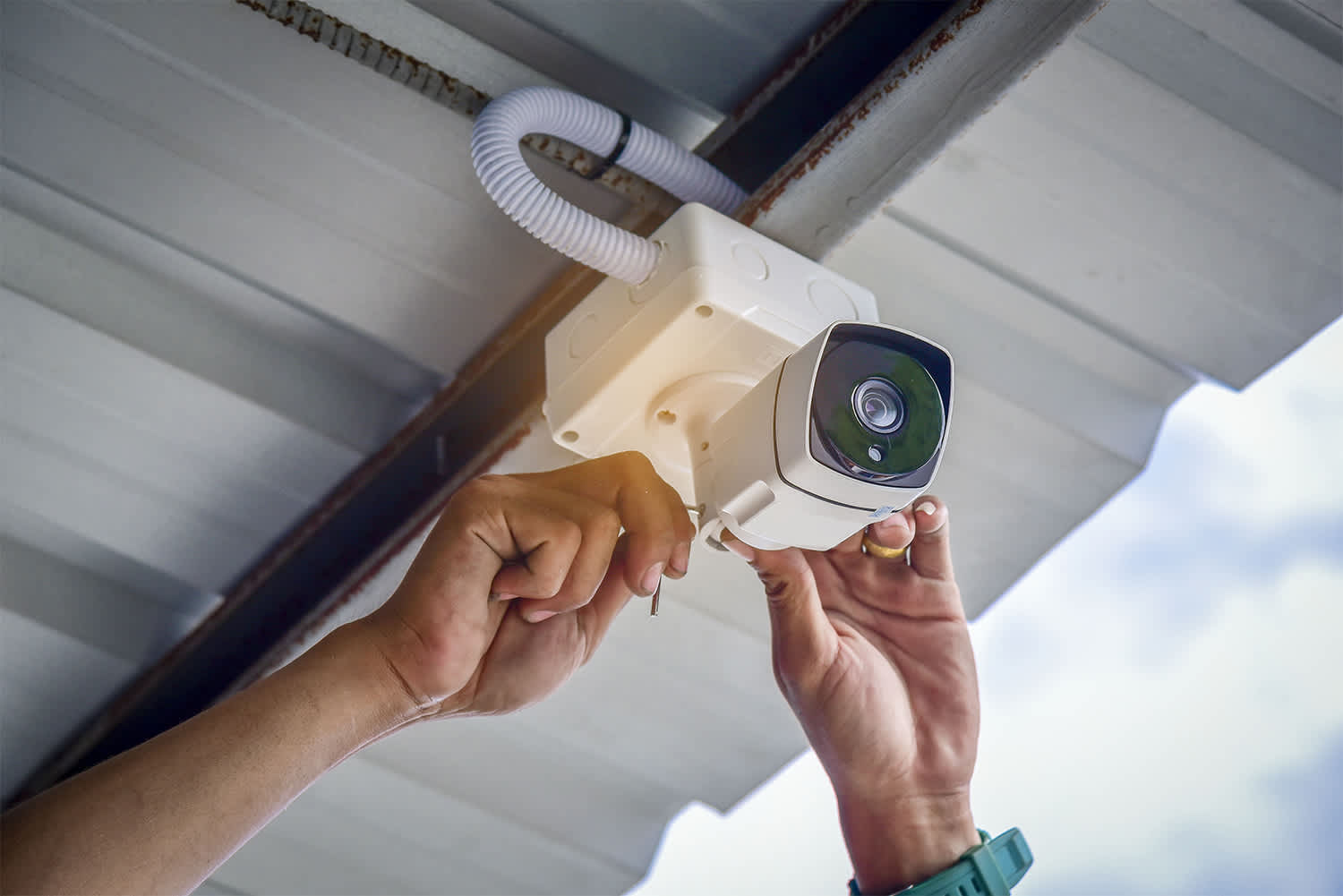
Feeling safe at home should always be a priority, and installing a new security system can help you do just that—no matter where you live.
Get transparent sewer line camera inspection cost info. Learn what impacts pricing and how to budget for this essential home maintenance.
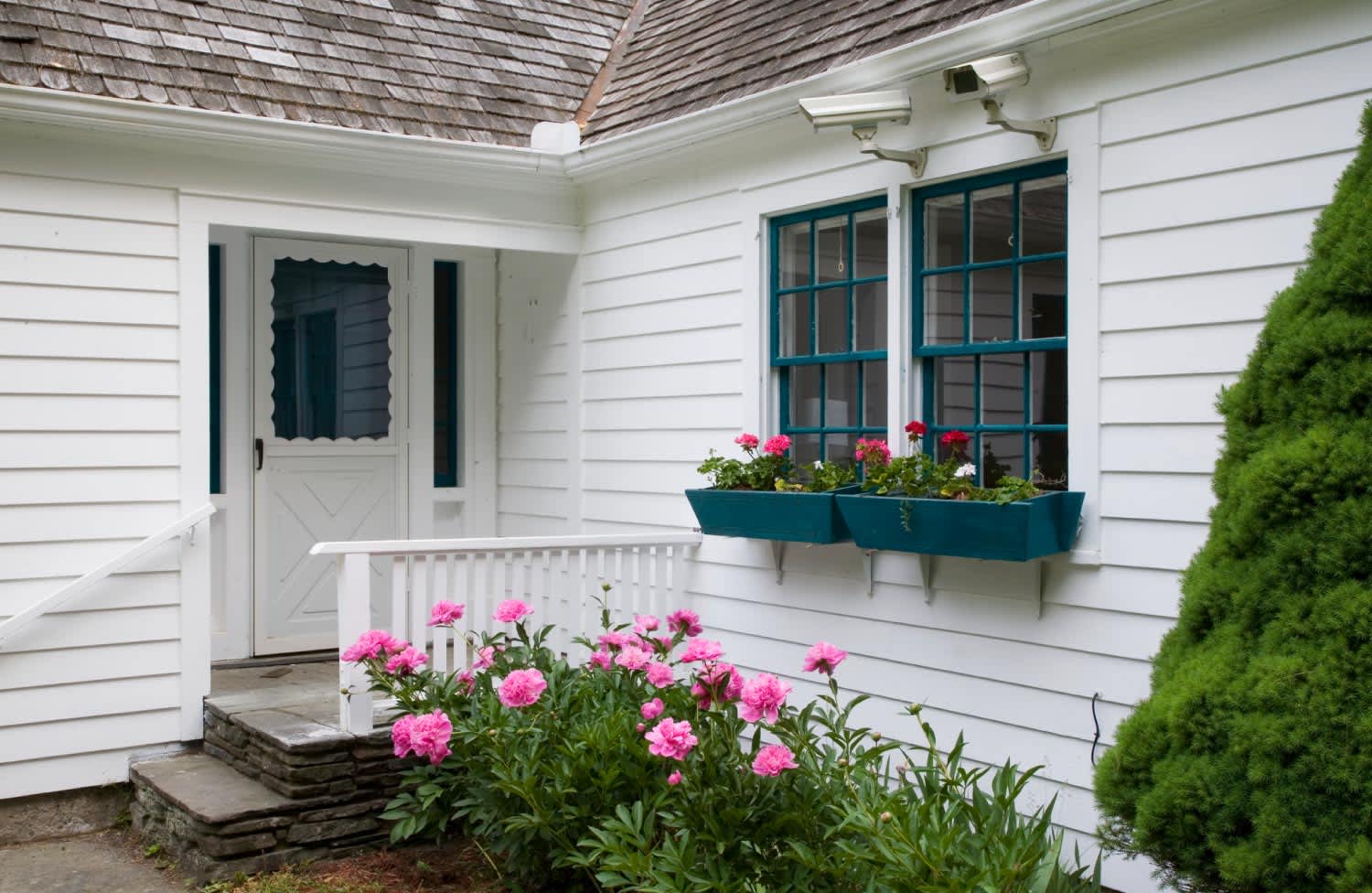
Planning a security camera installation? Learn about surveillance system logistics, expected costs, and how to hire the right local pro.
Learn how to hire a security camera company for your home. Find qualified pros, ask the right questions, and protect your property with confidence.
Wondering who to hire for security camera installation? See who to call for security cameras, what a security camera installer does, and compare options.