
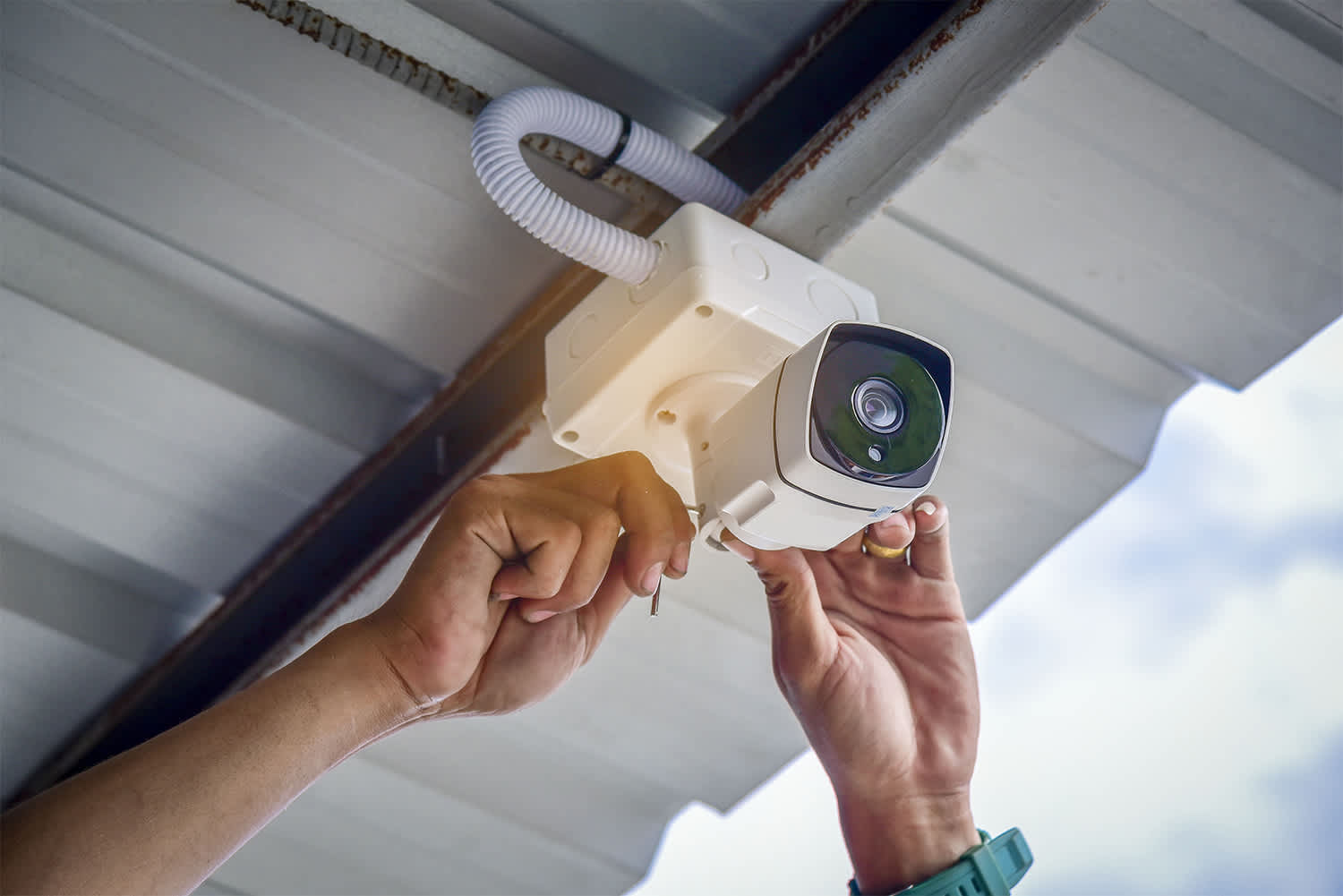
Feeling safe at home should always be a priority, and installing a new security system can help you do just that—no matter where you live.
Cameras and sensors and floodlights, oh my

Home security systems help keep your loved ones and property safe. Learning how to install a security system is more straightforward than before, thanks to advancements in wireless and DIY-friendly kits. So no need to feel intimidated when tackling this project is more manageable than it seems. Here are six steps to installing a wireless security system to save on costs and have peace of mind while you’re away.
The most important part of the prepping process is purchasing the appropriate security system for your home. Wired systems offer some unique advantages but are more challenging to install than wireless options. For these reasons, this guide covers installing a DIY-friendly wireless system.
The cost of wireless home security systems starts at $200 and tops out at $2,000, depending on the number of cameras, sensors, and other components. Specialized sensors, such as heat and smoke detectors, drive up the costs. There are also subscription fees, ranging from $10 to $50 each month. This allows for real-time live monitoring, though only some types of home security kits require this feature and the associated monthly costs.
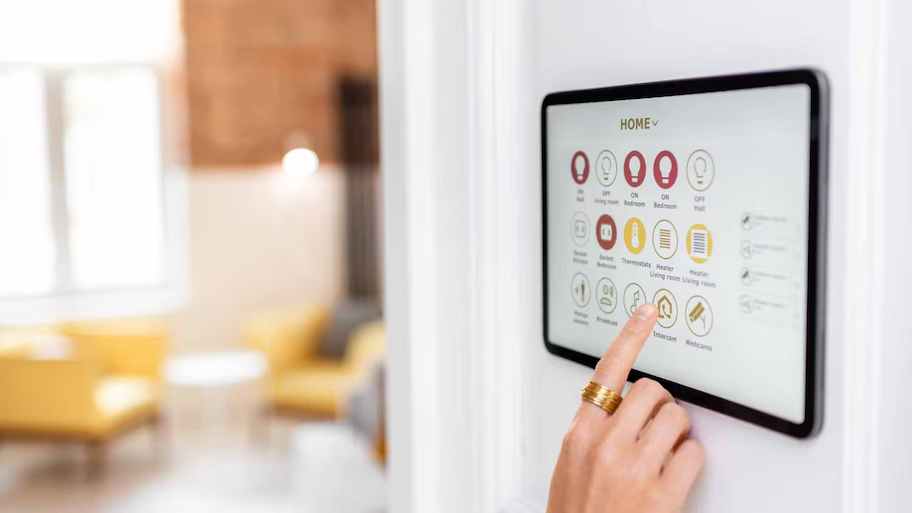
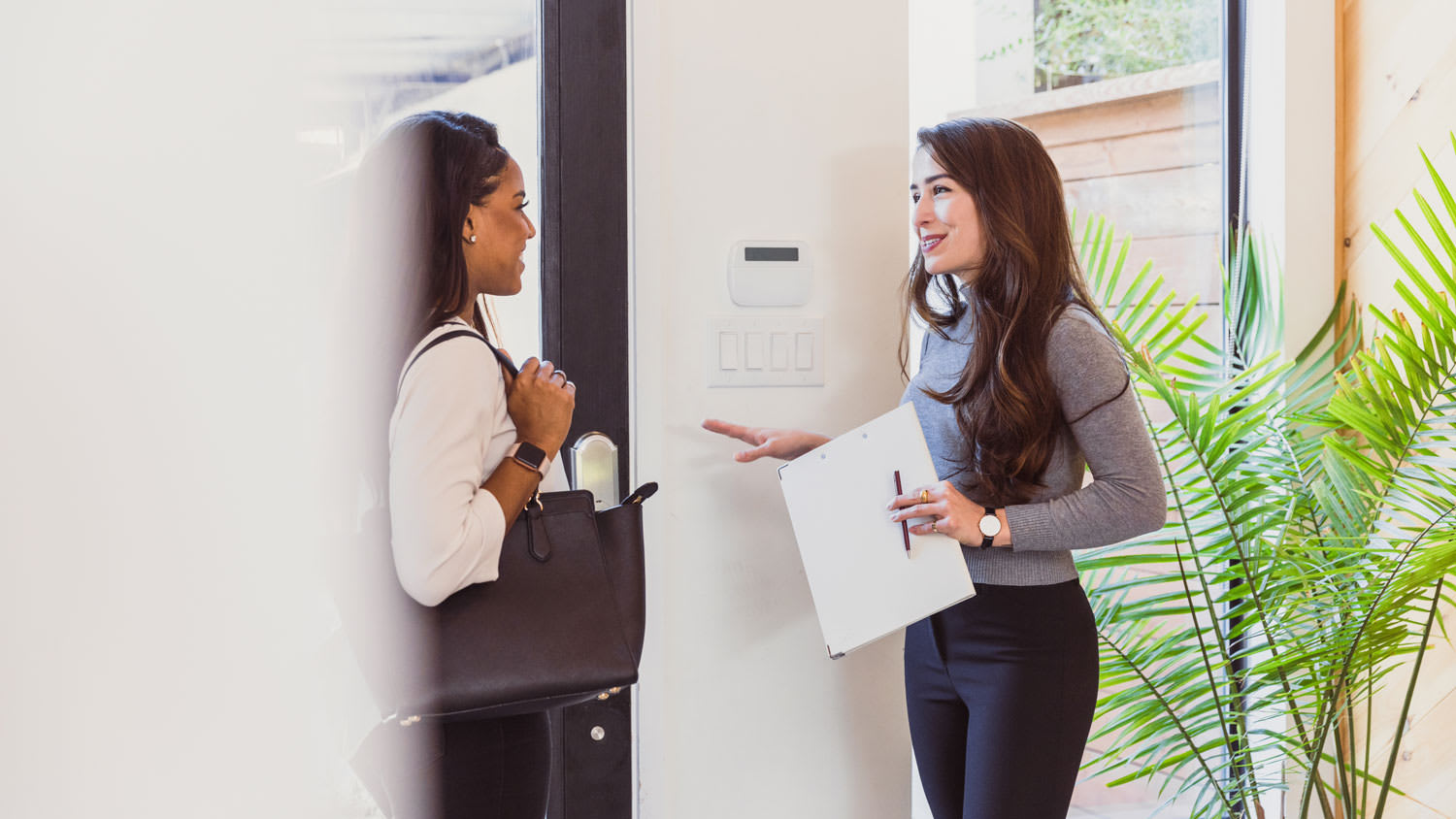
Home security systems ship with something called a base station, which is essentially a hub or master control that regulates the components. There is no exact rule for where to place this station, but near the primary entryway and a power outlet is ideal. Some hubs require an analog connection via an Ethernet cable to your router or modem, so proximity is key here.
Some of these stations are wall panels, which you can install by hammering a small nail into the wall to affix the panel. If you are a renter or don’t feel comfortable putting holes in the wall, use removable double-sided adhesive tape. Other hubs are stationary and can sit on a shelf or counter.

Setting up a security system can help deter crime by keeping your windows and doors secure. Choose your preferred locations for your door and window sensors, but your entryway and primary window are good starting points. Before installing, power up each sensor and ensure they are in good working order. Pair each sensor to the base station according to the manufacturer’s instructions.
The installation procedure depends on the design of the sensor and the surface you’re affixing it to. Most of these sensors work best when mounted on a flat surface, with the magnet portion on an adjacent surface. In other words, place one half on the door or window and the other half on the frame, ensuring that each half meets when the door or window is closed.
For wood frames, secure each half with a screw, and install them with a screwdriver or power drill. These sensors often include magnetic sides for installation on metal surfaces, simplifying the process. However, even if there’s a built-in magnet, affix the pieces with a screw so they don’t fly off when a door or window opens.

If you have experience installing motion sensor lights, you know motion sensor installation is all about the correct placement to maximize security. As with the entry sensors, start by powering up each motion detector and pairing it to the system hub according to the instructions. You want your motion sensors to have a good view of the space, so place each sensor at a height of around 6 to 8 feet. As for achieving good visibility in a room, install these sensors in corners for the widest field of view.
Another good option is to place one over a doorway, which hides them from sight from anyone with bad intentions. Don’t forget the basement here, as basement windows and doors are possible entry points.
Usually, these sensors only require one screw. If you’re uncomfortable putting holes in the wall, try using double-sided tape.

If your system shipped with a security camera or two, place them according to the manufacturer’s instructions. As for placement tips, keep them out of the immediate field of view when entering a room or a yard. Consider the benefits of having security cameras in and outside your home when choosing where to place them.
Pair each camera to the hub, place each camera in your desired location, and head to the base station to test the footage angle. Make adjustments as necessary; you want the maximum coverage with the least number of cameras. Though security cameras often require immediate access to a power outlet, some are battery-powered.

Did your system come with additional sensors like heat sensors, smoke sensors, or carbon monoxide sensors? Pair these sensors with the main system and pop in any batteries shipped with the kit. Next, place them in your desired locations according to the manufacturer’s instructions. Some, though not all, of these sensors affix to the ceiling.
Now it’s time to ensure all of your hard work paid off. Test the system by following the instructions. This typically involves setting a passcode for arming and disarming the system, integrating any affiliated smartphone apps, and configuring video options. Once finished with this setup procedure, take the time to test every motion sensor, entryway sensor, and security camera.
When choosing a home security system, you can opt for one that you monitor yourself or one that a professional company monitors.
With a professional-monitored system, a security company will watch your home 24/7. If an alarm is triggered, the company will alert emergency services. Many homeowners opt for this service as it provides continuous protection, no matter if you are home or not. Professional-monitored security systems come with an added cost, on top of installation—the monthly fees range from $10 to $65, with occasional activation fees and permit requirements. Whichever system you choose for your professionally-monitored system should also install the system, setting it up in the proper way for remote monitoring.
With self-monitored security systems, you monitor any activity in your home. Typically, these are smart systems that connect to a smartphone, sending alerts to your phone if there is any suspicious activity. Using a self-monitored system will save you on those monthly fees, but you might want a higher level of security than a self-monitored system offers.
This is a home security project you can DIY, with some caveats. First and foremost, you need a wireless security system unless you have plenty of electrical experience to install a wired system. You also need active Internet service, which is at the mercy of your provider. In other words, if your Internet cuts out, so does your security system.
If you are set on a wired system or prefer a more reliable connection with direct 24/7 access to a provider, contact a home security system installation pro. Your pro can install all of the security system components and position your cameras at the ideal location and height.
The cost of installing a security system depends on the size of your home and any monitoring subscriptions you opt into. Hiring a pro to install a wired system costs $800 to $1,600. Wireless systems cost $200 to $2,000 to install, and much of this cost goes toward individual components. To that end, standalone cameras and sensors cost anywhere from $100 to $200 each.
If you’re good people wanting to do business with good people, hire Matt. He is a consummate professional and utterly competent. He installed a water heater in my home at a price that beat competitors by hundreds of dollars with a promise to support the unit for its life (even after its 6 yr...
 Greene's Plumbing Services
I recently moved to another state and chose United Trust Van Lines after comparing several companies. Their team was punctual, professional, and extremely careful with my belongings. I was especially impressed with how they handled my home office setup and fragile items. Everything arrived on...
 United Trust Van Lines, LLC
1st Choice Renew is simply the best! We hired them for a complete home renovation, and they transformed our space into something truly amazing. The team attention to detail and commitment to quality were evident throughout the project. They were easy to work with, very responsive, and always...
 Save A Dime
I had Ace Fireplace Services install custom chimney caps for my home, and the results are stunning. They fit like a glove and have added a touch of sophistication to my chimney. I can't recommend their services enough.
 Ace Fireplace Services
Exquisite workmanship from Custom Paint Jobs LLC. My home has never looked better.
 Custom Paint Jobs, LLC
I was concerned about my possessions safety throughout the move but Bridge View Van Lines took all necessary security measures to make sure everything arrived in mint shape I am really appreciative of their effort and commitment They made my long distance move seem simple
 Bridgeview Van Lines
We needed windows in our home, and we couldnt believe we got our entire home done for under $14,000. We have a lot of windows, and not only was it affordable, but it got done in a timely manner! Thanks guys, I truly appreciate you all!
 Window Depot USA of Central Ohio
Working with Mike on our first home purchase was an absolute pleasure. Mike put us at ease and made the process of buying a home fun. Mike is knowledgeable, honest, professional, and punctual. He worked with our busy schedule and always made time for us. When a home came on the market that...
 Michael Marshall - Buyer's Resource Realty Svcs.
Before choosing a real estate agent, we conducted a lot of research to see who would be the best choice. Homes that Click stood out as the best Columbus has to offer: their rankings are excellent, their social media presence was strong, and I could tell they put a lot of work into their...
 Homes That Click Realtors
Fantastic! Top Line was early for the appointment and very knowledgeable and took time to explain everything they had found during the home inspection. The report included clearly defined issues and what they recommended to remedy the same. The report also included many pictures to help...
 Top Line Home Inspections, LLC
From average costs to expert advice, get all the answers you need to get your job done.
Feeling safe at home should always be a priority, and installing a new security system can help you do just that—no matter where you live.
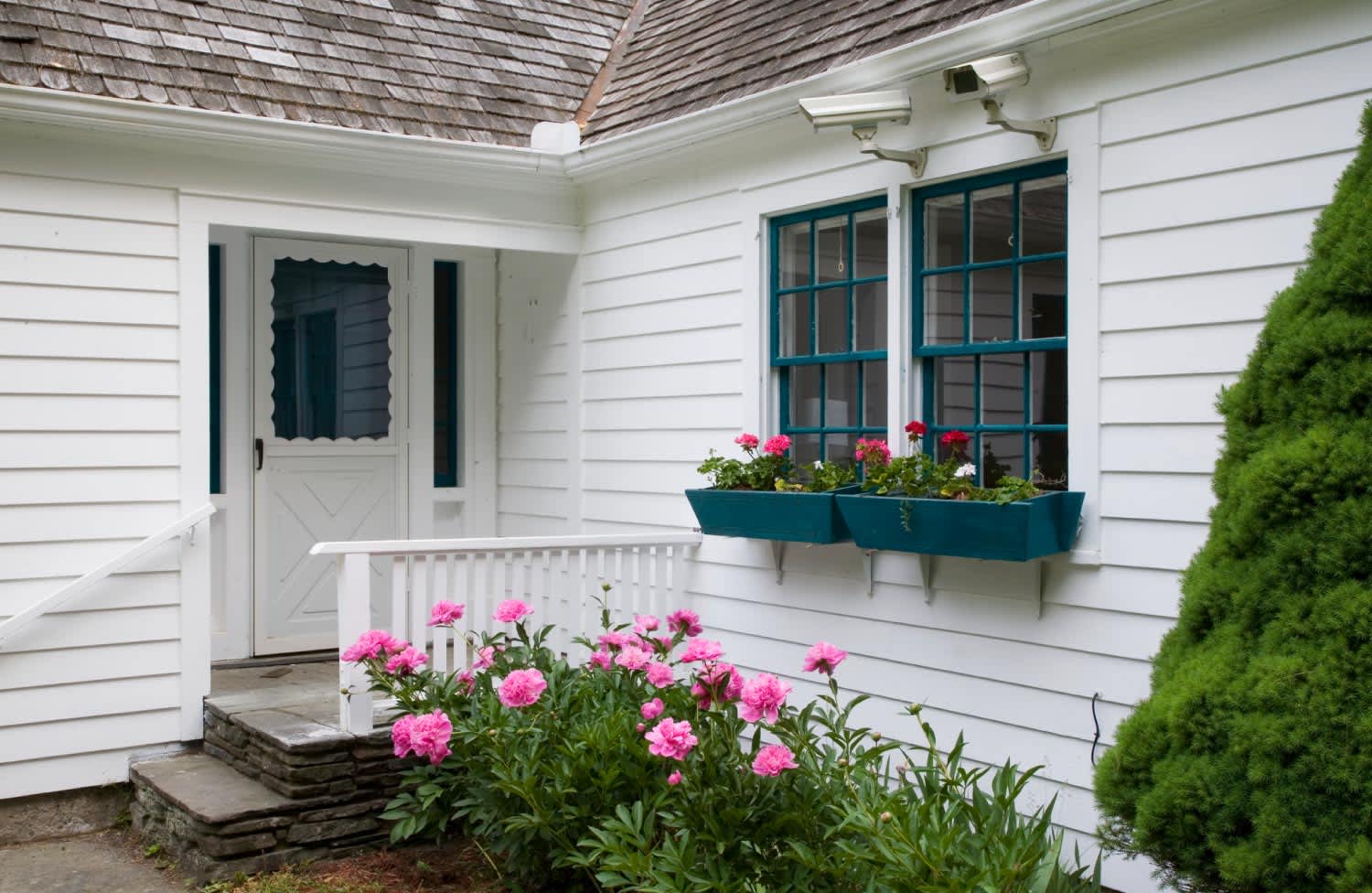
A security camera system gives you peace of mind that there’s always a watchful eye on your home. Learn the costs of installing surveillance cameras.
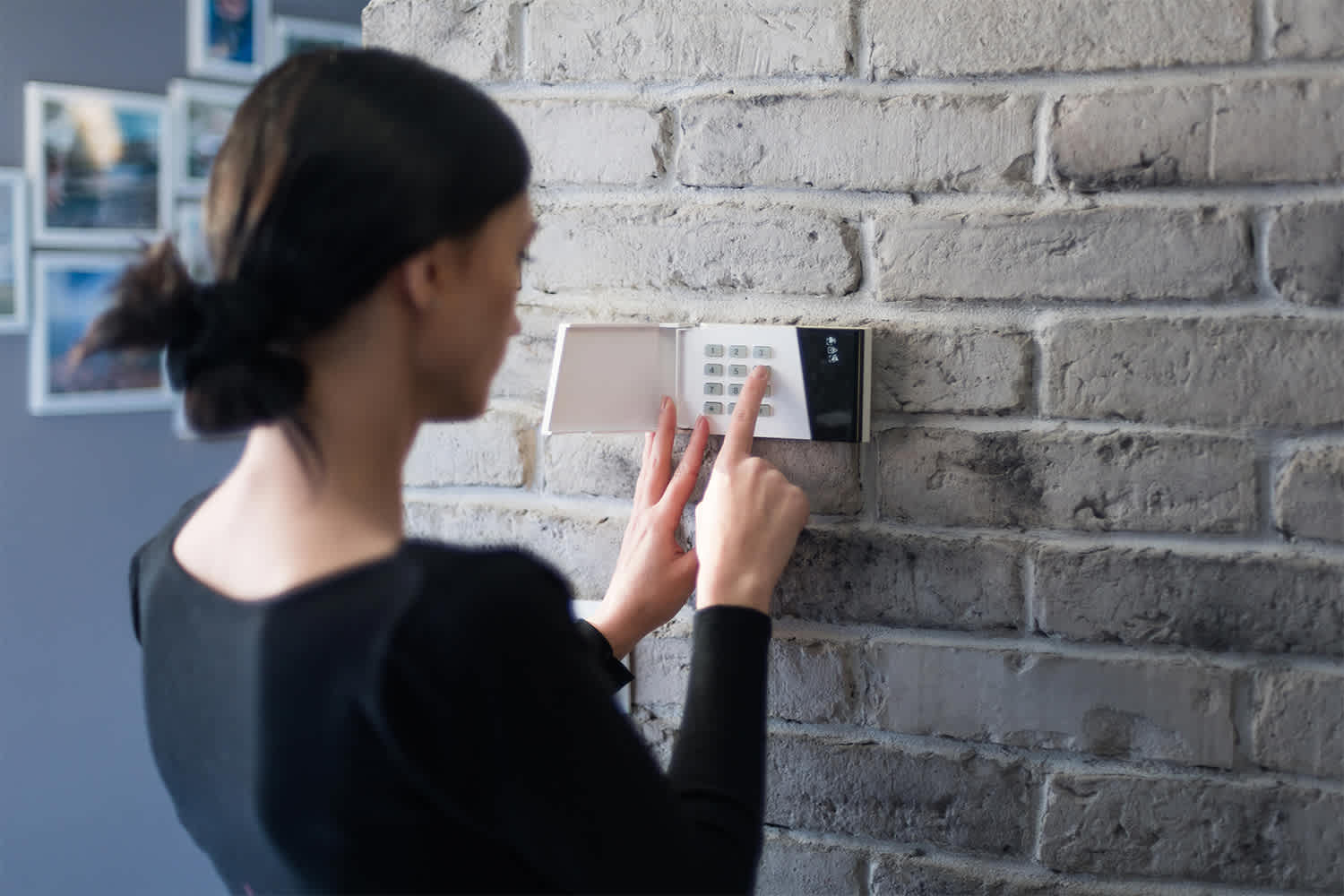
Learn how to hire a home security system installer, find qualified pros, and ask the right questions to protect your home with professional installation.
Discover how to choose the best home security system for your unique needs. Improve your home's safety with our helpful tips.
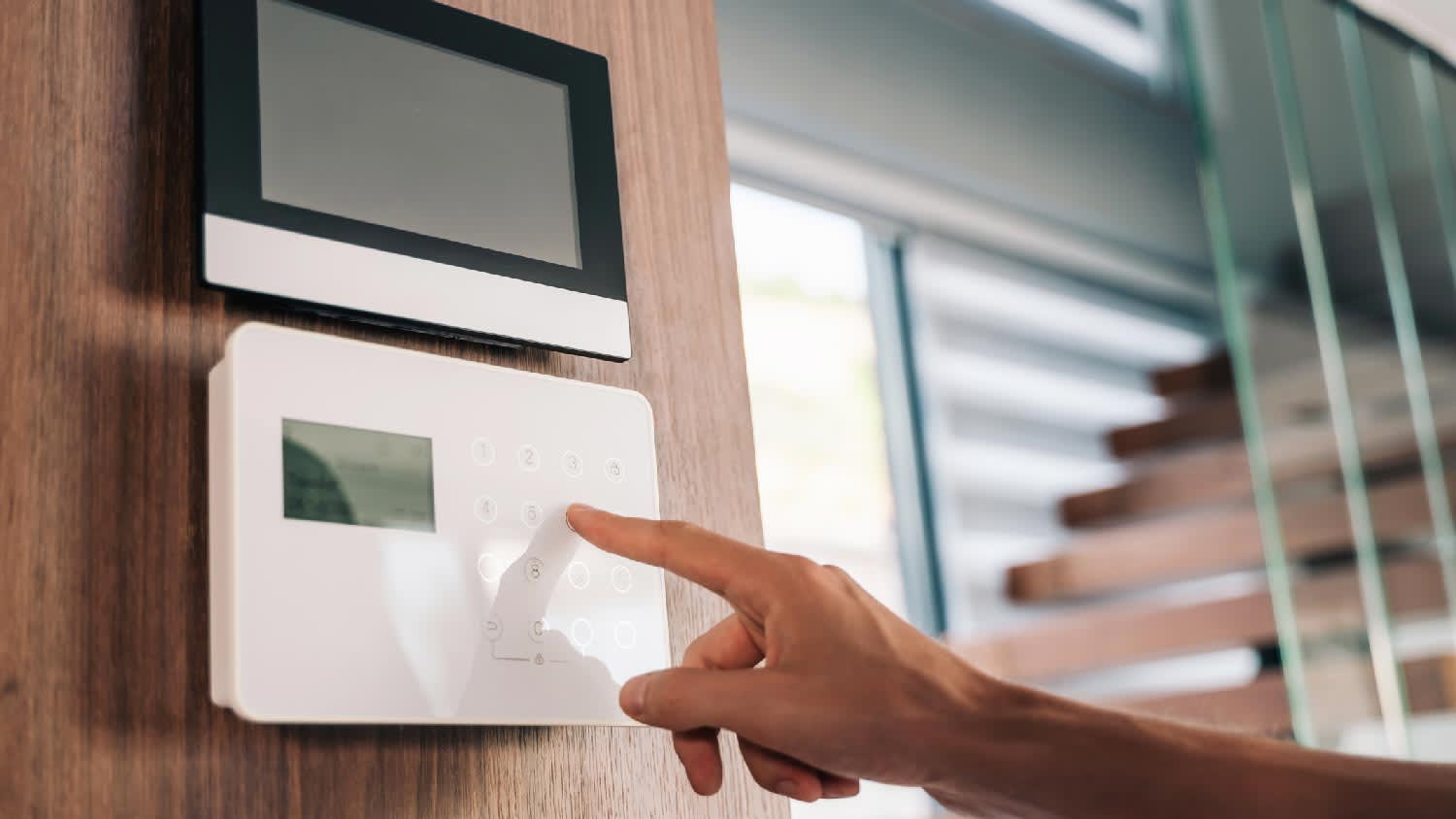
Discover the best professional to install your home security system, ensuring expert installation, ongoing maintenance, and peace of mind.
Installing a home security system is a great choice. But before you sign the contract, you’ll want to ask your home security system provider these eight questions to ensure you’re making the right choice.