
•
Find out how much it costs to get internet installed. Learn about installation fees, cost factors, and ways to save on your home internet setup.
Get rid of those pesky Wi-Fi dead zones

Wireless repeaters increase your network range but reduce bandwidth by about half, which works well for light browsing but makes streaming in 4K more challenging.
Expect to pay $30 to $100 for wireless repeaters or extenders, $200 to $500 for mesh networks, and $20 to $50 for Wi-Fi bridges.
Moving your router to a central location or upgrading to a modern model with range-enhancing features can solve dead zone issues without additional equipment.
Hiring a local home automation professional provides reliable support for selecting the right wireless solution and setting up mesh systems with proper node placement.
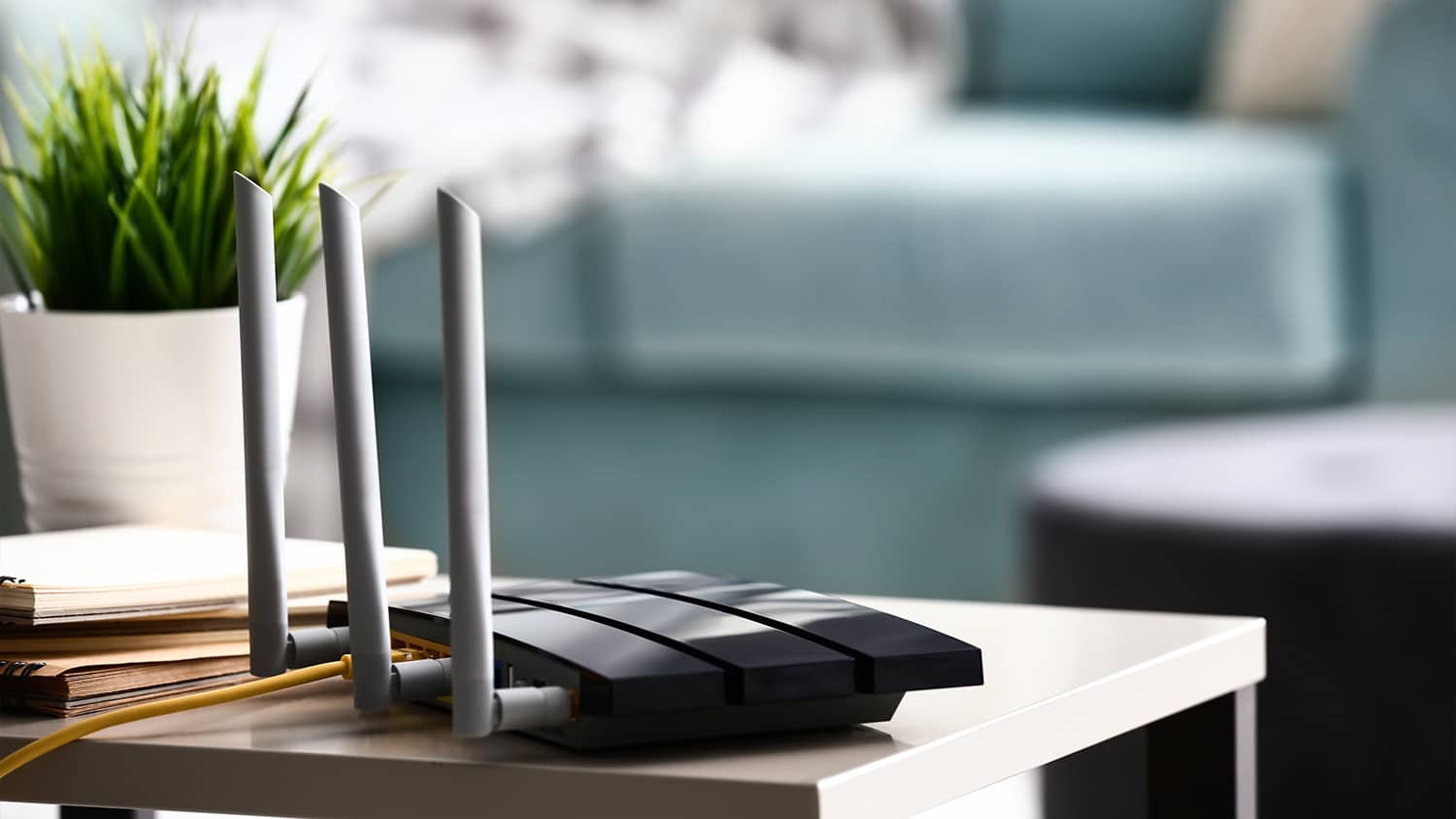
If you’ve ever set up a basement entertainment center but your wireless router is in your living room, you’ve no doubt experienced the horror of Wi-Fi dead zones. Wireless routers only provide so much coverage and run into trouble with certain obstacles, such as thick walls, conflicting appliances, and more. Installing a new cable internet outlet costs up to $500. Luckily, there are several budget-friendly options to increase your wireless range, but are they worth it? Read on to learn all about wireless boosters.

“Wireless boosters” is a blanket term encompassing several device types that all work to lengthen the range of your wireless data signal. There are, of course, subtle and not-so-subtle differences between repeaters, extenders, and all of their varied subdevices. Investing in a wireless extending device is an excellent choice, so let’s go over each major subtype and the pros and cons.
As the name suggests, wireless repeaters receive a wireless signal and then repeat it throughout a space, increasing the wireless network range and giving your home more accessibility to the internet. You place them somewhere between your router and any dead zones you notice. Think of wireless repeaters as a rest stop on a highway. The signal enters, refreshes itself, and then moves on to even greater distances.
Wireless repeaters are a great first step to solving the problem of dead zones, thanks to being easy to install and operate. However, the occasional speed hiccups inherent to the design make them best for only light internet usage. You’ll be able to check emails and surf the web in your newly covered dead zone, but streaming shows in 4K TV may be more difficult.
Increase range: These repeaters are the gold standard for extending the range of a wireless signal because they work and are easy to install and use.
Overcome obstacles: Repeaters don’t just shine with increasing signal range, as many homeowners use them to overcome obstacles like thick walls, large furniture, and interference-causing appliances like microwaves.
Fairly inexpensive: You’ll find entry-level wireless repeaters for as little as $30, with an average cost of around $75–$100. Also, old routers make for decent wireless repeaters in a pinch if you have one lying around.
Network bandwidth issues: Any computers or devices connected to a wireless repeater (instead of the router itself) receive a significant bandwidth downgrade of around one-half. In some scenarios, this is barely noticeable, but it turns into a real annoyance in others.
May need more than one: Depending on the size of your home and the locations of your wireless dead spots, you could need more than one wireless repeater to send signals throughout your entire property. Though relatively budget-friendly, those costs add up with multiple purchases.
Integration issues: Wireless standards constantly evolve, and today’s repeaters aren’t always built to match. They may struggle when integrating with upcoming standards, such as 802.11ac.
Some companies conflate extenders with repeaters, but there is one significant difference. Repeaters are fully wireless, with a wireless signal coming in and going out. On the other hand, Wi-Fi extenders physically plug into your router’s Ethernet port. This lets them deliver a more robust signal but tethers them close to the router.
Extenders are a good option for a mild bump in wireless coverage. Look into this tech if you live in a small home and just have one or two dead zones. However, if you want to blanket a whole house with secure internet, extenders aren’t the best option.
Great speed and reliability: Because extenders physically connect to the router, expect improved reliability and speed compared to repeaters.
Cost-effective: Standard Wi-Fi extenders are some of the oldest wireless boosting devices out there, with low prices to match. You’ll pay between $35–$100 for one.
Easy to install: Most Wi-Fi extenders are simple to install. Just plug the Ethernet cable into the router, the power cable into an outlet, and follow the on-screen prompts delivered via driver software.
Hindered range: Again, these devices connect physically to your router, so they must remain close. This hampers the maximum wireless range (unless you go with, say, a really long Ethernet cable).
Creates clutter: Nobody wants more wires and cables in their home.
Compatibility issues: Some routers won’t play nice with certain Wi-Fi extenders, so research ahead of time regarding compatibility.

Mesh networks offer a comprehensive solution to the dead zone problem as they ship with multiple routers, each acting as individual nodes on the system. Whereas other forms of wireless extenders simply repeat the signal from your primary router, each node of your mesh system is essentially a primary router. This translates to an increased wireless range without sacrificing too much on bandwidth.
Mesh networks are great for commercial enterprises and large homes, so long as your bank account won’t sting from the high-end payout. They bring a whole lot of power to the table but may simply be too much for small- or medium-sized homes.
Blanket your home: Mesh networks absolutely blanket your home in sweet, sweet internet, as each router node provides its own starting point. Additionally, these nodes work together to decrease the chance of dead spots.
Maintain high internet speeds: Mesh networks don’t dilute network bandwidth as traditional repeaters do. In other words, you’ll experience (at most) a 10% decrease in internet speed no matter where you are within the network.
Self-organization: Mesh network nodes constantly communicate with one another, meaning remaining nodes pick up the slack when one falls offline. This makes them a great choice for homes with plenty of smart appliances.
Costly: Mesh router setups offer many bells and whistles. Depending on how many nodes you need, you’ll spend anywhere from $200–$500 or more.
Complicated setup: These systems ship with multiple nodes, each necessitating a setup procedure and access to the driver software. In other words, set aside a full day to get a robust mesh network installed and operating correctly.
Overkill for some: Mesh networks are powerful, expensive, and complicated pieces of technology. If your end goal is just checking email in the attic, consider this option a bit of an overkill.
A Wi-Fi bridge is a single-purpose device that brings wireless connectivity to one out-of-range appliance or computer. For instance, if your basement TV can’t connect to your network, plugging in a Wi-Fi bridge into one of the USB ports alleviates the issue. Some bridges offer another benefit of providing wireless connectivity to a device that lacks a wireless adapter altogether.
If you have just one device that needs connectivity and you’re strapped for cash, try a Wi-Fi bridge. However, the bandwidth allocation issues hamper high-definition streaming and the like.
Inexpensive: Wi-Fi bridges are affordable given their limited use. You’ll pay anywhere from $20–$50.
Double as a wireless adapter: Many bridges double as bonafide wireless adapters, meaning they allow specific devices, such as older TVs and laptops, access to the internet.
Simple plug-and-play operation: Most Wi-Fi bridges are simply designed with plug-and-play functionality. Once you plug it into a USB port, you’re good.
Limited functionality: As previously stated, bridges are for one device at a time. They’re great for one out-of-the-way TV but not for providing Wi-Fi to a guest bedroom.
Negligible increased range: Bridges do increase the range to connected devices but not as well as mesh networks, repeaters, or extenders.
Speed decrease: Just as with repeaters, you’ll experience a reasonably drastic reduction in bandwidth during use. This translates to lower internet speeds.
You aren’t limited to the above options to increase your wireless network range. Check out some other options for your home and budget.
Instead of spending any money at all, try moving the wireless router to a central location in the home. Routers don’t perform best when hidden away in a corner bedroom.
Newly manufactured routers often include all kinds of range-enhancing features. If your current one is a bit long in the tooth, a simple upgrade may be a good solution.
I recently had Mosby Electric perform an electrical installation on 8-14-2026, and I couldn’t be more satisfied with the service. From the moment I called, their team demonstrated fast arrival and professionalism. The electricians were highly knowledgeable, completing the installation...
 Mosby Electric
Great company! Price was competitive, technician showed up on time and completed the job (exterior electric Radon fan replacement) quickly. Would hire them again.
 MaGen Property Inspections and Radon Mitigation
I conferred with 2 other contractors before Armstrong Electric. Nick and his crew showed me that the project was not as convoluted as the other contractors made it appear to be. They completed the entire project on time. They were professional, friendly and cleaned up after at completion. I...
 ARMSTRONG ELECTRIC, LLC
The techs on my project, Shawn and Cliff, were great. They were prompt, courteous, and efficient. I am very happy with the results and would definitely contact Mr. Electric for any future electrical projects.
 Mr. Electric of Columbus
Victor was wonderful. He was on time, professional, and explained everything he was doing. He was thorough and figured out that the problem was electrical instead of with my HVAC system. Very knowledgeable. I will be using this company in the future for any HVAC needs. Thanks!
 Hubbs Heating & Air LLC
They were excellent. They did a great job. I was totally satisfied. They put tremendous effort in making sure the work was completed. They were great. They provided immediate response to any inquires I made. I would hire them again. I would recommend them to anyone who needs electrical work....
 JCB & Associates, LLC DBA Property-Tech Industries
Initially, the repairman could not find the problem. Apparently, there was some electrical shortage, but he could not find the definite problem. He left, but called back later to say he had a new idea. He returned and replaced the light switches on the doors. The refrigerator seemed to return...
 Appliance Pro LLC
The initial quoted price from a walk-through seemed high, but we discussed that the quote represented worst case scenario (re-wiring to two floors) and we were excited about the opportunity to have the work done in a timely manner with closing for fire safety reasons, etc. When the job was...
I have to tell you I am all about customer service - I will go out of my way and even pay more for it if you give me great customer service. <br> <br>In a world where this is hard to find, these guys were awesome! I can not sing their praises enough. They were prompt, personable, funny, got...
 Waibel Electric
When I challenged the markup on the generator, Bruder Electric withdrew its bid. They only want naïve customers.
From average costs to expert advice, get all the answers you need to get your job done.
Find out how much it costs to get internet installed. Learn about installation fees, cost factors, and ways to save on your home internet setup.

A security camera system gives you peace of mind that there’s always a watchful eye on your home. Learn the costs of installing surveillance cameras.

Find out how much TV antenna installation costs. Learn about cost factors including labor, materials, and ways to save on your TV antenna project.

Are Wi-Fi security cameras safe? Learn the pros and cons and if it’s the right system for your residence.

Learn about wired versus wireless security cameras to decide which option offers more reliable surveillance at your home.

Which is better for your home: a wired security system or a wireless system? We’ll explore the pros and cons of each option to help you decide.