


Top-rated home security system pros.

Best home security system pros near Cisco, TX

Enter your zip and get matched with up to 5 pros

Need a pro for your home security system service project in Cisco, TX?

Select your specific project to find the pro for you.

Top-Rated Home security system pros in Cisco - Updated Nov 2026

Avatar for Texas Made Security
Texas Made Security
4.8(
45
)
Alarm or Security System - InstallAlarm or Security System - Install - For BusinessAlarm or Security System - Monitor+5 more

Serving Cisco, TX and surrounding areas

Approved

In business since 2013

Credit card accepted

Offers commercial services

"Pete came out and did exactly what he said he would do. He was quick, responsive and came when he said he would come, which is hard to find these days. I plan on using Texas Made Security again for other projects that may come up. Thank you for a job well done!"
Response time1 day
2 neighbors recently requested a quote
Recommended by85%of homeowners
Avatar for Protect Your Home
Protect Your Home
2.6(
6
)
Alarm or Security System - InstallAlarm or Security System - Monitor

Serving Cisco, TX and surrounding areas

Approved (Corporate)

In business since 1998

Free estimates

Credit card accepted

Protect Your Home is a leader in the home security industry, providing safety and peace of mind to more than 1.5 million families nationwide. Since we emerged in 1998, we've grown from a company of few to having over 2,000 high performance team members, three locations in Indianapolis, a sales center in Kentucky, and over 128 field branches across the country—and we're still growing. \n \nFor nearly 20 years, Protect Your Home has partnered with ADT®, the #1 name in home security. Today, with our national reach, we are one of ADT's biggest partners and the only partner to be designated as an Authorized Premier Provider. \n \nOur commitment to serving others combined with our projects, events, and culture contribute to the development of our team professionally, personally, and financially. \n \nIt's our mission. It's who we are. It's our legacy. \n

SA and Homeowner
Recommended by100%of homeowners
Showing 1-10 of 30
Home Security Systems FAQs, answered by experts

The cost of home automation averages around $1,000, with most projects falling between $200 and $2,000. The total cost depends on several factors, including the level of automation, brand, system features, home size, and location. For a DIY approach, basic home automation technology can cost between $100 and $500, though the scope and interaction between products may be limited. High-end, all-inclusive systems for larger homes can cost anywhere from $10,000 to $150,000, especially when they include smart appliances like refrigerators and dishwashers that require extensive wiring. Additional costs, such as subscriptions for maintenance services, can also impact the total price. It's often helpful to set a budget and consult with an expert to determine the best options for your home.

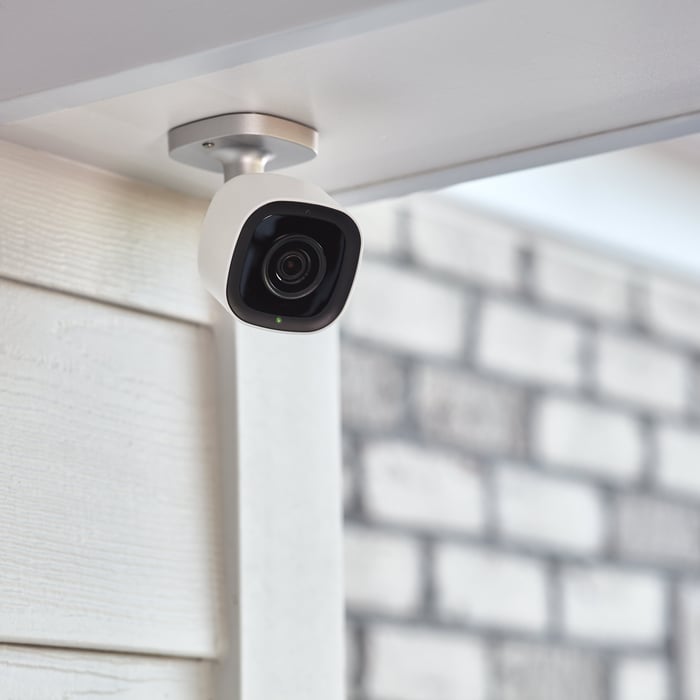
A security camera company will be able to advise you on where to position the cameras, ensure all of the equipment is set up properly, and do all of the installations. They’ll take factors into consideration that a non-professional might not automatically consider, like obstacles that could block a potential trespasser from the camera or how lighting may obstruct the view.

Any type of dead bolt lock provides the highest level of safety for a single device. However, it’s also important to determine a lock's grade. Locks can come in either Grade 1, Grade 2, or Grade 3, which indicates how durable it is and if it’s constructed solidly. Safety experts recommend choosing locks based on Grade 1, which offers the highest level of durability.

A potential weak link in any security system is poor connection strength or dropped signals, particularly in the case of a fully wireless system. You also want to ensure a reliable connection to get a hold of your service provider quickly. Also, you should exercise caution when handing out sign-in credentials to people outside the household.

You should be able to use your smart doorbell and access your video feed without a subscription. Subscriptions give you special features, such as night vision, downloading, and automatically saving footage for a set amount of days. It’s a good idea to compare plans among different providers before you commit. 

The Cisco, TX homeowners’ guide to home security system services

From average costs to expert advice, get all the answers you need to get your job done.