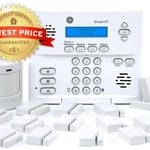
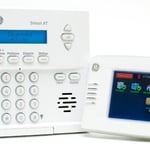
"I self installed our FrontPoint system. It went smoothly and my questions were answered efficiently and professionally by the FrontPoint staff. I would highly recommend FrontPoint as a home security system."
"They gave us the best rate and the setup was great for ADT system. The installer did have to tell us about other options that would cost more money but he did not pressure us when we declined. We had door, window and motion detectors included. They gave us a week to practice on the new system, but we could call if we were ready to go live sooner which we did. Set up was quick, easy and uneventful. Very nice installer, Phillip Brown. The cost was quoted at a low price, but the bill came from ADT and was much higher. We were told the contract to ADT did not catch up and we will be getting the lower price with a reimbursement for the excess of the first bill. We did the $99 install and are getting a $100 gift card back. 3 year contract is a little annoying but we plan to stay here for a long time."
"Yvette Pringle provided courteous and professional feedback to me when I called to inquire about a new home security system. My situation was unique because we were trying to find something that would work for a deaf person. I appreciated that Yvette did her research to find out what would work. She also offered different options in terms of a package and plan. We did end up going with another company, but I really did want to recognize Yvette for her work. She was very polite and helpful. "
"The techs were wonderful and patient in talking me through the setup process. I truly appreciated their support! The company also switched some equipment to help meet my needs. In addition, they have employed an onsite security team if I am away and the alarm goes off, I would need to pay extra for that occurrence, but on a rare occasion, that I would need it, it gives me peace of mind. I really feel I have a good system."
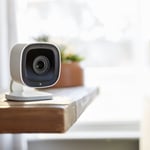
"OK first of all I never write reviews, dont have the time. However, the experience I had was amazing. I mean from when they answered the phone I felt comfortable. No high pressure, very straight forward salesperson. I called two other companies and both tried to upsell me from what they advertised. I am so happy I called Skycover! They did not try to upsell me. I purchased exactly what was advertised and saved even more money than I thought. I got a video camera for free with the system! I have a home office and now I can see what my assistant is doing from anywhere I travel in the world and I frequently travel to China for work. The system arrived to my door in a beautiful box and I will admit was concerned about setting it up, but it was plug and play just like the salesperson said. It took me less than 30 minutes in total and was super simple. I control everything from my phone. This is the greatest thing I have done in a long time, I would recommend this product and company to anyone I know! "
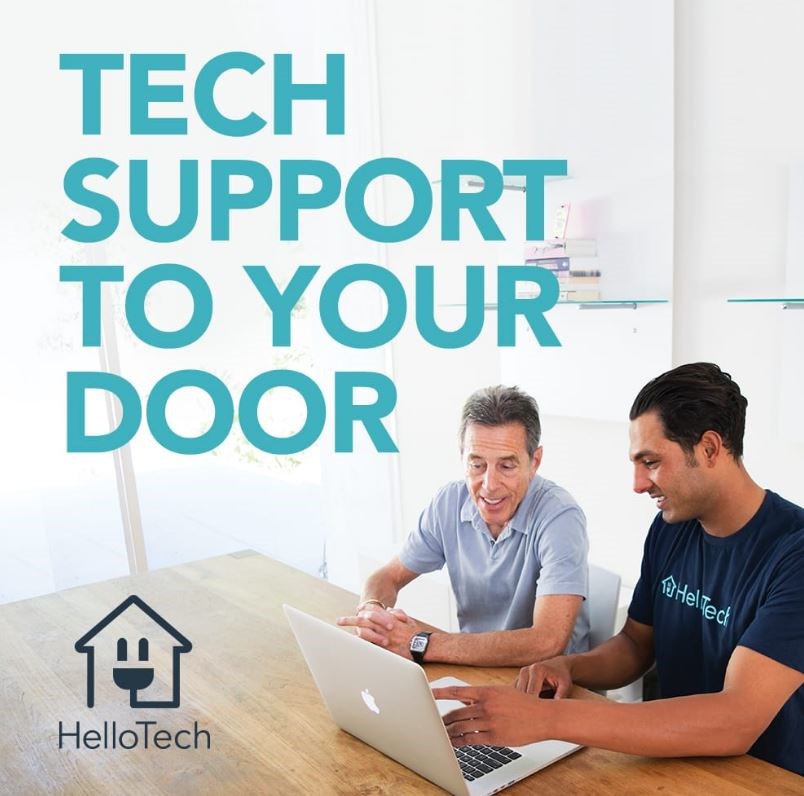
"I was having problems with the installation of a Rind camera door bell. I talked to ring and the recommended Hello Tech to help me finsh the installation. They contacted me and came to the house the very next day . The technician was extremely helpfull and installed a jump wire so my exixting door bell wound be compatable with the Ring system"
"It was a long process and very involved as the routine Windows Update process did not work and required a work-around to get to the latest version of Windows 10. Things that should have worked didn't but Robert hung in there and made sure the update did get done and that my system was properly set for security as well. Kudos to AIO Integrations LLC and to Robert specifically. I'll certainly be using their services again, without a doubt. When ya find someone that does a great job, ya stick with them!"
"Our house is covered by American Home Shield. So, they'll find someone if I need something done to my air conditioner or my heating system. I don't know the cost off hand."
"My Computer Works is an off-site computer tech support company I enlisted to help rid me of a Ransomware problem some 4 years ago. They've been my support ever since. At 67 years old, with an old computer and very UNtech savey, MCW has been a lifesaver. It can seem like their $39.95/mo. membership charges are high when everything's working well, but...when they're NOT, MCW comes to the rescue every time. I live alone and would be helpless with my computer problems without them. They also provided a lot of security and helpful programs free of charge. So glad I found them."
Read company reviews. You can also check their social media pages.
Ask for a pro’s credentials, insurance, licensure, and customer testimonials.
Check if the locksmith is knowledgeable about various topics, from decorative locks to the newest technologies on the market.
Insurance companies weigh the amount of potential liabilities on your property to increase (or decrease) the cost of your home insurance. They will use several factors to decide if there are more chances for peril or injury to take place at your home. These factors include your location (whether you live in an area with high risk for natural disasters), the age and condition of your home, and whether you have any “attractive nuisances”—features that both increase the aesthetic of your home and potential for injury—like a pool or treehouse.
In general, keyless door locks are considered safe, and their security depends on the type and quality of the lock. They cannot be picked like a traditional lock and often include added features like biometric access, PIN codes, and smartphone connectivity, which can make them more secure. However, they are not without risks. Potential vulnerabilities include hacking for Wi-Fi-connected models, battery failure, power outages, and technical malfunctions. To maximize security, it is important to choose a reliable brand, stay on top of software updates, and perform regular maintenance. While the risks are different, keyless locks are not considered more dangerous than traditional locks.
False alarms happen, and they could be due to a problem you need to troubleshoot, like faulty wiring, a mistaken setting, or the system needing an update. Turn off your system by disconnecting its power supply (both the battery and transformer) and give the manufacturer a call to see what they advise.
Home automation systems offer a wide range of automation products and services. Some of the most popular options include:
Cameras: $35–$350
Door and window sensors: $20–$100
Doorbells: $100–$350
Locks: $150–$400
Garage door openers: $150–$500
Lighting: $20–$100
Speakers: $30–$300
Outlets and plugs: $20–$100
Thermostats: $150–$300
Smoke and carbon monoxide detectors: $50–$150
Smart home hubs: $200–$900
Blinds: $50–$75
Appliances: $50–$3,000
Vacuums: $200–$1,200
Lawn systems: $80–$300
Wi-Fi and Mesh systems: $200–$500
Water monitoring: $100–$1,000
The Miller, SD homeowners’ guide to home security system services
From average costs to expert advice, get all the answers you need to get your job done.
Learn how to hire a home security system installer, find qualified pros, and ask the right questions to protect your home with professional installation.
Wondering who to hire to repair your home security system? Learn whether to call an alarm company or an electrician, and see how pros fix security systems.
Monitored vs. unmonitored home security systems: which can best defend your home from crime and other dangers? Learn the differences between these two products.
Security system maintenance is important to keep your home protected from threats and false alarms, alike. Explore our security system maintenance checklist.