

Top-rated home security system pros.

Get matched with top home security system pros in Carpenter, SD

Enter your zip and get matched with up to 5 pros

Need a pro for your home security system service project in Carpenter, SD?

Select your specific project to find the pro for you.

Find Home security system pros in Carpenter

Avatar for Frontpoint
Frontpoint
4.7(
8,819
)

Serving Carpenter, SD and surrounding areas

In business since 2007

Free estimates

Emergency services offered

"I self installed our FrontPoint system. It went smoothly and my questions were answered efficiently and professionally by the FrontPoint staff. I would highly recommend FrontPoint as a home security system."
Recommended by93%of homeowners

Avatar for Security One
Security One
4.1(
456
)

Serving Carpenter, SD and surrounding areas

In business since 2007

Credit card accepted

"It went great!  From Travis the sales person to Noah the installer I couldn't have asked for a more professional and through team to deliver my home security needs.  We just bought a new house in a neighborhood that's up and coming but there's still an element that we want to protect our home and valuable from.  Security One helped us find a system that we could monitor while we're away and that would make my girlfriend feel safe when I'm not a home.  We highly recommend them especially Travis and Noah.  Ask for them by name!
"
Pictures
Compare our Compact Door Sensors to our Competitors
Additional Photos
Additional Photos
Additional Photos

+16

Recommended by84%of homeowners
Avatar for Protect Your Home
Protect Your Home
3.3(
325
)

Serving Carpenter, SD and surrounding areas

In business since 1998

Credit card accepted

"We like their service. We haven't had any problems. They are very good. This was the first time we've had an alarm/security system in our home. The supplier is ADT. I like that I can set my alarm every night before I go to bed."
Protect Your Home Vehicle
Recommended by63%of homeowners

Avatar for Protect America Home Security
Protect America Home Security
3.5(
227
)

Serving Carpenter, SD and surrounding areas

In business since 1992

Free estimates

Emergency services offered

"About 4 years ago I need my home protected by something other than my dog while I was not home looking for a job. I needed something affordable, simple to use and install my self as my house was not prewired. I found Protect America and it had all I needed and more. Over the years I have added to my system more sensors, motion detectors, camera's, carbon monoxide sensor, and monitored smoke detectors. All of it was simple enough to do with some help with their Installation Technician walking me though everything on the phone. I have had other companies try to get me to switch to them, but what I have works and they could not beat the price so I told them no thanks."
Platinum Package - Protects up To 15 Doors / Windows for FREE
Protect your Whole Home
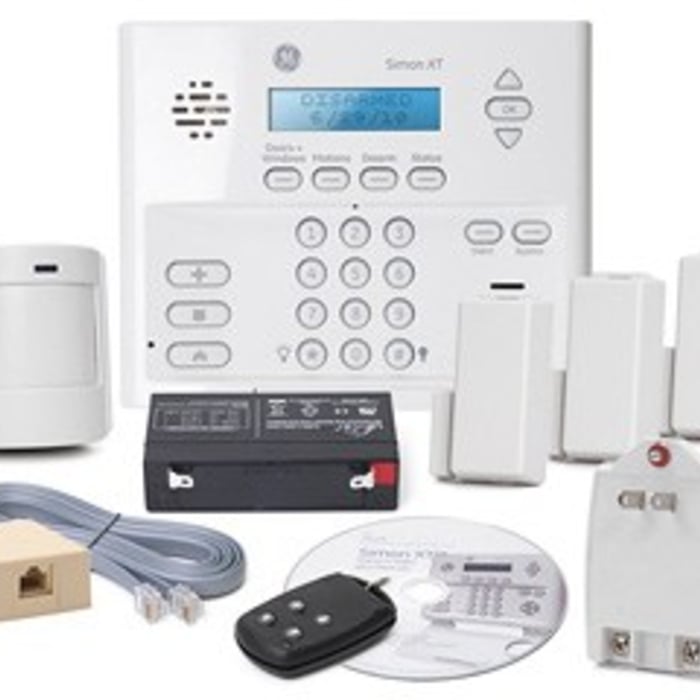
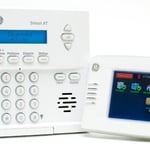
Simon XT Touchscreen
Recommended by64%of homeowners
Avatar for SkyCover
SkyCover
5.0(
5
)

Serving Carpenter, SD and surrounding areas

In business since 1998

Free estimates

Emergency services offered

"LOVE this system!  Customer service was extremely nice and made my experience effortless.  Speaking of effortless, the self-installation was super easy.  It took me less than 30 minutes from start to finish to get my system up and running.  Highly recommended!"
Additional Photos
Additional Photos
Additional Photos
Recommended by100%of homeowners

Avatar for HelloTech: Tech Support To Your Door
HelloTech: Tech Support To Your Door
4.2(
445
)

Serving Carpenter, SD and surrounding areas

In business since 2014

Free estimates

Emergency services offered

"First, I am a paid member and get unlimited services for a year. The
cost you pay for a years membership is nothing, compared to other
companies out there. If you want 24 X 7 available assistance not just
for your computer but visit their site and find out how many things
Geekatoo works on, you'll be surprised and pleased.
Youhave to down
load Team Viewer. You simply open chat box in Geekatoo, supply the
information from Team Viewer for the technician to remotely fix your
computer. You will also have to supply your Microsoft pass codeas well. 
Don't be concerned with giving out this information, as the technicians
are extremely professional.  I have had the service for about 6 months
and I have had them look at my computer at least 7 times. Not an issue
with Geekatoo.
The technician will communicate with you via chat
on Team Viewer. They will tell you when they are going to begin work.
All you do is walk away and let them work. Since Geekatoo is so thorough
the whole process will take at least 2 - 3 hours. You have sincere
professionals working on your computer to resolve your issues, not
someone looking at the clock and charging you $150 / hour.
Getting
a yearly membership is the most cost effective, but if you want to try
them out, you can pay for individual service. I think virus removal
would run you around $129  A years Green membership is $179.00  Plus you
get service for up to 3 devices at that price ! Services Included:
Computer Repair & Tech Support, Networking, WiFI and Internet,
Mobile, Smartphones and Tablets, TV and Audio (Except TV Mounting),
Smart Lock, Smart Home Hub, Sprinkler, Video Doorbell, Home Theater,
Device Help, Laptop, Printer, Router, Cell Phone, Wearable
Geekatoo
is the best money I've ever spent for computer repair. Many times the
technician has also called me at home to see if the computer is working,
and if there is anything else that they can do. How many companies
these days actually care about their customers ? It's common sense
business, with common sense technicians. What else could you ask for ?
Without hesitation, when my contract expires I will immediately re-new without hesitation.
Everyone
need their computer worked on from time to time. Why not have a proven
company, with 24 X 7 access for a reasonable fee be the on call computer
specialist for your worry-free on line experience? You're right, there
isn't any viable reason.
Geekatoo is my Geek to go to !
"
Recommended by87%of homeowners

Avatar for AIO Integrations LLC
AIO Integrations LLC
4.6(
18
)

Serving Carpenter, SD and surrounding areas

In business since 2020

Emergency services offered

Credit card accepted

AIO provides computer support services for all PC platforms including Apple OSX/iOS, Microsoft Windows, and Google Android devices. \n\nWe are the only company on Angi.com with a BBB A+ rating providing nation-wide IT support on-site/remote services from over 1500 locations. You can call us directly at 832-402-1335, option 1 for sales, to be connected to a sales engineer if you need immediate help. You can also visit our website at https://aiosupport.net. We look forward to helping you!

Helping a Victim who was being Cyber-stocked
WIndows Update Broken
Computer Tune-up
Additional Photos
Recommended by91%of homeowners

Avatar for 1privateinvestigator.com
1privateinvestigator.com
4.2(
38
)

Serving Carpenter, SD and surrounding areas

In business since 1980

Free estimates

Credit card accepted

We are here to provide investigation and litigation support services to private individuals, attorneys, corporations, small businesses and insurance companies. Call toll free, phone number: (844) 663-4631. Since 1980, Our firm has been providing professional, licensed private investigation and private detective services, to businesses and individuals. Our clients include law firms, insurance companies, major corporations and small businesses. Our nationwide private investigations, private detectives, and litigation support staff, also provide many services to private individuals. Our work for individuals includes confidential marital infidelity cases, child custody cases and nanny surveillance. Our staff includes police-trained, seasoned professional investigators, document experts, interview experts, and industry experts in the credit, collections, lending, and legal fields. We investigate online and offline. If you have a hunch, we can check it out and find the truth – as we have done for so many clients. FREE CONSULTATION 844- 663- 4631

Recommended by89%of homeowners

Showing 1-10 of 20
Home Security Systems questions, answered by experts

While many security cameras rely on an internet connection to transmit footage and store it in the cloud, not all of them stop working when the Wi-Fi is off. Some models are designed to function offline by using local storage options, such as a microSD card or a network-attached storage (NAS) device. These cameras can continue to record footage even without an internet connection. You can then access the stored data once the Wi-Fi is restored.

Instead of a security door, you might opt for a heavy-duty screen door made from durable mesh, which allows better sunlight and airflow. Additionally, you could enhance security by installing strong locks on your existing door. A double-cylinder deadbolt provides robust security; however, be aware that some local laws prohibit them due to safety concerns during emergencies.

In general, keyless door locks are considered safe, and their security depends on the type and quality of the lock. They cannot be picked like a traditional lock and often include added features like biometric access, PIN codes, and smartphone connectivity, which can make them more secure. However, they are not without risks. Potential vulnerabilities include hacking for Wi-Fi-connected models, battery failure, power outages, and technical malfunctions. To maximize security, it is important to choose a reliable brand, stay on top of software updates, and perform regular maintenance. While the risks are different, keyless locks are not considered more dangerous than traditional locks.

In general, daytime visibility for security cameras ranges from 10 to 70 feet. Higher-end cameras may have night vision that records 100 to 200 feet out. When shopping for any type of security camera, it's important to pay attention to focal length, resolution, and infrared technology to get an idea of the depth and crispness that will be used when capturing images.

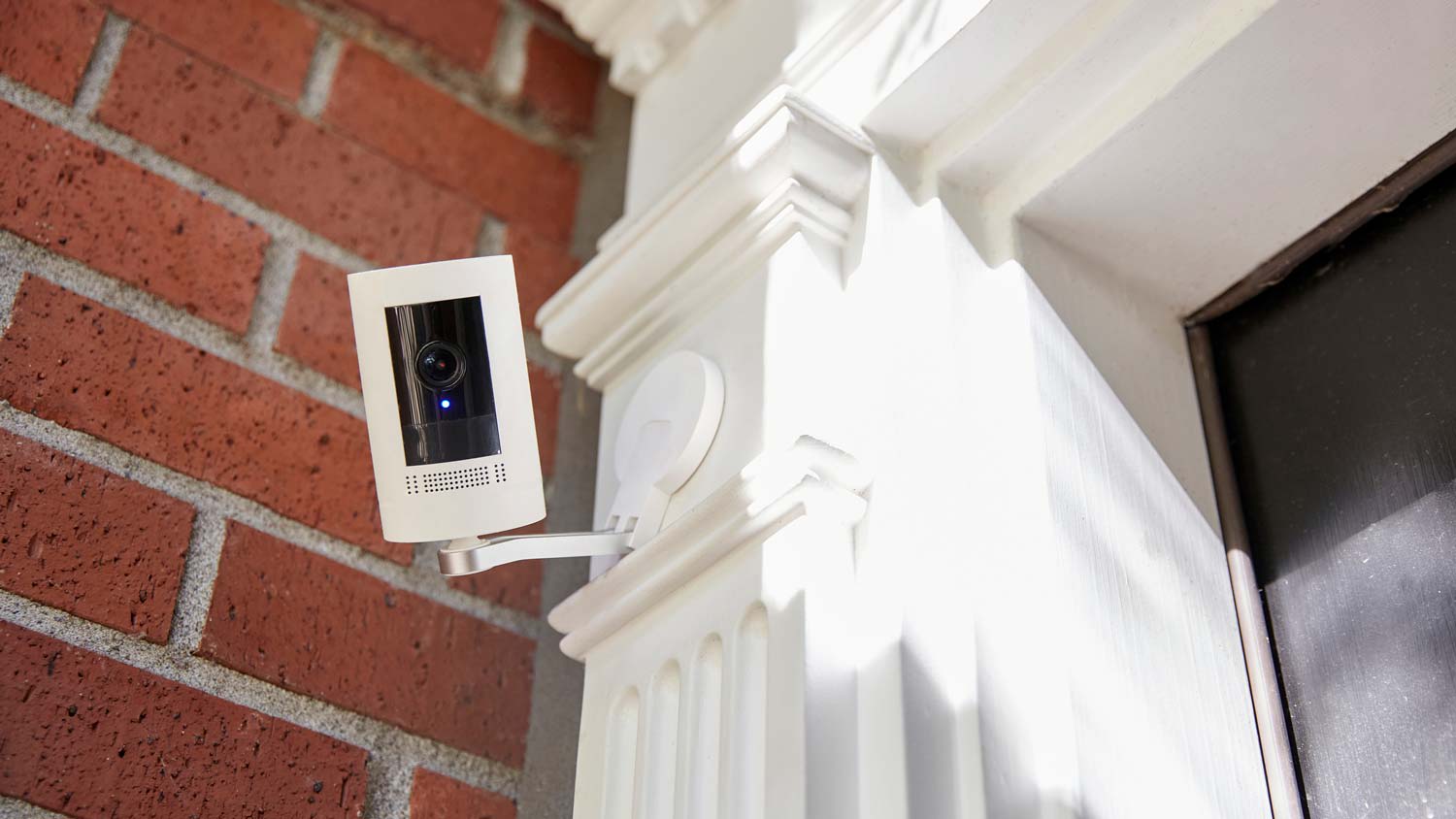
You should always install cameras at exterior doors and windows. Other areas where you should place cameras are your front and back yards, the garage and driveway, common living areas, hallways and staircases, and the basement. Remember, you can start with a small Wi-Fi security camera system and always add more cameras if needed.

The Carpenter, SD homeowners’ guide to home security system services

From average costs to expert advice, get all the answers you need to get your job done.
What do you need done? We’ll find top pros.
  • 🌱 "Mow a small front yard"
  • 🛠 "Fix a leaking pipe under the sink"
  • 🏠 "Repair shingles on an asphalt roof"