"I self installed our FrontPoint system. It went smoothly and my questions were answered efficiently and professionally by the FrontPoint staff. I would highly recommend FrontPoint as a home security system."
"It went great! From Travis the sales person to Noah the installer I couldn't have asked for a more professional and through team to deliver my home security needs. We just bought a new house in a neighborhood that's up and coming but there's still an element that we want to protect our home and valuable from. Security One helped us find a system that we could monitor while we're away and that would make my girlfriend feel safe when I'm not a home. We highly recommend them especially Travis and Noah. Ask for them by name! "
"We like their service. We haven't had any problems. They are very good. This was the first time we've had an alarm/security system in our home. The supplier is ADT. I like that I can set my alarm every night before I go to bed."
"About 4 years ago I need my home protected by something other than my dog while I was not home looking for a job. I needed something affordable, simple to use and install my self as my house was not prewired. I found Protect America and it had all I needed and more. Over the years I have added to my system more sensors, motion detectors, camera's, carbon monoxide sensor, and monitored smoke detectors. All of it was simple enough to do with some help with their Installation Technician walking me though everything on the phone. I have had other companies try to get me to switch to them, but what I have works and they could not beat the price so I told them no thanks."
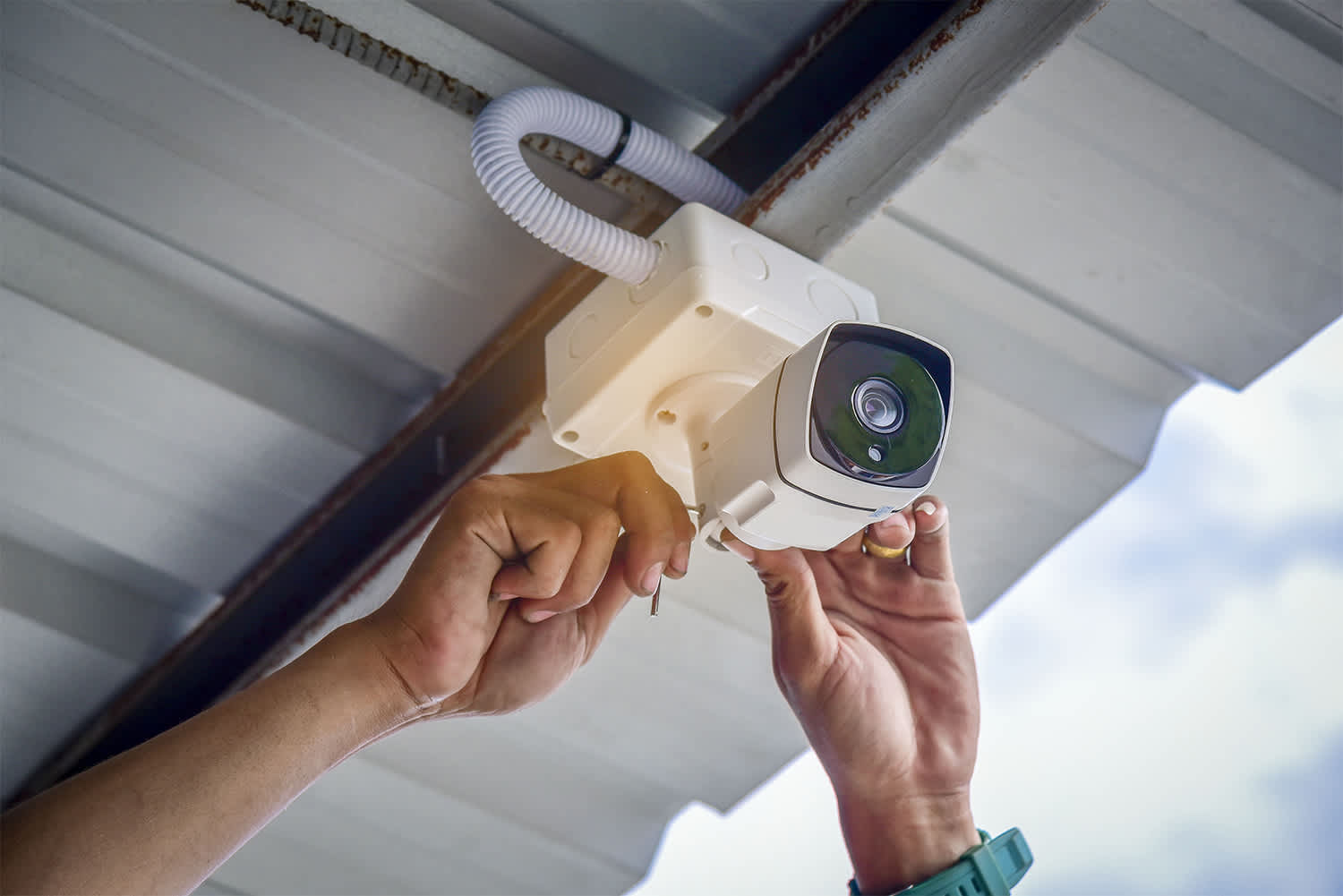
"LOVE this system! Customer service was extremely nice and made my experience effortless. Speaking of effortless, the self-installation was super easy. It took me less than 30 minutes from start to finish to get my system up and running. Highly recommended!"
AIO provides computer support services for all PC platforms including Apple OSX/iOS, Microsoft Windows, and Google Android devices. \n\nWe are the only company on Angi.com with a BBB A+ rating providing nation-wide IT support on-site/remote services from over 1500 locations. You can call us directly at 832-402-1335, option 1 for sales, to be connected to a sales engineer if you need immediate help. You can also visit our website at https://aiosupport.net. We look forward to helping you!
"They take money on muy account for my home warranty service, and they are very responsive, and very reliable. They send Repair companies to my house for repairs and services."
Home Security Systems questions, answered by experts
Professional home automation services can include automation for nearly anything in your home, so the possibilities are endless. Some of the more common things homeowners use automation for include the following:
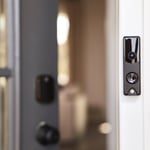
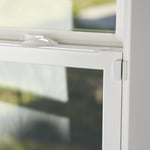
Door and window sensors to detect opening, closing, and break-ins
Solar system automation to maximize energy savings
Automatic door locks
Garage door openers
Speaker systems
Lighting
Appliances
Smoke and CO detectors
Blinds and other window coverings
Lawn irrigation systems
Water monitoring
The average cost to install a home security system is about $750. However, the price can range from as little as $200 for a simple wireless camera setup to $2,000 for a fully monitored, hardwired system. A typical price range is $280 to $1,150. Several factors determine the final cost, including the type of system, equipment, materials, labor, activation fees, monthly surveillance fees, and permits. Optional upgrades will also add to the price, such as video surveillance monitoring ($40–$65 per month), smart locks ($150), smart lighting ($15–$90), smart smoke and carbon monoxide alarms ($35–$100), and a smart thermostat ($130–$500).
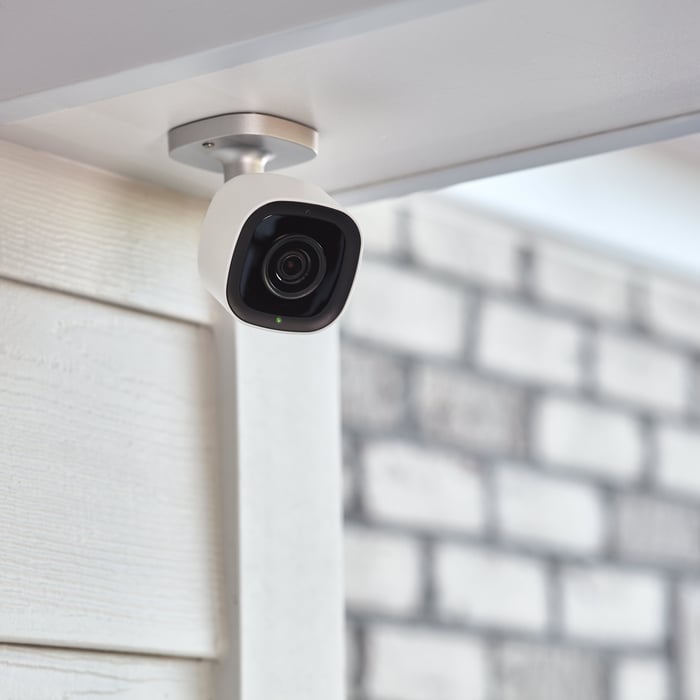
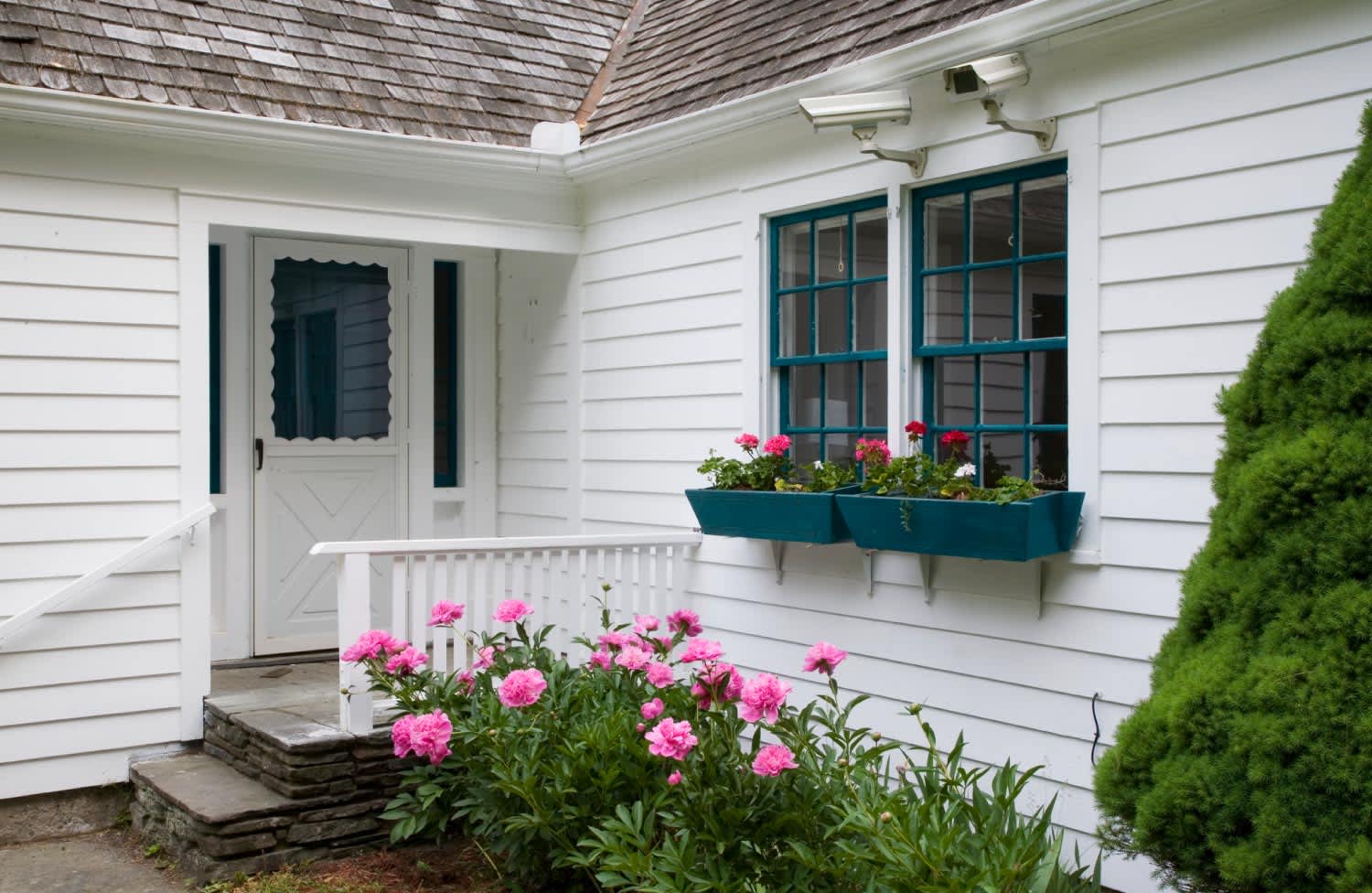
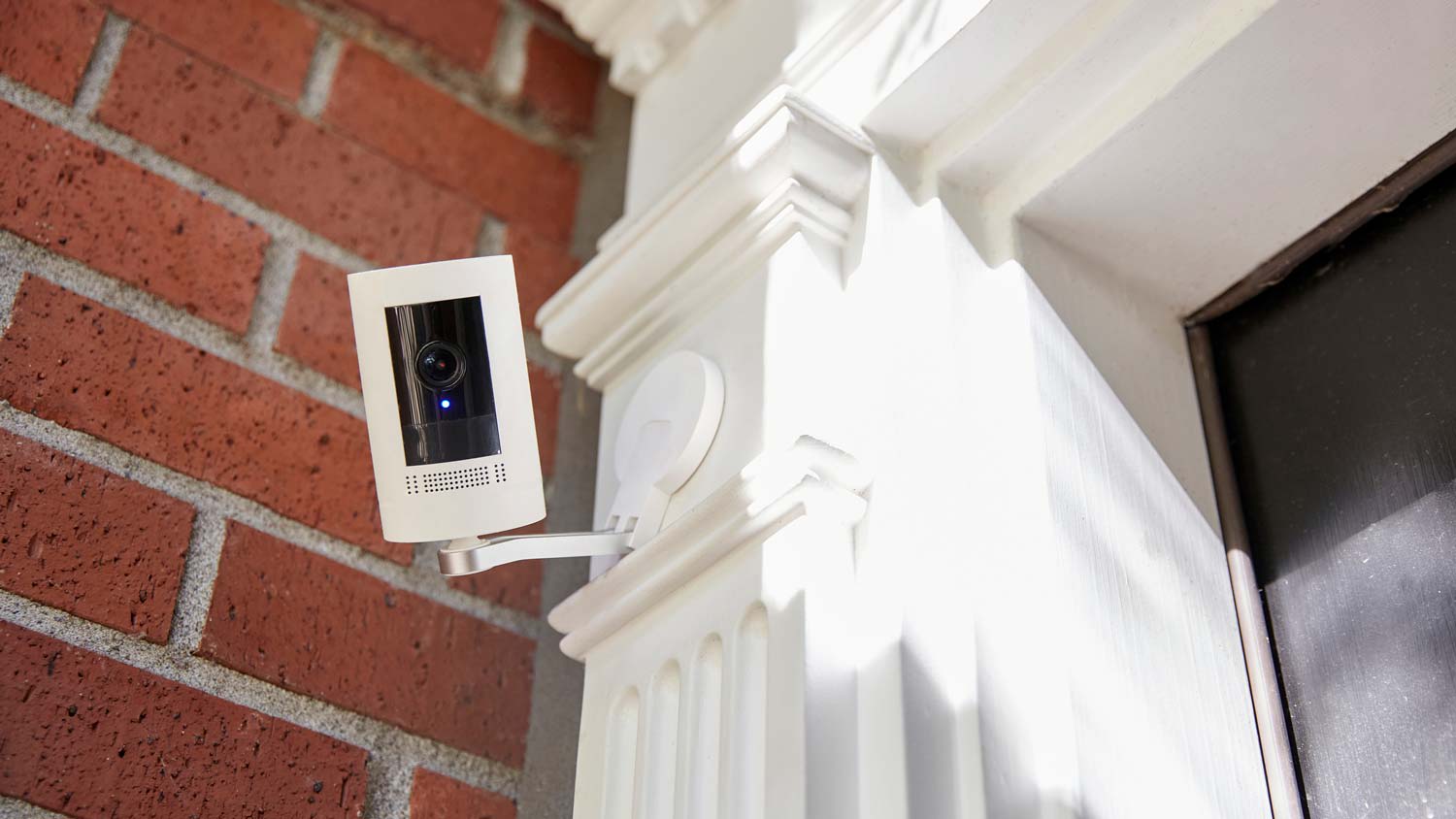
Home security cameras typically do not record continuously 24/7. Most options use motion detection technology to trigger recording when they sense movement or a significant change in their field of view. This approach conserves storage space and reduces the need for constant monitoring. When motion is detected, the camera starts recording and may send alerts to the homeowner. However some cameras offer the option for continuous recording, but this requires substantial storage capacity and may overwrite older footage when space runs out.
When deciding whether a home automation system is right for you, consider the advantages and disadvantages first.
Pros
Home automation can help make your home more energy efficient, possibly lowering utility bills.
A wide range of automated solutions is available to meet your needs.
Centralized and remote control of different home automation systems.
Cons
Home automation can be costly.
Not all automated systems are compatible with each other.
Over-dependence on home automation can be problematic if systems cannot connect to the cloud.
There are a number of ways to secure windows. You can add motion detectors or window sensors to detect movement and impact or change the window locks to make them stronger. Some of the ways you can secure windows are much like how you secure a home: closing the curtains at night and setting up security cameras outside so you can monitor your property even in your absence.
The Mina, SD homeowners’ guide to home security system services
From average costs to expert advice, get all the answers you need to get your job done.
Learn how to hire a home security system installer, find qualified pros, and ask the right questions to protect your home with professional installation.
Monitored vs. unmonitored home security systems: which can best defend your home from crime and other dangers? Learn the differences between these two products.