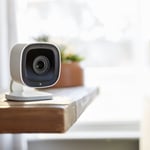
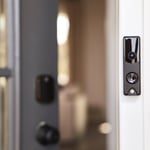
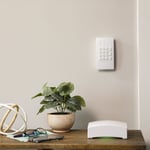
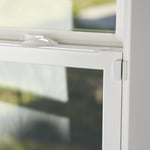
"I self installed our FrontPoint system. It went smoothly and my questions were answered efficiently and professionally by the FrontPoint staff. I would highly recommend FrontPoint as a home security system."
"It went great! From Travis the sales person to Noah the installer I couldn't have asked for a more professional and through team to deliver my home security needs. We just bought a new house in a neighborhood that's up and coming but there's still an element that we want to protect our home and valuable from. Security One helped us find a system that we could monitor while we're away and that would make my girlfriend feel safe when I'm not a home. We highly recommend them especially Travis and Noah. Ask for them by name! "
"We like their service. We haven't had any problems. They are very good. This was the first time we've had an alarm/security system in our home. The supplier is ADT. I like that I can set my alarm every night before I go to bed."
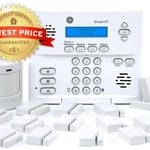
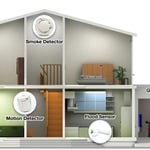
"About 4 years ago I need my home protected by something other than my dog while I was not home looking for a job. I needed something affordable, simple to use and install my self as my house was not prewired. I found Protect America and it had all I needed and more. Over the years I have added to my system more sensors, motion detectors, camera's, carbon monoxide sensor, and monitored smoke detectors. All of it was simple enough to do with some help with their Installation Technician walking me though everything on the phone. I have had other companies try to get me to switch to them, but what I have works and they could not beat the price so I told them no thanks."
"LOVE this system! Customer service was extremely nice and made my experience effortless. Speaking of effortless, the self-installation was super easy. It took me less than 30 minutes from start to finish to get my system up and running. Highly recommended!"
"The work went very well. I believe the job was more difficult than the work described in the estimate. There was no additional charge. Alvin answered every question. He responded to my emails promptly. He even came back to reset the new system after my dog ate one of the remotes. Two months later my 10 year old TV quit. I had several questions about a replacement TV, which was returned based on Alvin's advice. I will make an appointment to have Alvin install the new TV."
AIO provides computer support services for all PC platforms including Apple OSX/iOS, Microsoft Windows, and Google Android devices. \n\nWe are the only company on Angi.com with a BBB A+ rating providing nation-wide IT support on-site/remote services from over 1500 locations. You can call us directly at 832-402-1335, option 1 for sales, to be connected to a sales engineer if you need immediate help. You can also visit our website at https://aiosupport.net. We look forward to helping you!
"Well, the first time the replacement was ordered it was the wrong one, which of course, delayed the installation a week. When it was finally installed I had to pay an additional $850 for code upgrades. This I was not informed of by Home Shield. Then we noticed that there was water on the garage floor and found that the pipe coming in from the wall was leaking at the wall so had to call the plumbing company back out to fix it. They first tried to say it was not their fault but since there wasn't a leak before they installed they did fix it. I have used Home Shield a few times before and never had a problem. Some of the companies they use are not the best so you have to research them before you commit. I have found HS service to be good if you do your homework. At the end of the day I was without hot water for almost 3 weeks but it was do to the plumbing company they sent out."
"I only wish that their fee wasn't quite so high. There was a lot more that I needed to learn but couldn't afford it at $85 an hour. This is the most I've ever paid for computer work in my home ."
Home Security Systems questions, answered by experts
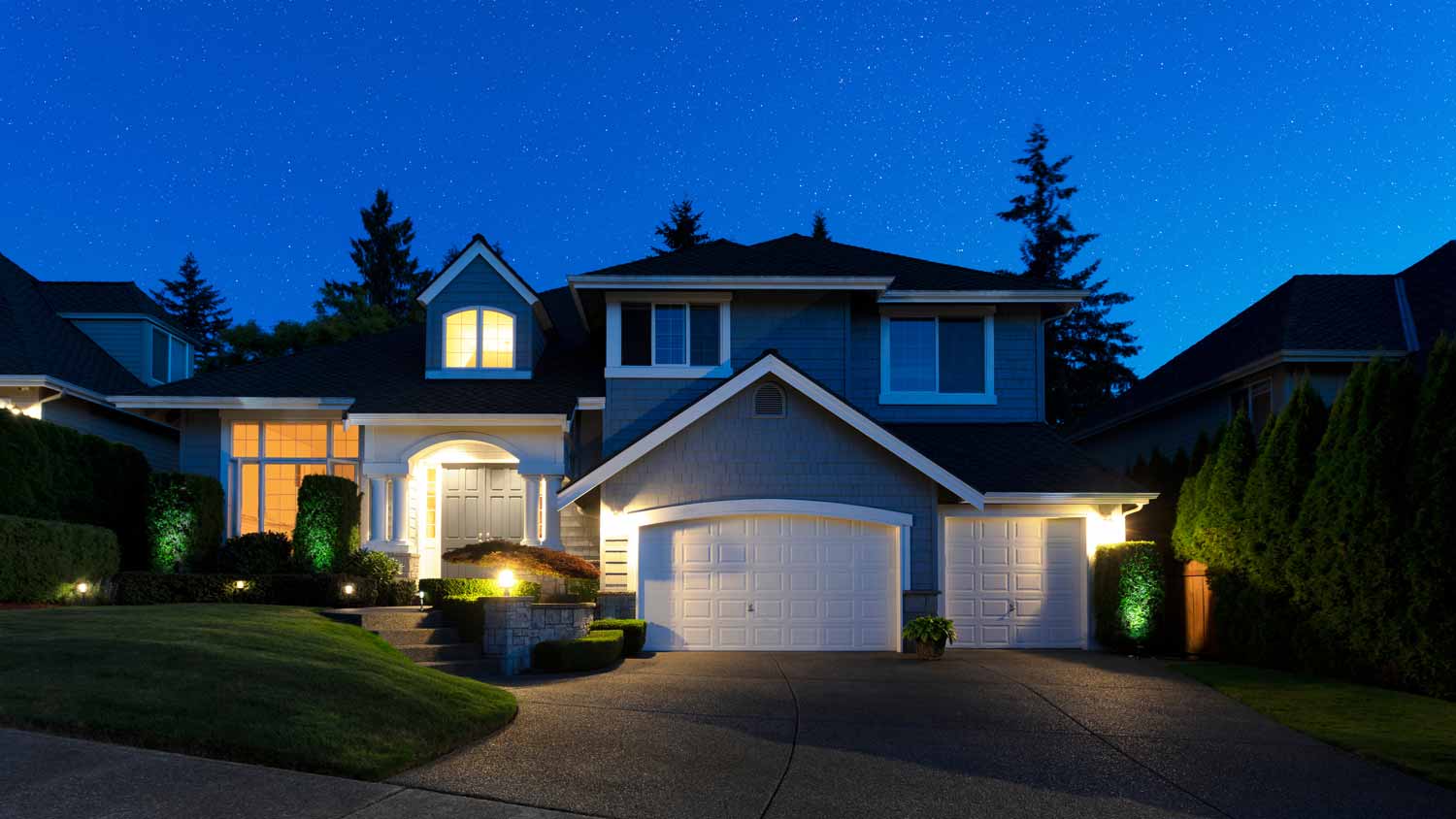
Leaving a light on at night probably does not deter burglars as much as we would like. While there isn’t much evidence supporting the theory that lights deter burglars, there’s not anything disproving it either. If you feel like it offers added security because a burglar thinks you’re at home, then you can set your lights to a timer so they go off and on at intervals, mimicking someone moving around inside the house at night. A better idea is to install motion sensor lights in your yard.
Yes, adding ease of use and remote access via smartphones.
Expect to spend an average of $150 to $500 to set up a home flood detection system. However, be aware that costs are wide-ranging. You might only spend a budget-friendly $50 to place basic, battery-operated sensors in a few key areas of your home, or $150 to set up two or three smart sensors. The purchase and professional installation of a whole-home protection system with water shutoff capabilities could cost between $500 and $1,000.
Smart deadbolts are a worthwhile investment for homeowners seeking more convenience, flexibility, and advanced features than a traditional deadbolt can provide. While a strong conventional deadbolt offers sufficient security for most, smart deadbolts provide significant upgrades.
Key benefits include keyless entry via smartphone, keypads, or biometric sensors, and the ability to lock or unlock your door remotely. You can also manage access for guests by creating temporary codes, eliminating the need for physical keys and the risk of them being lost or duplicated. Many models integrate with smart home systems and offer features like automatic locking, entry-exit monitoring, and tamper alerts with encryption for enhanced security.
However, there are downsides to consider. Smart deadbolts are more expensive than their traditional counterparts and rely on batteries and wireless networks to function. This dependency introduces potential vulnerabilities, such as hacking by skilled intruders and privacy concerns. Installation can also be more complex. Despite these drawbacks, the added layer of convenience and protection makes them a compelling option for many.
Security experts recommend deadbolt locks as the most secure option for a house's exterior or entry doors. Deadbolts provide the best security because they can prevent most types of forced entry and are harder to lockpick. Common types include the standard single-cylinder deadbolt, which is often found on front doors. For enhanced security, you can opt for a double-cylinder deadbolt, which requires a key to operate from both the inside and the outside.
The Presho, SD homeowners’ guide to home security system services
From average costs to expert advice, get all the answers you need to get your job done.
Learn how to hire a home security system installer, find qualified pros, and ask the right questions to protect your home with professional installation.
Monitored vs. unmonitored home security systems: which can best defend your home from crime and other dangers? Learn the differences between these two products.