




Top-rated tv mount installation pros.

Get matched with top tv mount installation pros in Auberry, CA

Enter your zip and get matched with up to 5 pros

Need a pro for your tv mount installation project in Auberry, CA?

Select your specific project to find the pro for you.

TRUSTED BY AUBERRY, CA HOMEOWNERS

  • Average homeowner rating star icon4.9
    Average homeowner rating
  • Verified reviews icon17
    Verified tv mount installation services reviews

Find Tv mount installation pros in Auberry

Avatar for Gridlocked
Gridlocked
5.0(
118
)

Serving Auberry, CA and surrounding areas

Approved

Super Service Award Winner

In business since 2017

Free estimates

Small jobs welcome

"Very good work he was definitely on time and made sure that he got all the TVs mounted. I appreciate all his work and I would definitely recommend him to anybody else for TV mounting."
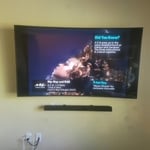
Curve Tv with Soundbar
65in tv with floating sound bar
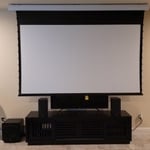
Projector and screen
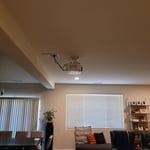
Projector
in wall speakers

+3

Response time12 hrs
27 neighbors recently requested a quote
Recommended by81%of homeowners
Avatar for A.N.T. Integration Inc
A.N.T. Integration Inc
4.7(
20
)

Serving Auberry, CA and surrounding areas

Approved

Super Service Award Winner

In business since 2025

Free estimates

Small jobs welcome

"Anthony was very professional and did a good job, however the tv is tilted down on the left side. When i called him back several times, he never returned my call."
Response time4 hrs
Response rate91%
5 neighbors recently requested a quote
Avatar for Pro Movers
Pro Movers
5.0(
27
)

Serving Auberry, CA and surrounding areas

In business since 2006

Free estimates

Emergency services offered

"It went well I really appreciated the communication and Hard work that was put in I highly recommend them to accommodate any needs they may want to be moved or fixed So i Rate them 5 stars ?"
Moving Companies Project
Additional Photos

+104

Recommended by100%of homeowners
Showing 1-10 of 50
Tv Mount Install questions, answered by experts

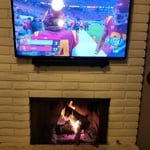
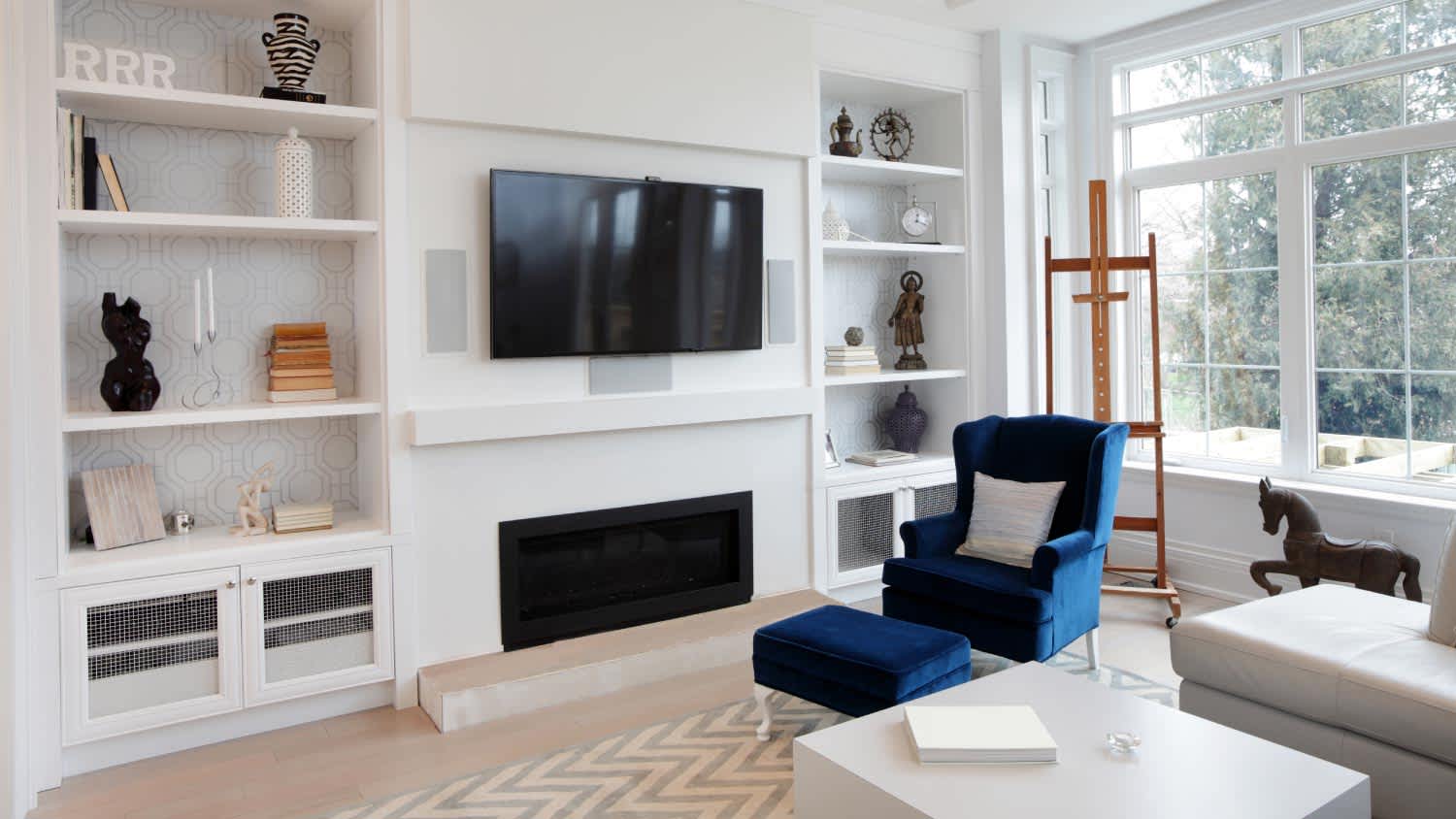
In most cases, you should not put a TV on a fireplace mantel. The minimum width required to put a TV safely on a shelf or mantel is 10 inches, but pre-made mantels are usually too shallow, averaging at only seven inches deep. If you do choose to place a TV above a mantel, it should be mounted to the wall. However, do so cautiously as heat radiating from the fireplace could potentially cause damage to electronics.

If you don’t have studs in the area where you want to install your TV mount, you may still be able to install a TV mount on drywall. The easiest way to install a mount on drywall is by using drywall anchors—but not just any plastic anchors. Choose molly bolts or toggle anchors, which have a weight capacity of around 50 pounds. For added support, consider pairing drywall anchors with a wall mounting plate. Extra heavy TVs may need to be mounted via the ceiling joists or beams.

You can stream HDR video content from most major streaming services, including Amazon, Google Play, Itunes, Netflix, and Vudu with a 4K TV. You can also use this content in various forms, such as 4K Blu-ray players, cameras, and smartphones. 

In addition, 4K content is gamer-friendly. You can use major gaming platforms such as the PS5 and Xbox to stream 4K gaming.

They offer cable concealment and sound system integration, enhancing the viewing experience.

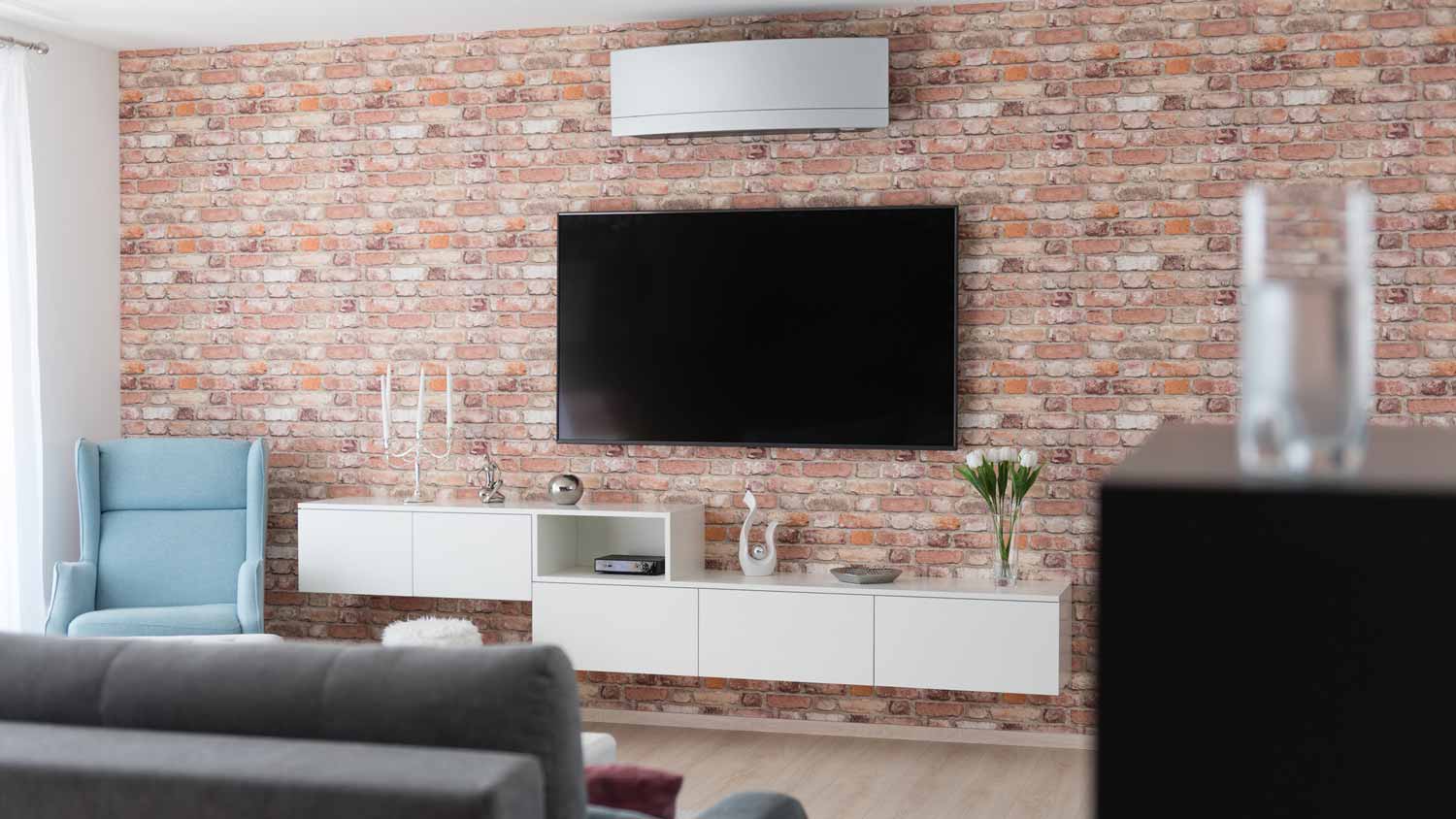
Yes, you can mount a TV on a brick wall as a DIY project. This process requires specific tools, such as a masonry drill and masonry bits, as a regular power drill is not sufficient for drilling into dense surfaces like brick. You will need to drill mounting holes directly into the bricks, not the mortar, to ensure there is enough support for the weight of the TV and its bracket. After drilling, use large plastic wall anchors or concrete screws to securely attach the TV mount.

The Auberry, CA homeowners’ guide to tv mount installation services

From average costs to expert advice, get all the answers you need to get your job done.