
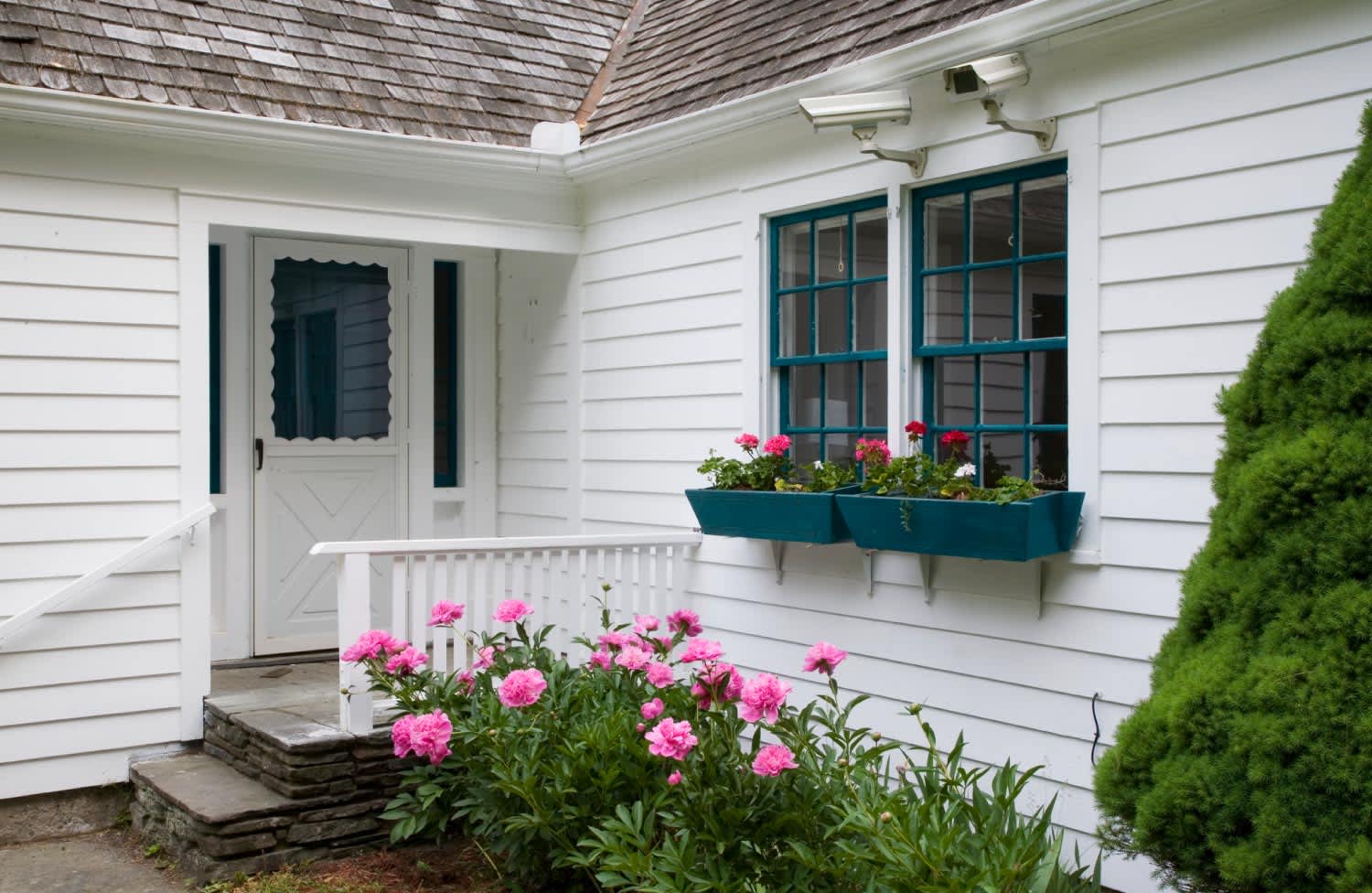
A security camera system gives you peace of mind that there’s always a watchful eye on your home. Learn the costs of installing surveillance cameras.
Home security system service costs depend on your project and location. Check with a local pro for your specific job.

Home security system installation costs $300 to $1,236, with your final total depending on the type of system and number of cameras you choose.
Wireless systems cost less upfront than wired installations, but professional monitoring adds monthly fees that change your long-term budget.
Account for activation fees between $0 and $230, alarm permits up to $100, and electrical permits if you install a hardwired system.
Hiring a local home security system professional ensures your monitoring connects properly and keeps your household safe from break-ins.
In 2026, the national average cost of home security system installation is $746, based on 1,667 verified projects from Angi Pros. Most homeowners pay between $300 and $1,236, with the spread driven by the type of system, the number of cameras, and whether you opt for professional monitoring. Budget for additional costs like activation fees, alarm permits, and equipment upgrades, which can push your total closer to $2,500.
The true cost of a home security system depends on the type of system you choose, the size of your home, and whether you add professional monitoring. A basic wireless setup starts much lower than a fully wired installation, but monthly monitoring fees can significantly shift your long-term budget. Costs vary by system type, equipment, and contract terms, so the breakdown below covers what to expect across each category.
The type of home security system you choose is the single biggest driver of your overall cost, with options ranging from simple standalone cameras to fully monitored wired installations.
Wireless home security systems: Wireless systems cost $200 to $2,000, depending on the number of cameras. You can control these systems through your smart device. They may cost less upfront because they have a simple installation, but they often come with monthly fees.
Wired home security systems: Wired home security systems typically cost between $800 and $1,600 to install. These always require professional installation, which often involves cutting into walls to connect panels and sensors. The good news is that wired systems are harder to hack.
Monitored home security systems: If your home security system is monitored by a 24-hour professional security company, expect to spend $10 to $65 per month , depending on the type of monitoring.
Standalone cameras or sensors: You can buy standalone cameras or sensors for less than $100 to $200, but you'll need to monitor them yourself unless they come with a monitoring service.
A full home security system generally starts with $200 to $400 for basic equipment, plus $20 to $300 for each additional sensor you need to cover your home. Installation and activation may add to that upfront cost, and professional monitoring runs $10 to $65 per month on an ongoing basis.
Home security systems may advertise a base price as low as $200, but that figure rarely reflects what homeowners actually pay once they account for their full coverage needs. A standard starter kit includes a base station, a couple of contact sensors, and a couple of motion sensors, which typically isn't enough to cover an entire home. Each additional feature adds $25 to $300 to your total, and the average homeowner ends up spending $700 on a basic, no-frills system.
The base station (also known as a control panel)
Contact sensors (or window/door sensors)
Motion sensors
Many national security companies waive installation fees because they recoup costs through monthly monitoring contracts, so you may pay nothing upfront for labor. When installation is charged separately, expect to spend $120 to $600, with costs rising based on the volume of equipment your pro needs to wire together.
If your home security system is monitored, expect to pay a recurring monthly fee that varies based on the type of monitoring your contract includes. Costs depend on whether you choose landline or cellular monitoring, so here is a breakdown of what each option typically costs.
Landline monitoring: Landline monitoring is the old industry standard and costs $20 to $30 per month . It's what it sounds like, your system sends your security company information through your home's landline.
Cellular/GSM monitoring: Cellular monitoring costs $10 to $65 per month , and it's quickly becoming the most popular modern option. This type of security system has a GSM chip in the central control panel which sends signals to your security company through a cellular (or wireless) network.
Activation Fees: If you're using a monitored security system, you might have to pay an activation fee to start the service. Activation fees can cost anywhere from $0 to more than $230. It all depends on the contract. Some skip activation fees for monthly costs, so make sure you read your contract.
Oftentimes, you'll see cellular/GSM monitoring used as a landline backup, since something as simple as cutting a home phone line is enough to compromise a landline system. That being said, cellular systems are more susceptible to hacking or signal interference.
Depending on where you live, a monitored security system may require an alarm permit costing $25 to $100, which registers your system with local emergency services like the police and fire department and may carry an annual renewal fee. If you are installing a hardwired system, you will likely also need an electrical permit, and the cost of a permit varies by location from $10 to $500.

Many homeowners don't stick with the base model. They add additional security features. We're not just talking about an extra sensor, we're talking about extra services. These all come with an additional cost.
Not all home security systems include security cameras, but options have expanded significantly to cover indoor cameras, outdoor cameras, and all-weather video doorbell cameras. Video surveillance equipment typically runs $40 to $400, with most homeowners spending less than $200 per camera. Installing a camera also usually adds a video surveillance monitoring fee of $40 to $65 per month.
Some smart home automation features give you greater control over security, and many homeowners opt to make a range of smart home upgrades while installing their security system. You can control these features via your smartphone or smart hub. Here are some common upgrades and costs:
Smart locks: $150
Smart lighting: $15 to $90
Smart smoke, fire, and CO alarms: $35 to $100
Smart thermostats: $130 to $500
A duress signal silently alerts your monitoring company when an intruder forces you to disarm your system, and some security packages include this feature at no extra charge. If yours does not, expect to spend $20 to $150 to add it.
A panic button typically costs an additional $30 and lets you immediately alert police or your security company to a threat without reaching the control panel. Most homeowners place them in high-traffic areas like bedrooms or kitchens for quick access.
Adding extra sensors is a common upgrade, with window and door sensors running $25 to $300 each and glass break sensors typically costing $100 to $200. Garage motion detectors start as low as $20, though higher-end models can reach $200.
Both professional-monitored and self-monitored home security systems have advantages and drawbacks. Understanding what each entails can help you make the best decision for your needs and budget.
With a professional-monitored system, a security company oversees your home 24/7. If an alarm is triggered, the company can quickly alert emergency services, providing an added layer of security and peace of mind.
Pros: The key benefit of professional monitoring is continuous protection. No matter where you are or what you're doing, someone is always watching out for potential security threats on your behalf. This service also often comes with additional features like video surveillance and direct communication with emergency services, which can make the response time quicker in critical situations.
Cons: The main drawback is cost. These systems come with monthly fees that range from $10 to $65, and you'll typically sign a contract, which may include activation fees and permit requirements. There's also the potential for false alarms, which could lead to fines if emergency services are contacted unnecessarily.
Self-monitored systems put you in charge of overseeing your home's security. These systems usually connect to your smartphone, giving you the ability to check in, receive alerts, and take action if needed.
Pros: The biggest advantage of self-monitoring is cost, there are no recurring monthly fees. You'll only pay for the equipment, and you can decide what level of security you need without being tied to a contract. The ability to control the system through a smart device is also a plus.
Cons: While self-monitored systems might be cheaper, not having professionals oversee your home's security is a big drawback for many homeowners. If you miss an alert or can't respond in time, there's no backup to protect your home.

You'll need a professional to install a hardwired security system, but most homeowners can install wireless security systems on their own. In this case, you'll just have to pay for the system (which costs as little as $200) and any activation or monthly monitoring fees. Doorbell video surveillance systems are among the most popular DIY options, but always read the reviews and your contract to avoid hidden fees.
A professional job doesn't have to cost a lot of money. It's less common among local home security companies, but many national security services actually offer free installation with your contract. If it's not included, hiring a home security service near you will generally cost $120 to $600 more than a DIY job.
Home security systems have a huge range of prices. It all depends on the model and the contract you choose. Here are some ways you can save money—but remember, don't compromise your personal safety. You may spend less on less sensors, but if it leaves an unmonitored entry point in your home, it may not be worth it.
Some insurance companies will give you a discount on your policy if you install a home security system. You could save up to 20%—which can help ease the strain of high installation costs and monthly monitoring fees. Speak to your insurance company before you buy. They may offer different savings for different types of systems.
Some DIY home security systems have no monthly or low monthly fees because they're self-monitored. These systems use smart home technology that automatically sends an alert if someone trips a sensor.
Home is the most important place on earth, which is why Angi has helped more than 150 million homeowners transform their houses into homes they adore. To help homeowners with their next project, Angi provides readers with the most accurate cost data and upholds strict editorial standards. We’ve surveyed thousands of real Angi customers about their project costs to develop the pricing data you see, so you can make the best decisions for you and your home. We pair this data with research from reputable sources, including the U.S. Bureau of Labor Statistics, academic journals, market studies, and interviews with industry experts—all to ensure our prices reflect real-world projects.
Want to help us improve our cost data? Send us a recent project quote to [email protected]. Quotes and personal information will not be shared publicly.
If you’re good people wanting to do business with good people, hire Matt. He is a consummate professional and utterly competent. He installed a water heater in my home at a price that beat competitors by hundreds of dollars with a promise to support the unit for its life (even after its 6 yr...
 Greene's Plumbing Services
I recently moved to another state and chose United Trust Van Lines after comparing several companies. Their team was punctual, professional, and extremely careful with my belongings. I was especially impressed with how they handled my home office setup and fragile items. Everything arrived on...
 United Trust Van Lines, LLC
1st Choice Renew is simply the best! We hired them for a complete home renovation, and they transformed our space into something truly amazing. The team attention to detail and commitment to quality were evident throughout the project. They were easy to work with, very responsive, and always...
 Save A Dime
I had Ace Fireplace Services install custom chimney caps for my home, and the results are stunning. They fit like a glove and have added a touch of sophistication to my chimney. I can't recommend their services enough.
 Ace Fireplace Services
Exquisite workmanship from Custom Paint Jobs LLC. My home has never looked better.
 Custom Paint Jobs, LLC
I was concerned about my possessions safety throughout the move but Bridge View Van Lines took all necessary security measures to make sure everything arrived in mint shape I am really appreciative of their effort and commitment They made my long distance move seem simple
 Bridgeview Van Lines
We needed windows in our home, and we couldnt believe we got our entire home done for under $14,000. We have a lot of windows, and not only was it affordable, but it got done in a timely manner! Thanks guys, I truly appreciate you all!
 Window Depot USA of Central Ohio
Working with Mike on our first home purchase was an absolute pleasure. Mike put us at ease and made the process of buying a home fun. Mike is knowledgeable, honest, professional, and punctual. He worked with our busy schedule and always made time for us. When a home came on the market that...
 Michael Marshall - Buyer's Resource Realty Svcs.
Before choosing a real estate agent, we conducted a lot of research to see who would be the best choice. Homes that Click stood out as the best Columbus has to offer: their rankings are excellent, their social media presence was strong, and I could tell they put a lot of work into their...
 Homes That Click Realtors
Fantastic! Top Line was early for the appointment and very knowledgeable and took time to explain everything they had found during the home inspection. The report included clearly defined issues and what they recommended to remedy the same. The report also included many pictures to help...
 Top Line Home Inspections, LLC
From average costs to expert advice, get all the answers you need to get your job done.
A security camera system gives you peace of mind that there’s always a watchful eye on your home. Learn the costs of installing surveillance cameras.
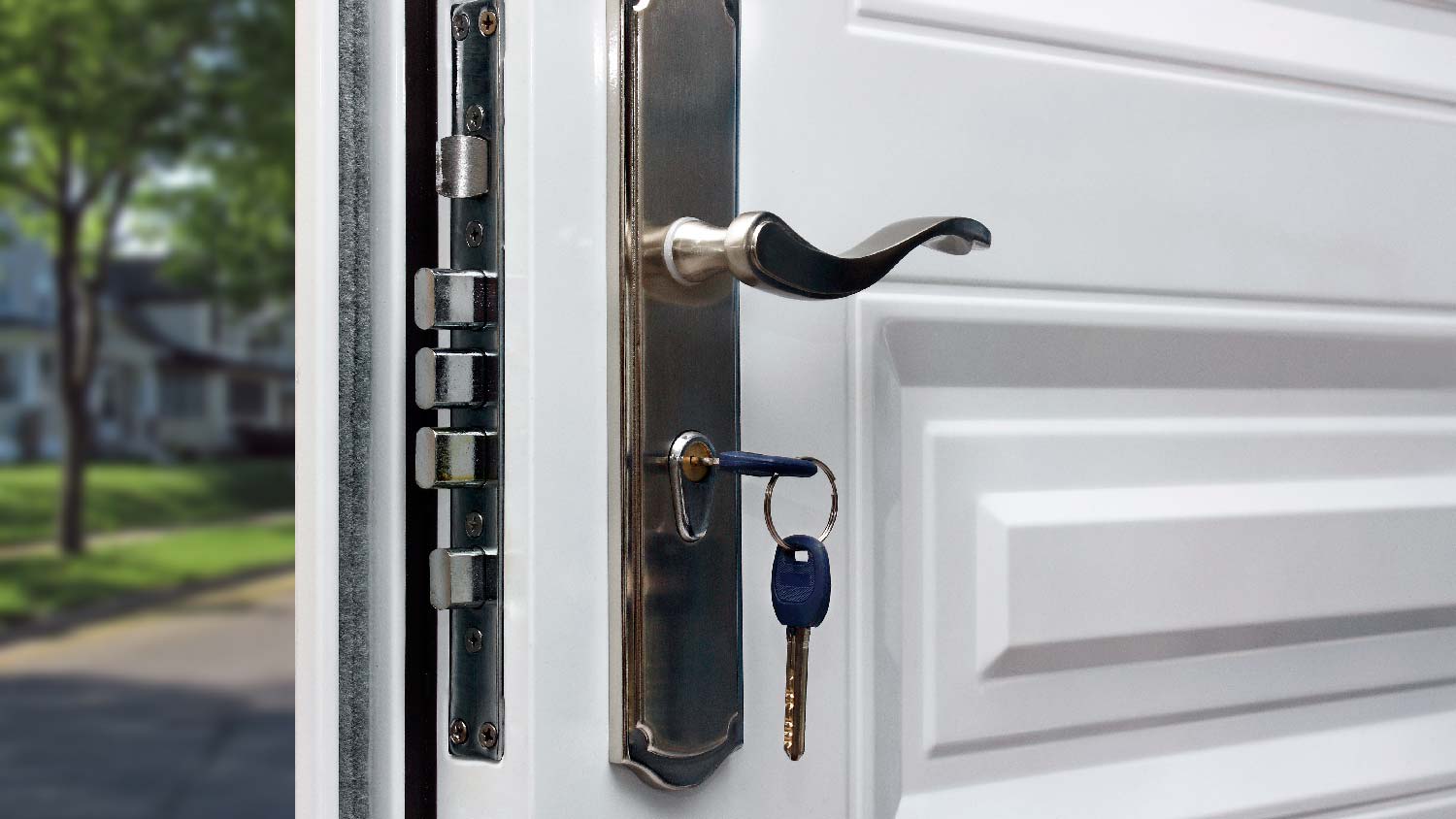
Discover the average security door installation cost, key price factors, and expert tips to help you budget for your home’s safety upgrade.
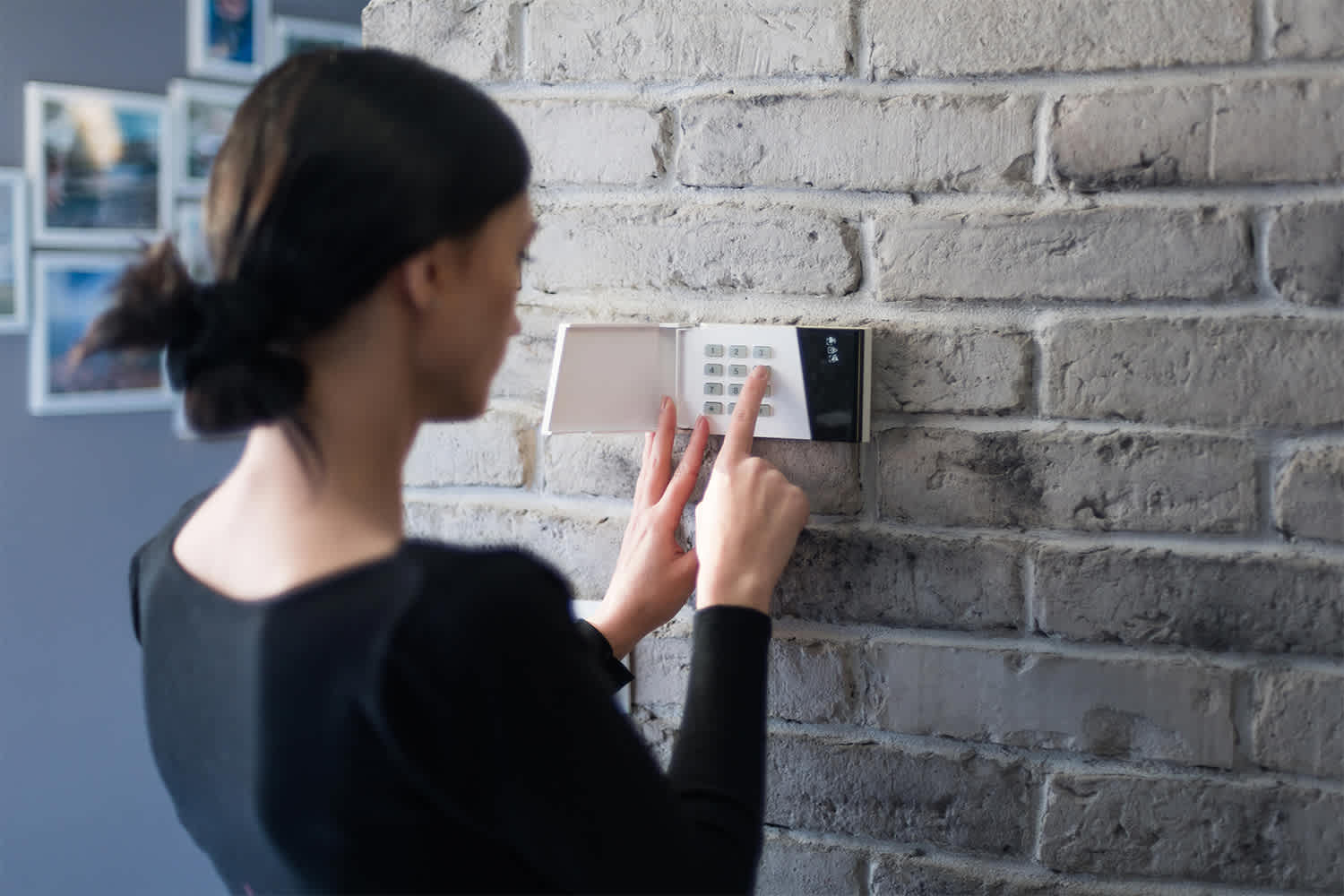
Learn how to hire a home security system installer, find qualified pros, and ask the right questions to protect your home with professional installation.
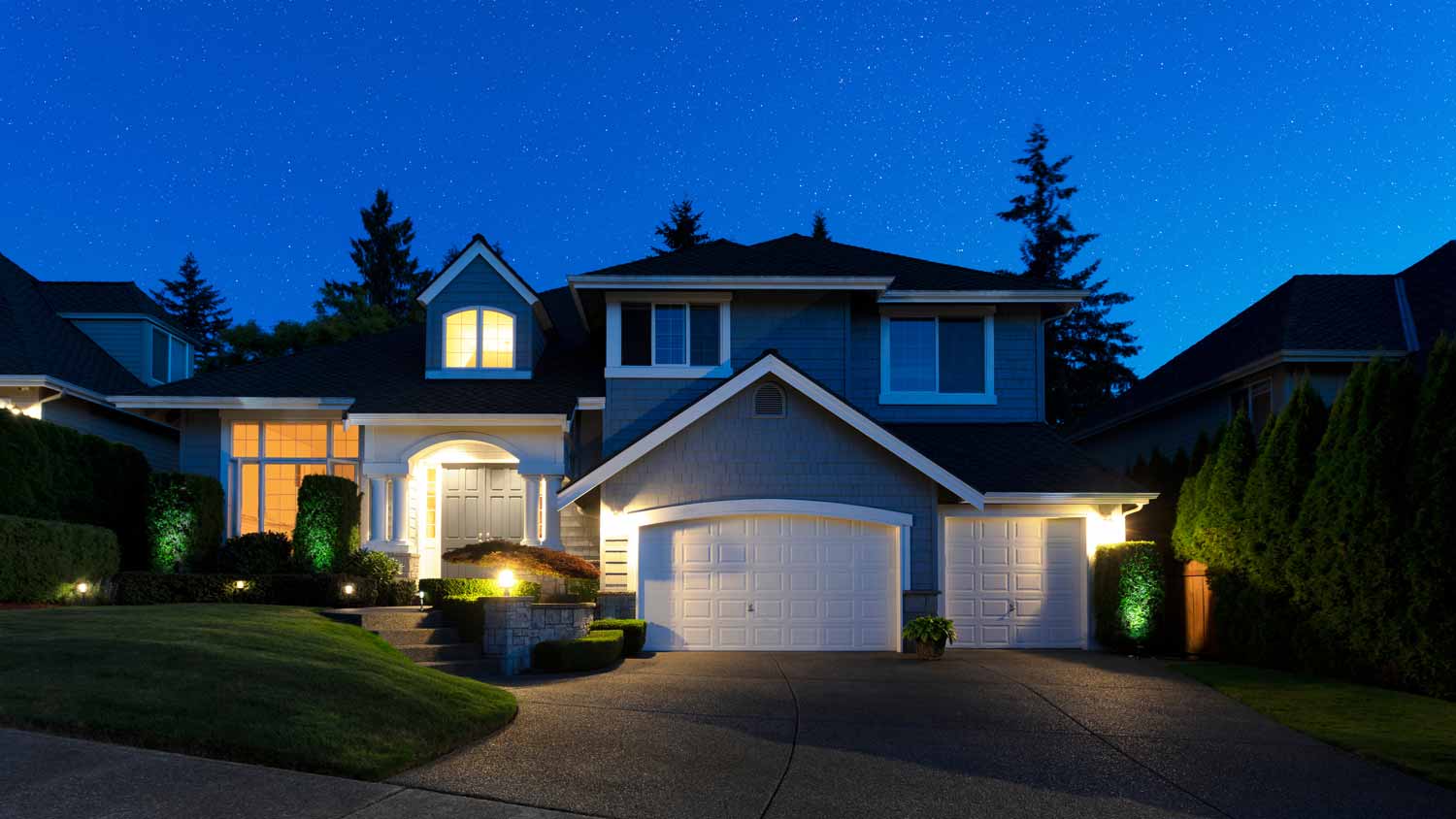
Discover how to choose the best home security system for your unique needs. Improve your home's safety with our helpful tips.
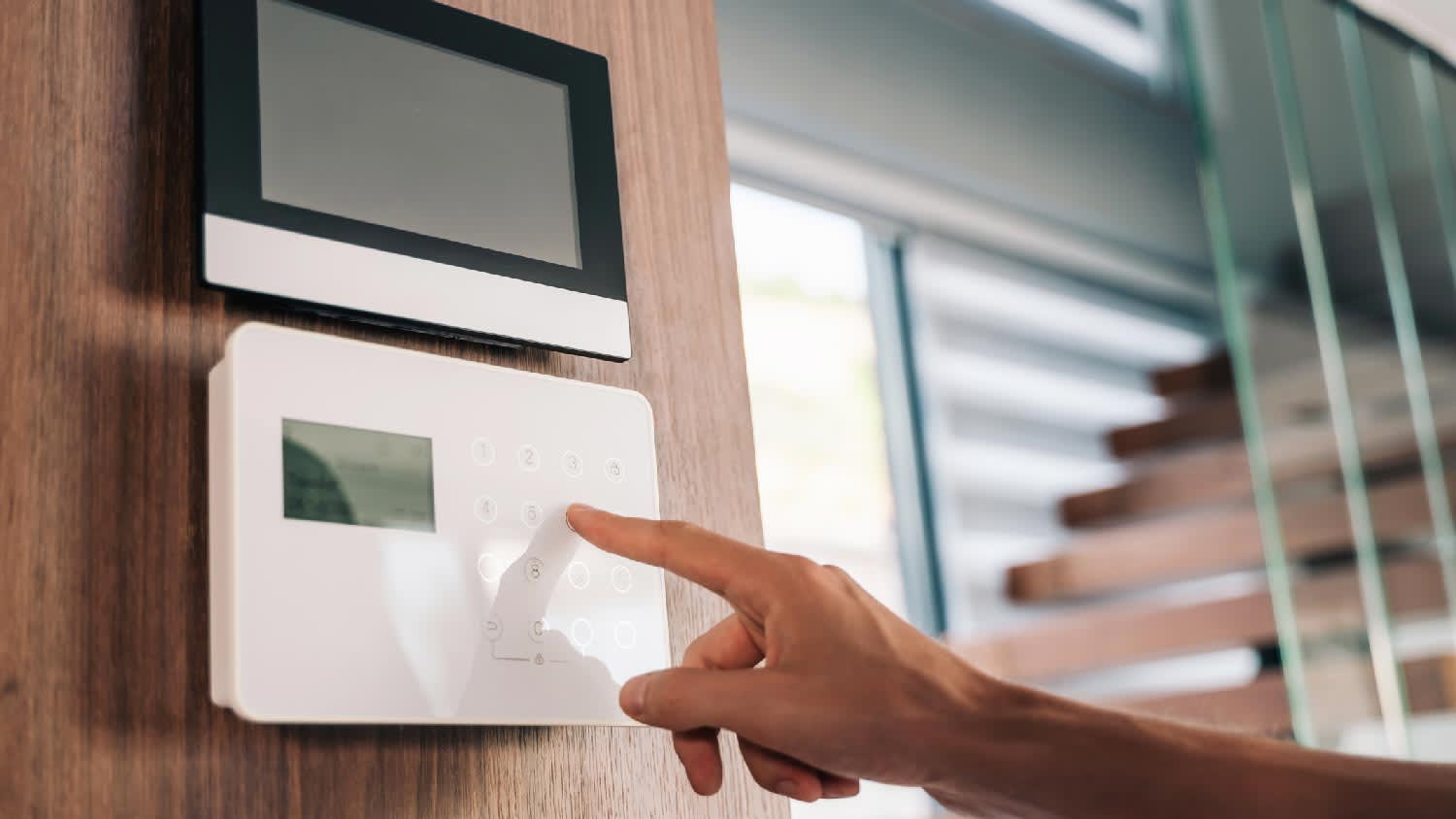
Discover the best professional to install your home security system, ensuring expert installation, ongoing maintenance, and peace of mind.
Alarm systems can be useful for home security depending on the type. If you’re wondering do alarm systems deter burglars, keep reading to find out.