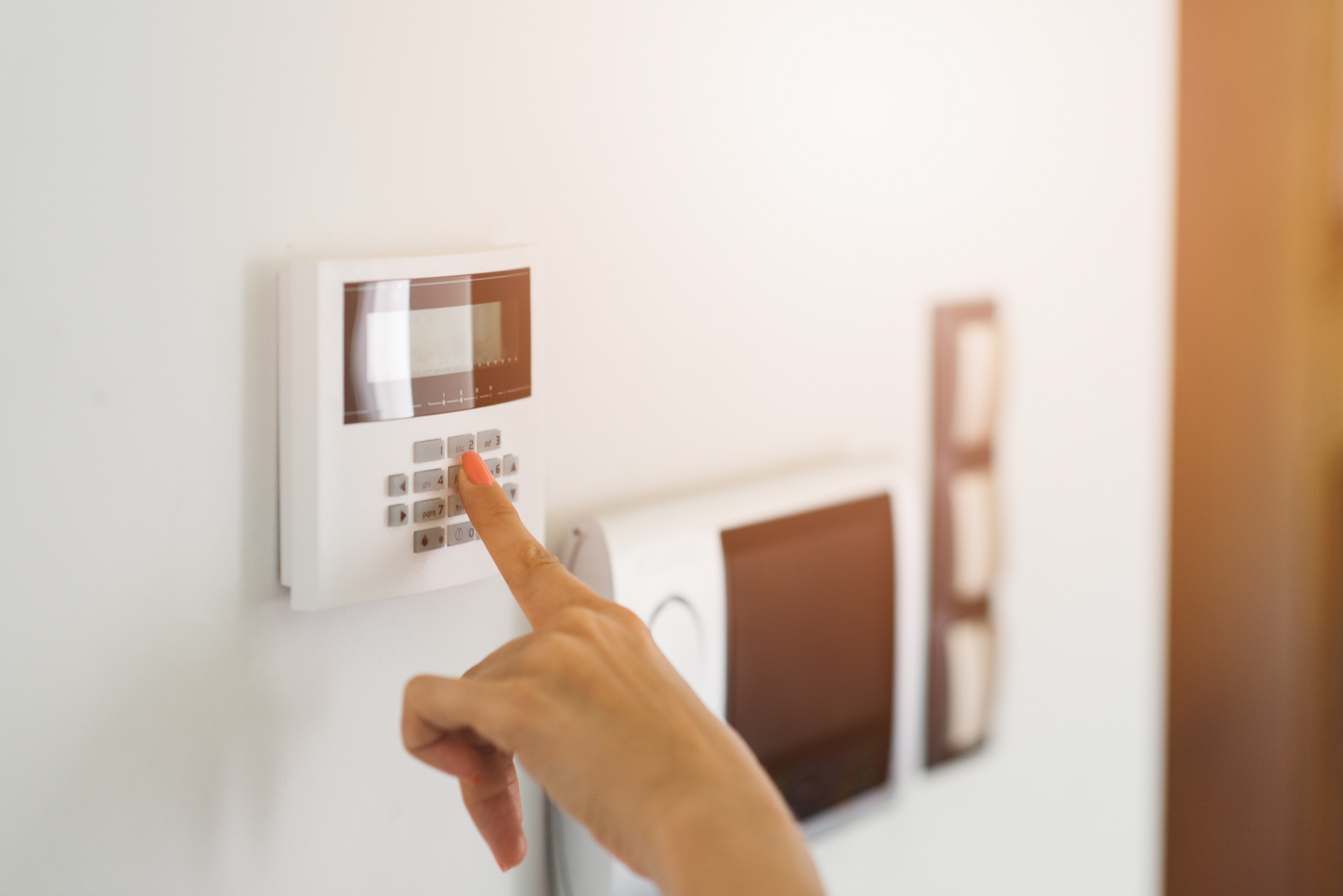
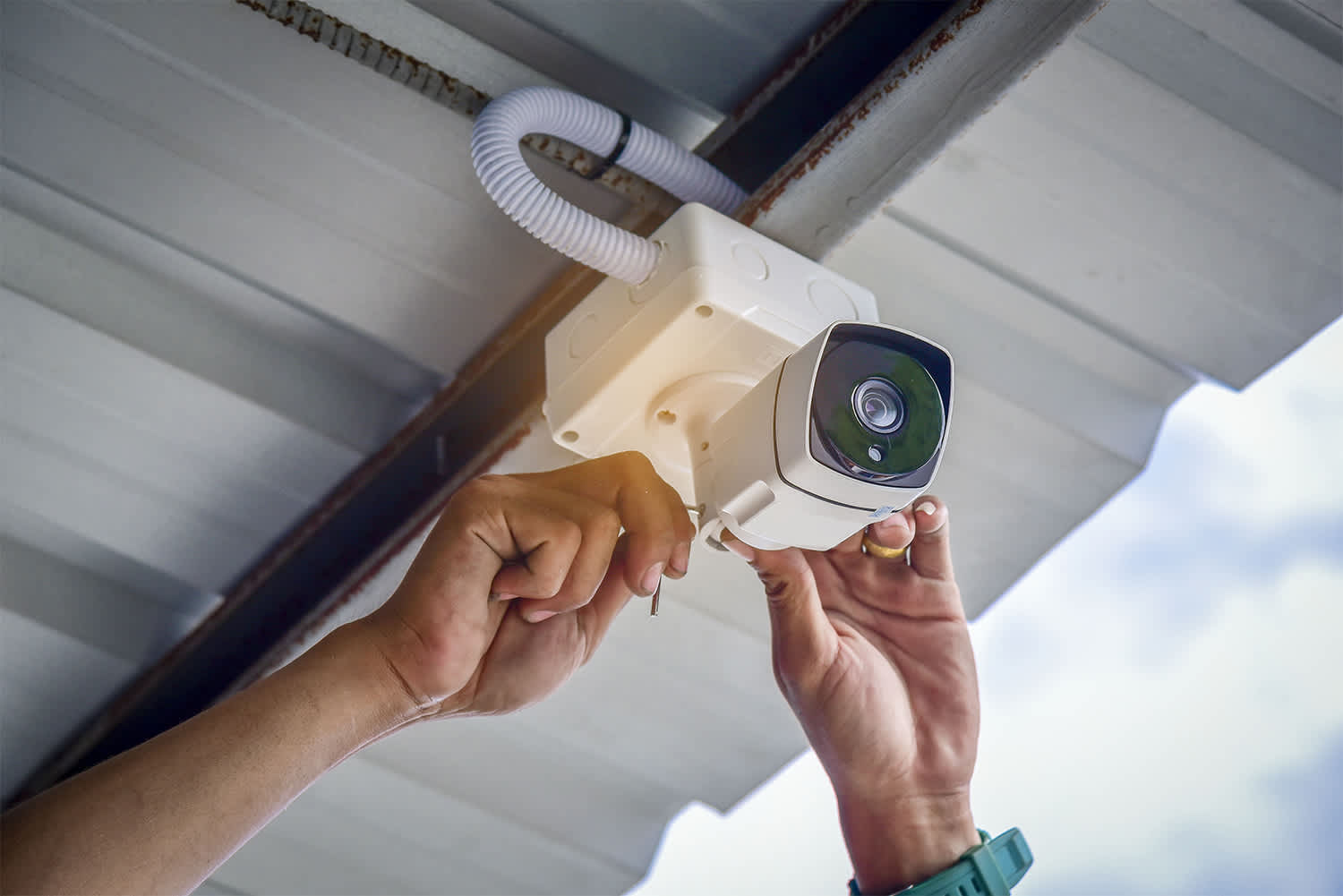
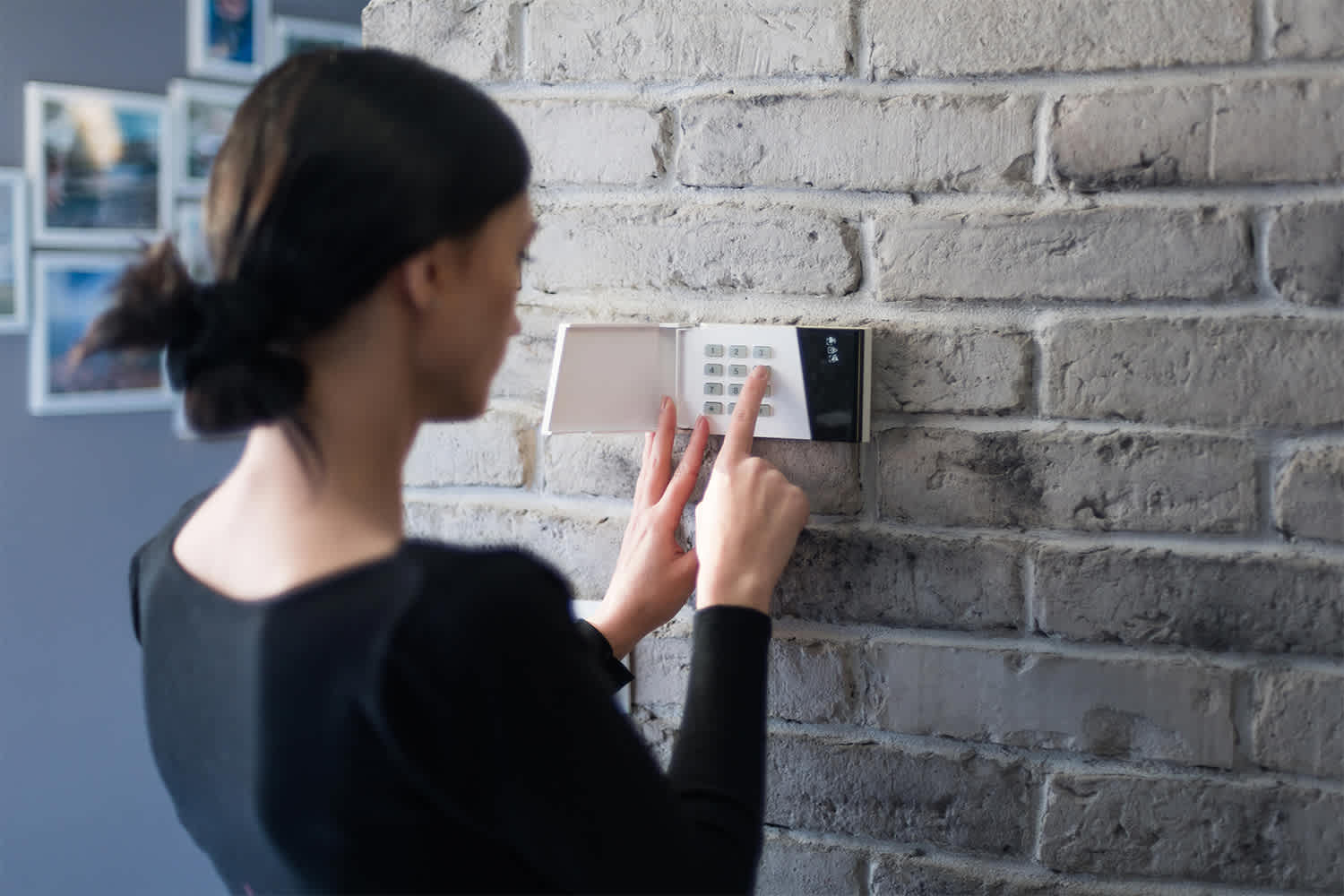
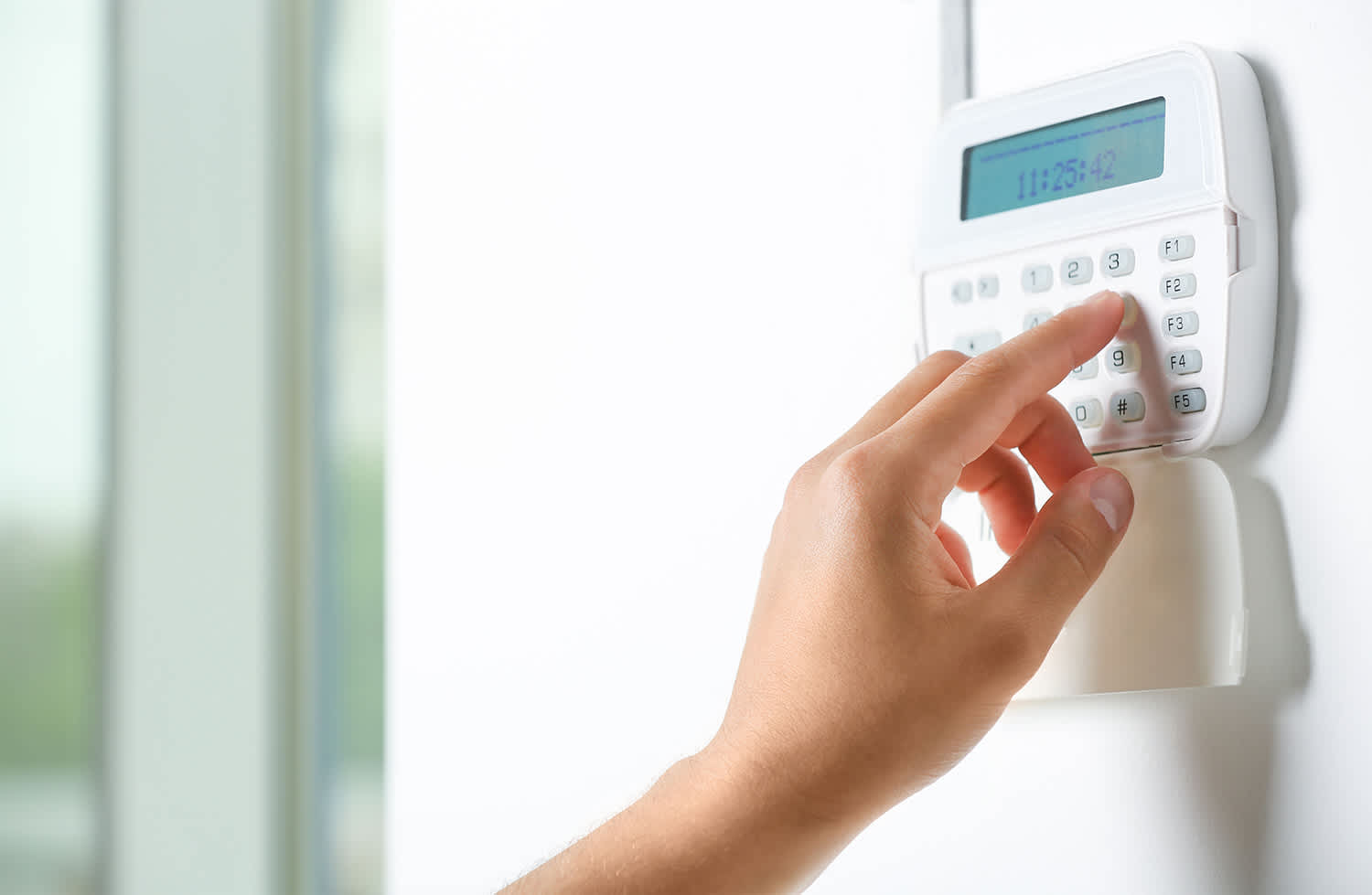
"I self installed our FrontPoint system. It went smoothly and my questions were answered efficiently and professionally by the FrontPoint staff. I would highly recommend FrontPoint as a home security system."
"It went great! From Travis the sales person to Noah the installer I couldn't have asked for a more professional and through team to deliver my home security needs. We just bought a new house in a neighborhood that's up and coming but there's still an element that we want to protect our home and valuable from. Security One helped us find a system that we could monitor while we're away and that would make my girlfriend feel safe when I'm not a home. We highly recommend them especially Travis and Noah. Ask for them by name! "
"We like their service. We haven't had any problems. They are very good. This was the first time we've had an alarm/security system in our home. The supplier is ADT. I like that I can set my alarm every night before I go to bed."
"About 4 years ago I need my home protected by something other than my dog while I was not home looking for a job. I needed something affordable, simple to use and install my self as my house was not prewired. I found Protect America and it had all I needed and more. Over the years I have added to my system more sensors, motion detectors, camera's, carbon monoxide sensor, and monitored smoke detectors. All of it was simple enough to do with some help with their Installation Technician walking me though everything on the phone. I have had other companies try to get me to switch to them, but what I have works and they could not beat the price so I told them no thanks."
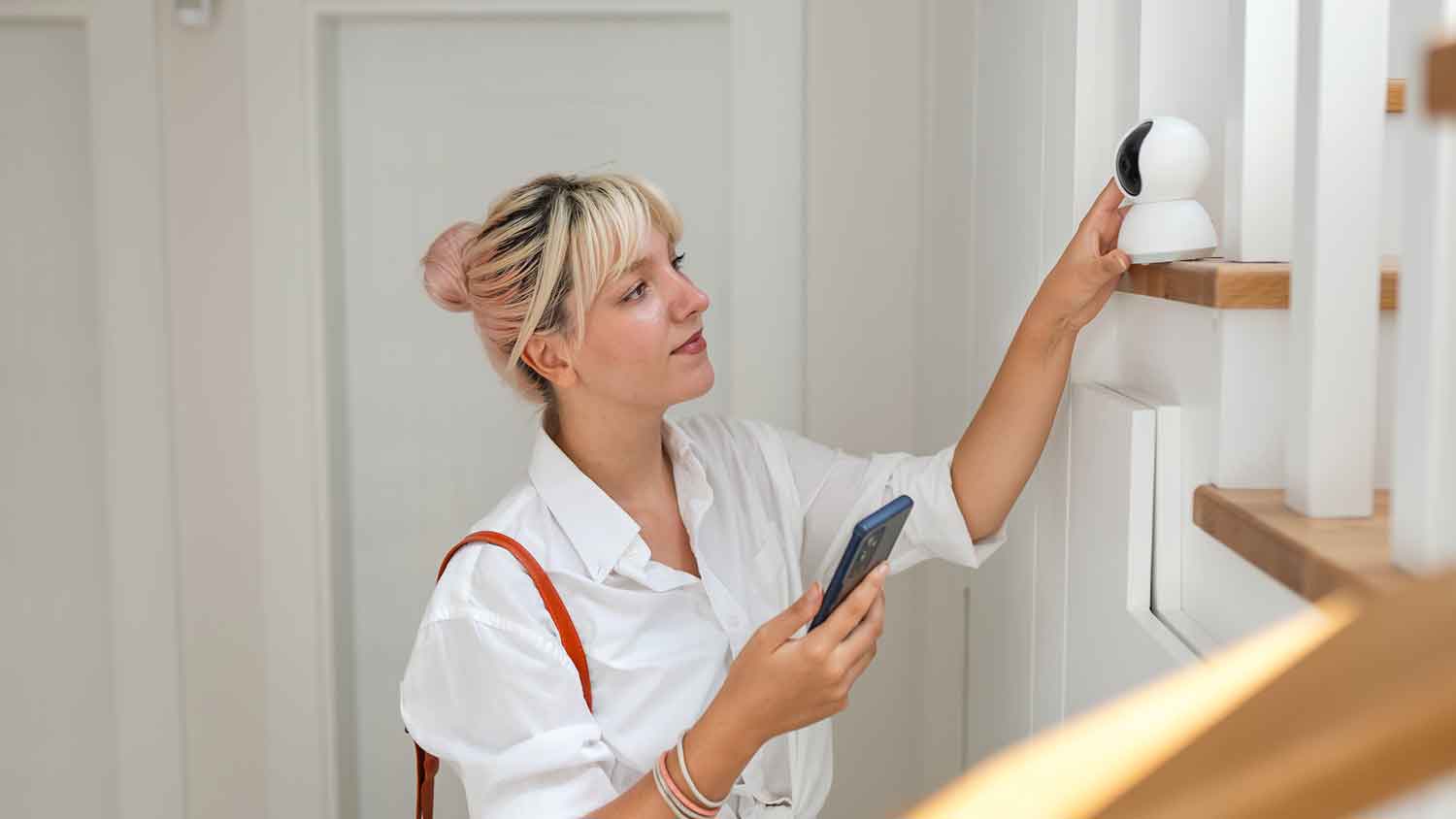
"LOVE this system! Customer service was extremely nice and made my experience effortless. Speaking of effortless, the self-installation was super easy. It took me less than 30 minutes from start to finish to get my system up and running. Highly recommended!"
AIO provides computer support services for all PC platforms including Apple OSX/iOS, Microsoft Windows, and Google Android devices. \n\nWe are the only company on Angi.com with a BBB A+ rating providing nation-wide IT support on-site/remote services from over 1500 locations. You can call us directly at 832-402-1335, option 1 for sales, to be connected to a sales engineer if you need immediate help. You can also visit our website at https://aiosupport.net. We look forward to helping you!
"They take money on muy account for my home warranty service, and they are very responsive, and very reliable. They send Repair companies to my house for repairs and services."
Home Security Systems questions, answered by experts
Grounding is a great first step to prevent electrical shock, but you can take it further with GFCI outlets and AFCIs (arc fault circuit interrupters). In particular, AFCIs help protect against the type of electrical arcs that cause fires, like if a mouse chews on a wire or your laptop starts overheating at the wall. These are required in some areas of your home.
Home automation systems offer a wide range of automation products and services. Some of the most popular options include:
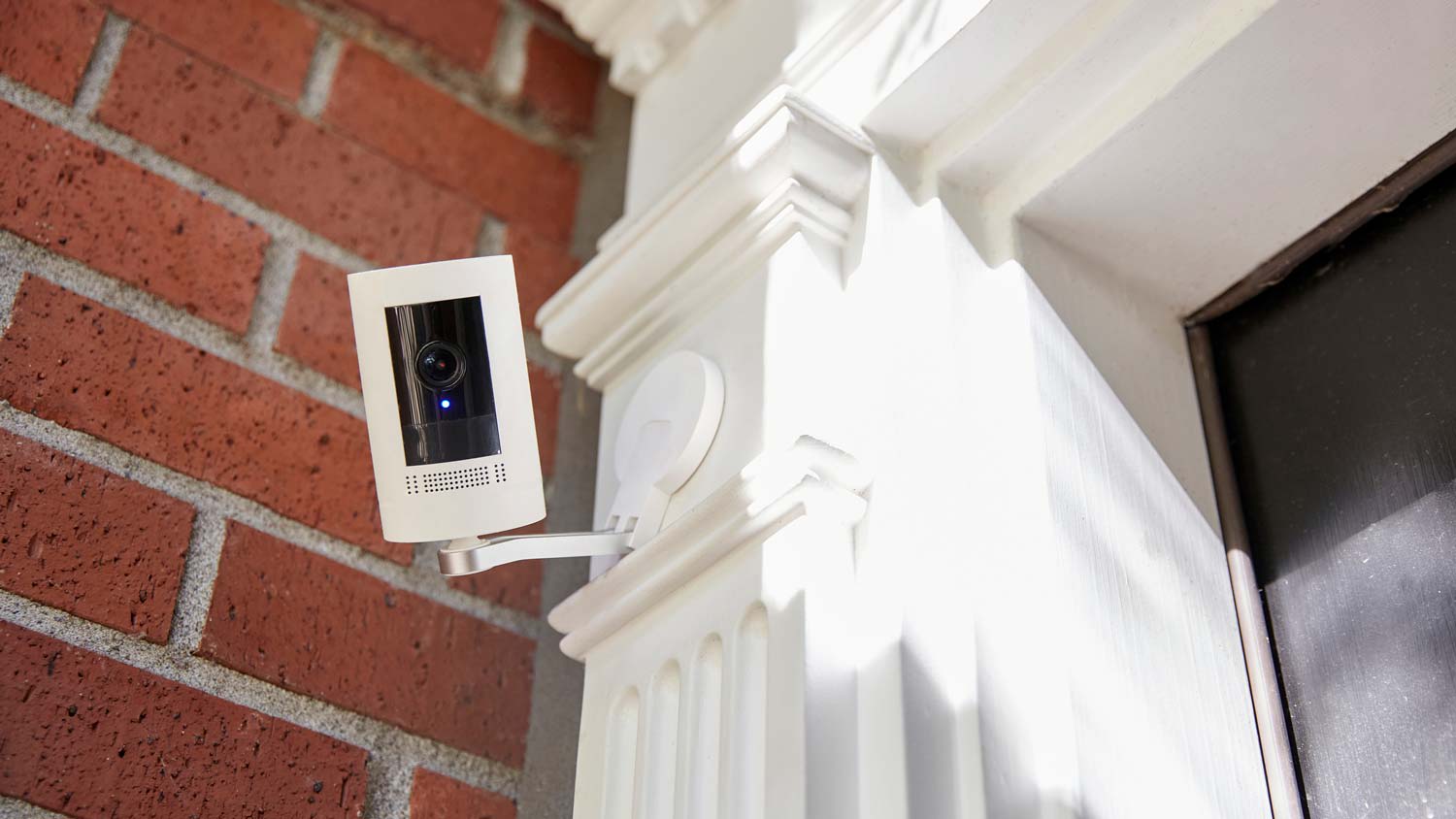
Cameras: $35–$350
Door and window sensors: $20–$100
Doorbells: $100–$350
Locks: $150–$400
Garage door openers: $150–$500
Lighting: $20–$100
Speakers: $30–$300
Outlets and plugs: $20–$100
Thermostats: $150–$300
Smoke and carbon monoxide detectors: $50–$150
Smart home hubs: $200–$900
Blinds: $50–$75
Appliances: $50–$3,000
Vacuums: $200–$1,200
Lawn systems: $80–$300
Wi-Fi and Mesh systems: $200–$500
Water monitoring: $100–$1,000
A home security system can be a worthwhile investment for several reasons. Financially, it may qualify you for a discount of up to 20% on your home insurance premiums, which can help offset the initial setup costs and any ongoing monitoring or subscription fees. For many, the primary benefit is the peace of mind that comes with enhanced security, especially for those living in areas with higher crime rates. Ultimately, whether a system is worth it depends on your personal preferences, the value of the assets you wish to protect, and your overall safety concerns.
Find a vetted and trusted locksmith to work on your home so you can feel comfortable and safe. Hire a professional with these qualifications:
Search a verified directory of locksmiths near you, like those on Angi.
Read company reviews. You can also check their social media pages.
Ask for a pro’s credentials, insurance, licensure, and customer testimonials.
Check if the locksmith is knowledgeable about various topics, from decorative locks to the newest technologies on the market.
You don’t need to completely revamp your security system constantly, but it’s a great idea to give it a once-over every year. Look for potential upgrades or new features—like smart home tech or replacing outdated equipment—that could boost your safety. If you make any significant changes, let your insurer know as they may adjust your discounts to reflect your improved security. Staying on top of your security not only keeps your home safe but ensures you’re getting the best possible rate on your insurance.
The Murdo, SD homeowners’ guide to home security system services
From average costs to expert advice, get all the answers you need to get your job done.
Learn how to hire a home security system installer, find qualified pros, and ask the right questions to protect your home with professional installation.
Wondering who to hire to repair your home security system? Learn whether to call an alarm company or an electrician, and see how pros fix security systems.
Monitored vs. unmonitored home security systems: which can best defend your home from crime and other dangers? Learn the differences between these two products.
Security system maintenance is important to keep your home protected from threats and false alarms, alike. Explore our security system maintenance checklist.