




Top-rated locksmiths.

Get matched with top locksmiths in Oacoma, SD

Enter your zip and get matched with up to 5 pros

Need a pro for your locksmith service project in Oacoma, SD?

Select your specific project to find the pro for you.

Find Locksmiths in Oacoma

Avatar for Frontpoint
Frontpoint
4.7(
8,819
)
Security Safe - Install

Serving Oacoma, SD and surrounding areas

In business since 2007

Free estimates

Emergency services offered

"I had a bit of trouble with my molding around the doors vs how the system was designed. The tech guy hung with me for 39 minutes until it was perfect. I called customer service a couple times after that with questions that came up. The customer service team are professional and knowledgeable."
Recommended by93%of homeowners

Avatar for Protect America Home Security
Protect America Home Security
3.5(
227
)
Security Safe - Install

Serving Oacoma, SD and surrounding areas

In business since 1992

Free estimates

Emergency services offered

"Very professional.
Pricey but high quality and excellent customer service.  The company and all service personnel and customer service are ALL in the United States of America.
The system is easy to use and any questions are answered promptly and completey.
"
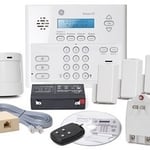
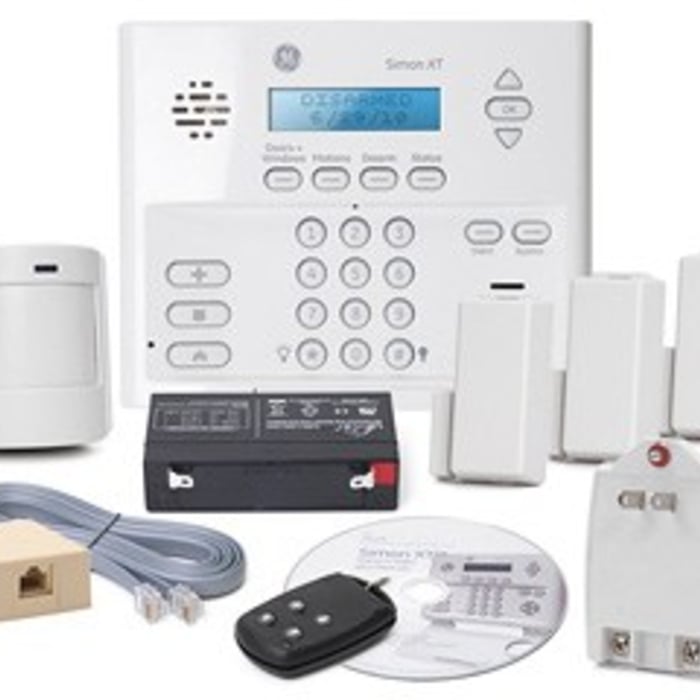
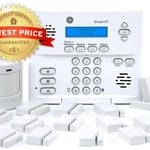
Platinum Package - Protects up To 15 Doors / Windows for FREE
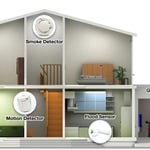
Protect your Whole Home
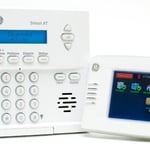
Simon XT Touchscreen
Recommended by64%of homeowners
Avatar for SkyCover
SkyCover
5.0(
5
)
Security Safe - Install

Serving Oacoma, SD and surrounding areas

In business since 1998

Free estimates

Emergency services offered

SkyCover provides a total home security and automation solution that is 100% wireless with 100% cellular monitoring and no long-term contract. SkyCover monitoring includes interactive services for remote system control and access. Trust SkyCover to deliver with risk-free 30-day trial, free shipping and no long-term contract monitoring.

Additional Photos
Additional Photos
Additional Photos
Recommended by100%of homeowners

Showing 1-10 of 11
Locksmiths questions, answered by experts

Rekeying your own locks is a low-cost task that prevents you from having to replace the locks themselves completely. The first couple of times you rekey a lock may be challenging because this is an intermediate DIY task. You can purchase a rekey kit from most hardware stores, but make sure you’re buying the kit from the brand of lock in your home that you’re going to rekey. 

Proper door lock maintenance includes keeping the locking mechanism clean and clear of dirt, dust, and grime buildup, lubricating the lock annually, inspecting and tightening the lock regularly, and treating the door with care. If your maintenance reveals problems, it may be time to replace the lock or have a professional inspect it.

There are many types of deadbolts, but these tips work on most. First, address any grime buildup. A bit of WD-40 will loose up rust and dirt so the deadbolt can turn. Inspect the door and frame alignment if this doesn't resolve the issue. Adjust the strike plate or the deadbolt's position to improve alignment. If the problem persists, disassemble the lock to inspect for damaged or worn parts. If you are unsure how to do it, hire a local locksmith.

Expect to pay between $50 to $200 if you hire a locksmith to change your locks. That figure includes labor and the cost of basic hardware. The cost will naturally be higher if you plan to install more expensive locks, like smart locks, and if you need a lot of them.

Homeowners can save money by replacing locks themselves. A typical rekeying kit costs about $10 to $25. The only additional cost is purchasing new house keys, and those are no more than a few dollars per key. If you want to replace the locks on your own completely, the main cost is the price of the locks themselves. A standard knob-style lock starts around $25, while electronic locks and smart locks will run in the hundreds of dollars. The only additional tools you should need are a tape measure, screwdriver, and screws if they are not already provided.
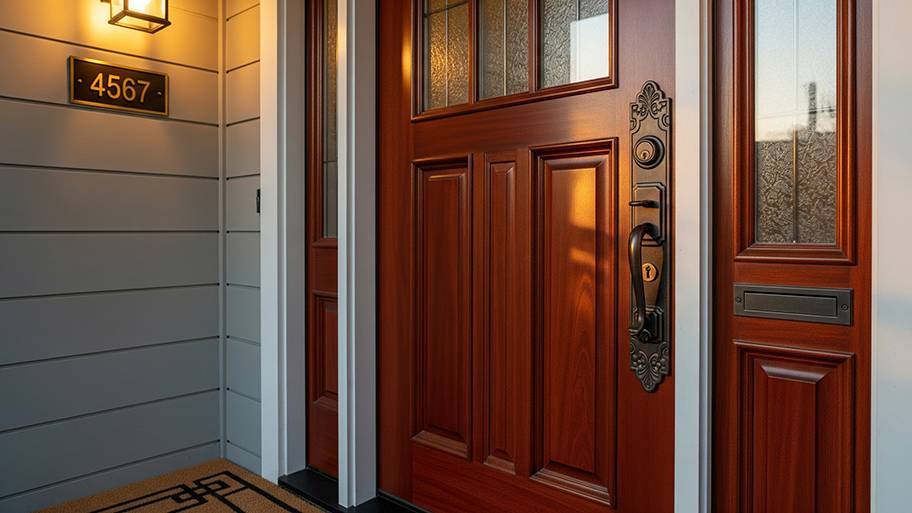
As with any computer, smart locks can be hacked by someone with the technical skills to do so, but most people do not have that ability, making smart locks relatively safe. If you have any concerns about a compromised smart lock, opt for an encrypted smart lock, change your Wi-Fi password, and make sure that you only give out your password to trusted family and friends.

The Oacoma, SD homeowners’ guide to locksmith services

From average costs to expert advice, get all the answers you need to get your job done.