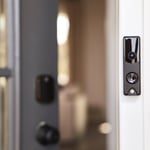
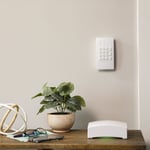
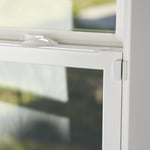
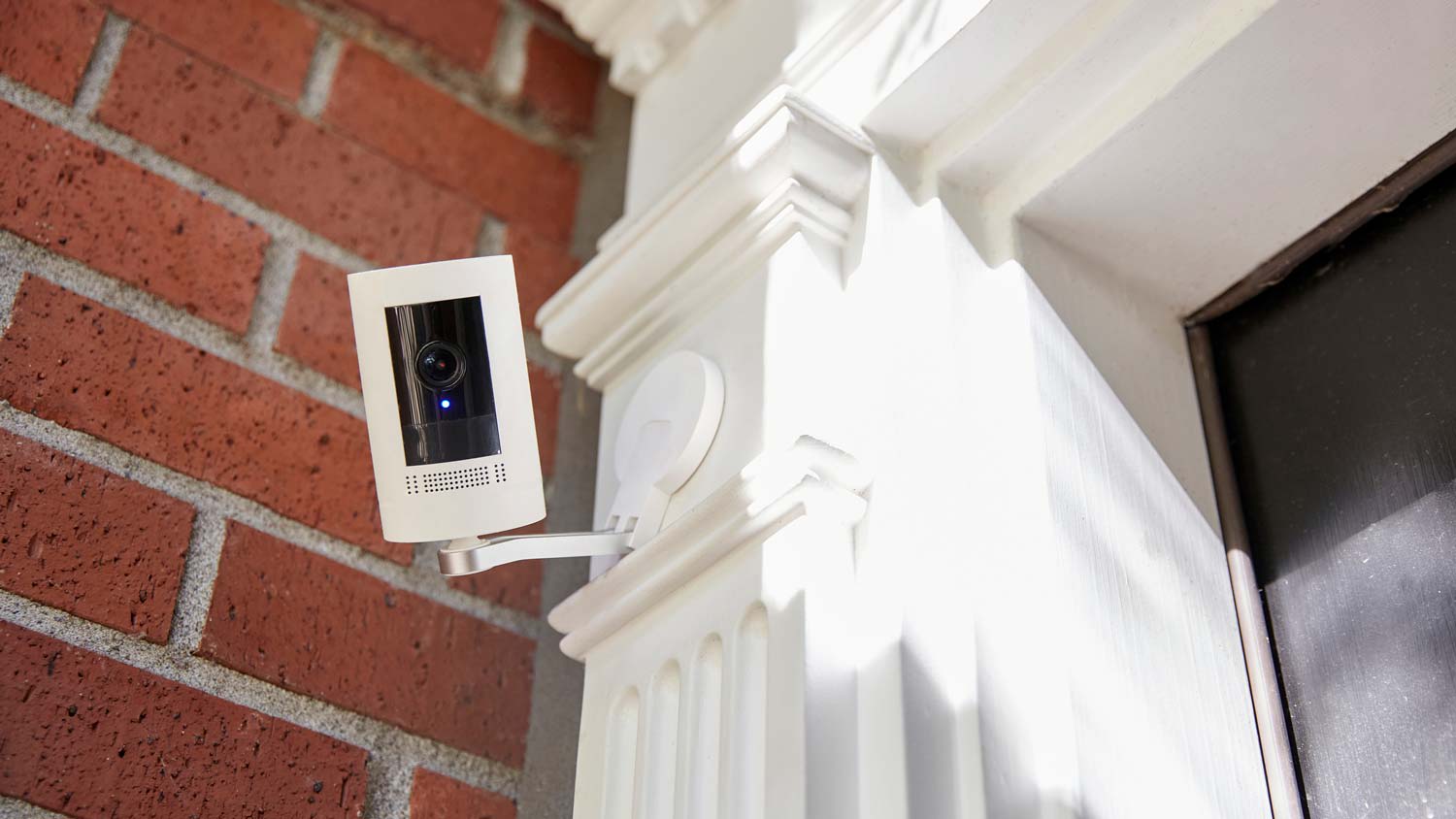
"I self installed our FrontPoint system. It went smoothly and my questions were answered efficiently and professionally by the FrontPoint staff. I would highly recommend FrontPoint as a home security system."
All went well, up and running in no time at all. It is very user friendly, you don't need a PHD to operate this system and we feel secure and safe knowing that we are being protected 24/7.
"I responded to a flyer that I received from ADT as I had been thinking about installing a security system for extra peace of mind as I am a single woman living alone. It sounded like a deal that was too good to pass up. I did not realize until I did some research later that ADT subcontracts all of their installation out to local providers so I am not sure which parts of this review should be directed at ADT vs Protect your Home...who provided the installation service but it is clear that their business practices have common core and most of my interaction has been with Protect Your Home. Apparently, after 3 months Protect your Home is no longer responsible for my system and after some research I am starting to wonder what will happen when ADT becomes responsible for addressing any issues with my system if there is no local service provider. Here's an overview of my experience. It was easy to set up the appointment and the installers arrived right on time. I want to state that my low grade has nothing to do with my overall experience with the installers who came out and installed my system. They were friendly and courteous and very professional in completing the install. Nor am I dissatisfied (for the most part) with the system that has been installed. However, the reason that I would not recommend Protect your Home is that I do have a problem with the sales tactics that they use which I have to believe come via ADT and then through the local installer Protect Your Home. I was definitely oversold and my monthly premium is too high and much higher than I was initially quoted. I am also locked in for 3 years which is too long and should be unnecessary if your product is worth the cost. I believe there are better ways to set up business practices so that your salespeople are not so dependent on the commission they receive from a sale. After evaluating my home my installer did some neat number tricks (this is sarcasm) to give me an estimate that was supposed to convince me that getting the highest upgrade was actually going to be the best deal for me after all of the credits had been applied. I didn't really buy it but at that point I didn't completely understand all the components and the implications. I was also prepared to invest in a security system and could also see the value in most of the parts of the system. I ended up agreeing and the installation was completed that night. I'm not sure what would have happened if I had asked to think about my options...my installer was a smooth talker and knew how to take advantage of me as a single woman. Over the next few days as I reviewed the contract and started using my system I realized that I did not need the security camera or the supposedly handy clicker for disarming and arming the system that was supposed to be a bonus but was listed at $150 on my invoice. The clicker is pretty much useless if you go with the Pulse system and can control the entire system from your iPhone. I also thought my monthly premium was higher than it should be. I called ADT to inquire and the rep told me that I could return any equipment for a refund for 30 days. I was also quoted a monthly rate that was lower if the camera was returned. They set up an appointment for my installer to come out to collect the equipment that I did not want. However, when the installer came back out he contradicted the information that I had received from ADT. At that point I didn't argue and didn't want to deal with the frustration of navigating between all these parties so I kept my camera, my unused clicker, and have a higher monthly premium than I believe I should have. As a customer I would be much more likely to recommend this company if you set up your practice so that your salespeople came out for an initial evaluation and clearly explained the options and pricing. THEN, gave the customer time to consider the options and choose the system that best suits their needs. Yes, it takes more time but now that I have done some additional research I understand from first hand experience why ADT has lost credibility to other home security providers. Until this changes I would recommend that anyone looking for home security system do their research before setting up an appointment with ADT based on their name value alone. Finally, I also have yet to receive my $100 VISA gift card which required extra hoops to jump through in order to have it sent out. I sincerely hope that both companies consider their business practices and make some changes or I definitely be considering another company when I move and/or at the end of my contract."
"We bought our home security system from them a few weeks ago. The guy that installed the system was very nice and knowledgeable about the system. I would use them again in the future."
"I communicated with Rob Calbo for services of a background check with CSI Secure Solutions and he was fantastic. He spoke with me in a very professional manner and put me at ease right away. The process was seamless and my request was delivered very efficiently. Within just a few hours of providing them with information, I was able to get feedback. Rob took the time to speak with me and answered all of my questions. I will definitely be using them again in the future should the need arise, and I would definitely recommend them as being very efficient, professional and reliable.
"Historically, ADT was the first security system in the U.S. They've been around for over 140 years. That's pretty impressive. So, not for nothing, are they credited with really knowing what they're doing. And I believe the staying power is because it's an excellent service. In this dangerous and very frightening world we all live in, ADT adds a level of security that is, to say the least, comforting. Finally, you will be in good hands with the entire team at ADT. Highly recommend this service."
"LOVE this system! Customer service was extremely nice and made my experience effortless. Speaking of effortless, the self-installation was super easy. It took me less than 30 minutes from start to finish to get my system up and running. Highly recommended!"
AIO provides computer support services for all PC platforms including Apple OSX/iOS, Microsoft Windows, and Google Android devices. \n\nWe are the only company on Angi.com with a BBB A+ rating providing nation-wide IT support on-site/remote services from over 1500 locations. You can call us directly at 832-402-1335, option 1 for sales, to be connected to a sales engineer if you need immediate help. You can also visit our website at https://aiosupport.net. We look forward to helping you!
While all security lighting systems offer different benefits, motion sensor security lights have the most advantages and the fewest cons for the average homeowner. While the upfront cost can be hefty, automatic, motion-detected activation will reduce your energy bills in the long run by ensuring the lights are only turned on when necessary. Plus, they’ll ward off intruders and help invited guests find their way onto your property in equal measure.
Understanding the pros and cons of installing a home security system is the first step to deciding which one is right for you. A few of the advantages and disadvantages include:
Pros
Added security for your household
Reduced home insurance premiums
Many smart home integrations available
Security companies can monitor your home
Cons
Expensive setup costs
Subscription costs can add up quickly
Features may be vulnerable to hackers
Weak signal reduces the security of a wireless system
Yes, evaluating needs based on home size, layout, and climate.
Installing a gate on your property is often a worthwhile investment, despite the initial expense. Gates enhance your home's curb appeal and can increase its property value, making them more attractive to potential homebuyers. They provide significant security benefits by keeping out unwanted guests and increasing privacy for your household. Additionally, a gate can help keep children and pets safely contained in your yard.
For driveway gates, automatic versions are particularly convenient and tend to add more value than manual ones. The choice of gate material also plays a role in both aesthetic appeal and security. Beyond driveways, side gates can improve accessibility to your rear yard, making the outdoor space more usable. Overall, whether for security, safety, or aesthetics, installing a gate is a valuable addition to a property.
Yes, driveway gates can help secure your home by deterring burglars from accessing your property. Climbing a gate slows down burglars while also attracting attention to your gate. If you live further down your property and want to increase security, you can also install a gate security camera that connects to your gate and monitors the area for suspicious activity.
The Barnesville, MN homeowners’ guide to home security system services
From average costs to expert advice, get all the answers you need to get your job done.
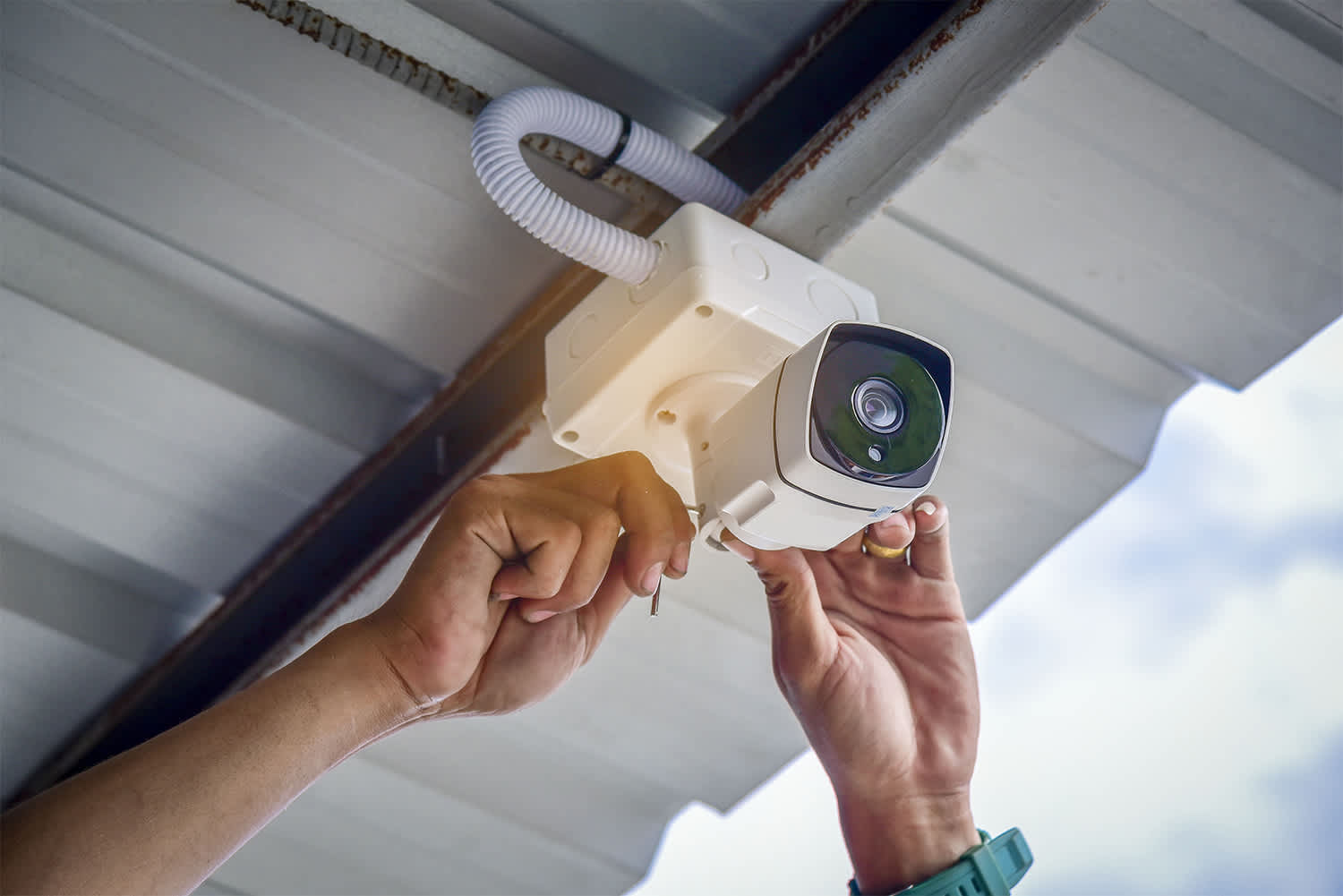
Learn how to hire a home security system installer, find qualified pros, and ask the right questions to protect your home with professional installation.
Monitored vs. unmonitored home security systems: which can best defend your home from crime and other dangers? Learn the differences between these two products.