




Top-rated home security system pros.

Get matched with top home security system pros in Columbus, MN

Enter your zip and get matched with up to 5 pros

Need a pro for your home security system service project in Columbus, MN?

Select your specific project to find the pro for you.

TRUSTED BY COLUMBUS, MN HOMEOWNERS

  • Average homeowner rating star icon4.7
    Average homeowner rating
  • Verified reviews icon81
    Verified home security system services reviews

Find Home security system pros in Columbus

Avatar for Nighthawk Security
Nighthawk Security
4.3(
100
)
Surveillance Cameras - Install or RepairAlarm or Security System - InstallAlarm or Security System - Repair+5 more

Serving Columbus, MN and surrounding areas

Approved

In business since 2001

Free estimates

Emergency services offered

"Great experience with nighthawk! I purchased my own security cameras and needed help installing them. The technician was super knowledgeable, professional, and worked quickly. The job was done perfectly (and I’m sure it was a challenge - we live in a super old house!!). He made it seem easy! Highly recommend and will definitely be going to them for any future needs."
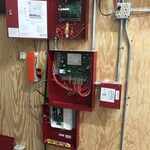
Commercial Fire system
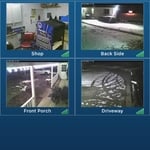
Total Connect Camera system
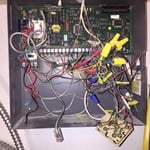
Before
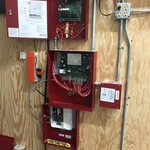
New Panel

+1

Response time1 day
27 neighbors recently requested a quote
Recommended by71%of homeowners
Avatar for Geosync Communications
Geosync Communications
4.8(
92
)
Surveillance Cameras - Install or RepairSurveillance Cameras - Install or Repair - For Business

Serving Columbus, MN and surrounding areas

Approved

Super Service Award Winner

In business since 2016

Emergency services offered

Warranties offered

"Extremely professional, courteous and knowledgeable! Walked me through every step of the process, making it easy to understand and presented possible options that would work best for my home. I would highly recommend their services and will definitely use them again should a need arise."
Headend
Headend
Locker room
Practice field
Roof

+58

Response time4 hrs
Response rate98%
Recommended by80%of homeowners

Avatar for Lloyd Security, Inc.
Lloyd Security, Inc.
3.1(
28
)
Surveillance Cameras - Install or Repair - For Business

Serving Columbus, MN and surrounding areas

Approved

In business since 2001

Free estimates

Emergency services offered

"We were with another monitoring company and Lloyd Security helped us throughout the transition and even sent the cancellation request for us. They made sure that careful attention was given to the aesthetics of the installation because we did not want wires to show or have extra holes drilled. They showed up when expected and completed the job the same day as promised. It's nice to deal with a business that is not only courteous, but prompt, careful and knowledgable."
Smart Home Thermostat
1 neighbors recently requested a quote
Recommended by68%of homeowners

...
Showing 1-10 of 59
Home Security Systems questions, answered by experts

Some Christmas lights are marked as being “UL Safety Certified” or Underwriters Laboratories Safety Certified. This lab is a trusted source for determining the safety standards of electrical products—you should make sure your Christmas lights have this label. Brush up on other electrical safety tips before installing any lighting features. 
The cost of home automation averages around $1,000, with most projects falling between $200 and $2,000. The total cost depends on several factors, including the level of automation, brand, system features, home size, and location. For a DIY approach, basic home automation technology can cost between $100 and $500, though the scope and interaction between products may be limited. High-end, all-inclusive systems for larger homes can cost anywhere from $10,000 to $150,000, especially when they include smart appliances like refrigerators and dishwashers that require extensive wiring. Additional costs, such as subscriptions for maintenance services, can also impact the total price. It's often helpful to set a budget and consult with an expert to determine the best options for your home.

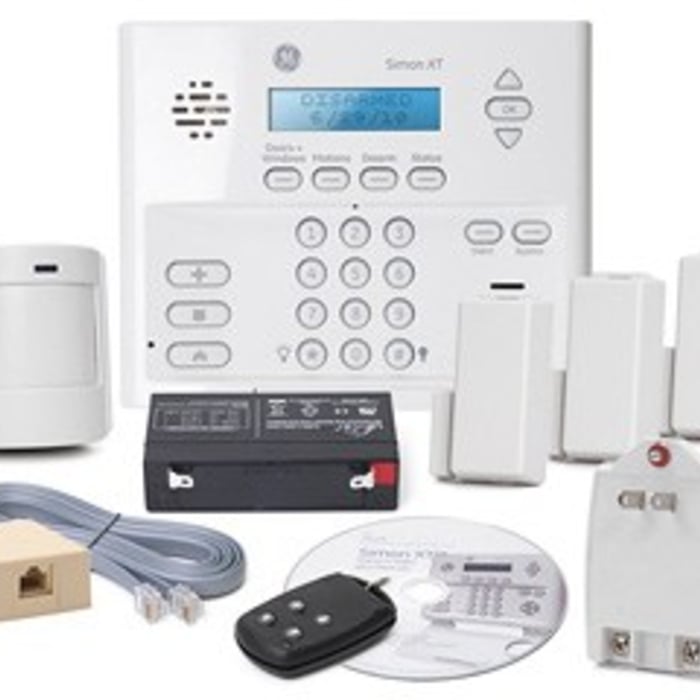
Changing the alarm in your wireless security system is a perfectly reasonable DIY task that most people can complete on their own. Simply open the system’s control panel, remove the existing battery, and replace it with a new one. If you’re using a wired system, this may require disconnecting and reconnecting both the positive and negative wires attached to the battery, and you may want to call in a professional to help. 

This is the topic of much debate, though there is no “better,” as it depends on personal preferences. Some of the components of a wireless system keep working when the power goes out, as they are battery-powered. On the other hand, a wireless system typically connects to your modem and router. Wired systems use landlines to communicate, which never go out on their own unless they’re physically cut.

Installation typically takes 2-4 hours, depending on the number of components and wiring needs.

The Columbus, MN homeowners’ guide to home security system services

From average costs to expert advice, get all the answers you need to get your job done.