





Top-rated stereo and home theater system pros.

Get matched with top stereo and home theater system pros in Hackberry, AZ

Enter your zip and get matched with up to 5 pros

Need a pro for your stereo and home theater system service project in Hackberry, AZ?

Select your specific project to find the pro for you.

Find Stereo and home theater system pros in Hackberry

Avatar for Geek Choice Nationwide Remote & In Home Service
Geek Choice Nationwide Remote & In Home Service
4.3(
525
)
Home Theater Accessory - InstallHome Theater Surround Sound System - InstallHome Theater System or Media Center - Install+2 more

Serving Hackberry, AZ and surrounding areas

In business since 1996

Emergency services offered

Credit card accepted

"The computer technician, Tammy, was excellent.  He arrived on time and was very personable.  Our computer is several years old and has been running slow, so he cleaned it up for us.  He tried to show us how to perform some maintenance tasks on our own.  
After he was finished, he had to call in to the main Geek Choice number to settle the bill.  When I spoke with the person on the phone from Geek Choice, I was astonished when they told me the bill was for $300, which included 2.5 hours service at $100 per hour and a $50 fee for home visit.  I informed her that I had ordered the first hour through Angie's List for $75 and that the home visit fee was waived.  She retrieved my information and charged me a balance of $135, to include the reduced hourly fee of $90 per hour.  So Angie's List saved me almost $100, which I totally appreciate.  
I give the technician high marks but the company, Geek Choice, seems like just another corporation trying to make more money off the consumer than they should.  I'm glad I went through Angie's List.
"

Matt Gardner
Geek Choice HQ
Geek Choice on the Town
Recommended by83%of homeowners
Quarterdeck Contractors
New to Angi
Home Theater Surround Sound System - Install

Serving Hackberry, AZ and surrounding areas

Hello, my name is Matthew. With 29 years of experience in the construction industry, a strong foundation has been built in every aspect of the trade—from hands-on craftsmanship to high-level project management. My background includes extensive experience overseeing large-scale remodeling projects, coordinating teams, managing budgets, and ensuring that every detail meets the highest standards of quality and safety. Each project reflects a commitment to excellence, efficiency, and client satisfaction, backed by nearly three decades of proven results in construction leadership and project supervision.

Stereo and Home Theater Systems questions, answered by experts

The shorter the coaxial cable, the better. The further you run the cable, the more signal loss you'll experience. At 50 feet, you'll see significant signal loss, and by 100 feet, you'll experience at least a 30% drop in signal strength.

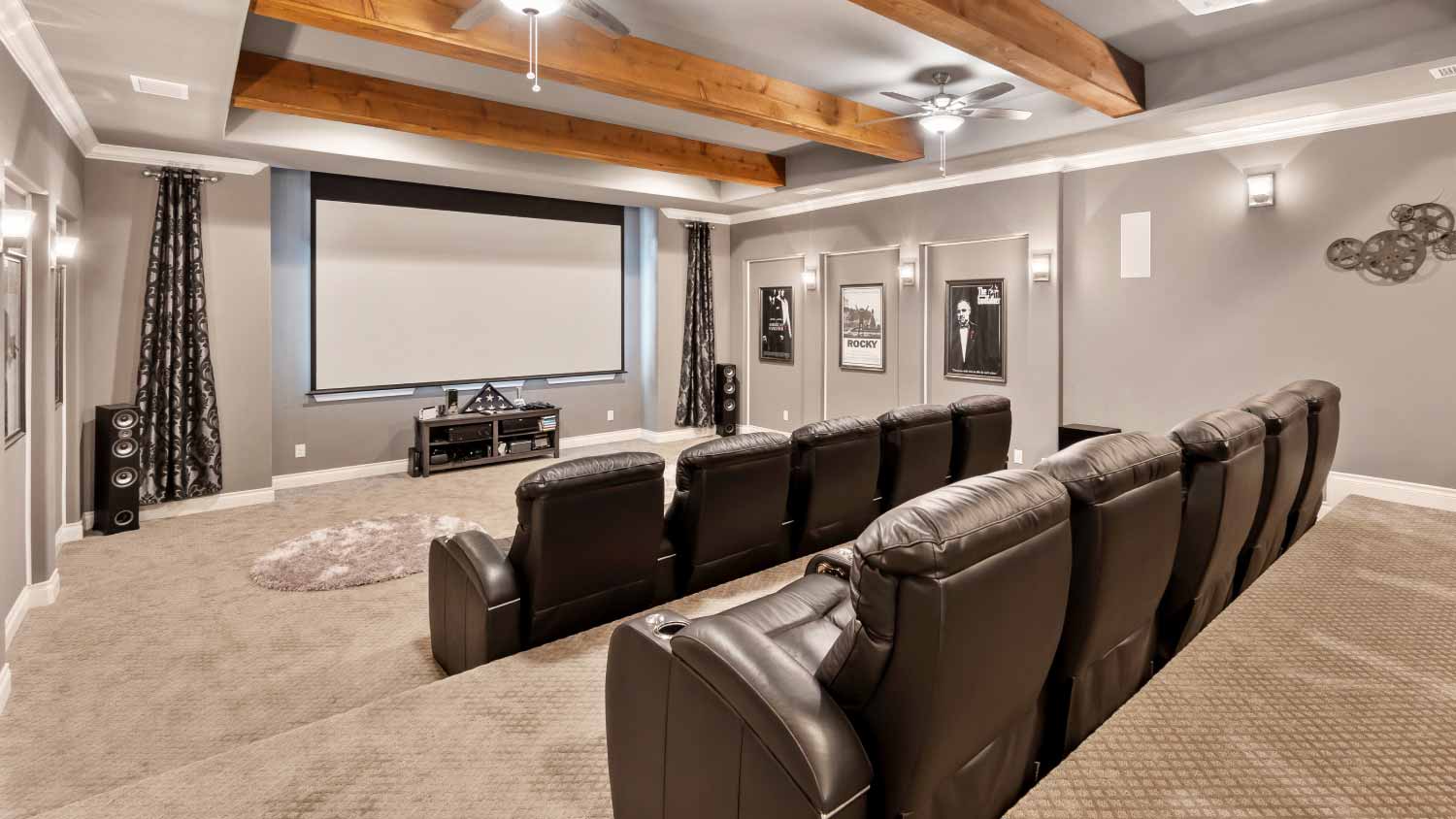
You can customize your home theater with a wide range of features, but the minimum components include a display (like a TV or projector), a sound system, and comfortable seating. Your total cost will vary depending on the components, brands, and features you choose. Common elements and their approximate costs include: 4K 50-inch to 60-inch TV: $800–$1,500; 60-inch TV and bracket: $900; Amplifier: $250; Five box speakers and subwoofer: $500; High-end front projector: $10,000–$60,000; Home theater screen: $250–$1,500; Low-end front projector: $1,500; Surge protection: $25 and up; Three HDMI cables: $30; Universal remote: $20–$200; Wiring and circuit board: $400–$2,700.

When deciding whether a home automation system is right for you, consider the advantages and disadvantages first.

Pros

  • Home automation can help make your home more energy efficient, possibly lowering utility bills.

  • A wide range of automated solutions is available to meet your needs.

  • Centralized and remote control of different home automation systems.

Cons

  • Home automation can be costly.

  • Not all automated systems are compatible with each other.

  • Over-dependence on home automation can be problematic if systems cannot connect to the cloud.

To maintain your home theater or surround sound system for optimal performance, regularly dust all components, including speakers. Check all connections and wires to ensure they are secure. For smart systems, keep the software and firmware updated.

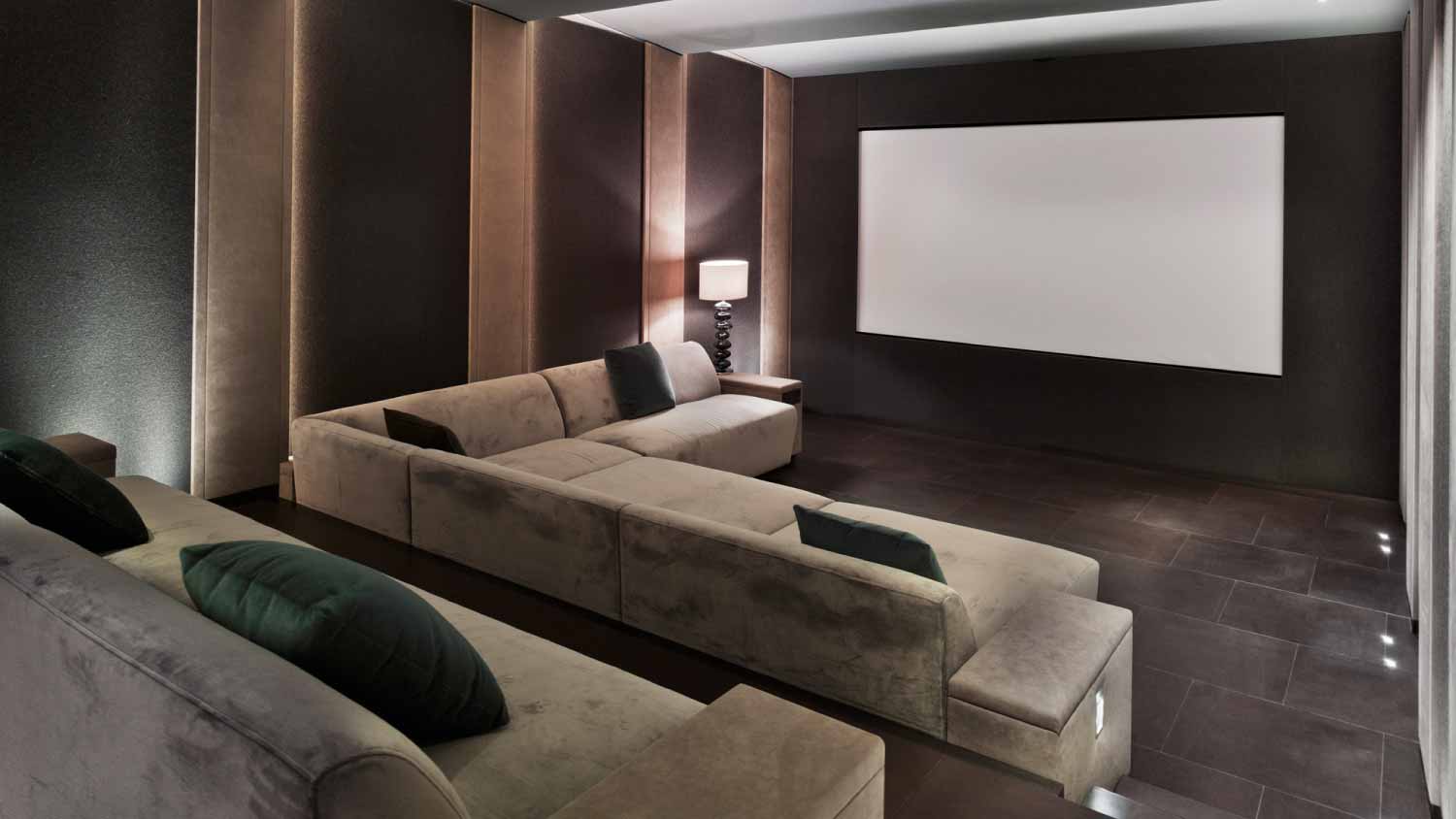
The best place to put your home theater is a space that does not get outside light, such as a basement. Another consideration is the proximity to bedrooms or offices that may be disturbed by the surround sound playing at high volume. A higher ceiling works best for mounting a projector, so consider space and sound limitations. For help determining the best place for your home theater, consider hiring a professional home theater installer who can provide recommendations and project plans.

The Hackberry, AZ homeowners’ guide to stereo and home theater system services

From average costs to expert advice, get all the answers you need to get your job done.