









Top-rated locksmiths.

Get matched with top locksmiths in Oakwood, TX

Enter your zip and get matched with up to 5 pros

Need a pro for your locksmith service project in Oakwood, TX?

Select your specific project to find the pro for you.

Find Locksmiths in Oakwood

Avatar for SafeStreets - ADT Authorized Provider
SafeStreets - ADT Authorized Provider
4.8(
320
)
Security Safe - Install

Serving Oakwood, TX and surrounding areas

Approved (Corporate)

In business since 2010

Free estimates

Emergency services offered

"AWESOME buying experience and setup experience! I just bought a house and wanted to make sure I was protected. They even helped me find a fantastic locksmith who gave a me great deal. Can't recommend highly enough. He gave excellent advice and saved me money in the long run with their current promo. Look no further for the best security company!"
Additional Photos
Additional Photos
Additional Photos
Additional Photos
Additional Photos

+1

5 neighbors recently requested a quote
Recommended by94%of homeowners

Avatar for ADT
ADT
4.5(
884
)
Security Safe - Install

Serving Oakwood, TX and surrounding areas

Approved (Corporate)

Super Service Award Winner

In business since 1874

Free estimates

Emergency services offered

"Walter and Glen at Protect Your Home Group with ADT are the best people to talk to in terms of security alarm. Being a locksmith myself I know how important it is to deal with the right people. I referred a lot of customers to them and so far they are happy with their service. I myself got one for my house. Thank you for a consistent service and great deal."
Home Security Essentials
Smart Home Security
Cameras
Our Team
Home Security Essentials

+35

48 neighbors recently requested a quote
Recommended by89%of homeowners
Tony Rowland
3.9(
19
)
Hardware, Latches & Tracks (Door) - Repair or Replace

Serving Oakwood, TX and surrounding areas

Approved

Free estimates

Emergency services offered

Small jobs welcome

"I hired Tony to help me with a number of miscellaneous jobs. He and his crew were awesome. They were so nice and friendly and were willing to do everything I asked them to do. I've already received a bid from them for additional work and will definitely use them again."
4 neighbors recently requested a quote
Recommended by100%of homeowners
Avatar for AIO Integrations LLC
AIO Integrations LLC
4.6(
18
)
Security Safe - Install

Serving Oakwood, TX and surrounding areas

In business since 2020

Emergency services offered

Credit card accepted

"There were many things wrong in my computer (my fault and letting grandchildren on computer) Robert was so helpful, gave me many good instructions to keep everything safe, which I have written down, feel like I have a new computer. He was so excellent and experienced, took his time and was meticulous about what needed to be done. He was a pleasure to work with and I will use this company again! Linda Disy"
Helping a Victim who was being Cyber-stocked
WIndows Update Broken
Computer Tune-up
Additional Photos
Recommended by91%of homeowners
Showing 1-10 of 34
Locksmiths questions, answered by experts

If your key breaks in a lock, first remain calm and avoid forcing the broken piece further in. You may be able to remove it yourself if a portion of the key is still protruding from the lock. To aid removal, lubricate the keyhole with a graphite-based spray. Then, try using tools like pliers, tweezers, a bobby pin, or even a jigsaw blade to gently grasp and pull the broken piece out. If these methods don't work, you can't reach the key, or you're concerned about damaging the lock, it's best to call a professional locksmith for assistance.

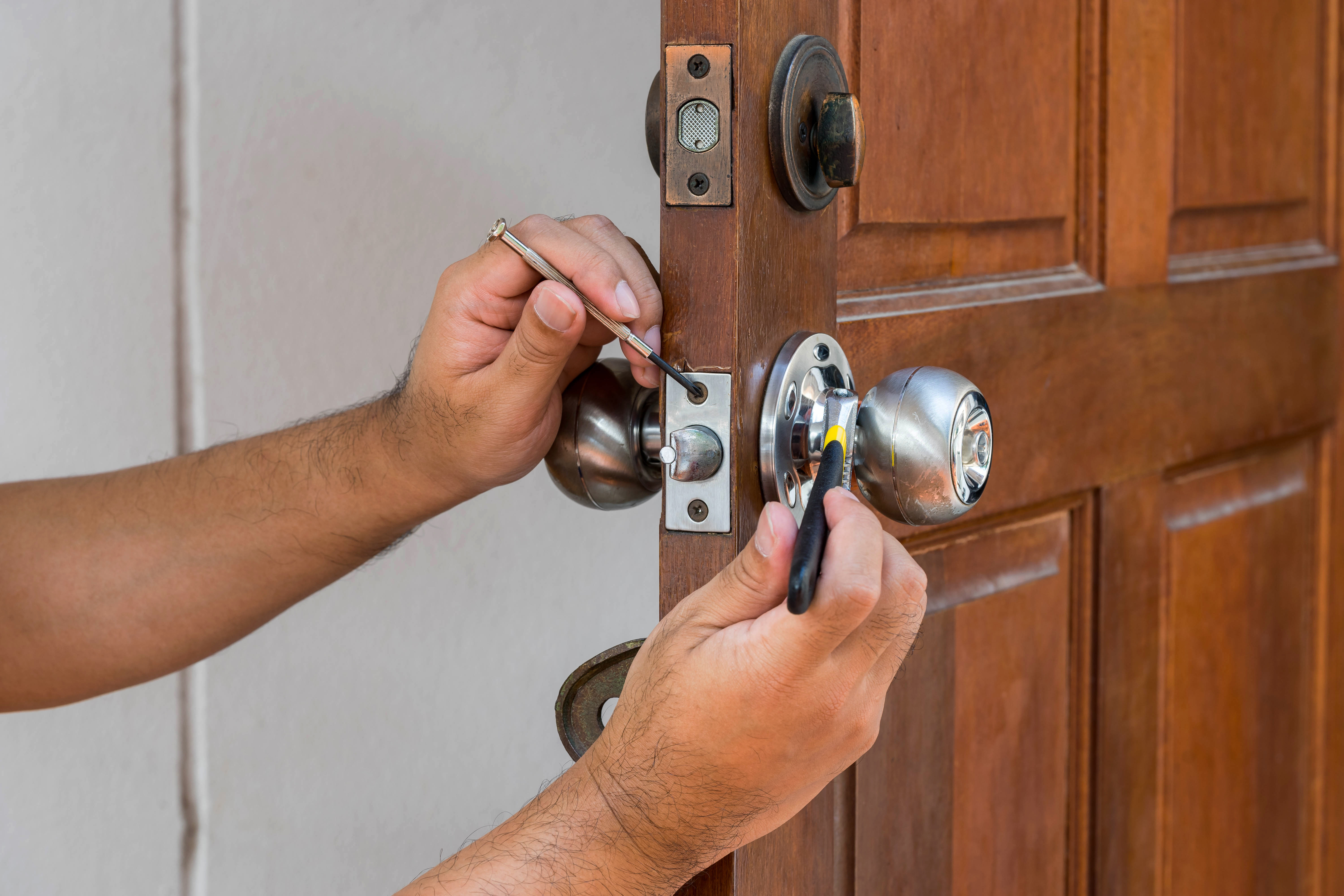
Most door knobs can be removed with a Phillips or flathead screwdriver. If you don’t have either of those available, a paper clip or small pin can sometimes work, but the extra effort may not be worth a quick trip to the hardware store.

Expect to pay between $50 to $200 if you hire a locksmith to change your locks. That figure includes labor and the cost of basic hardware. The cost will naturally be higher if you plan to install more expensive locks, like smart locks, and if you need a lot of them.

Homeowners can save money by replacing locks themselves. A typical rekeying kit costs about $10 to $25. The only additional cost is purchasing new house keys, and those are no more than a few dollars per key. If you want to replace the locks on your own completely, the main cost is the price of the locks themselves. A standard knob-style lock starts around $25, while electronic locks and smart locks will run in the hundreds of dollars. The only additional tools you should need are a tape measure, screwdriver, and screws if they are not already provided.

When you take a key to a hardware store or a locksmith for copying, you can expect the key-cutting process to take as little as 30 seconds. The key copier will review your current key to decide on the correct blank. Then, your original key and the blank are inserted into a key duplication machine to cut an exact key copy. When it’s all said and done, you can have a new key in your hand in just a couple of minutes.

Yes, you should always change your locks after buying a house. Do so as soon as possible after you move in. Otherwise, you won’t know who has working keys to the property, whether they’re spare keys or otherwise. If an intruder gains access to your house with a key, it may not be covered under your homeowners insurance.
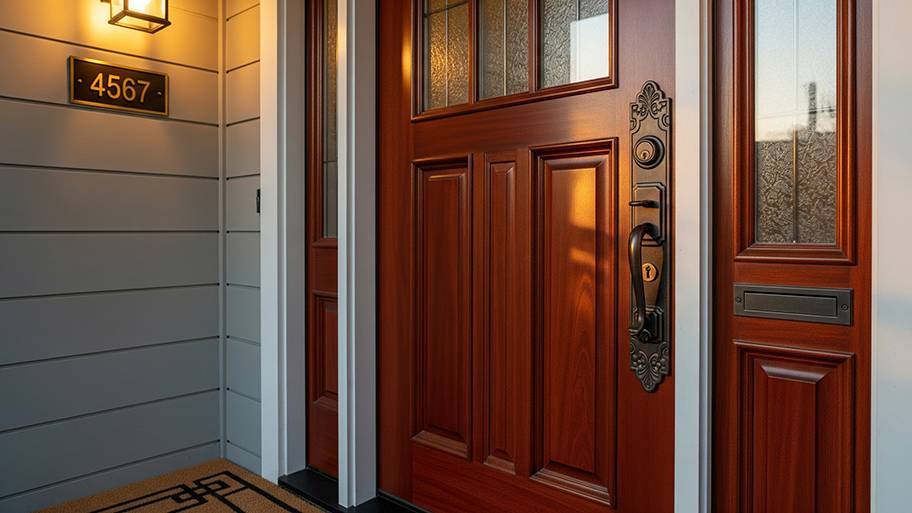
The Oakwood, TX homeowners’ guide to locksmith services

From average costs to expert advice, get all the answers you need to get your job done.