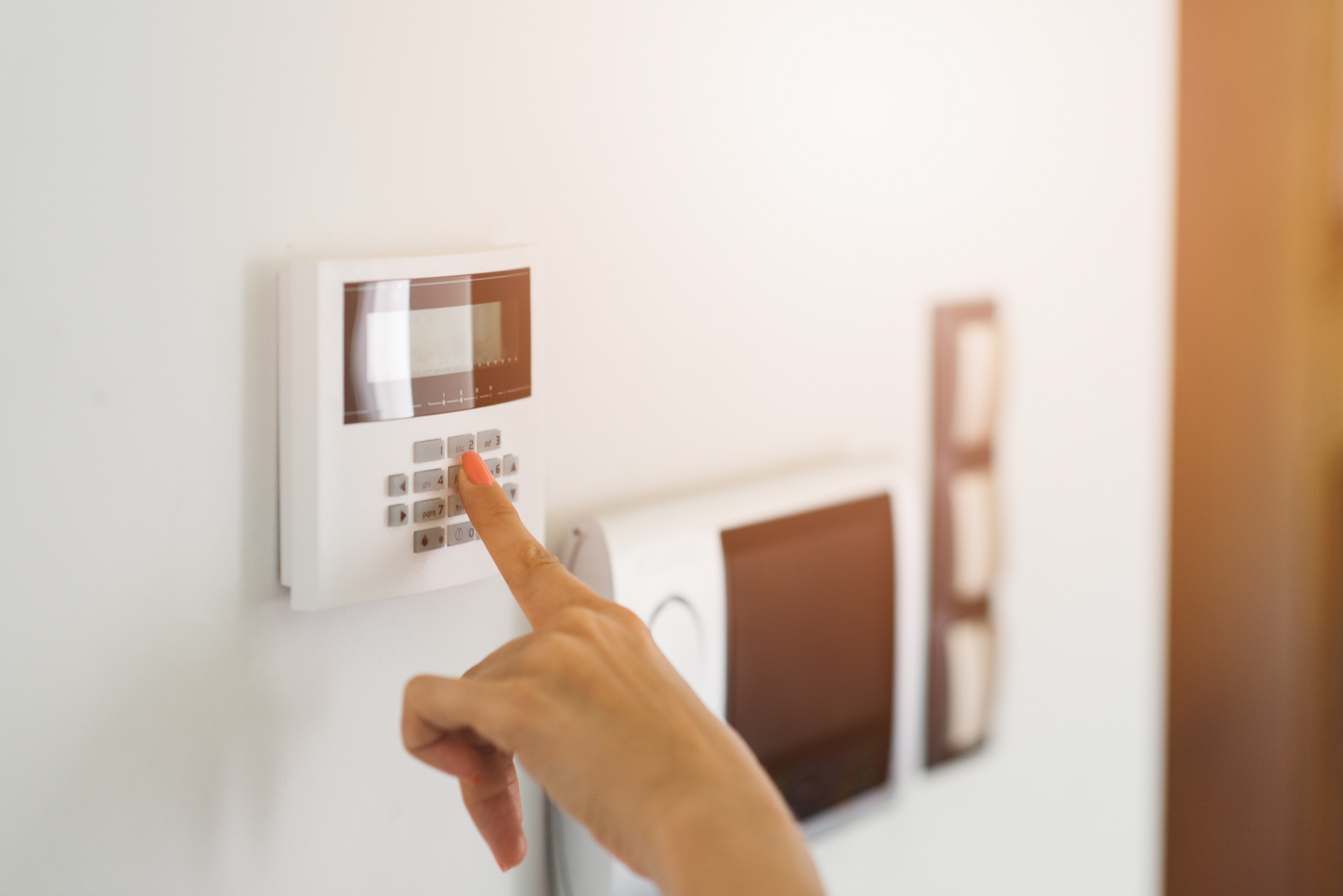
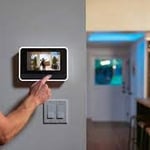
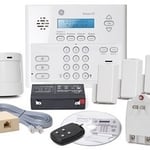
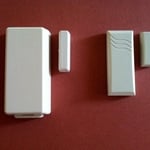
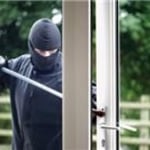
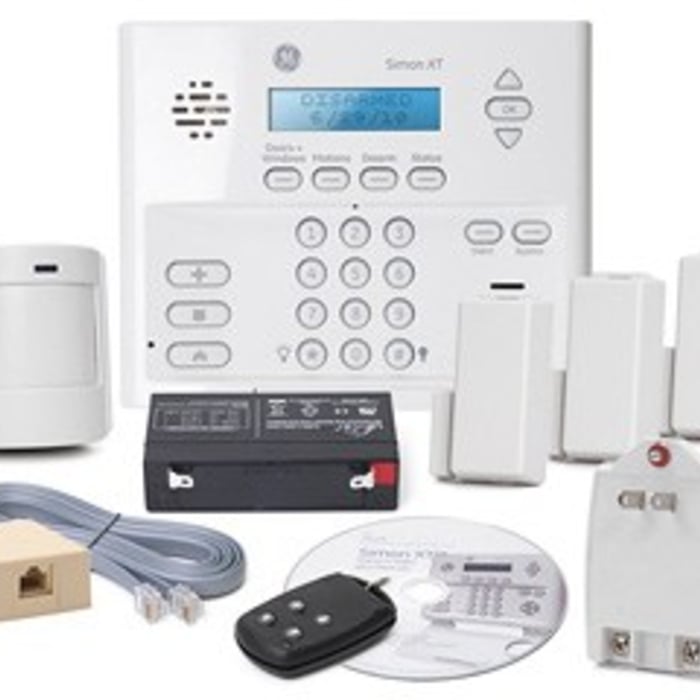
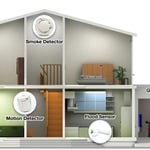
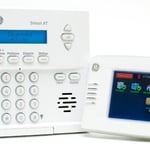
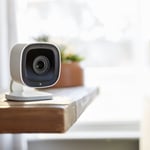
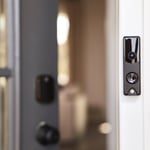
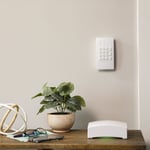
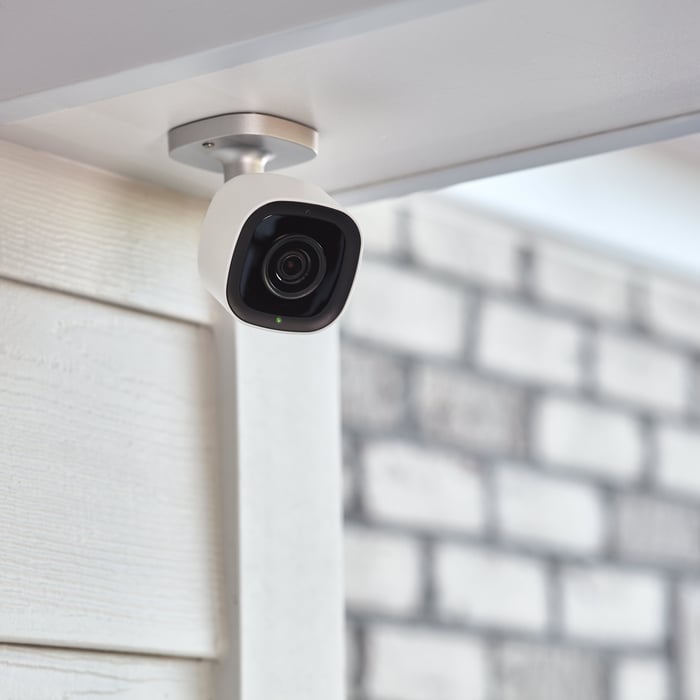
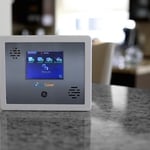
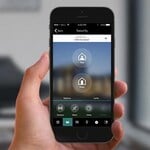
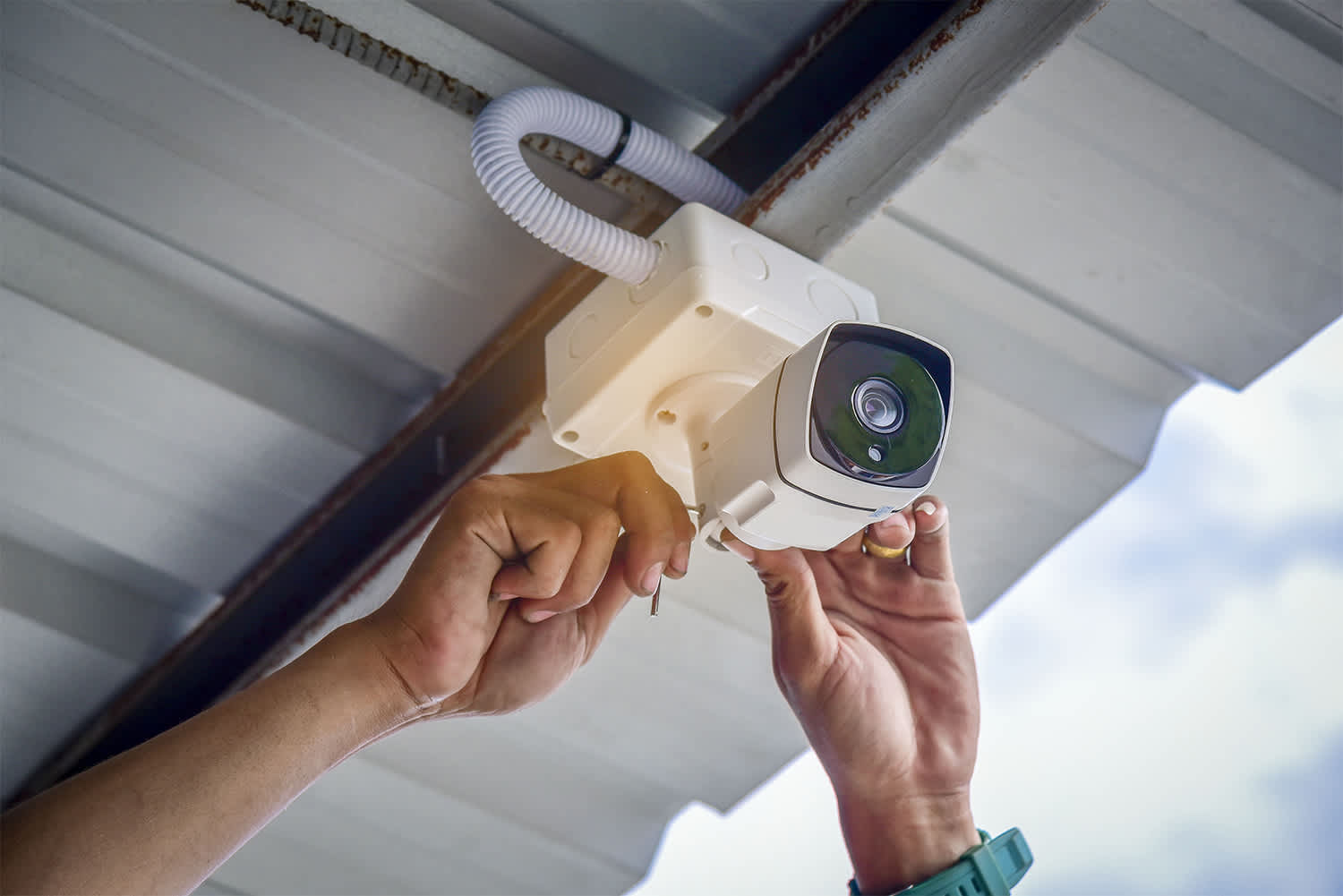
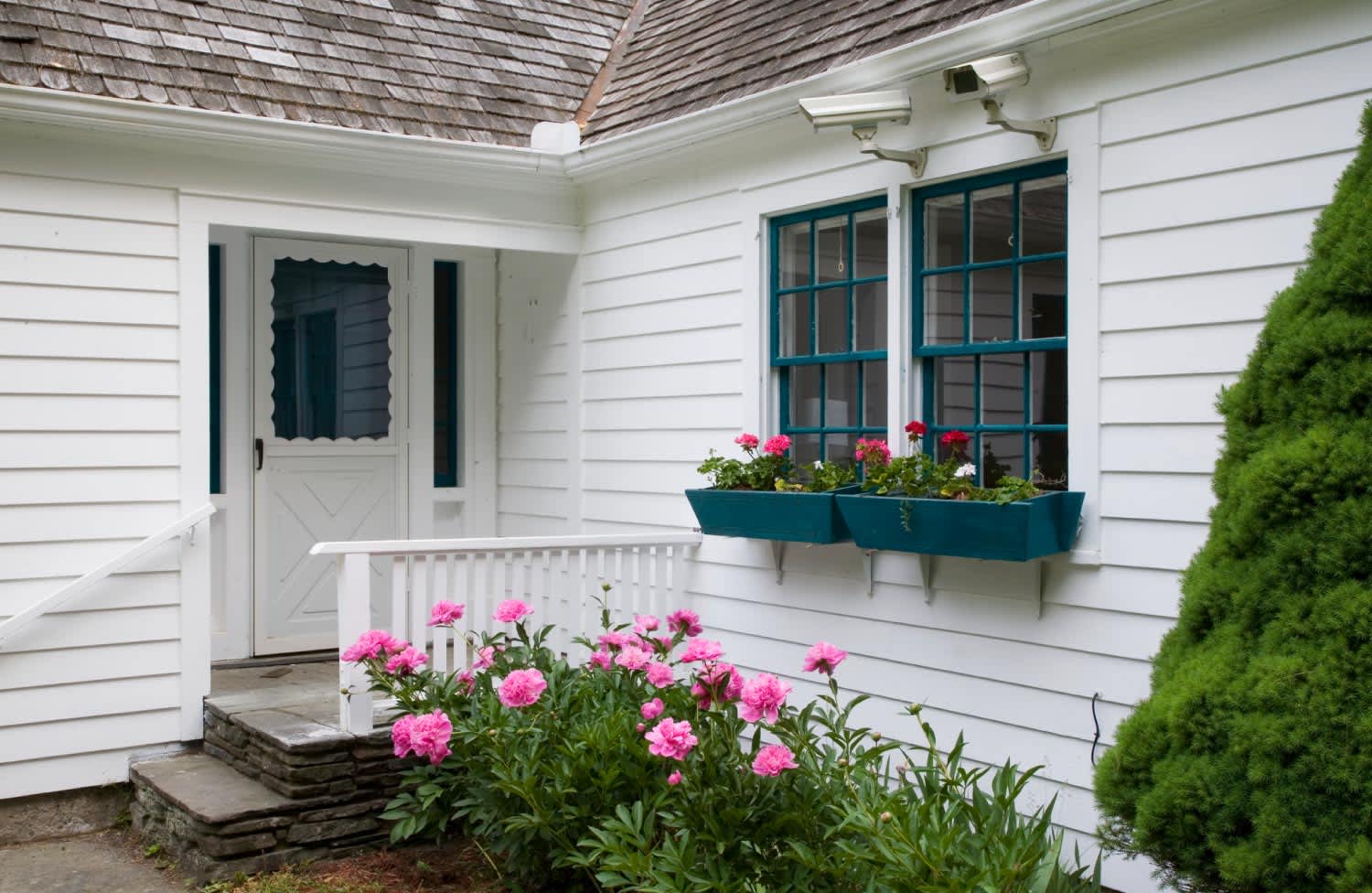
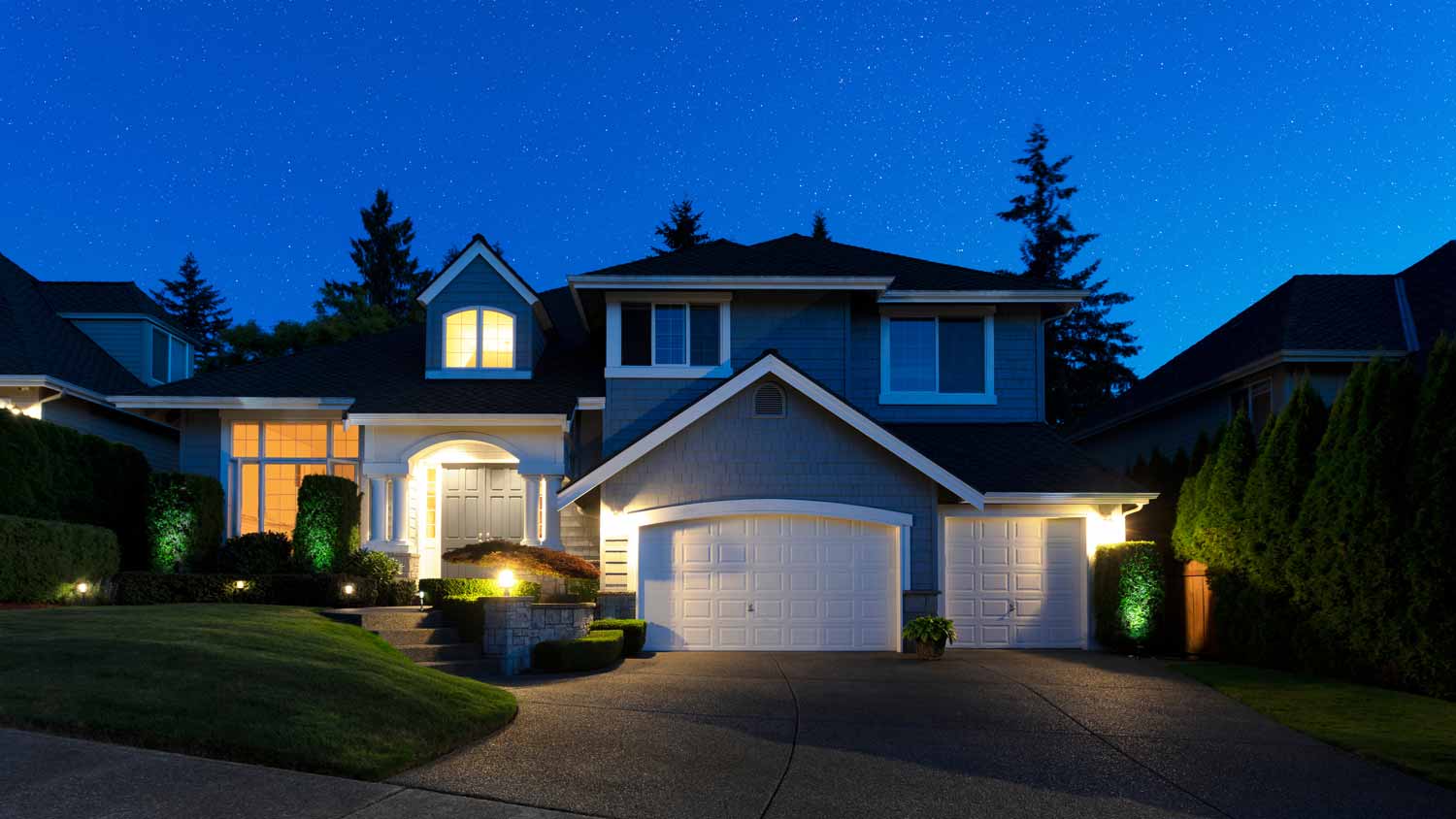
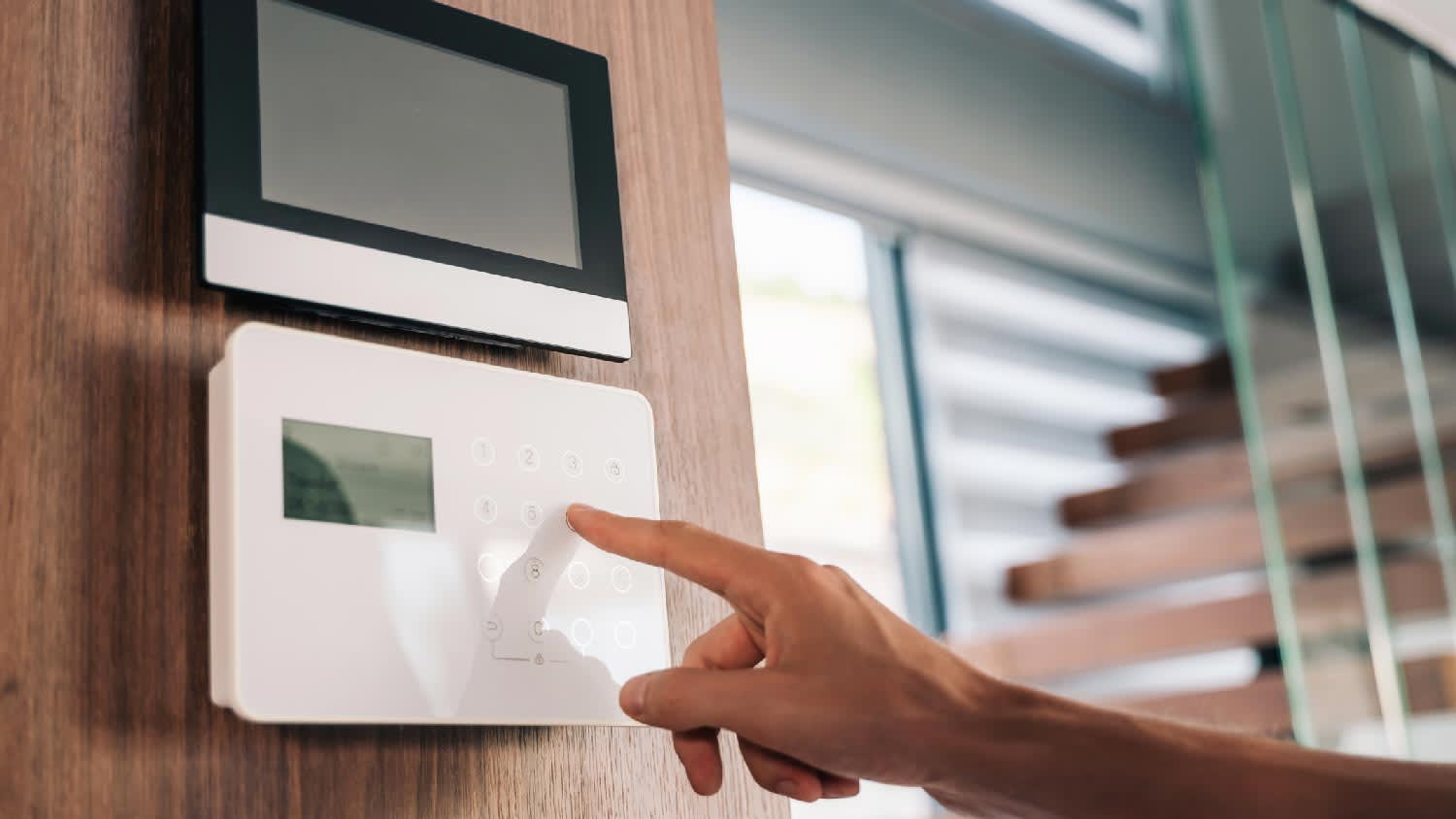
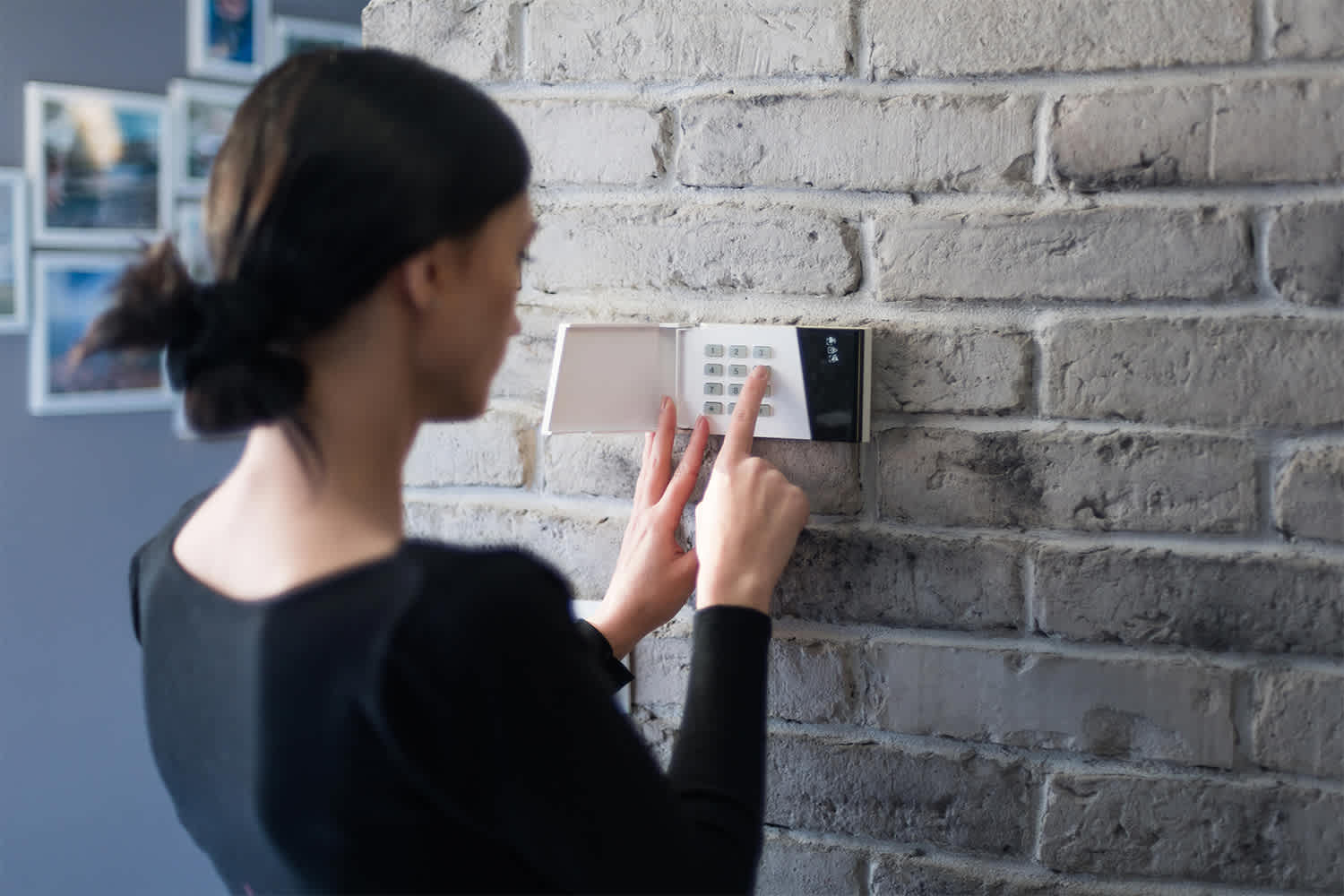
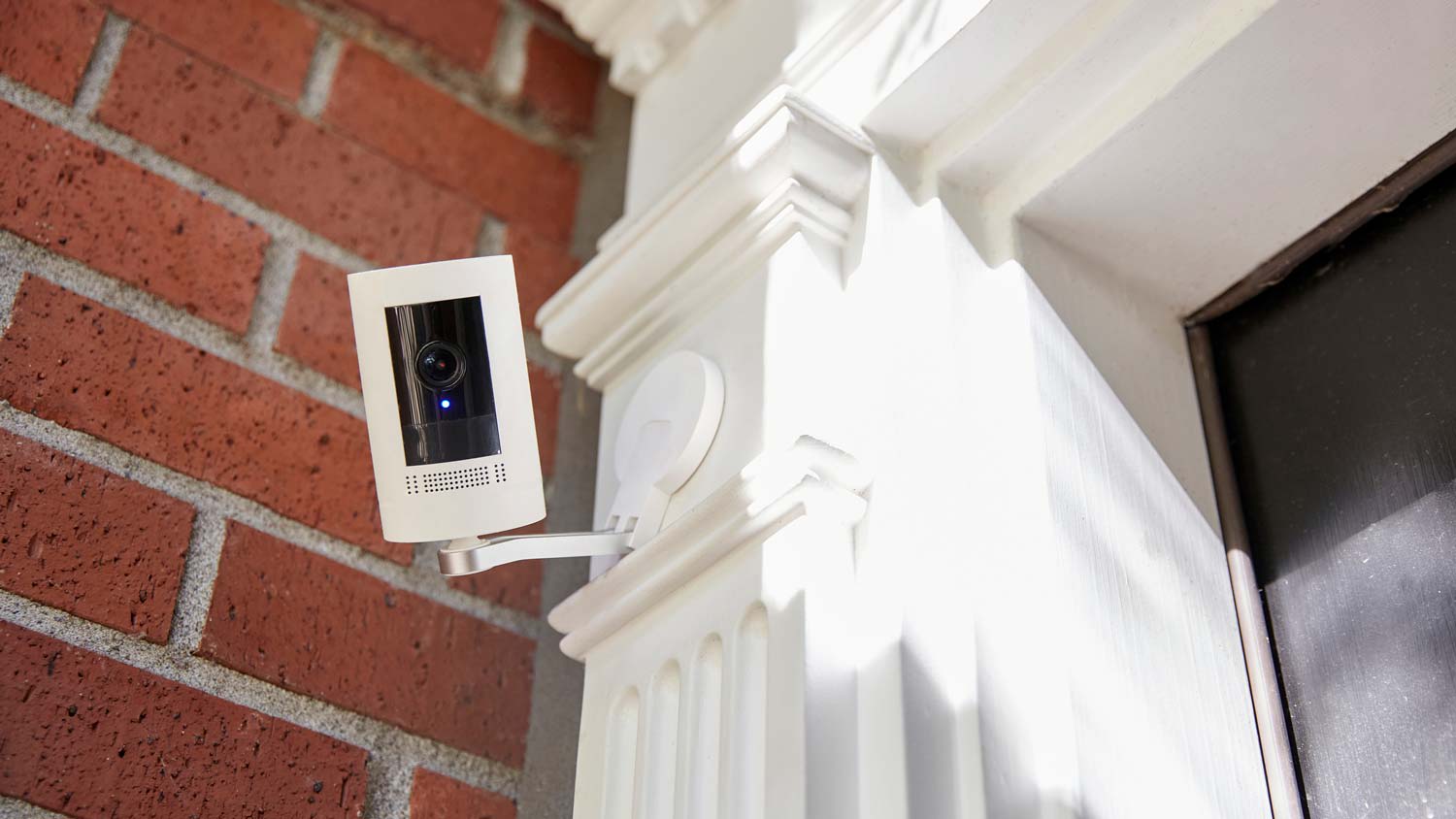
We specialize in residential and Monitored Security & Automation. \nOptions include: Remote Monitoring | Indoor & Outdoor Cameras | Camera Doorbells | Smart Locks.\n\nOur system is custom built to deter real threats our home security systems doesn't just record crime, they help prevent it. With outdoor security cameras that detect lurkers and scare them away, a doorbell camera that detects and protects packages, and smart locks, lighting, and security sensors—your home is always protected.
"I self installed our FrontPoint system. It went smoothly and my questions were answered efficiently and professionally by the FrontPoint staff. I would highly recommend FrontPoint as a home security system."
"It went great! From Travis the sales person to Noah the installer I couldn't have asked for a more professional and through team to deliver my home security needs. We just bought a new house in a neighborhood that's up and coming but there's still an element that we want to protect our home and valuable from. Security One helped us find a system that we could monitor while we're away and that would make my girlfriend feel safe when I'm not a home. We highly recommend them especially Travis and Noah. Ask for them by name! "
"We like their service. We haven't had any problems. They are very good. This was the first time we've had an alarm/security system in our home. The supplier is ADT. I like that I can set my alarm every night before I go to bed."
"About 4 years ago I need my home protected by something other than my dog while I was not home looking for a job. I needed something affordable, simple to use and install my self as my house was not prewired. I found Protect America and it had all I needed and more. Over the years I have added to my system more sensors, motion detectors, camera's, carbon monoxide sensor, and monitored smoke detectors. All of it was simple enough to do with some help with their Installation Technician walking me though everything on the phone. I have had other companies try to get me to switch to them, but what I have works and they could not beat the price so I told them no thanks."
"LOVE this system! Customer service was extremely nice and made my experience effortless. Speaking of effortless, the self-installation was super easy. It took me less than 30 minutes from start to finish to get my system up and running. Highly recommended!"
"The work went very well. I believe the job was more difficult than the work described in the estimate. There was no additional charge. Alvin answered every question. He responded to my emails promptly. He even came back to reset the new system after my dog ate one of the remotes. Two months later my 10 year old TV quit. I had several questions about a replacement TV, which was returned based on Alvin's advice. I will make an appointment to have Alvin install the new TV."
AIO provides computer support services for all PC platforms including Apple OSX/iOS, Microsoft Windows, and Google Android devices. \n\nWe are the only company on Angi.com with a BBB A+ rating providing nation-wide IT support on-site/remote services from over 1500 locations. You can call us directly at 832-402-1335, option 1 for sales, to be connected to a sales engineer if you need immediate help. You can also visit our website at https://aiosupport.net. We look forward to helping you!
"The last was a rental company that we have and we used them for an air conditioning and heating system. It was Bototach Mechanical. It’s been a good program for us. They’re very responsive. I don’t know what the thought process was. My husband said, well let’s try these guys and so we did. We have an older home and it’s proved to be a very good deal. The quality has been pretty good, so I would give them an A for the quality. I will give you one helpful hint though. If the company decides they want to replace an appliance, you need to call them and negotiate with them because you can upgrade, but you need to talk to them in person not just do it over the internet."
Home Security Systems questions, answered by experts
Several types of deadbolts are available, including single-cylinder, double-cylinder, rim, smart, and electronic deadbolt locks. The most common type found in U.S. homes is the single-cylinder deadbolt, which uses a key on the exterior and a thumb turn on the interior. A double-cylinder deadbolt features two locking mechanisms and requires a key to be operated from both the inside and the outside.
You likely can reset your house alarm without the code, but it depends on many factors like how it’s wired and whether or not there’s a default reset code. Most companies make bypassing a security alarm without entering your code challenging to prevent burglars from simply resetting the alarm during a break-in. Your best bet is to contact your alarm company directly to get specialized support for your situation.
But, while you wait for support, you can disconnect it from the power source to stop the alarm from going off.
Some but not all security cameras have monthly fees, depending on the specific camera system and the services offered with it, especially monitored vs. unmonitored security systems. Home security companies that offer monitoring services along with cameras will charge a monthly fee for monitoring and possibly for using the security cameras. Cameras that you monitor yourself as part of your own security system will not have monthly fees charged.
There are several strategic ways to lower your home insurance premium. The primary one is to shop around and get quotes every few years to make sure you’re getting the best deal. Also, sometimes bundling your auto and homeowner’s insurance will get you a discount on both. Finally, try to keep your credit score up; many homeowner insurance companies use credit scores to generate quotes.
Any type of dead bolt lock provides the highest level of safety for a single device. However, it’s also important to determine a lock's grade. Locks can come in either Grade 1, Grade 2, or Grade 3, which indicates how durable it is and if it’s constructed solidly. Safety experts recommend choosing locks based on Grade 1, which offers the highest level of durability.
The Valier, MT homeowners’ guide to home security system services
From average costs to expert advice, get all the answers you need to get your job done.
Learn how to hire a home security system installer, find qualified pros, and ask the right questions to protect your home with professional installation.
Monitored vs. unmonitored home security systems: which can best defend your home from crime and other dangers? Learn the differences between these two products.