







Top-rated ceiling fan pros.

Get matched with top ceiling fan pros in Arcadia, MI

Enter your zip and get matched with up to 5 pros

Need a pro for your ceiling fan service project in Arcadia, MI?

Select your specific project to find the pro for you.

Find Ceiling fan pros in Arcadia

Avatar for American Home Shield – Home Warranty
American Home Shield – Home Warranty
3.5(
5,688
)

Serving Arcadia, MI and surrounding areas

In business since 1971

Credit card accepted

"I love American Shield.  I love American Shield.  I love them. We have 2 homes; this home is 30 years old, our home in California is twenty years old and we have used them in both places.
A, number 1, plus, plus!"
Additional Photos
Additional Photos
Additional Photos
Additional Photos
Additional Photos

+2

Recommended by65%of homeowners
Ceiling Fans questions, answered by experts

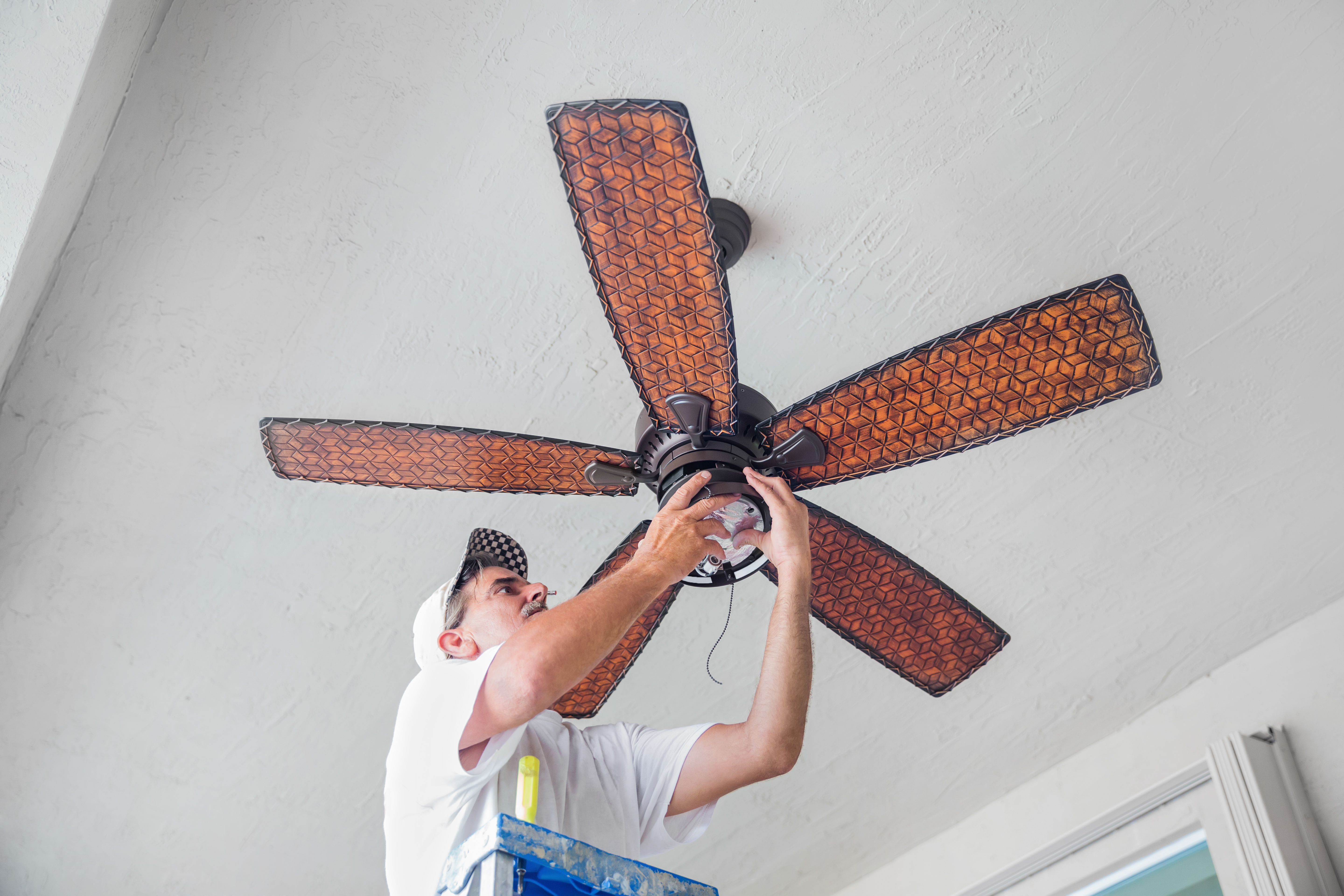
Essential tools for ceiling fan installation include a ladder, screwdriver, pliers, wire strippers, and a circuit tester. If the ceiling is angled or features unique configurations, ensure the availability of a compatible mounting bracket.

There are several telltale signs to let you know that your ceiling fan needs servicing or replacement. For instance, if it’s wobbling, rotating too slowly, or if your ceiling fan is making noise such as squeaks, buzzes, and thumps, it’s time to have it looked at by a professional. Not only may it indicate a potential problem with the fan itself, but it could also signal a red flag that it’s improperly assembled or there’s an issue with the wiring.

The direction your ceiling fan spins helps create comfortable airflow in your home and can also help cut down on energy costs. 

During summer, your ceiling fan should spin counterclockwise. This will push cooler air downward in a column and help lower your room’s air temperature. In the winter, set your ceiling fan to spin clockwise and at the lowest speed setting. This will pull cool air upwards, displacing the warm air that pools towards the top of your ceiling and bringing it down towards the floor.

If the fan doesn’t have a switch, connect the white wire from the ceiling to the white wire from the fan; connect the green wire to the ground wire; connect both black wires; and connect both blue wires. If yours has a switch, the white and green wires are connected the same way. However, connect the ceiling’s red wire to the light’s black wire and the ceiling’s black wire to the fan’s black wire. 

To convert a ceiling fan to wireless, you’ll need to install a canopy module to access the lighting and fan controls. Many options are available, all of which help you control specific elements of your ceiling fan, so you have plenty of choices depending on your needs.

The Arcadia, MI homeowners’ guide to ceiling fan services

From average costs to expert advice, get all the answers you need to get your job done.