







Top-rated home security system pros.

Get matched with top home security system pros in Keene, TX

Enter your zip and get matched with up to 5 pros

Need a pro for your home security system service project in Keene, TX?

Select your specific project to find the pro for you.

TRUSTED BY KEENE, TX HOMEOWNERS

  • Average homeowner rating star icon4.5
    Average homeowner rating
  • Verified reviews icon67
    Verified home security system services reviews

Find Home security system pros in Keene

Avatar for Maximus Security Services
Maximus Security Services
4.8(
433
)
Alarm or Security System - Install - For BusinessAlarm or Security System - MonitorAlarm or Security System - Monitor - For Business+2 more

Serving Keene, TX and surrounding areas

Approved

In business since 2011

Free estimates

Emergency services offered

"We experienced beeping coming from our key pads on our ADT system. Certain zones were reported to check. We replaced batteries in the smoke detectors but that did not resolve our problem. Called Maximus Security, Kevin performed a complete system check. Found our back up battery was low on reserve power and replaced. Also rebooted system and performed certain coding that resolved our issues. All this for a very reasonable charge. What’s better, we got a call from Kevin a week later as a follow up call just to check if all was well. 5 star service!"
Gallery
Recommended by96%of homeowners

Avatar for DFW Security
DFW Security
4.3(
14
)
Surveillance Cameras - Install or Repair - For BusinessAlarm or Security System - Install - For BusinessAlarm or Security System - Monitor+1 more

Serving Keene, TX and surrounding areas

Approved

In business since 1993

Free estimates

Warranties offered

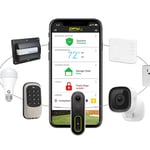
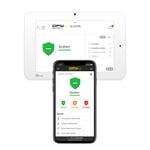
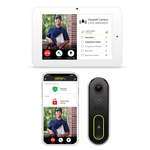
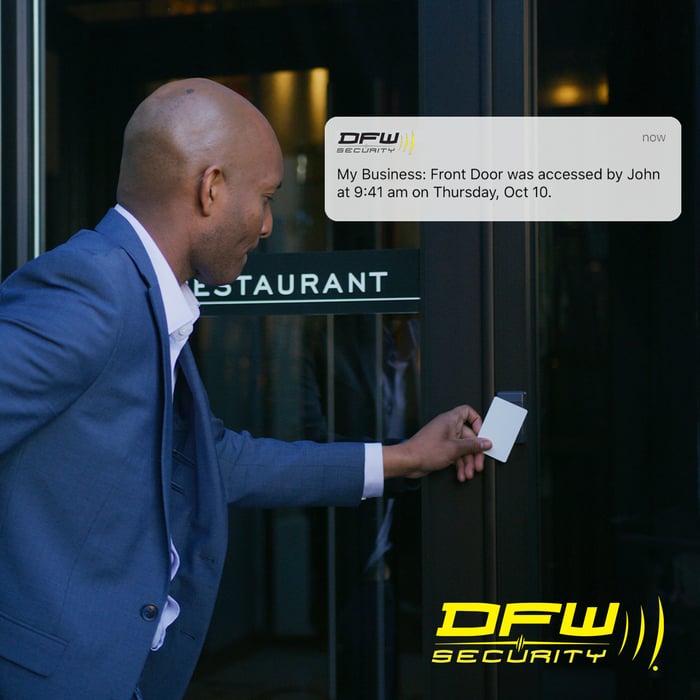
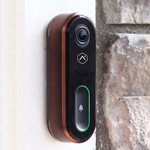
Welcome to DFW Security, where state-of-the-art technology and friendly local service come together for your peace of mind. How can we help?\n**Note - EQUIPMENT MUST BE PURCHASED FROM DFW SECURITY** Cameras or security systems purchased elsewhere cannot be installed by DFW Security.

Smart Home
Home & Business Security
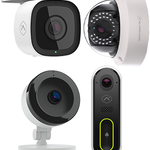
Cameras for Every Need
Doorbell Camera
Access Control

+12

Response time2 days
Response rate92%
1 neighbors recently requested a quote
Avatar for Protect Your Home
Protect Your Home
2.6(
6
)
Alarm or Security System - InstallAlarm or Security System - Monitor

Serving Keene, TX and surrounding areas

Approved (Corporate)

In business since 1998

Free estimates

Credit card accepted

Protect Your Home is a leader in the home security industry, providing safety and peace of mind to more than 1.5 million families nationwide. Since we emerged in 1998, we've grown from a company of few to having over 2,000 high performance team members, three locations in Indianapolis, a sales center in Kentucky, and over 128 field branches across the country—and we're still growing.\n\nFor nearly 20 years, Protect Your Home has partnered with ADT®, the #1 name in home security. Today, with our national reach, we are one of ADT's biggest partners and the only partner to be designated as an Authorized Premier Provider.\n\nOur commitment to serving others combined with our projects, events, and culture contribute to the development of our team professionally, personally, and financially.\n\nIt's our mission. It's who we are. It's our legacy.\n

SA and Homeowner
Recommended by100%of homeowners
B&R Repair and service
New to Angi
Building Automation System - Install or Service - For BusinessSmart Home System - Install or Service

Serving Keene, TX and surrounding areas

Approved

I have been a sole proprietor for 5 years now doing everything from automotive to welding and even small house repair and fencing. I have a state license for installing security equipment and other things great for your home or business. I focus on your satisfaction not just completing the job. Hope to do business with you soon.

...
Showing 1-10 of 121
Home Security Systems questions, answered by experts

In general, keyless door locks are considered safe, and their security depends on the type and quality of the lock. They cannot be picked like a traditional lock and often include added features like biometric access, PIN codes, and smartphone connectivity, which can make them more secure. However, they are not without risks. Potential vulnerabilities include hacking for Wi-Fi-connected models, battery failure, power outages, and technical malfunctions. To maximize security, it is important to choose a reliable brand, stay on top of software updates, and perform regular maintenance. While the risks are different, keyless locks are not considered more dangerous than traditional locks.

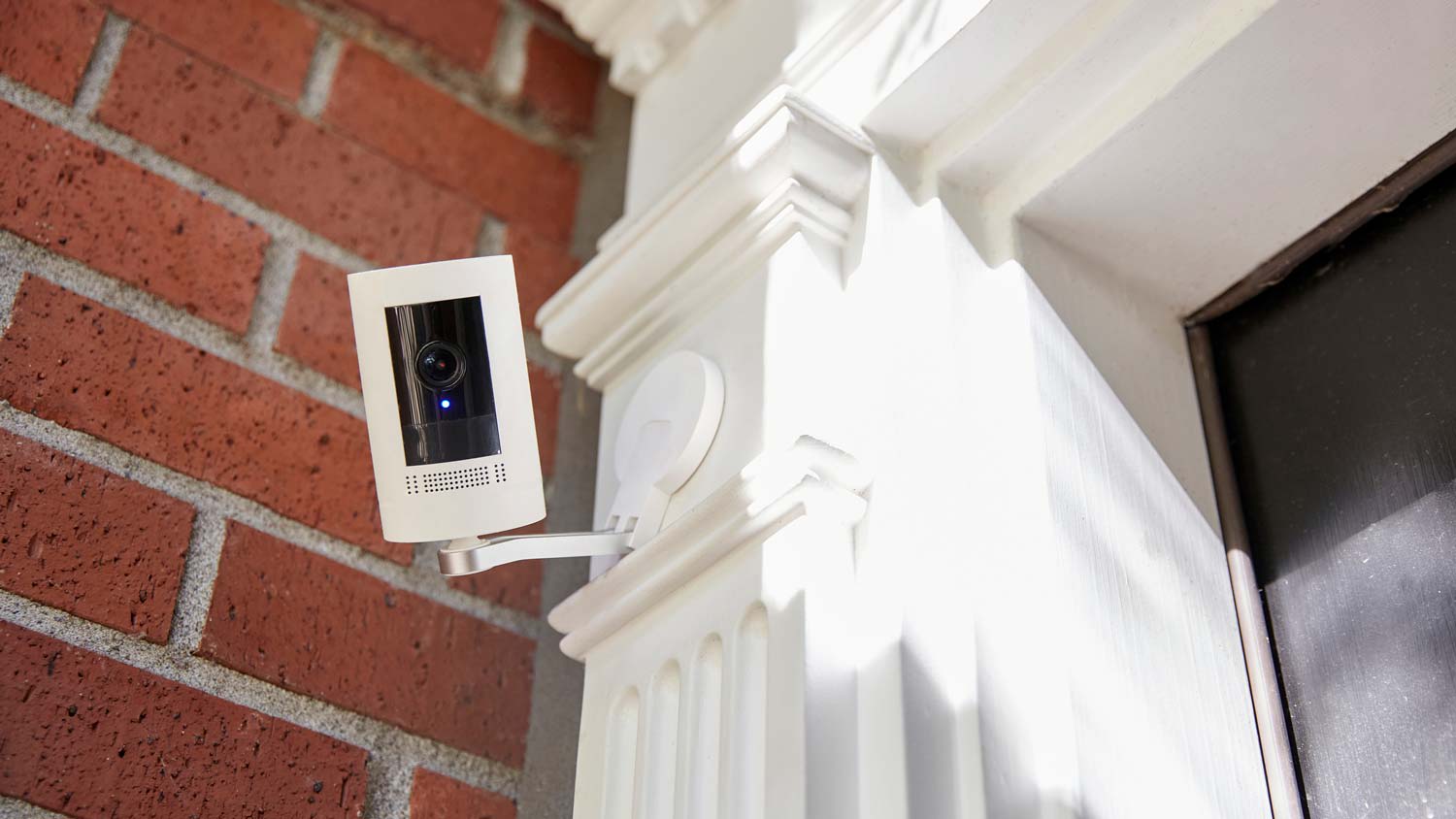
Security camera prices vary widely, with individual cameras typically ranging from $125 to $450 on average, not including professional installation costs. The camera's quality also impacts what you pay. Expect to pay more for desirable features, including a resolution of 1080p or higher, a field of view over 110 degrees, and enhanced night vision. Remember, your out-of-pocket installation cost will increase significantly when purchasing a complete system to cover your property inside and out.

You don’t need to completely revamp your security system constantly, but it’s a great idea to give it a once-over every year. Look for potential upgrades or new features—like smart home tech or replacing outdated equipment—that could boost your safety. If you make any significant changes, let your insurer know as they may adjust your discounts to reflect your improved security. Staying on top of your security not only keeps your home safe but ensures you’re getting the best possible rate on your insurance.

Whether a security system or security cameras is a better choice for you depends on your needs and preferred comfort level. A security system can cost more depending on the features you choose, but it’s a more proactive and protective approach to home security by alerting you and authorities of any emergencies. Using a security camera system is a more reactive approach because while you can monitor the camera footage, it does not alert the proper authorities for you.

Security cameras do not need wiring if they are wireless, meaning they are battery-operated and can connect through Wi-Fi. You’ll need to change the batteries on a wireless camera and ensure you have a steady connection to Wi-Fi for video storage. If you have a wired security camera, you’ll need to plug it into an outlet or other power source and a DVR device.

The Keene, TX homeowners’ guide to home security system services

From average costs to expert advice, get all the answers you need to get your job done.