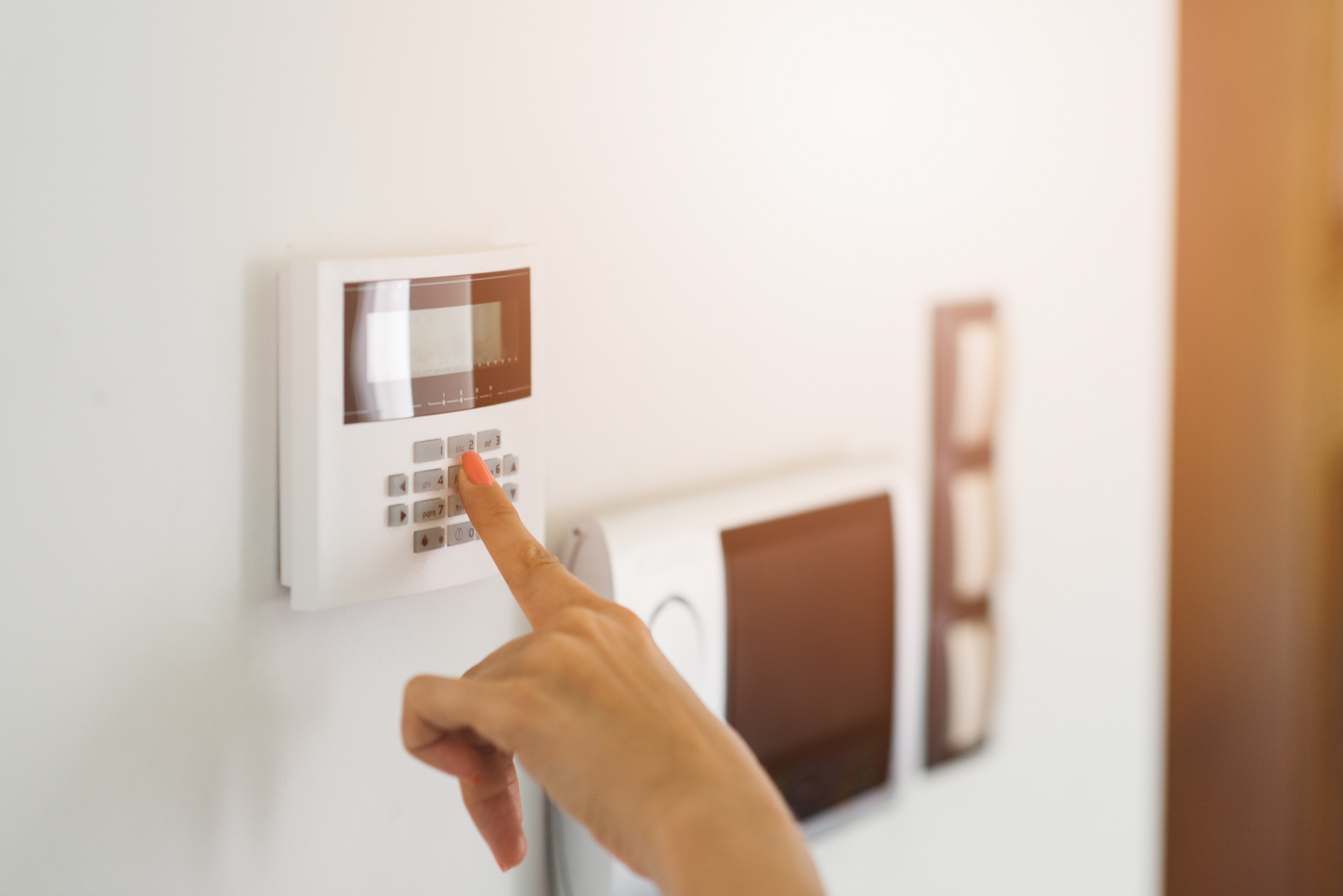







Top-rated home security system pros.

Get matched with top home security system pros in Electra, TX

Enter your zip and get matched with up to 5 pros

Need a pro for your home security system service project in Electra, TX?

Select your specific project to find the pro for you.

Find Home security system pros in Electra

Avatar for Texas Made Security
Texas Made Security
4.8(
45
)
Alarm or Security System - InstallSurveillance Cameras - Install or RepairAlarm or Security System - Install - For Business+5 more

Serving Electra, TX and surrounding areas

Approved

In business since 2013

Credit card accepted

Offers commercial services

"Pete was very prompt in responding to my request for service, and scheduled the appointment. Work was performed quickly and efficiently. I would use Texas made security in the future for any television and security issues. Very satisfied."
Response time1 day
5 neighbors recently requested a quote
Recommended by85%of homeowners
Avatar for Protect Your Home
Protect Your Home
2.6(
6
)
Alarm or Security System - InstallAlarm or Security System - Monitor

Serving Electra, TX and surrounding areas

Approved (Corporate)

In business since 1998

Free estimates

Credit card accepted

Protect Your Home is a leader in the home security industry, providing safety and peace of mind to more than 1.5 million families nationwide. Since we emerged in 1998, we've grown from a company of few to having over 2,000 high performance team members, three locations in Indianapolis, a sales center in Kentucky, and over 128 field branches across the country—and we're still growing.\n\nFor nearly 20 years, Protect Your Home has partnered with ADT®, the #1 name in home security. Today, with our national reach, we are one of ADT's biggest partners and the only partner to be designated as an Authorized Premier Provider.\n\nOur commitment to serving others combined with our projects, events, and culture contribute to the development of our team professionally, personally, and financially.\n\nIt's our mission. It's who we are. It's our legacy.\n

SA and Homeowner
Recommended by100%of homeowners
Avatar for Protect America Home Security
Protect America Home Security
3.5(
227
)
Alarm or Security System - InstallAlarm or Security System - Install - For BusinessAlarm or Security System - Monitor+7 more

Serving Electra, TX and surrounding areas

In business since 1992

Free estimates

Emergency services offered

"They system was installed for the basic, but anything that you wanted needed to be higher upgraded require alot of extra money for every upgrade.
 The 36.99 monthly fee was for only if your system is connected to a landline. I didnnt notice that they charge me $44.99 until my 1st month fee. Thats when I was told that they charge $44.99 because the alram was connected to my cable line instead. I was unaware of the different charges. When tec came out he didnt show up to fix the corrected. Had to call the main company for the no show. So they schedule another appointment and offered 2 window alarms to fix the correction but my bill still is $44.99. Default is that since I didnt have extra money to upgrade to the Pulse, you dont know if you turn the alarm to your house properly. I called the 800 number and they cant tell either!
"
Platinum Package - Protects up To 15 Doors / Windows for FREE
Protect your Whole Home
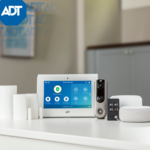
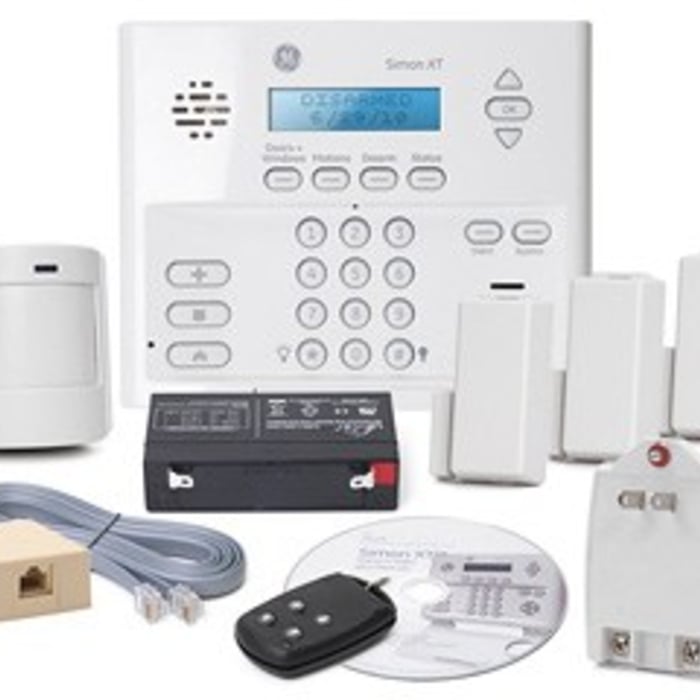
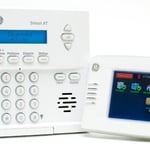
Simon XT Touchscreen
Recommended by64%of homeowners
Showing 1-10 of 25
Home Security Systems questions, answered by experts

Yes, it's possible for hackers to access wireless security cameras by guessing or stealing passwords. Additionally, your camera's cloud content can also be hacked. Finally, some criminals use Wi-Fi signal jammers to disable wireless cameras.

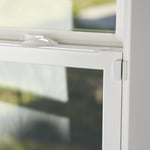
The best window alarm sensor depends on the type of window you’re concerned about since different types of sensors will work best in different scenarios. Many homes are equipped with contact sensors, which trigger an alarm when a window is opened, and each part of the sensor breaks contact with the other. But there are other options, too, like a glass break sensor or motion sensor, which both work well for windows that are in low-traffic areas.

You don’t need to completely revamp your security system constantly, but it’s a great idea to give it a once-over every year. Look for potential upgrades or new features—like smart home tech or replacing outdated equipment—that could boost your safety. If you make any significant changes, let your insurer know as they may adjust your discounts to reflect your improved security. Staying on top of your security not only keeps your home safe but ensures you’re getting the best possible rate on your insurance.

Some but not all security cameras have monthly fees, depending on the specific camera system and the services offered with it, especially monitored vs. unmonitored security systems. Home security companies that offer monitoring services along with cameras will charge a monthly fee for monitoring and possibly for using the security cameras. Cameras that you monitor yourself as part of your own security system will not have monthly fees charged.

The main difference between different security sensor options is the type of motion each detects. A motion detector monitors obvious movements in hallways, entrances, and exits. On the other hand, a presence detector is more sensitive and captures smaller moves. A window sensor typically focuses on the opening and closing of the window, whereas a glass break sensor alarms you when a glass is broken.

The Electra, TX homeowners’ guide to home security system services

From average costs to expert advice, get all the answers you need to get your job done.