
Top-rated home security system pros.

Get matched with top home security system pros in Oneida, TN

Enter your zip and get matched with up to 5 pros

Need a pro for your home security system service project in Oneida, TN?

Select your specific project to find the pro for you.

Find Home security system pros in Oneida

Avatar for ADT
ADT
4.5(
879
)
Surveillance Cameras - Install or RepairAlarm or Security System - InstallAlarm or Security System - Repair+5 more

Serving Oneida, TN and surrounding areas

Approved (Corporate)

Super Service Award Winner

In business since 1874

Free estimates

Emergency services offered

"I used to work in the security industry. Once I got married and had kids I definitely wanted a home security system. Bought ADT about a month ago and it’s worked out excellent. No glitches or issues and everyone was awesome in the buying and activation process."
Home Security Essentials
Smart Home Security
Cameras
Our Team
Home Security Essentials

+35

60 neighbors recently requested a quote
Recommended by89%of homeowners
Avatar for Advanced Security Concepts
Advanced Security Concepts
4.6(
171
)
Alarm or Security System - InstallSurveillance Cameras - Install or RepairAlarm or Security System - Repair+5 more

Serving Oneida, TN and surrounding areas

Approved

Super Service Award Winner

In business since 1997

Free estimates

Emergency services offered

"Chris and his crew did an excellent job with our install of security cameras. After the job was done we had a few questions regarding how the system worked and Chris was prompt with a reply. We have no hesitations to recommend Advanced Security Concepts."
A day at the lake cameras at the Boat dock
1080p cameras
Response time12 hrs
29 neighbors recently requested a quote
Recommended by95%of homeowners
Avatar for Protect Your Home
Protect Your Home
2.6(
6
)
Alarm or Security System - InstallAlarm or Security System - Monitor

Serving Oneida, TN and surrounding areas

Approved (Corporate)

In business since 1998

Free estimates

Credit card accepted

Protect Your Home is a leader in the home security industry, providing safety and peace of mind to more than 1.5 million families nationwide. Since we emerged in 1998, we've grown from a company of few to having over 2,000 high performance team members, three locations in Indianapolis, a sales center in Kentucky, and over 128 field branches across the country—and we're still growing.\n\nFor nearly 20 years, Protect Your Home has partnered with ADT®, the #1 name in home security. Today, with our national reach, we are one of ADT's biggest partners and the only partner to be designated as an Authorized Premier Provider.\n\nOur commitment to serving others combined with our projects, events, and culture contribute to the development of our team professionally, personally, and financially.\n\nIt's our mission. It's who we are. It's our legacy.\n

SA and Homeowner
Recommended by100%of homeowners
Avatar for Protect America Home Security
Protect America Home Security
3.5(
227
)
Alarm or Security System - InstallAlarm or Security System - Install - For BusinessAlarm or Security System - Monitor+7 more

Serving Oneida, TN and surrounding areas

In business since 1992

Free estimates

Emergency services offered

"They system was installed for the basic, but anything that you wanted needed to be higher upgraded require alot of extra money for every upgrade.
 The 36.99 monthly fee was for only if your system is connected to a landline. I didnnt notice that they charge me $44.99 until my 1st month fee. Thats when I was told that they charge $44.99 because the alram was connected to my cable line instead. I was unaware of the different charges. When tec came out he didnt show up to fix the corrected. Had to call the main company for the no show. So they schedule another appointment and offered 2 window alarms to fix the correction but my bill still is $44.99. Default is that since I didnt have extra money to upgrade to the Pulse, you dont know if you turn the alarm to your house properly. I called the 800 number and they cant tell either!
"
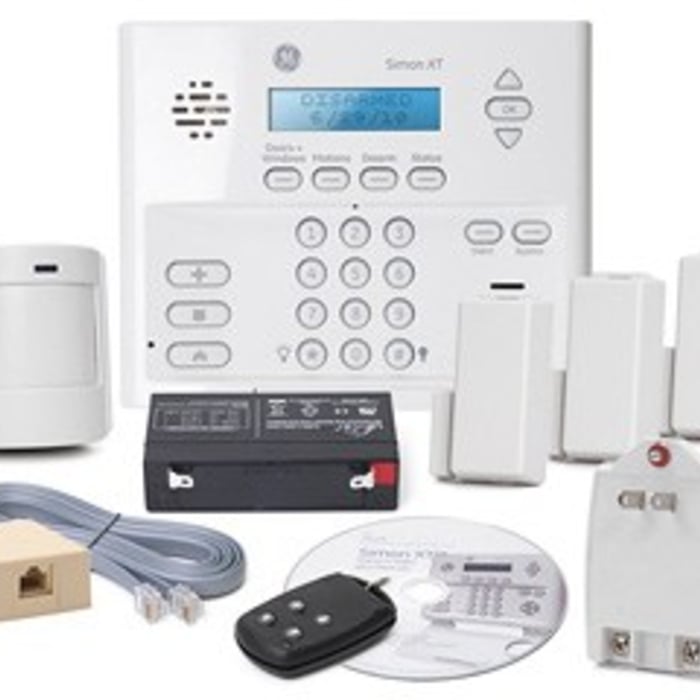
Platinum Package - Protects up To 15 Doors / Windows for FREE
Protect your Whole Home
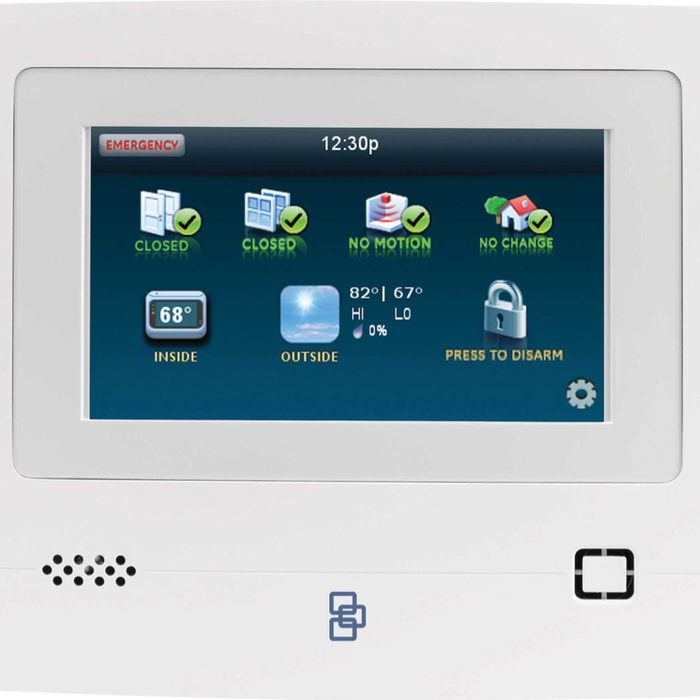
Simon XT Touchscreen
Recommended by64%of homeowners

Showing 1-10 of 26
Home Security Systems questions, answered by experts

Yes, many providers offer remote troubleshooting and monitoring for business networks.
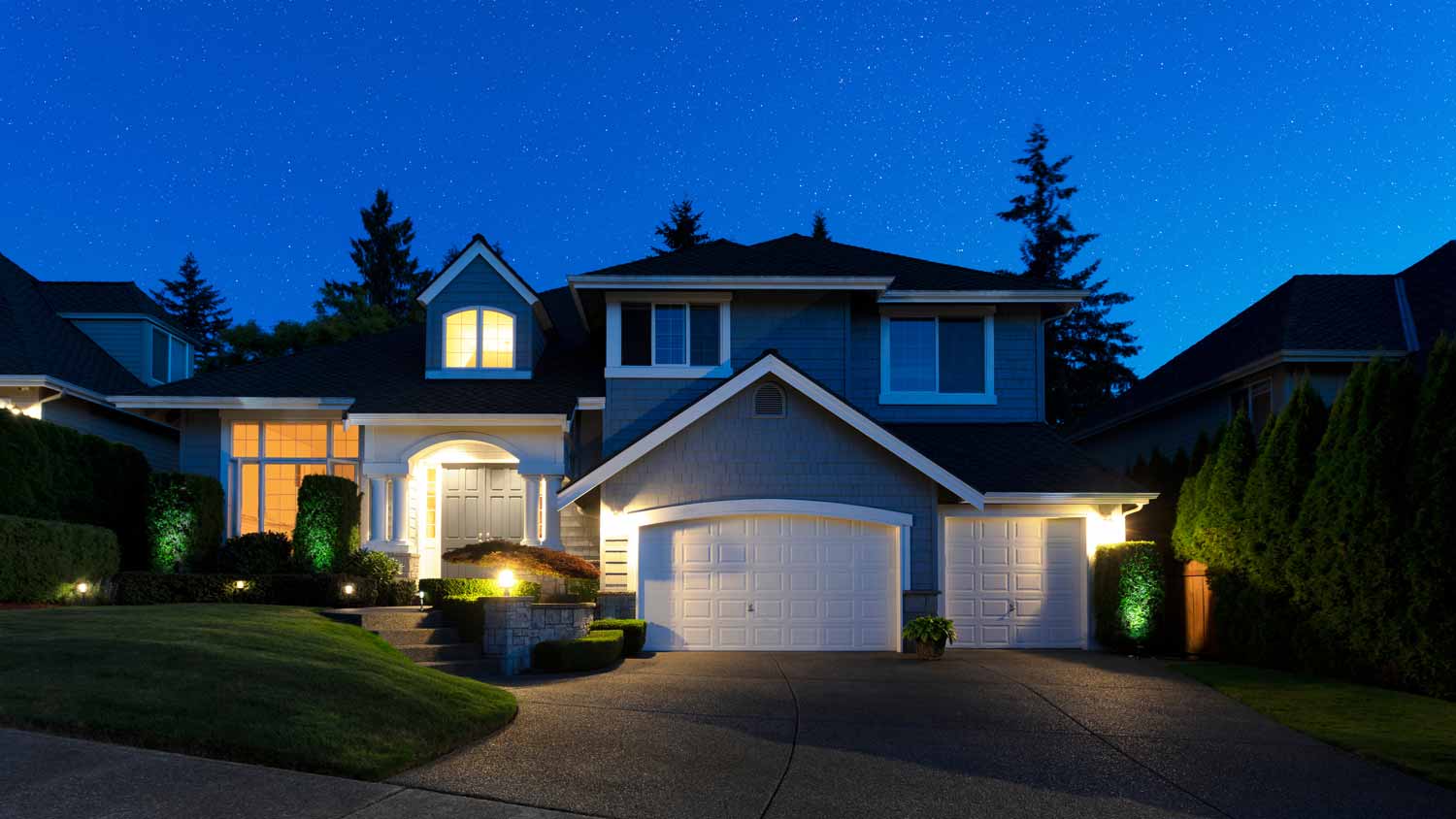
In general, keyless door locks are considered safe, and their security depends on the type and quality of the lock. They cannot be picked like a traditional lock and often include added features like biometric access, PIN codes, and smartphone connectivity, which can make them more secure. However, they are not without risks. Potential vulnerabilities include hacking for Wi-Fi-connected models, battery failure, power outages, and technical malfunctions. To maximize security, it is important to choose a reliable brand, stay on top of software updates, and perform regular maintenance. While the risks are different, keyless locks are not considered more dangerous than traditional locks.

Grounding is a great first step to prevent electrical shock, but you can take it further with GFCI outlets and AFCIs (arc fault circuit interrupters). In particular, AFCIs help protect against the type of electrical arcs that cause fires, like if a mouse chews on a wire or your laptop starts overheating at the wall. These are required in some areas of your home.

Home security cameras typically do not record continuously 24/7. Most options use motion detection technology to trigger recording when they sense movement or a significant change in their field of view. This approach conserves storage space and reduces the need for constant monitoring. When motion is detected, the camera starts recording and may send alerts to the homeowner. However some cameras offer the option for continuous recording, but this requires substantial storage capacity and may overwrite older footage when space runs out.

False alarms happen, and they could be due to a problem you need to troubleshoot, like faulty wiring, a mistaken setting, or the system needing an update. Turn off your system by disconnecting its power supply (both the battery and transformer) and give the manufacturer a call to see what they advise. 

The Oneida, TN homeowners’ guide to home security system services

From average costs to expert advice, get all the answers you need to get your job done.