"Ollie the owner of Comtech handled our business as though it was his own. He came when ADT didn't! He made himself accessible for any problems that arose and even gave us his personal cell phone to call with anytime questions! His work ethic is like ours. Old school equals work hard and service your clients! I would highly recommend this man and his company for any business. We will be using his service for any of our tech needs in our homes and business! Highly recommend him! Thanks Ollie for coming through for us!!!!!!!!"
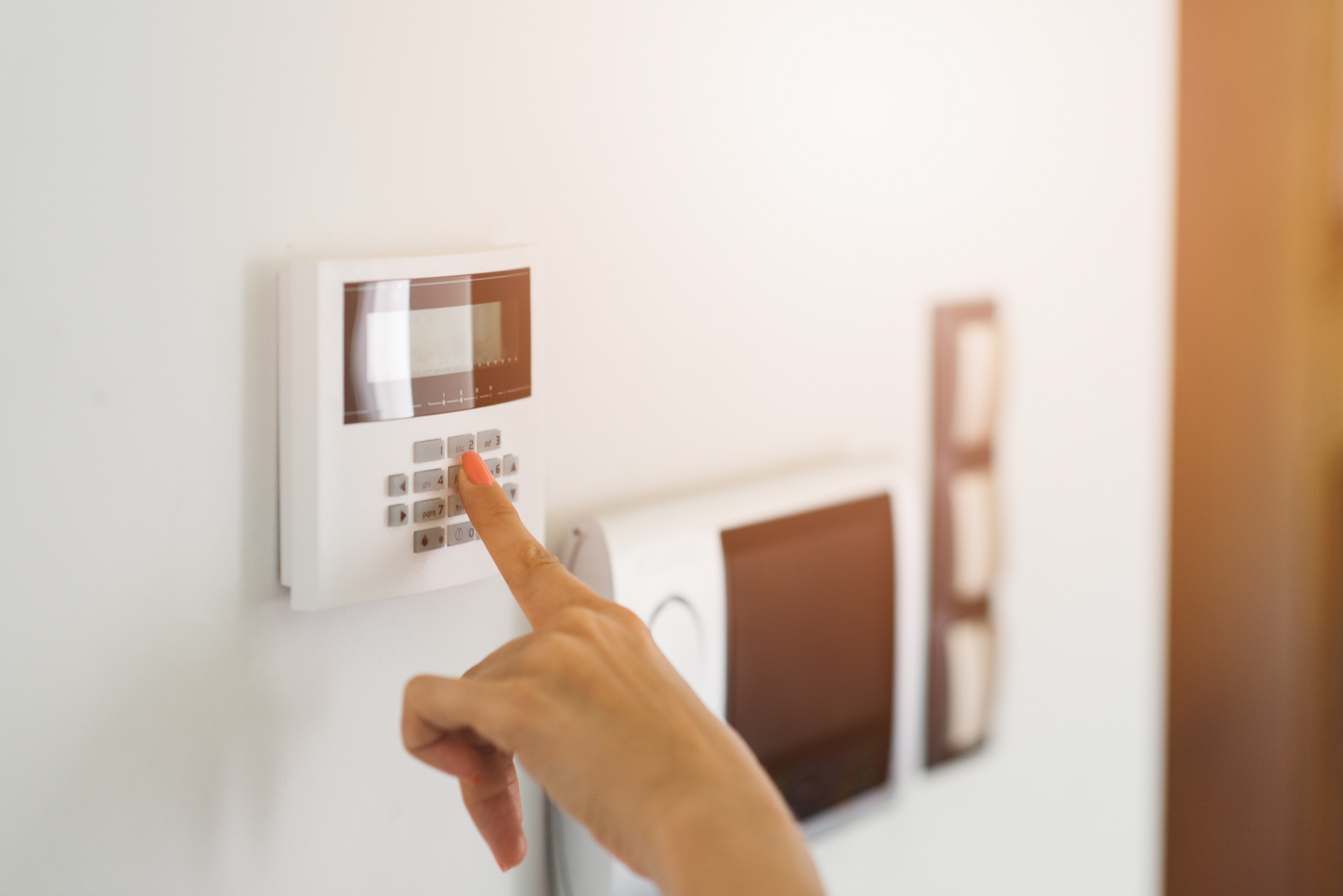
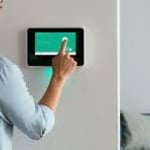
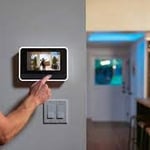
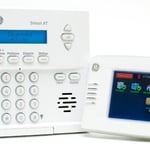
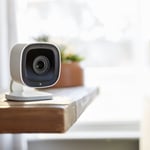
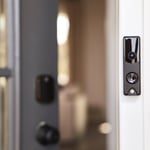
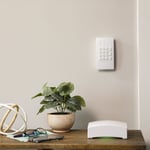
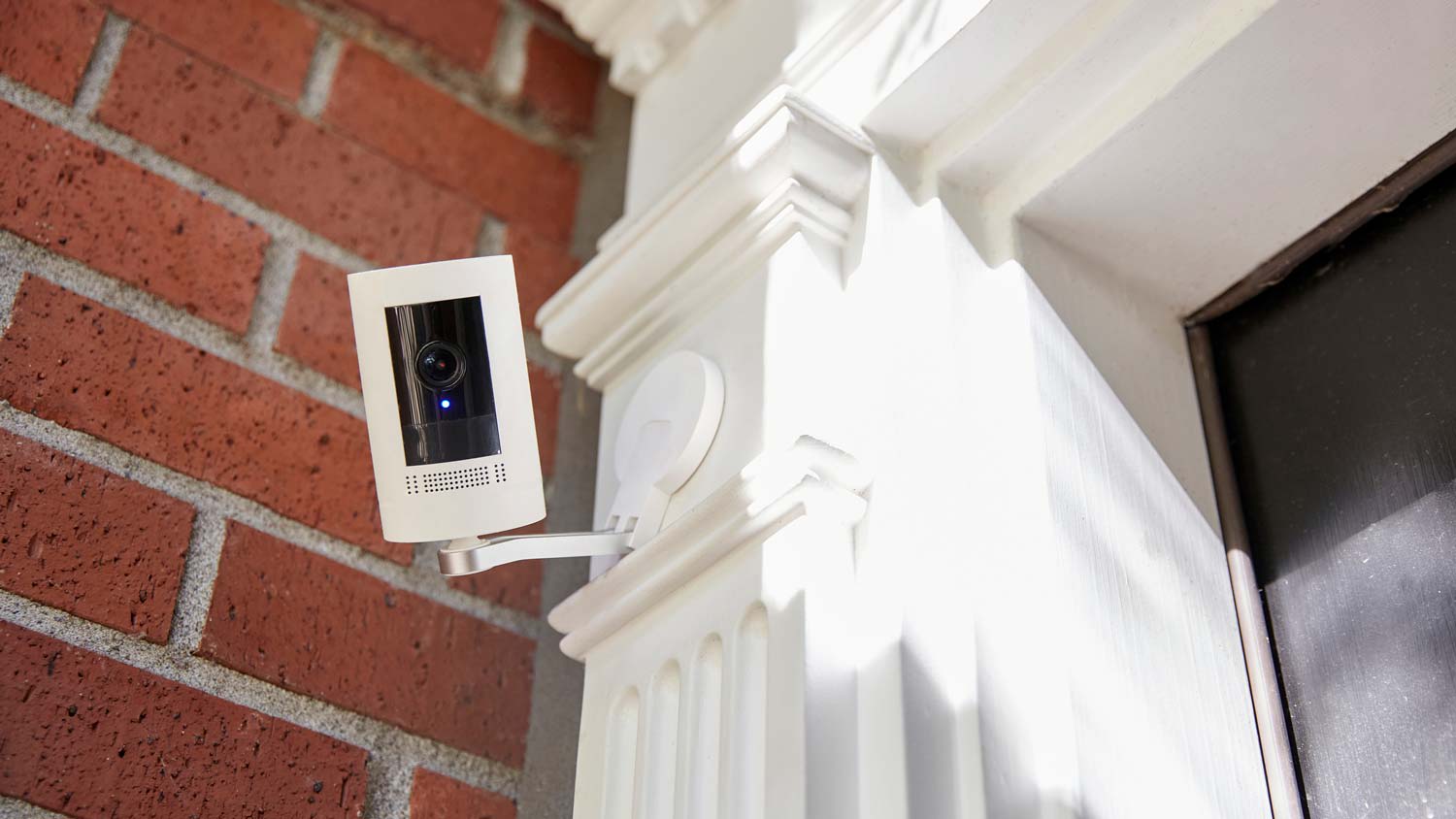
We specialize in residential and Monitored Security & Automation. \nOptions include: Remote Monitoring | Indoor & Outdoor Cameras | Camera Doorbells | Smart Locks.\n\nOur system is custom built to deter real threats our home security systems doesn't just record crime, they help prevent it. With outdoor security cameras that detect lurkers and scare them away, a doorbell camera that detects and protects packages, and smart locks, lighting, and security sensors—your home is always protected.
"I self installed our FrontPoint system. It went smoothly and my questions were answered efficiently and professionally by the FrontPoint staff. I would highly recommend FrontPoint as a home security system."
All went well, up and running in no time at all. It is very user friendly, you don't need a PHD to operate this system and we feel secure and safe knowing that we are being protected 24/7.
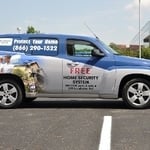
"I responded to a flyer that I received from ADT as I had been thinking about installing a security system for extra peace of mind as I am a single woman living alone. It sounded like a deal that was too good to pass up. I did not realize until I did some research later that ADT subcontracts all of their installation out to local providers so I am not sure which parts of this review should be directed at ADT vs Protect your Home...who provided the installation service but it is clear that their business practices have common core and most of my interaction has been with Protect Your Home. Apparently, after 3 months Protect your Home is no longer responsible for my system and after some research I am starting to wonder what will happen when ADT becomes responsible for addressing any issues with my system if there is no local service provider. Here's an overview of my experience. It was easy to set up the appointment and the installers arrived right on time. I want to state that my low grade has nothing to do with my overall experience with the installers who came out and installed my system. They were friendly and courteous and very professional in completing the install. Nor am I dissatisfied (for the most part) with the system that has been installed. However, the reason that I would not recommend Protect your Home is that I do have a problem with the sales tactics that they use which I have to believe come via ADT and then through the local installer Protect Your Home. I was definitely oversold and my monthly premium is too high and much higher than I was initially quoted. I am also locked in for 3 years which is too long and should be unnecessary if your product is worth the cost. I believe there are better ways to set up business practices so that your salespeople are not so dependent on the commission they receive from a sale. After evaluating my home my installer did some neat number tricks (this is sarcasm) to give me an estimate that was supposed to convince me that getting the highest upgrade was actually going to be the best deal for me after all of the credits had been applied. I didn't really buy it but at that point I didn't completely understand all the components and the implications. I was also prepared to invest in a security system and could also see the value in most of the parts of the system. I ended up agreeing and the installation was completed that night. I'm not sure what would have happened if I had asked to think about my options...my installer was a smooth talker and knew how to take advantage of me as a single woman. Over the next few days as I reviewed the contract and started using my system I realized that I did not need the security camera or the supposedly handy clicker for disarming and arming the system that was supposed to be a bonus but was listed at $150 on my invoice. The clicker is pretty much useless if you go with the Pulse system and can control the entire system from your iPhone. I also thought my monthly premium was higher than it should be. I called ADT to inquire and the rep told me that I could return any equipment for a refund for 30 days. I was also quoted a monthly rate that was lower if the camera was returned. They set up an appointment for my installer to come out to collect the equipment that I did not want. However, when the installer came back out he contradicted the information that I had received from ADT. At that point I didn't argue and didn't want to deal with the frustration of navigating between all these parties so I kept my camera, my unused clicker, and have a higher monthly premium than I believe I should have. As a customer I would be much more likely to recommend this company if you set up your practice so that your salespeople came out for an initial evaluation and clearly explained the options and pricing. THEN, gave the customer time to consider the options and choose the system that best suits their needs. Yes, it takes more time but now that I have done some additional research I understand from first hand experience why ADT has lost credibility to other home security providers. Until this changes I would recommend that anyone looking for home security system do their research before setting up an appointment with ADT based on their name value alone. Finally, I also have yet to receive my $100 VISA gift card which required extra hoops to jump through in order to have it sent out. I sincerely hope that both companies consider their business practices and make some changes or I definitely be considering another company when I move and/or at the end of my contract."
"About 4 years ago I need my home protected by something other than my dog while I was not home looking for a job. I needed something affordable, simple to use and install my self as my house was not prewired. I found Protect America and it had all I needed and more. Over the years I have added to my system more sensors, motion detectors, camera's, carbon monoxide sensor, and monitored smoke detectors. All of it was simple enough to do with some help with their Installation Technician walking me though everything on the phone. I have had other companies try to get me to switch to them, but what I have works and they could not beat the price so I told them no thanks."
SkyCover provides a total home security and automation solution that is 100% wireless with 100% cellular monitoring and no long-term contract. SkyCover monitoring includes interactive services for remote system control and access. Trust SkyCover to deliver with risk-free 30-day trial, free shipping and no long-term contract monitoring.
Home Security Systems questions, answered by experts
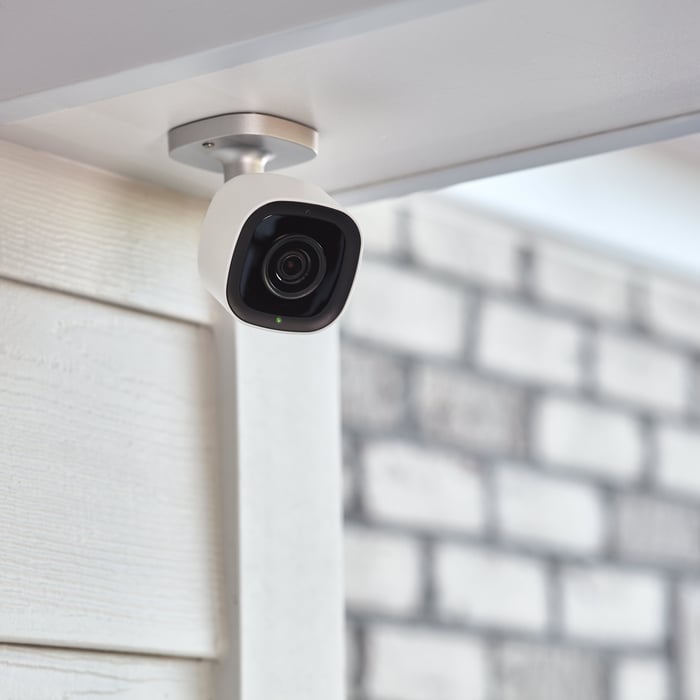
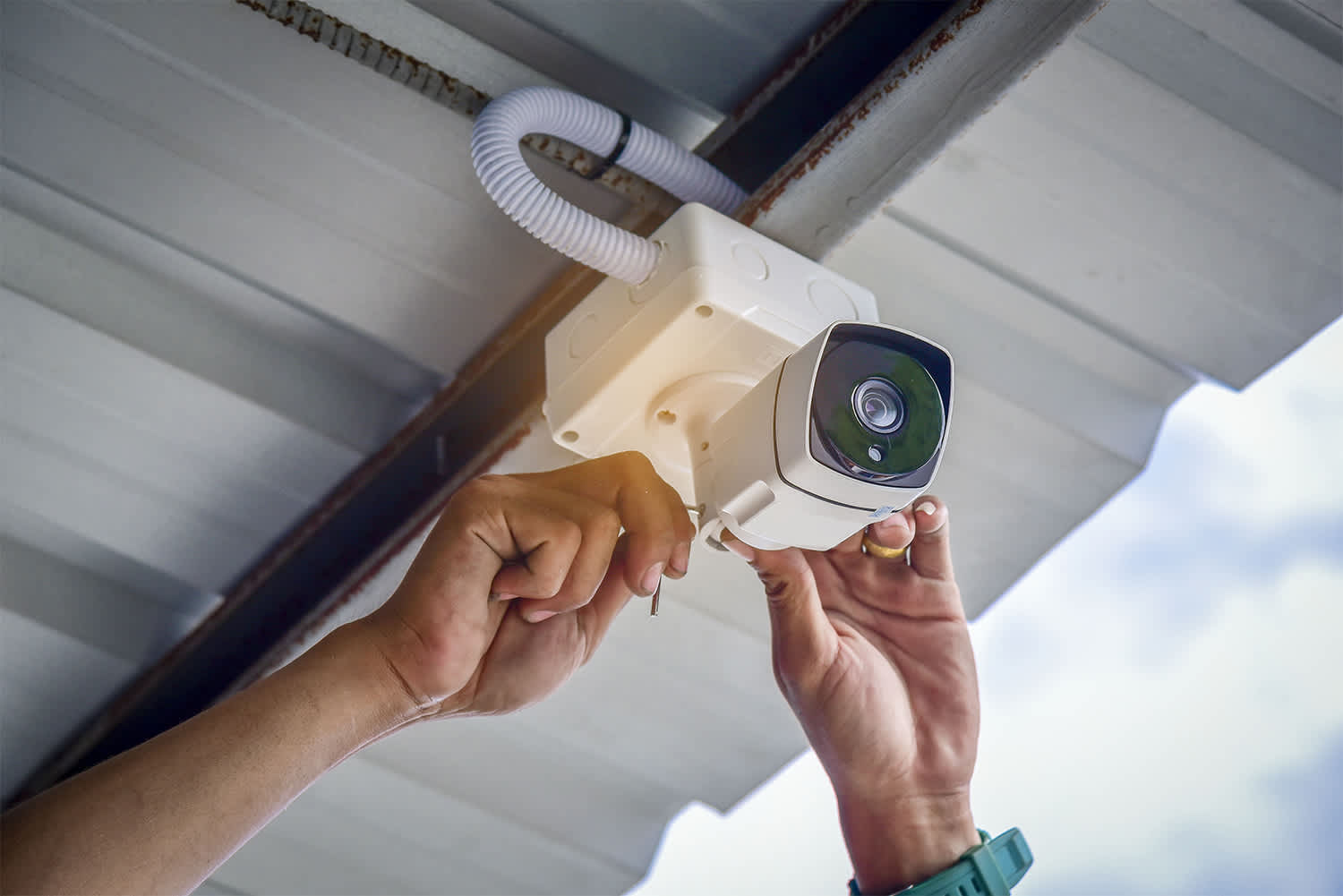
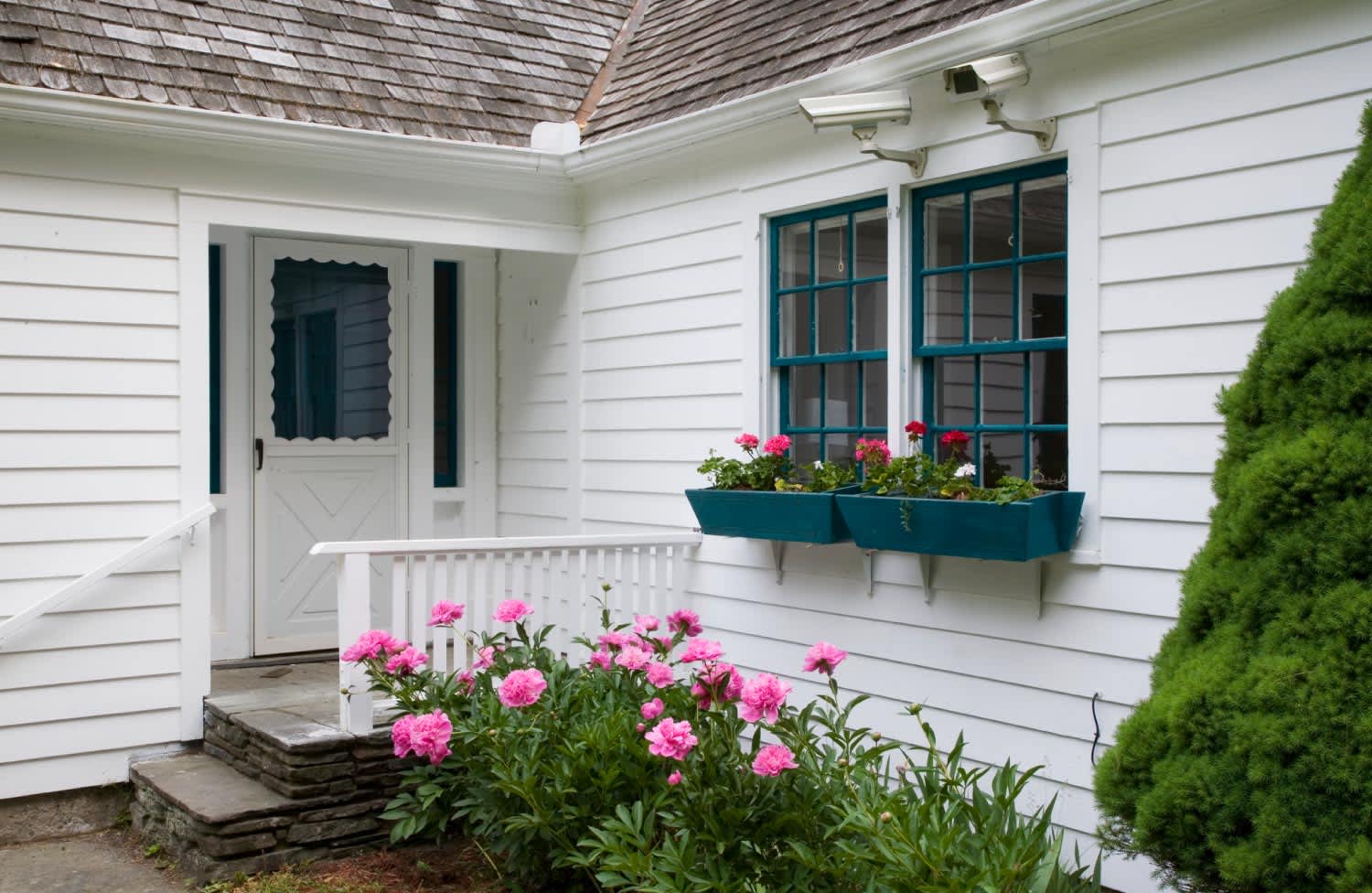
You should always install cameras at exterior doors and windows. Other areas where you should place cameras are your front and back yards, the garage and driveway, common living areas, hallways and staircases, and the basement. Remember, you can start with a small Wi-Fi security camera system and always add more cameras if needed.
One significant drawback of home automation is the increased risk of cybersecurity threats. With more connected devices in our homes, there's a greater chance that hackers might try to exploit vulnerabilities to access personal data or even control your devices. If you don't secure your smart gadgets properly, they can become entry points for cyberattacks, risking your privacy and safety. Moreover, technology isn't perfect. Sometimes, systems can malfunction or experience connectivity issues, disrupting your daily routines. The upfront cost of buying and installing smart devices can also be a hurdle for some people.
Yes, you should always change your locks after buying a house. Do so as soon as possible after you move in. Otherwise, you won’t know who has working keys to the property, whether they’re spare keys or otherwise. If an intruder gains access to your house with a key, it may not be covered under your homeowners insurance.
Technically, there isn't a difference between safe rooms and storm shelters. Both are designed to protect you from storms and extreme weather events. People often use “safe room” when discussing a shelter inside a building and storm shelter when talking about a detached unit.
Additionally, a safe room is understood to have more functions than a storm shelter. You may seek shelter in a safe room when you believe an intruder is in the home or when under another type of threat.
Strike plates and security plates are the same thing, but there are strike plates that offer more security than others. For the highest security, look for plates made of heavy-duty steel, reinforced strike plates thicker than regular ones, and extended strike plates. It’s much harder to break into a door with these strike plates because they hold up better to force from attempted entry.
The Busby, MT homeowners’ guide to home security system services
From average costs to expert advice, get all the answers you need to get your job done.
Learn how to hire a home security system installer, find qualified pros, and ask the right questions to protect your home with professional installation.
Monitored vs. unmonitored home security systems: which can best defend your home from crime and other dangers? Learn the differences between these two products.