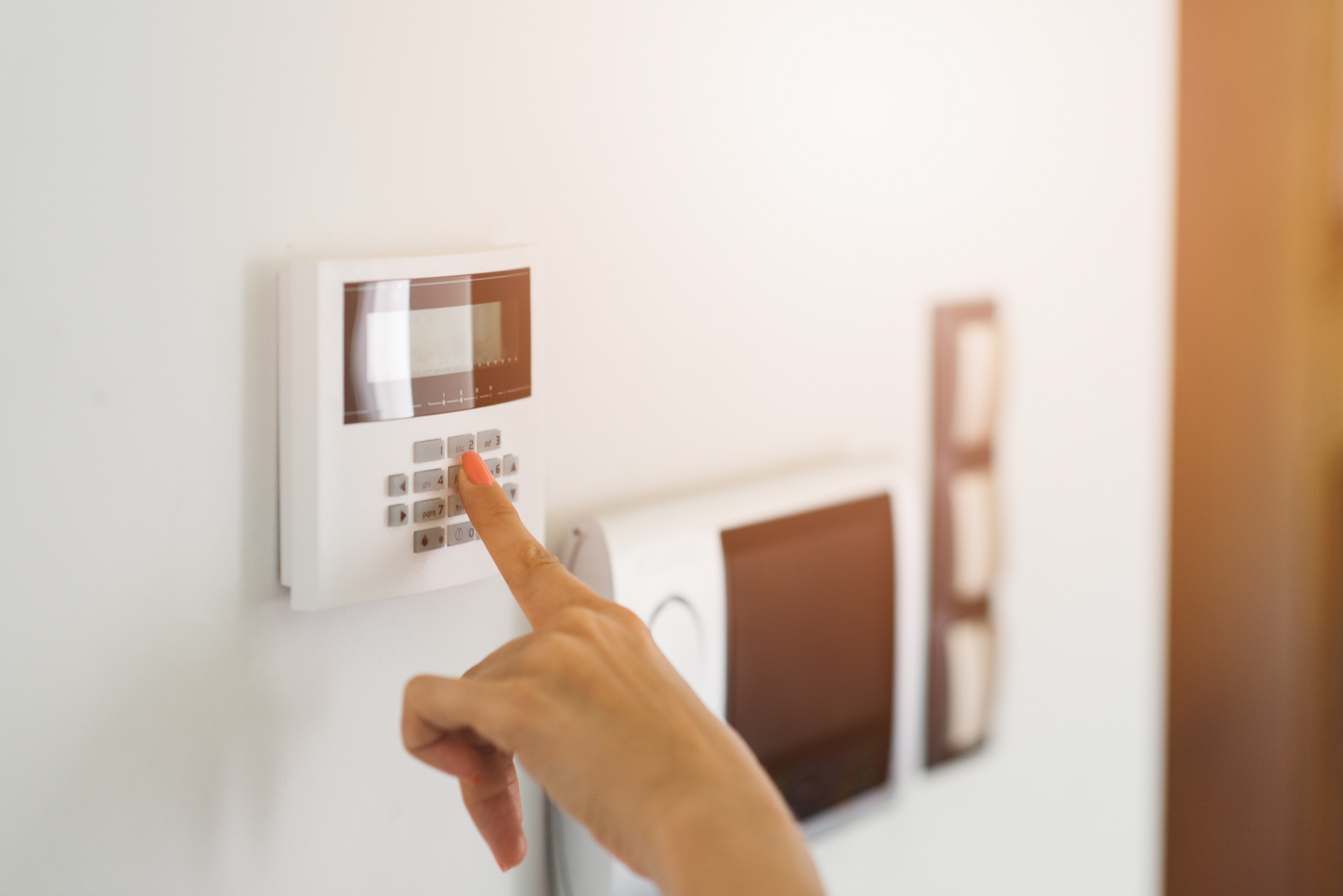
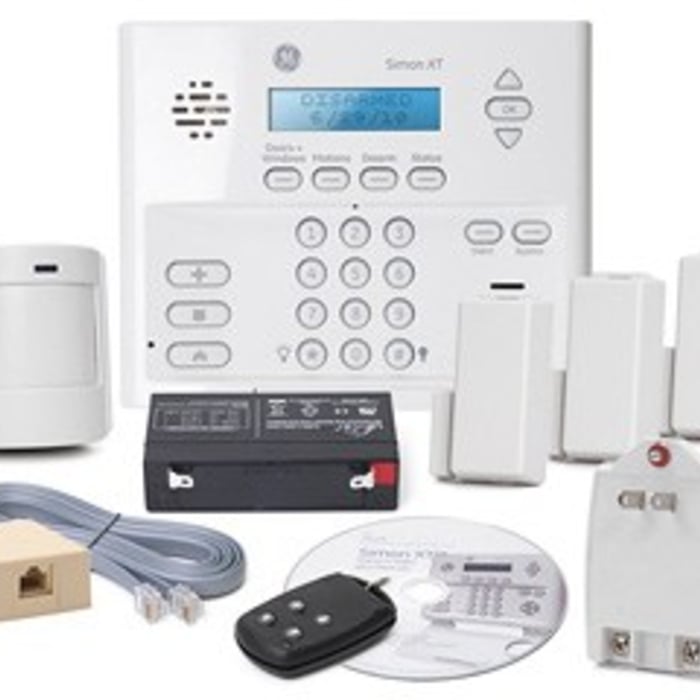
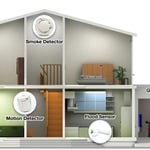
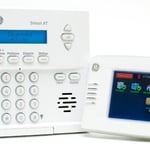
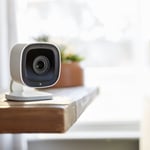
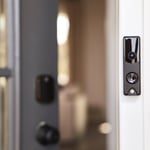
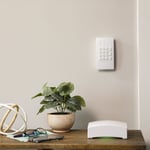
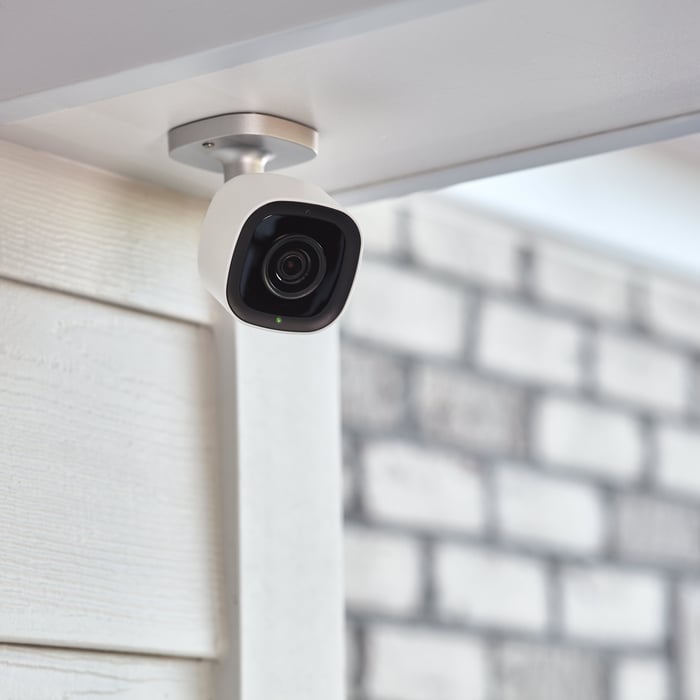
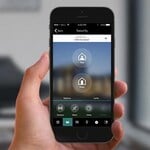
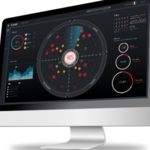
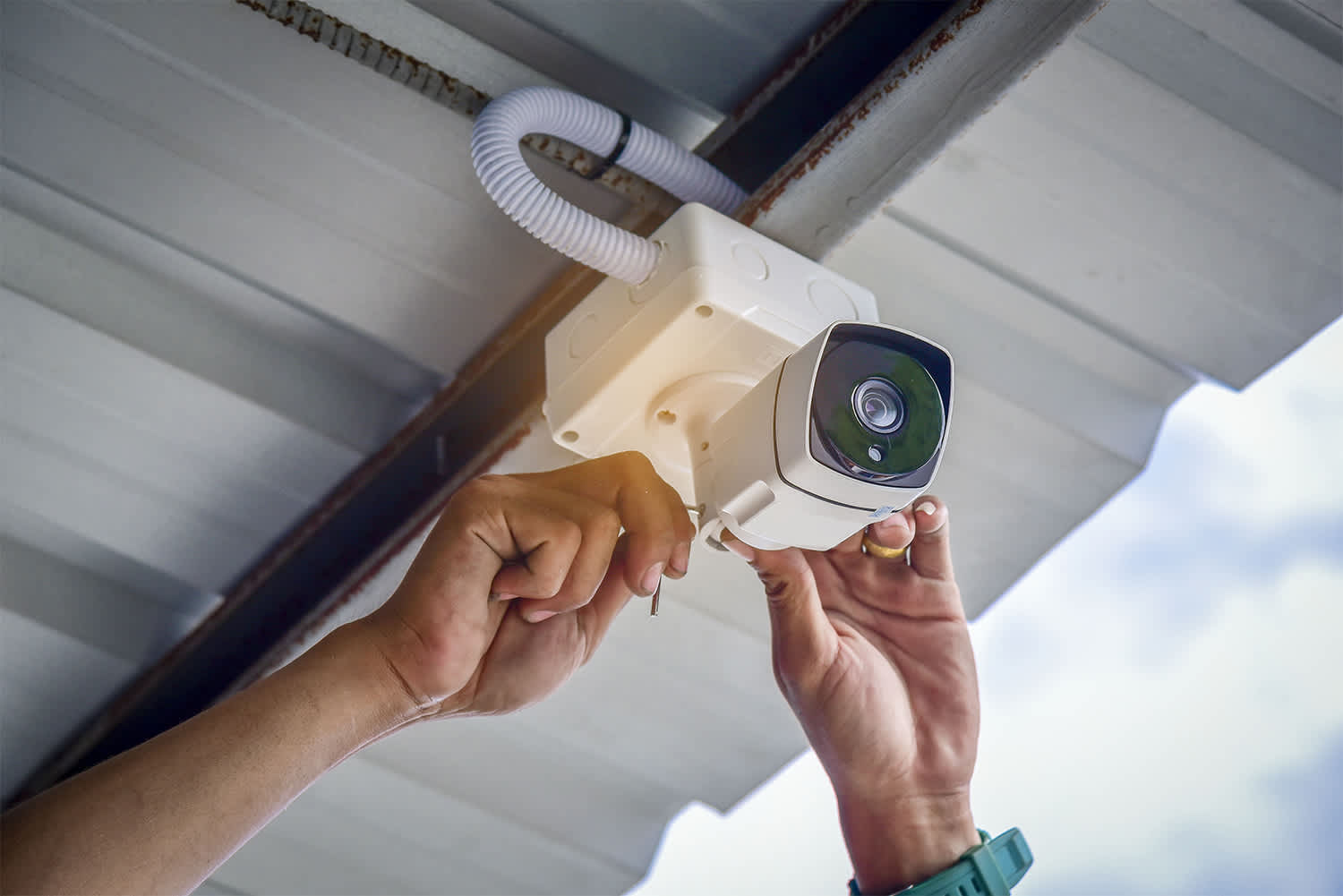
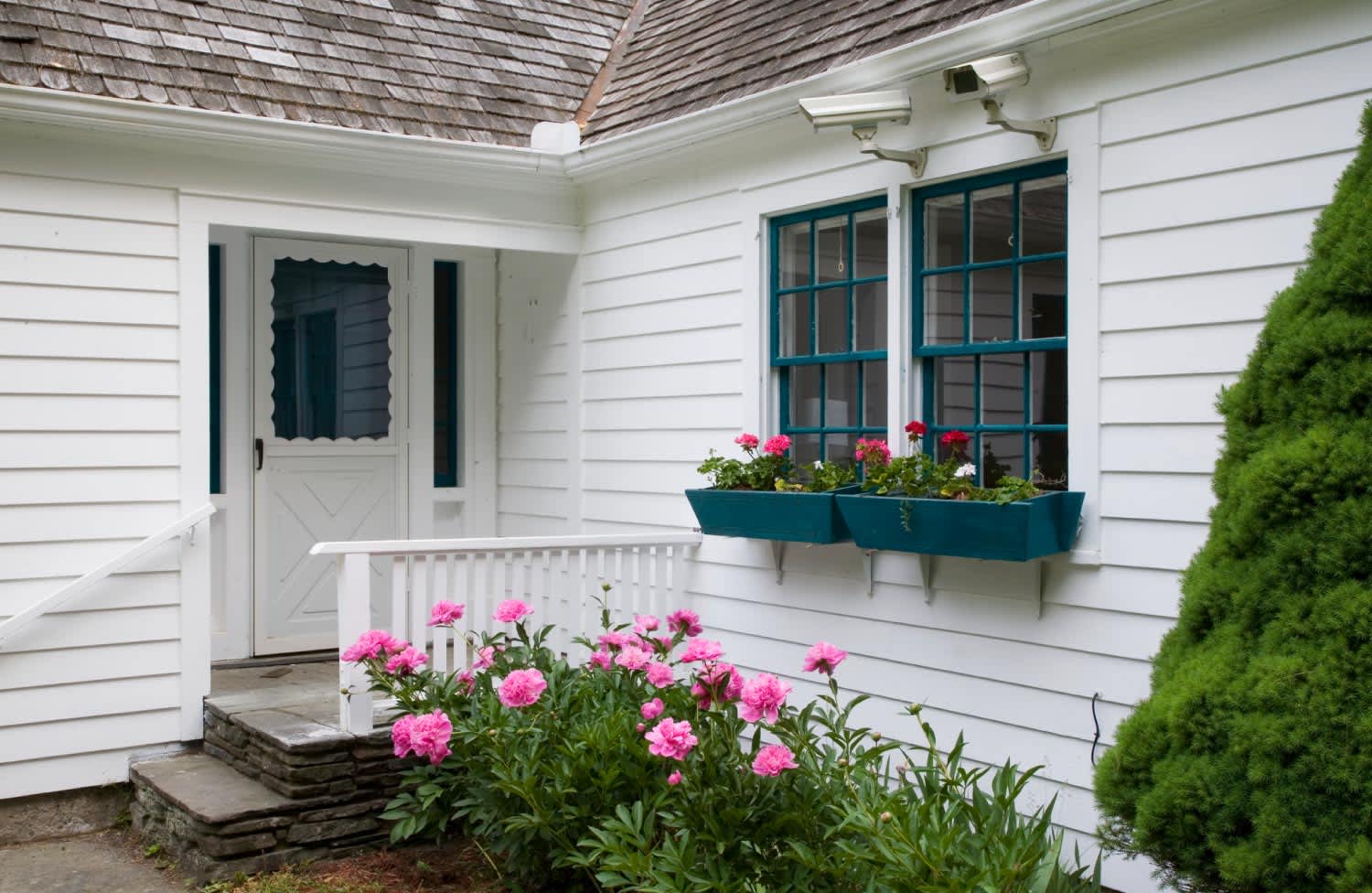
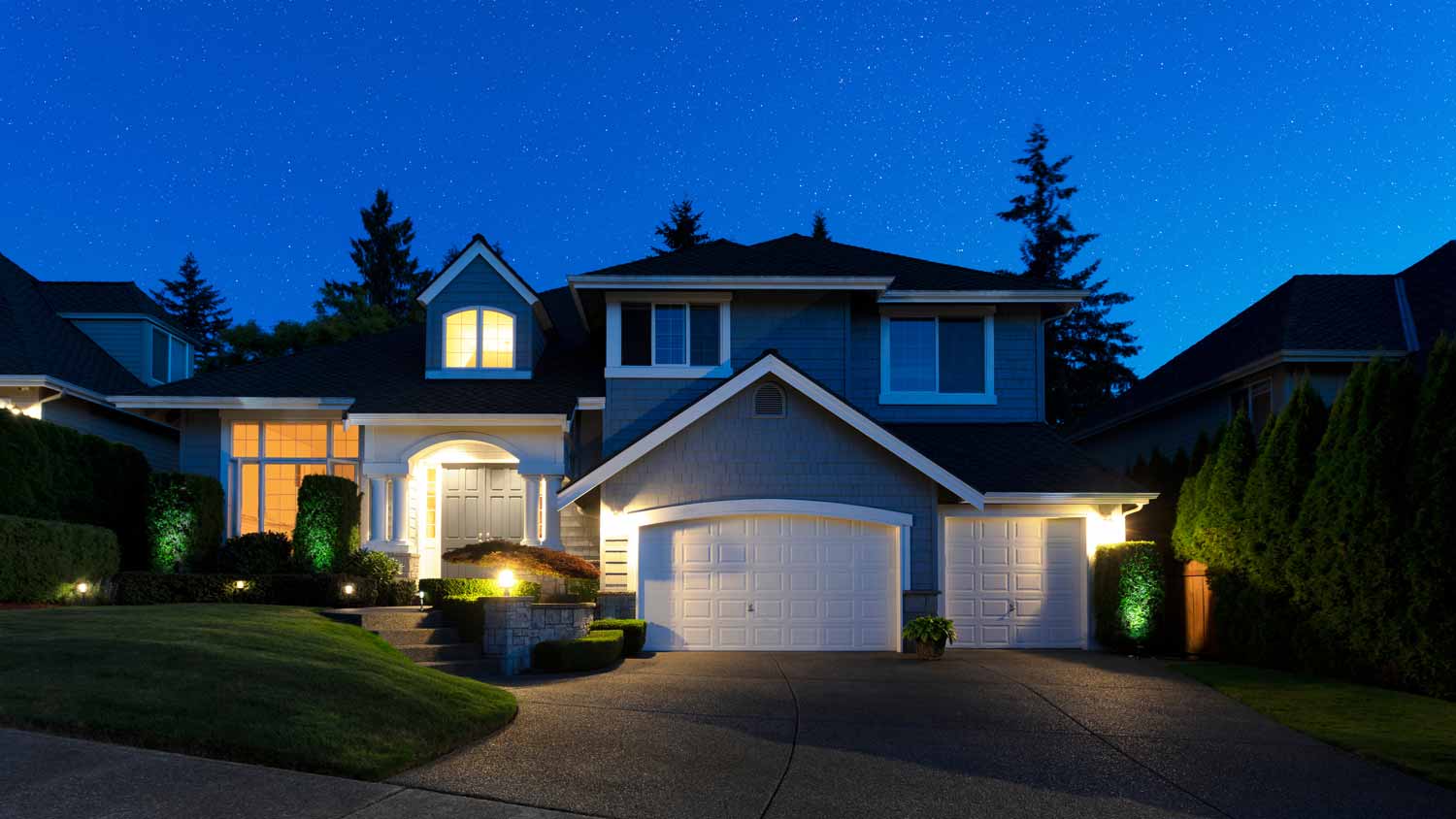
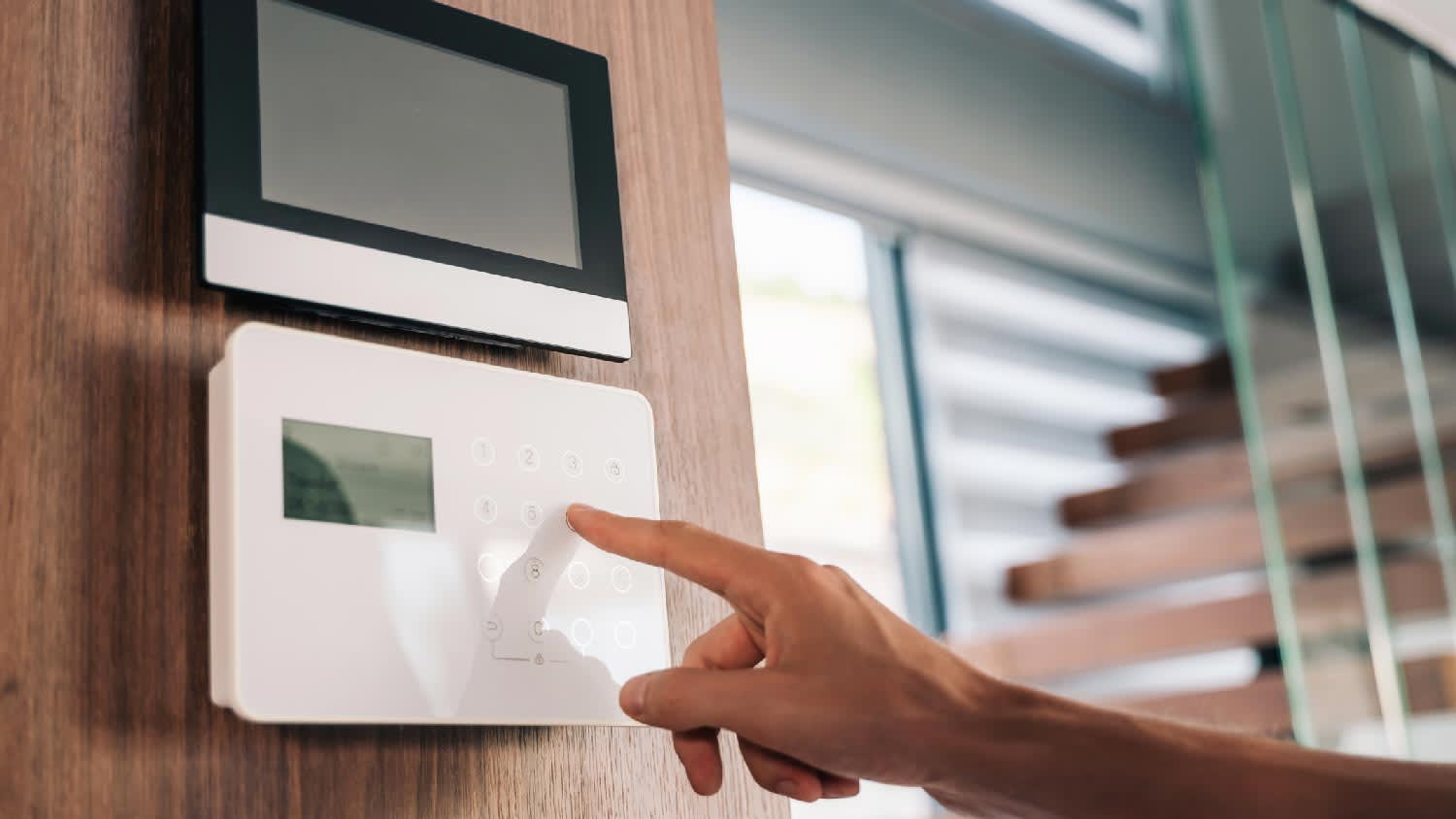
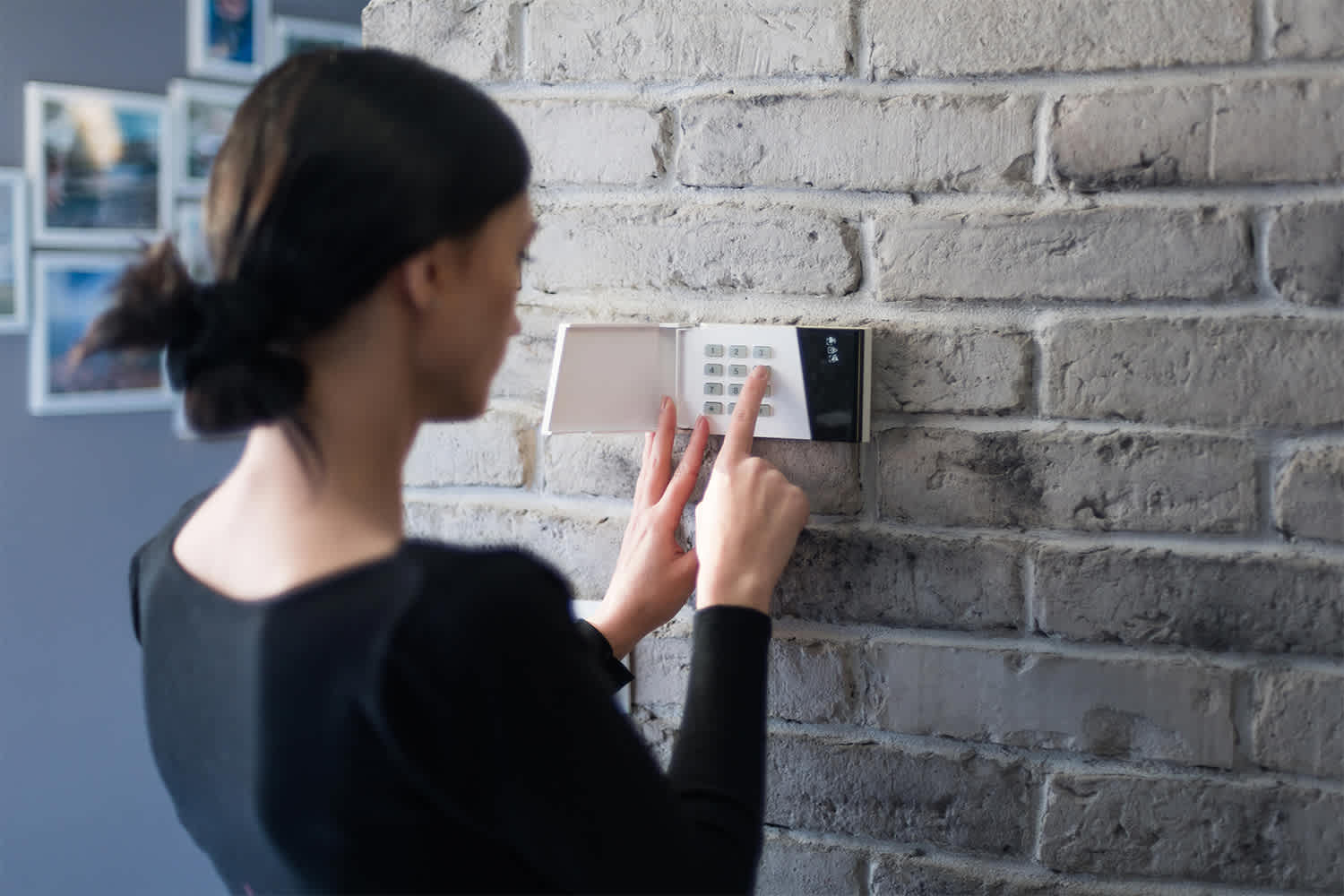
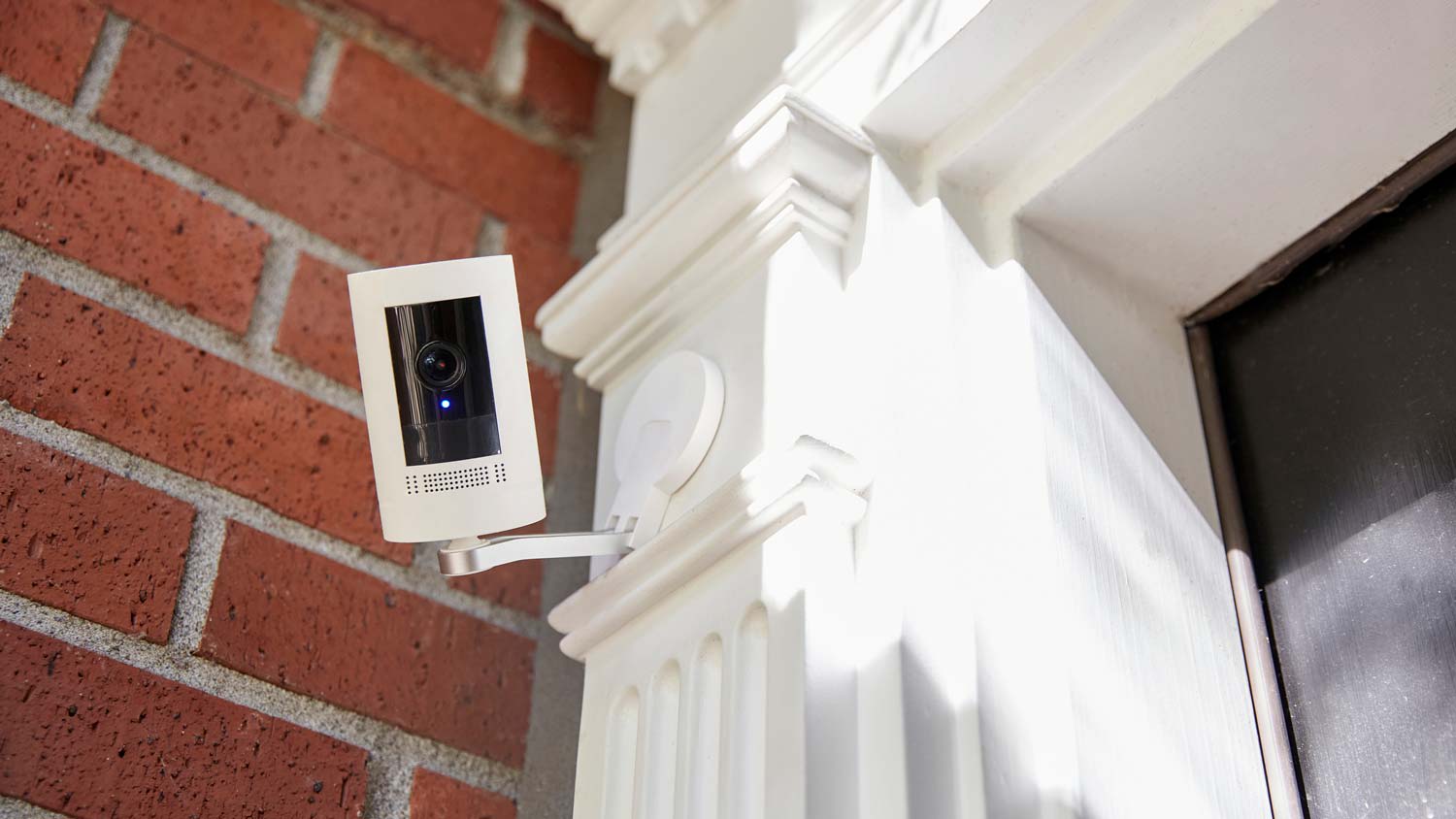
We specialize in residential and Monitored Security & Automation. \nOptions include: Remote Monitoring | Indoor & Outdoor Cameras | Camera Doorbells | Smart Locks.\n\nOur system is custom built to deter real threats our home security systems doesn't just record crime, they help prevent it. With outdoor security cameras that detect lurkers and scare them away, a doorbell camera that detects and protects packages, and smart locks, lighting, and security sensors—your home is always protected.
"I self installed our FrontPoint system. It went smoothly and my questions were answered efficiently and professionally by the FrontPoint staff. I would highly recommend FrontPoint as a home security system."
"It went great! From Travis the sales person to Noah the installer I couldn't have asked for a more professional and through team to deliver my home security needs. We just bought a new house in a neighborhood that's up and coming but there's still an element that we want to protect our home and valuable from. Security One helped us find a system that we could monitor while we're away and that would make my girlfriend feel safe when I'm not a home. We highly recommend them especially Travis and Noah. Ask for them by name! "
"We like their service. We haven't had any problems. They are very good. This was the first time we've had an alarm/security system in our home. The supplier is ADT. I like that I can set my alarm every night before I go to bed."
"About 4 years ago I need my home protected by something other than my dog while I was not home looking for a job. I needed something affordable, simple to use and install my self as my house was not prewired. I found Protect America and it had all I needed and more. Over the years I have added to my system more sensors, motion detectors, camera's, carbon monoxide sensor, and monitored smoke detectors. All of it was simple enough to do with some help with their Installation Technician walking me though everything on the phone. I have had other companies try to get me to switch to them, but what I have works and they could not beat the price so I told them no thanks."
"LOVE this system! Customer service was extremely nice and made my experience effortless. Speaking of effortless, the self-installation was super easy. It took me less than 30 minutes from start to finish to get my system up and running. Highly recommended!"
"The work went very well. I believe the job was more difficult than the work described in the estimate. There was no additional charge. Alvin answered every question. He responded to my emails promptly. He even came back to reset the new system after my dog ate one of the remotes. Two months later my 10 year old TV quit. I had several questions about a replacement TV, which was returned based on Alvin's advice. I will make an appointment to have Alvin install the new TV."
AIO provides computer support services for all PC platforms including Apple OSX/iOS, Microsoft Windows, and Google Android devices. \n\nWe are the only company on Angi.com with a BBB A+ rating providing nation-wide IT support on-site/remote services from over 1500 locations. You can call us directly at 832-402-1335, option 1 for sales, to be connected to a sales engineer if you need immediate help. You can also visit our website at https://aiosupport.net. We look forward to helping you!
"The last was a rental company that we have and we used them for an air conditioning and heating system. It was Bototach Mechanical. It’s been a good program for us. They’re very responsive. I don’t know what the thought process was. My husband said, well let’s try these guys and so we did. We have an older home and it’s proved to be a very good deal. The quality has been pretty good, so I would give them an A for the quality. I will give you one helpful hint though. If the company decides they want to replace an appliance, you need to call them and negotiate with them because you can upgrade, but you need to talk to them in person not just do it over the internet."
Home Security Systems questions, answered by experts
When deciding whether a home automation system is right for you, consider the advantages and disadvantages first.
Pros
Home automation can help make your home more energy efficient, possibly lowering utility bills.
A wide range of automated solutions is available to meet your needs.
Centralized and remote control of different home automation systems.
Cons
Home automation can be costly.
Not all automated systems are compatible with each other.
Over-dependence on home automation can be problematic if systems cannot connect to the cloud.
Each has its use, depending on the scenario. Security doors are primarily intended to keep people out of the home, while storm doors are used to protect the home from extreme weather. Both tend to be made from heavy-duty metal and may include glass panels to allow light to enter the home. Storm doors can feature mesh screens, just like screen doors, to allow for increased ventilation and to keep out pests. Security doors rarely, if ever, have mesh screens.
Find a vetted and trusted locksmith to work on your home so you can feel comfortable and safe. Hire a professional with these qualifications:
Search a verified directory of locksmiths near you, like those on Angi.
Read company reviews. You can also check their social media pages.
Ask for a pro’s credentials, insurance, licensure, and customer testimonials.
Check if the locksmith is knowledgeable about various topics, from decorative locks to the newest technologies on the market.
Not all security systems are equal, so familiarize yourself with the many features available and any associated costs. Decide on a wireless or wired system and look at monthly subscription fees to access the service. Finally, read plenty of reviews to check out the efficacy of your intended security system.
A potential weak link in any security system is poor connection strength or dropped signals, particularly in the case of a fully wireless system. You also want to ensure a reliable connection to get a hold of your service provider quickly. Also, you should exercise caution when handing out sign-in credentials to people outside the household.
The Big Sandy, MT homeowners’ guide to home security system services
From average costs to expert advice, get all the answers you need to get your job done.
Learn how to hire a home security system installer, find qualified pros, and ask the right questions to protect your home with professional installation.
Monitored vs. unmonitored home security systems: which can best defend your home from crime and other dangers? Learn the differences between these two products.