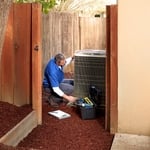
I am the handyman business that you want when you have projects that you need done. I offer realistic prices, and I guarantee my work. I have been working around rapid city 3 years and have a reputable reputation with all of my customer that I have worked with. I also work with several real estate agencies around the area that use my services during the buying and selling process of homes.
"I fixed it myself before I hired My Computer Works, Inc. No problem with them at all. In fact I was pleased with their fast response and efforts to help."
"AHS is ok. They cover repairs of most everything under the roof of your house. The companies that contract with them are not always the best. You call AHS with the issue, they send a fax to the repair company and give you the contact info. If they don't contact you within 24 hours, you call them. Sometimes they answer, sometimes they don't. When they arrive (usually three days or so later), they service the item. if it has issues within the 90 days, you call AHS again, they are sent out with no charge. If the serviceman decides the unit is unrepairable, AHS will allow you to choose a replacement from their listing (usually not as good as what you have) they will install and remove your old item, or give you wholesale amount to buy and install your own. Prices vary on what you want covered and what you want the copay to be, plus where you live. For me it is 49.99 per month with a 75.00 time of service order. You can have more than one item serviced at the same time under the same fee. If you have a SEAR product the repair guys are great. Not that wild about the other ones they send out. But it is a big savings compared to calling someone on your own. The cost of service is only the 75.00 copay."
We at Fix My Computer Over The Internet.Com, feel that our success is a direct result of excellent our service. We specialize in computer repairs, upgrades, and troubleshooting for both home owners and business owners. We also can do residential cleaning for all home owners. With a strong eye for detail, we know that our work is a direct reflection of our company, we strive to be prompt, professional, and proficient on every project we are a part of. Give us a call today; we are happy to provide an estimate and look forward to speaking with you!
We take great pride in our experience, expertise, quality, and customer service that we provide to meet the consumer's needs. It is our mission to provide excellent workmanship and complete customer satisfaction from start to completion of a project. In order to understand the needs and expectations of our customers, we take great care to work and communicate with every customer in a professional manner. Our reputation is based on service, safety, and quality, regardless of how large or small the job.
We take great pride in our experience, expertise, quality, and customer service that we provide to meet the consumer's needs. It is our mission to provide excellent workmanship and complete customer satisfaction, from the start to the completion of a project. In order to understand the needs and expectations of our customers, we take great care to work and communicate with every customer in a professional manner. Our reputation is based on service, safety, and quality, regardless of how large or small the job is.
Proudly serving Wyoming, locally owned and operated Skyline Communications, is your one stop shop for all of your, audio/visual, security system, home entertainment, and all types of wiring installs and repairs. Working on both commercial and residential projects, we can do it all. Give us a call today!
Kirbeys Carpentry has become a staple of professionalism and quality work in Nebraska for years. With decades of experience, there is no job too large or small. Call today to schedule an appointment!
Choosing the right size of wall anchors is essential for a secure installation. The size of the wall anchors should match the size of the screws you plan to use. Follow the manufacturer's recommendations for the specific wall anchors you purchase. Typically, the packaging of the wall anchors will indicate the appropriate screw size and diameter for a proper fit.
Reinforcing techniques and heavy-duty mounts are used to ensure stability and safety.
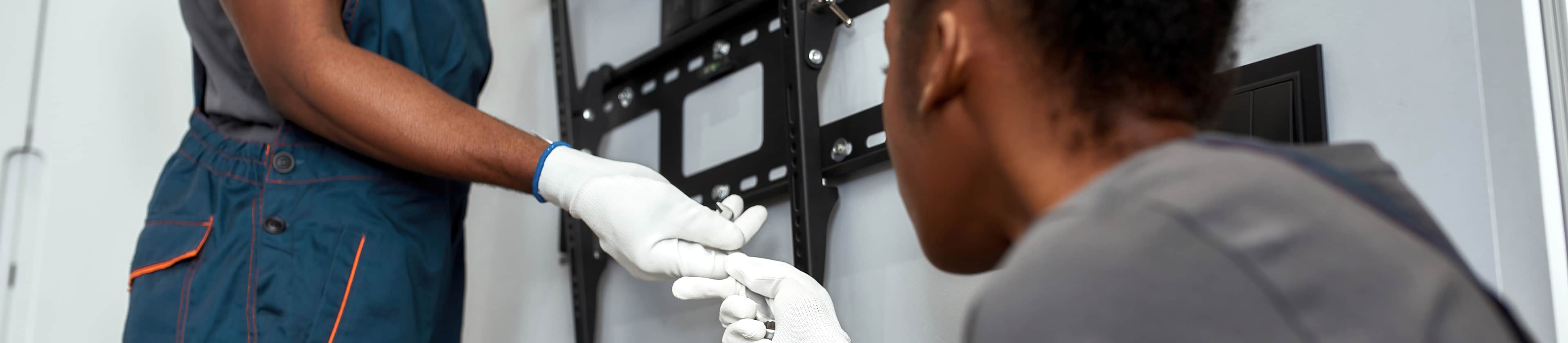
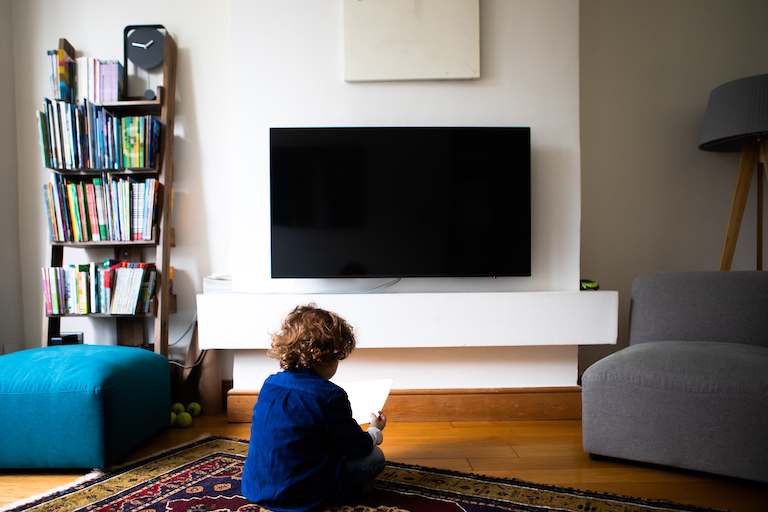
It’s worth hiring a TV-mounting professional to hang your TV to ensure the safety of your device and long-lasting results. If you’re investing in a large or smart TV, it’s worth preserving your investment to guarantee that it’s hung safely and correctly. Plus, a TV mounting professional can recommend the right wall mount based on the wall type and TV size and weight.
As with any service provider, it’s customary to tip professional TV mounters after they complete your TV mounting service. Consider tipping 20% of the service cost, or $10 to $20 per professional. Tipping is always appreciated, especially for a labor-intensive mounting job or one that requires multiple people and hours.
They offer cable concealment and sound system integration, enhancing the viewing experience.
The Pine Ridge, SD homeowners’ guide to tv mount installation services
From average costs to expert advice, get all the answers you need to get your job done.
Need to mount a TV? Hiring a professional will help ensure it’s done safely. Here are common TV mounting questions a pro will likely ask about your project.
Installing a TV mount requires a few steps, like picking the best location and leveling the mount. Keep reading to learn how to mount a TV on your wall.
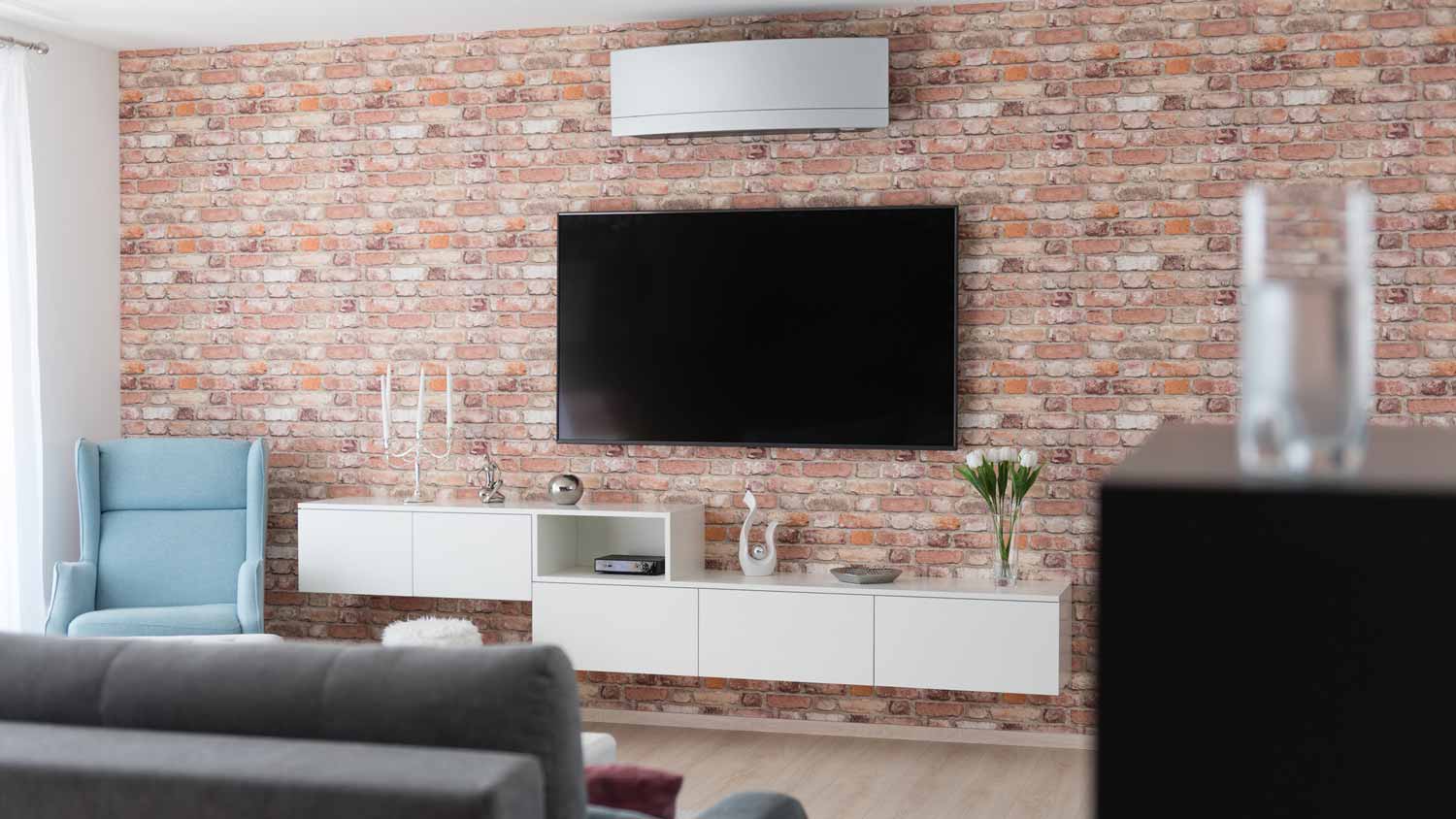
For a clean and safe installation, hire someone to mount the TV on the wall. Know how to prepare and what questions to ask before you call a pro for help.