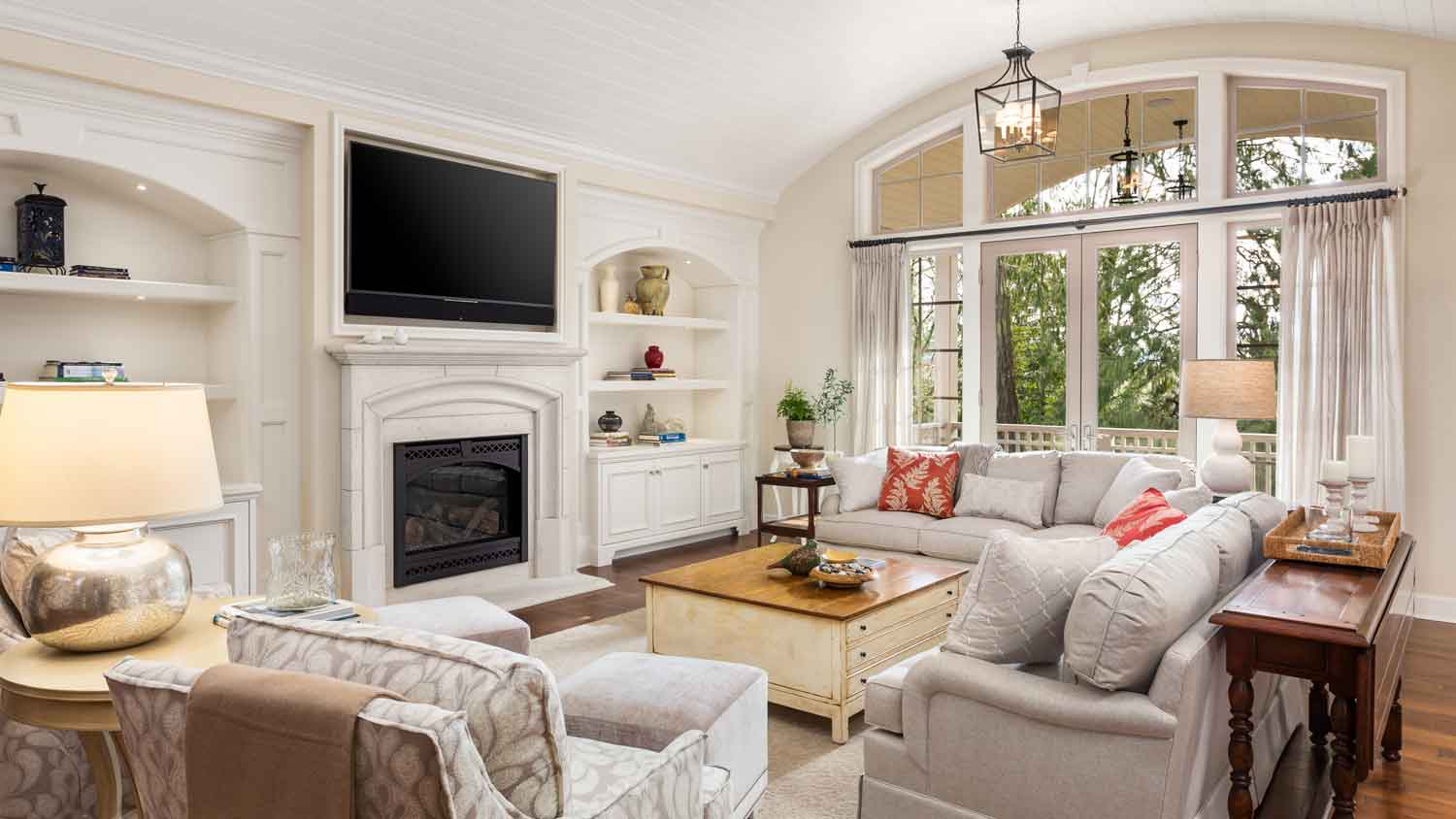
"They are pros at their job. They installed 2 wall mounts 2 tv's along with a sound bar. They are an experienced and efficient team. At the completion of the installation, they programmed the equipment and tutored me on the operation. Their prices are right. For all your audio visual needs call Spain Tech and Solutions."
"He was great he did the job I think with an hour And he also helped me with other teams on the property and I appreciate that so much kind and consider it"
I provide quality work and strive to always make my customer happy. I am proud of the work I do, my ability to give 100% and always do the right thing. My small business is family owned and operated.
J.Ballard Builders LLC\n\nQuality Home Improvements- \nHandyman jobs to new construction, we will provide quality work. Firefighter owned and operated. \n\n501-388-3502
Proud father of two beautiful girls, looking to build a business to support their future. I have 6 years of experience in contracting and remodeling. Willing to do free bids. Looking to help people improve their homes and make their dreams come true.
"I appreciated Tim coming out on the weekend to give me a quote to mount my new 60 inch 4k UHD television and connect the surround sound system. He and his partner arrived early the following Monday to complete the install. Both Tim and Duncan did an excellent job!"
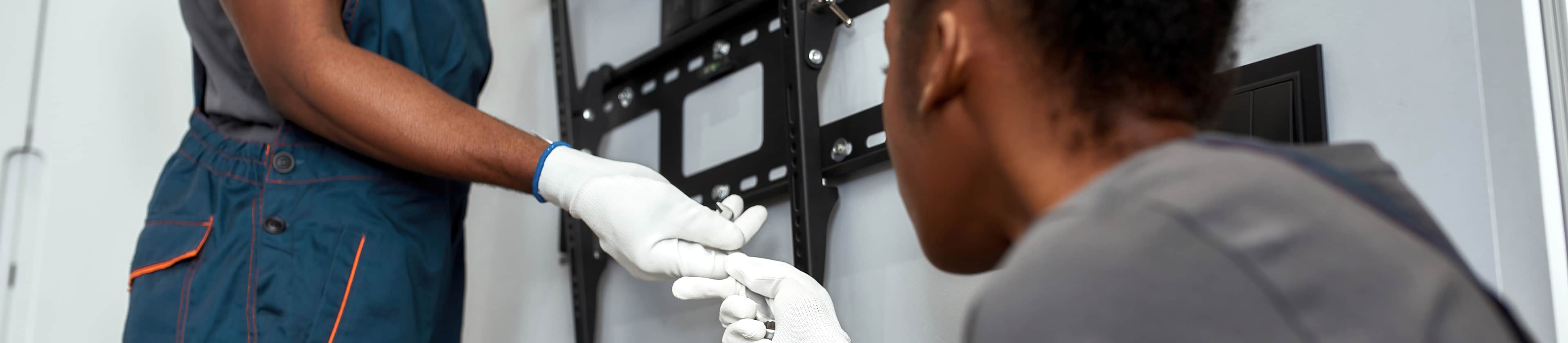
Hiring a pro ensures safe, secure installation, preventing damage to walls and TVs.
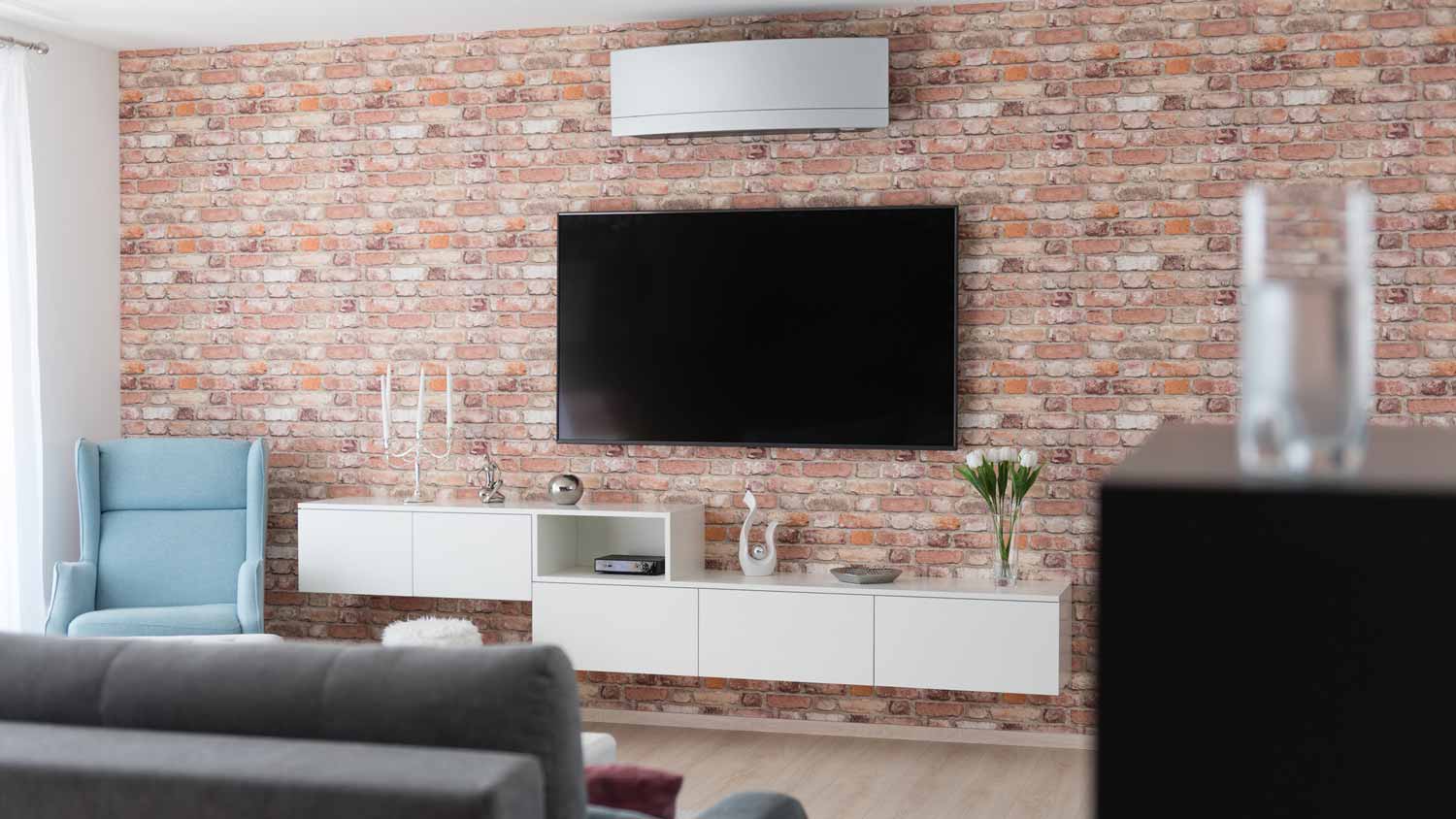
Determining if mounting a TV on the wall or mounting it on a stand is better boils down to personal preference. TV mounts are an excellent choice for homes that have limited space, unruly dogs, or young children. They also allow you to customize the height and viewing angle more easily. At the same time, mounting a TV on an entertainment center stand offers additional storage space, a place to hide the wires, and fewer holes in the wall. Renters may also have limitations on drilling holes into the wall above certain diameters.
It’s worth hiring a TV-mounting professional to hang your TV to ensure the safety of your device and long-lasting results. If you’re investing in a large or smart TV, it’s worth preserving your investment to guarantee that it’s hung safely and correctly. Plus, a TV mounting professional can recommend the right wall mount based on the wall type and TV size and weight.
Choosing the right size of wall anchors is essential for a secure installation. The size of the wall anchors should match the size of the screws you plan to use. Follow the manufacturer's recommendations for the specific wall anchors you purchase. Typically, the packaging of the wall anchors will indicate the appropriate screw size and diameter for a proper fit.
If you don’t have studs in the area where you want to install your TV mount, you may still be able to install a TV mount on drywall. The easiest way to install a mount on drywall is by using drywall anchors—but not just any plastic anchors. Choose molly bolts or toggle anchors, which have a weight capacity of around 50 pounds. For added support, consider pairing drywall anchors with a wall mounting plate. Extra heavy TVs may need to be mounted via the ceiling joists or beams.
The Southside, AR homeowners’ guide to tv mount installation services
From average costs to expert advice, get all the answers you need to get your job done.
Need to mount a TV? Hiring a professional will help ensure it’s done safely. Here are common TV mounting questions a pro will likely ask about your project.
Installing a TV mount requires a few steps, like picking the best location and leveling the mount. Keep reading to learn how to mount a TV on your wall.
For a clean and safe installation, hire someone to mount the TV on the wall. Know how to prepare and what questions to ask before you call a pro for help.