

If your ceiling fan stops working due to a bad motor or broken pull chain, here’s what you can expect to pay to get it fixed.
It’s not a Weeble, so stop the wobble

Dust and dirt buildup on your ceiling fan blades can cause them to bow and warp, leading to wobbling and noise over time.
Ceiling fan repair costs range from $90 to $200, so addressing wobbling early helps you avoid more expensive fixes down the road.
Loose screws at the blade holder or flywheel attachment loosen further from wobbling and can lead to damaged screw holes or falling blades.
Hiring a local ceiling fan repair professional gives you peace of mind when loose posts or damaged junction boxes need attention.
You might love to wobble along with the popular song at weddings, but a wobbling and noisy ceiling fan is disruptive and can be a sign of bigger problems. A slight wobble is normal, especially at high speeds, but overly frequent use and poor craftsmanship can increase your fan's demise. Before you replace your ceiling fan, look at the reasons why your ceiling fan wobbles and how you might be able to fix it yourself.

Let's face it—not everyone cleans their ceiling fans weekly. No judgment here, we get it. But did you know dust and dirt can collect on the fan blades causing them to bow and warp?
The particulate build-up can cause the blades to wobble and make noise. Over time, the movement can loosen the screws where the blades attach to the blade holder and where the holder is attached to the fan flywheel.
Before you take the whole fan apart, try cleaning your blades using a gentle soapy solution and a soft cloth. Wipe the blades dry and turn the fan on. If it still wobbles, move on to the next potential problem. Either way, consider adding oiling your fan to your cleaning regime or part of your regular ceiling fan maintenance.
If the blades are clean, but the fan still wobbles, the issue may be the blade attachments at the holder. The blade holder is the metal or plastic piece that attaches the blade to the fan flywheel and the fan motor.
Loose screws loosen further over time and lead to damaged screw holes, warped blade holders, and falling blades. When the screw holes are damaged, you can't tighten the screws anymore, and the blades will fall off the blade holder. With the fan turned off, tighten the blade holder screws into the blades.
If loose screws weren’t the problem, the issue may be at the blade holder and the flywheel attachment site. Blades wobbling at the flywheel attachment site can warp the blade holder and damage the motor housing. If the blades come loose from the motor, they can cause injury to people and pets or even damage your house.
Tighten the screws where the blade holder attaches to the fan flywheel and center. You may need to review the manufacturer's installation instructions to find the easiest way to tighten them. Consider contacting an electrician near you if the flywheel attachment looks warped or electrical components look damaged.
Misaligned blades can also cause your fan to wiggle and warble. Blade misalignment means one or more of your blades are spinning at a different height than the other. The draft from the misalignment of blades distorts the airflow and wobbles the blades. Prolonged misalignment can cause the blade screws to loosen and the blade holders to warp.
With the fan off, use a yardstick to measure the distance from the ceiling to the blade end at the highest or lowest point. Use the same point on the blade to measure the rest of the blades.
You can bend the blade down or use a weight to correct the misalignment. Repeat bending can weaken the blade holder.
Warped or bent blades are a common problem with ceiling fans. An accidental bump, prolonged residue build-up, heavy moisture, and loose screws can all lead to warped and bent blades.
Without balancing the blades, the fan will continue to wobble, leading to loose screws, bent blades, and motor damage.
You can stabilize warped blades with a clothespin and a few coins or a blade balancing kit. Some ceiling fan types are more prone to warping than others and may continue to warp, despite repeated balancing.

A loose post can also cause your ceiling fan to wobble. With the power disconnected, stand on a ladder and gently shake the fan. If it moves, you have loose screws connecting the junction box to the ceiling.
If you leave a loose post, the wobbling will get worse. Eventually, it will come away from the ceiling, tear down electrical wiring, and cause damage to the room. Tighten the screws at the junction box to fix a loose post. Accessing and tightening the junction box screws is a two-person job.
An overall issue that can increase the likelihood of your ceiling fan making noise is a low-quality model. Low-quality models use inexpensive and weak materials that bend, swell, and loosen easily. It’s worth spending a little more upfront for a longer-term investment and peace of mind.
Now that you know more about why a ceiling fan wobbles, you can find the best solution for your situation. Consider adding some of these tips to your home maintenance schedule. If your troubleshooting uncovers a larger problem, an electrician can help with more complicated jobs.
Repairing a ceiling fan costs $90 to $200, although more complicated repairs can cost as much as $335. The most expensive repair to your ceiling fan is a motor replacement, while wall switches, pull chains, and fan blades all cost under $200 to repair.
Labor is the biggest expense when repairing a ceiling fan, so fixing your own fan can be a good way to save money. Although motor replacement is more complicated, replacing a switch, pull string, or fan blade can be a simple DIY and can save you quite a bit. Parts for your fan will range from less than $10 to around $50, while professional labor costs $60 to $75 per hour.
Great company! Price was competitive, technician showed up on time and completed the job (exterior electric Radon fan replacement) quickly. Would hire them again.
 MaGen Property Inspections and Radon Mitigation
Best decision was going with PatchMaster. Greg was wonderful / responsive & Dave did wonderful work. Got me on the schedule quick, matched my popcorn ceiling perfectly, finished the job quick, and was so kind & reasonably priced. Will absolutely be hiring again
 PatchMaster
Jeff was a consummate professional. Responsive, courteous, and focused on meeting our needs. I had a small project of installing and replacing two ceiling light fixtures. He responded to my Home Advisory inquiry within 24 hours and in a span of two weeks our light fixtures were installed. ...
Involved an extensive bathroom remodel, including removing tub & installing walk in shower, new drywall, custome tile work to ceiling, plumbing, etc. Overall, job was done on time and on budget. Nick & his team were very professional and had high attention to detail. Quality was great. Highly...
 Stamos Flooring and Remodeling LLC
Mike and his crew did a great job working through a very challenging task. The job required a full demolition of our ceiling, removing the blown in insulation and removing all the material from the site daily. It involved multiple inspections from the city and many challenges to get the...
 Rising Height Unlimited
Awesome company. Had a jacuzzi tub taken out and replaced with huge walk in shower with partial glass enclosure. Onyx to the ceiling with a decorative border, moved plumbing and installed hand held shower, new ceiling, flooring, and paint. Replaced window with glass block. Everything was done...
 Columbus Bath Design
There isn't much I can add that hasn't already been said about Rhino Painting. Outstanding service and communication from the first phone call through the end of the project, we could not be happier with this company. They painted our kitchen, living room, ceiling, starirwell and wood work,...
 Rhino Painting & Color Consulting LLC
Charlie recommended a separate fan with new lighting to clear steam from the room better. Several weeks ago I contacted Charlie via email to ask about pricing and scheduling, after one follow up he did reply with cost and said it would be about two weeks before he could do the work. I replied...
 Settle Muter Electric
Scott was awesome! This job was not an easy one, especially the relocation of the cable in the Great Room. I had called several other companies on Angie's list only to be turned away due to the tight timeline I was under or the anticipated difficulty of the work. <br /> Scott was realistic...
 SIGNAL DIRECT SYSTEMS
After struggling throgh attempts to fix a persistently leaky skylight, I called Bob at Skylights Plus to check it out. Given the fact that previous attempts to repair the flashing/roofing around the skylight didn't work, he recommended a full replacement. <br /> Even though the weather...
From average costs to expert advice, get all the answers you need to get your job done.
If your ceiling fan stops working due to a bad motor or broken pull chain, here’s what you can expect to pay to get it fixed.

Discover the cost to install a ceiling fan, including labor, materials, and tips to save. Learn what impacts your price and how to budget for your project.
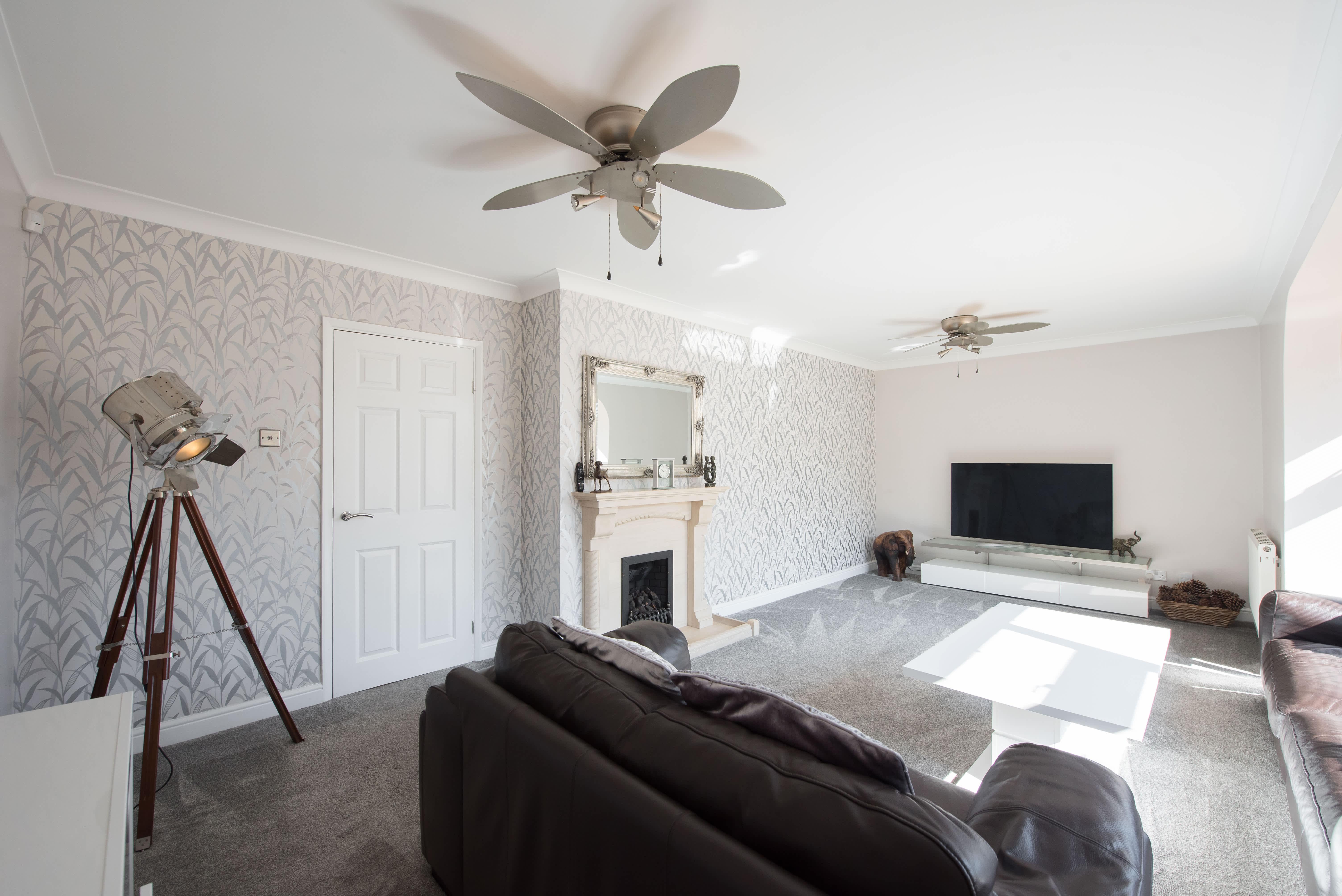
Although the risk is low, there are a few telltale signs that a ceiling fan will fall off your ceiling. This guide explains when to worry (and when not to).

From power and motor issues to malfunctioning blades and remote controls, learn how to troubleshoot common problems with the humble ceiling fan.

How do ceiling fans work? Find out how fans cool your home, and learn pros, cons, and cooling hacks before you buy your next fan.
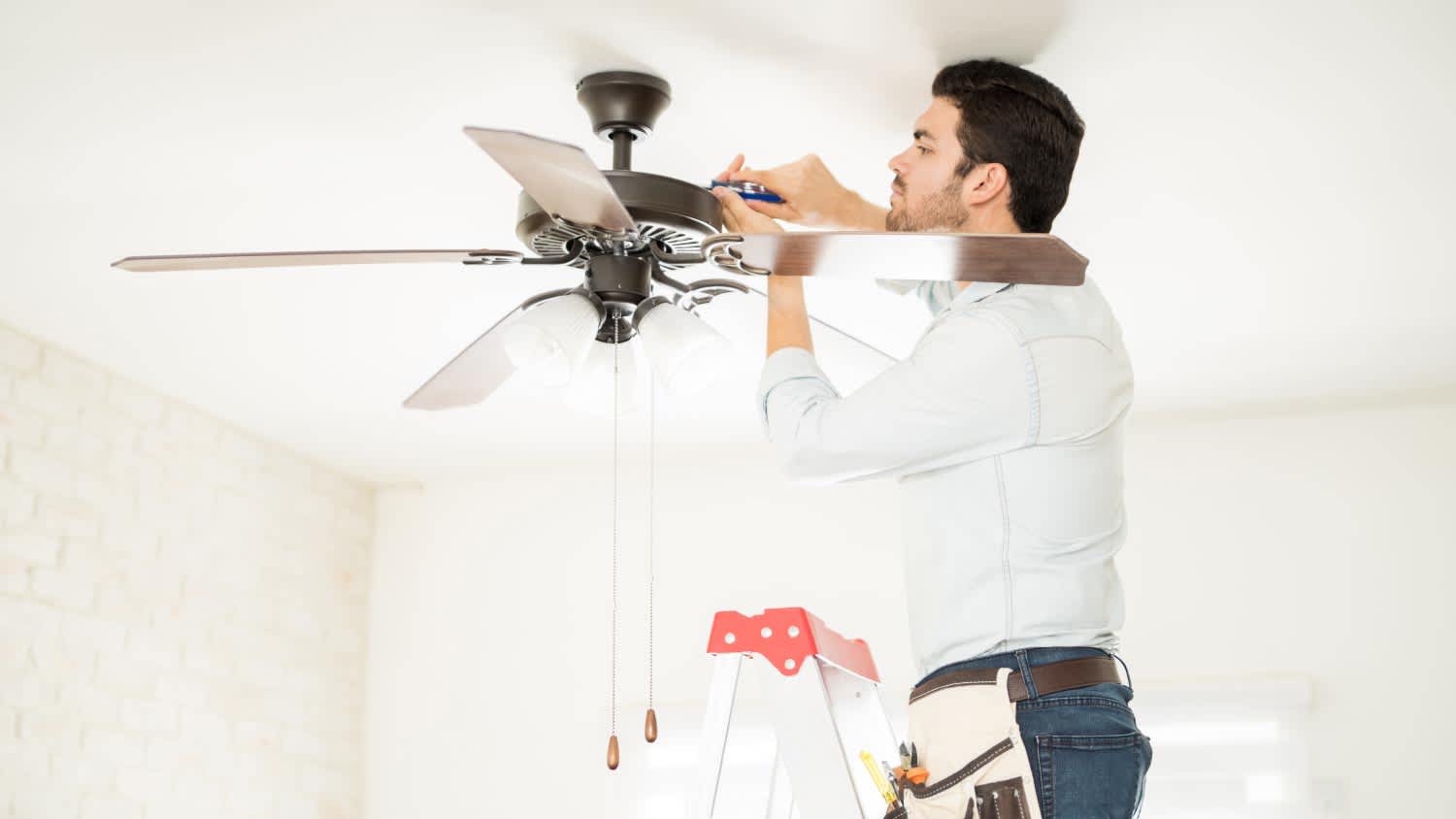
If your ceiling fan isn't working correctly, your home won't cool off the way it should. But who do you call to fix it? Here's the lowdown.