
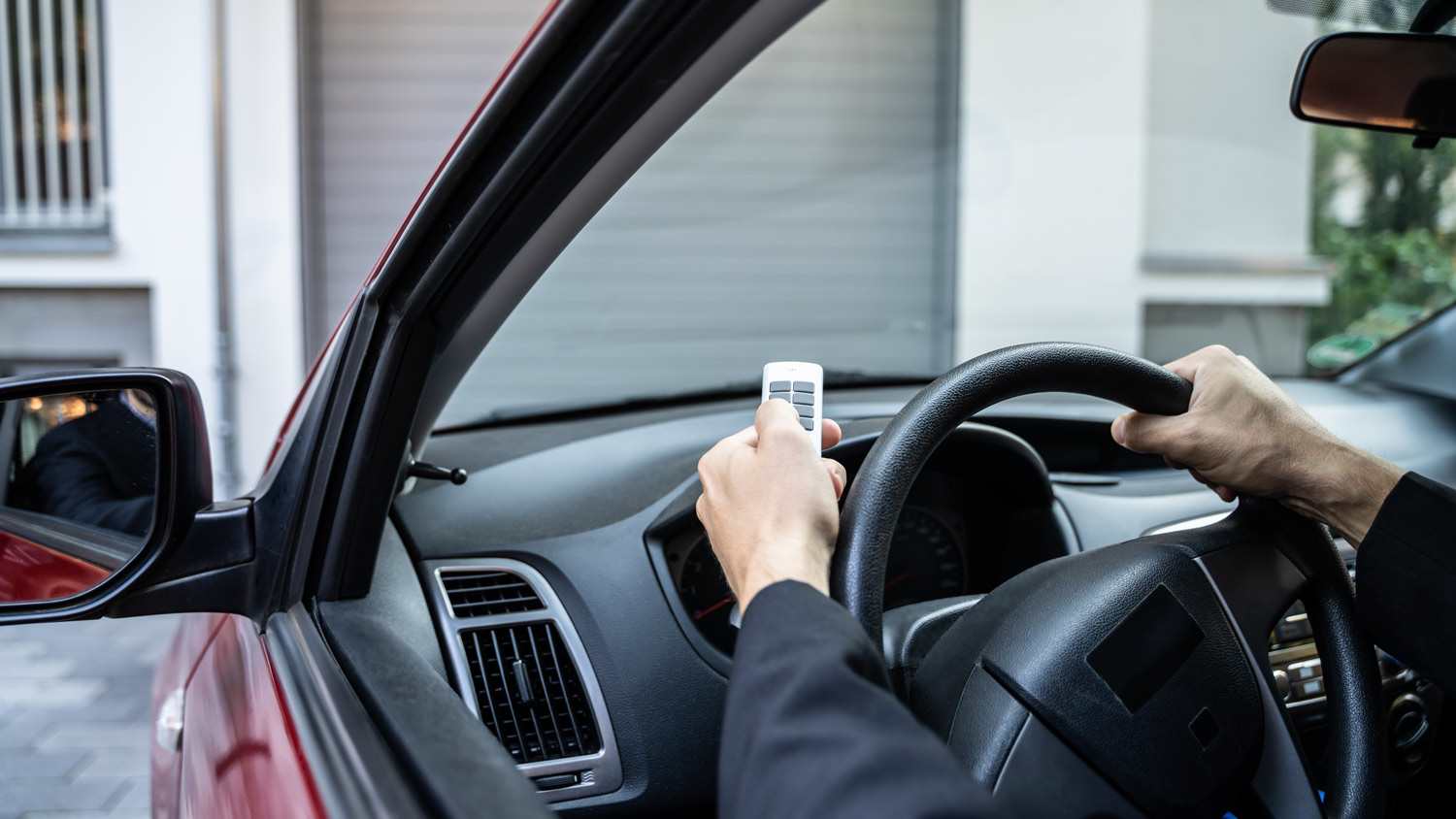
This guide will help you determine the true cost of installing garage door openers. You’ll need to consider type, horsepower, and other factors.
Set up your garage door remote in just three easy steps

Long gone are the days of getting in and out of the car to manually lift and lower your garage door. Now, you can press a button on the wall of your garage or program a remote to open and close it with the click of a button, from inside your car.
But how do you program a garage door opener, and does the process vary by brand? We’ll dive into these steps below.

Programming a garage door opener to a remote is easy. Make sure you purchase a remote of the same brand as your opener—or purchase a universal remote.
The steps are pretty standard regardless of brand and model, but you can always reference the user’s manual if the garage door remote setup steps below don’t work for you.
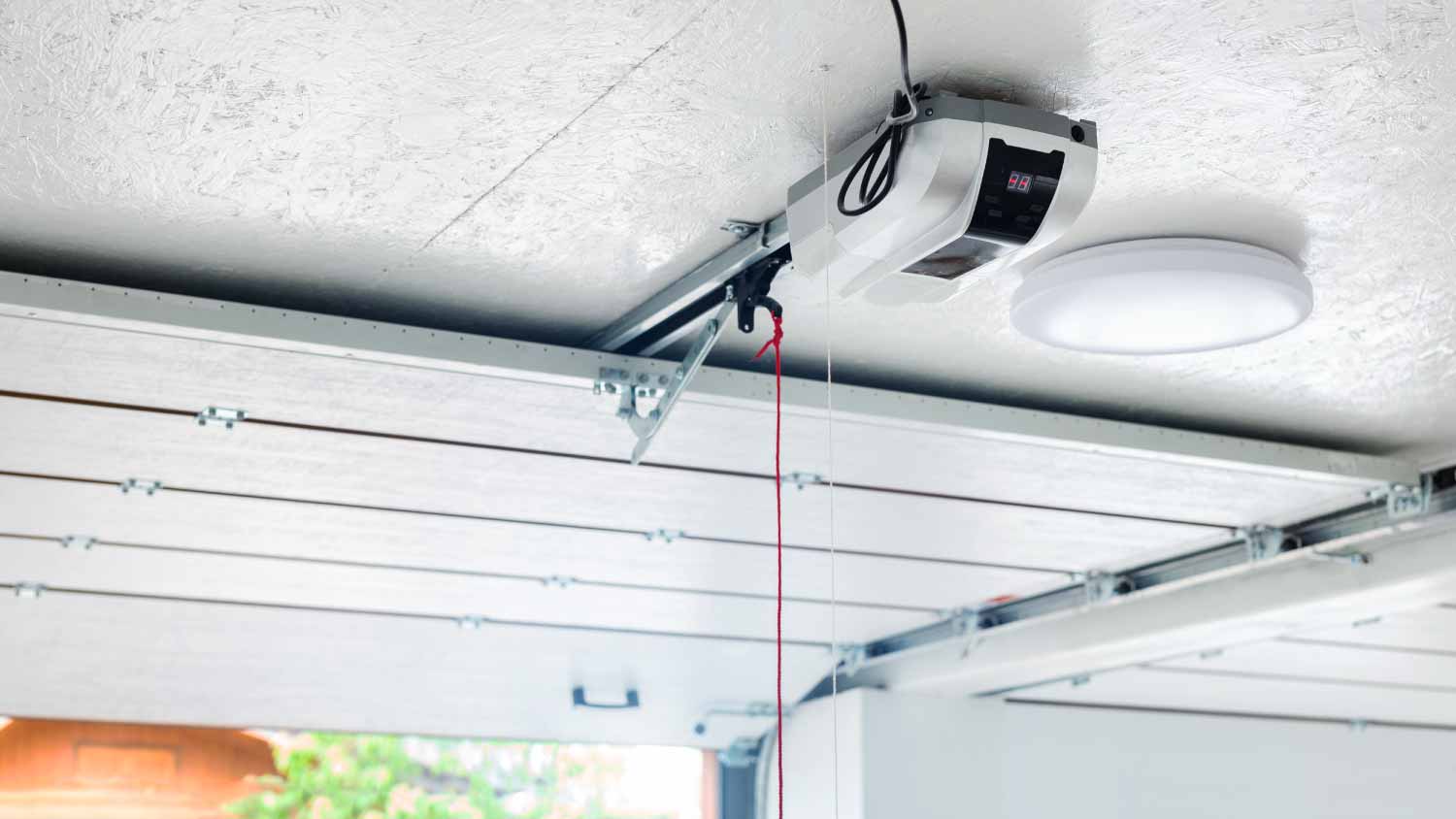
To get up to your garage door opener, you’ll probably need a ladder. Most garage door openers hang from the middle of the ceiling in a garage.
Once atop the ladder, look for your garage door opener’s “Learn” button. If you don’t see it, remove the light cover (the piece of plastic covering the light bulb).
Press and hold this button until it starts blinking.
Either from the ladder or once you’ve climbed down and off it, press a button on the remote. There may be multiple button options, that can accommodate multiple garage doors, so make sure you select the button you’ll want to use to operate this specific garage door.
You have roughly 30 seconds to press this button. If you’re worried about safely descending the ladder in that timeframe, or pressing the button while standing on the ladder, have a helper hold the remote below and press the button for you.
Wait for the garage door opener to either flash or make a clicking noise. This should indicate that the remote and mounted opener are now connected.
After a few moments, test your work by pressing the button. If the garage door responds to the button presses, your work is done. Put the ladder away, and place the remote in your car (or wherever you would like to keep it).
If you have multiple openers for a larger garage, you will repeat this process, but use a different button on the remote, to program any remaining openers.
If you run into issues with pairing the remote and suspect something might be wrong with the garage door or the opener itself, contact a local garage door company for further assistance.
Jason has helped me with multiple household projects, with the most recent being new door installation. He has always showed up on time and organized and has done an incredible job! Jason is very professional and he's now my go-to for anything around my house that needs to be fixed or...
 Huff Garage Rescue, LLC
Company came to look at my garage door that was off track. They also said I needed a brace on the other garage door. They put the door back on track, and I paid to install the brace. The technician told me I needed a new garage door opener, and it would cost $1000. Red flags went off in...
 Precision Overhead Garage Door Service
On Sunday 2/26 I requested quotes via Angi from 4 refrigerator repair businesses. Northwest Appliance responded to me Monday morning (2/27) and my refrigerator was repaired by noon the same day. Great communication, they did everything they said they would. The technician had the parts on...
Excellent customer service and knowledge. I was recommend to him from my neighbour. My front door and window came in great and were installed beautifully perfectly, I m very satisfied with their excellent work, so decided to order one more big bow window for my living room. I cant wait for...
 Window Depot USA of Central Ohio
Called ahead and worked quickly to install keyless locks on vintage wooden doors.
 Expert Lock and Key, LLC
Scott did not get appropriate access to the property prior to the scheduled inspection which required us to come back later in the day to complete it. He also, unprofessionally, knocked on a neighbor?s door in his attempts to reach someone with access. His overall report was fine though the...
 Security First Home Inspections
I highly recommend KTM construction! I will look no where else for anything that needs to be done, in or out side of our property. The level of craftsmanship is 5 star service across the board! The level of detail, knowledge and professionalism is 5 star service across the board! Ken is a...
 KTM Construction, LLC
Door Depot was very responsive - they came out the day after my call to assess my needs, then returned at my convenience to complete the work. They arrived early, and the work was completed in a shorter period of time than estimated. Very pleased with the results. I would definitely use them...
 Door Depot LLC
Replace garage doors: Fast response, competitive estimate, timely work done well.
 Village Garage Door
I would have given an "A" rating were it not for the devil being in the details. 1. The van rear doors, when open, expose the track area and that had not been cleaned. Noticeable only when you look for it and then it's obvious. 2. Was able to get 99.5% of the dog hair out of the cargo area...
 614 Detail
From average costs to expert advice, get all the answers you need to get your job done.
This guide will help you determine the true cost of installing garage door openers. You’ll need to consider type, horsepower, and other factors.
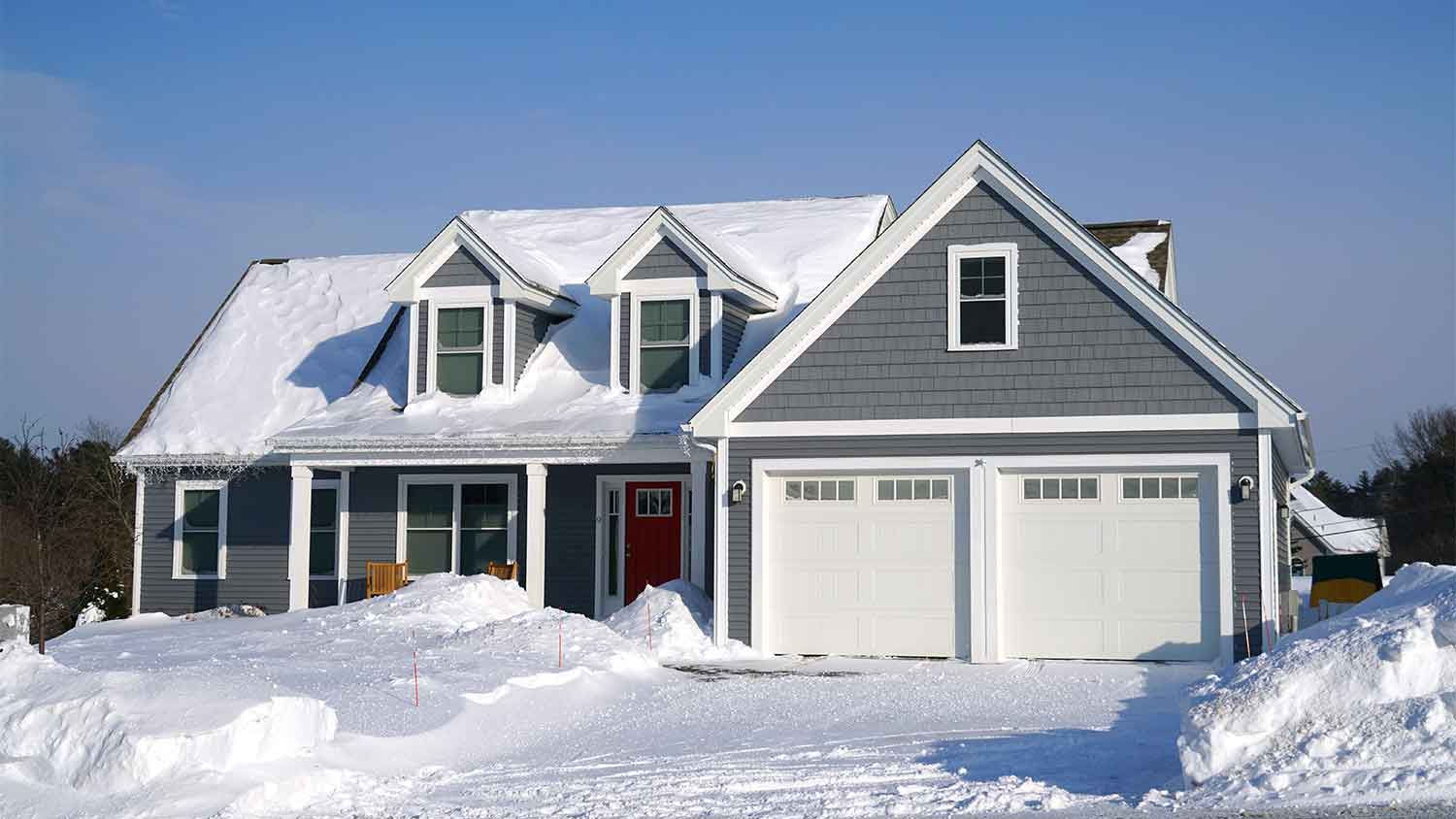
If you live in a climate that experiences harsh winters and summers, you should consider an insulated garage door. Learn what impacts the costs and how it can help save you money over time.
Replacing a garage door sensor is one of the least expensive fixes for a garage door. Learn how you may not need to totally replace it if it only requires an alignment or cleaning.
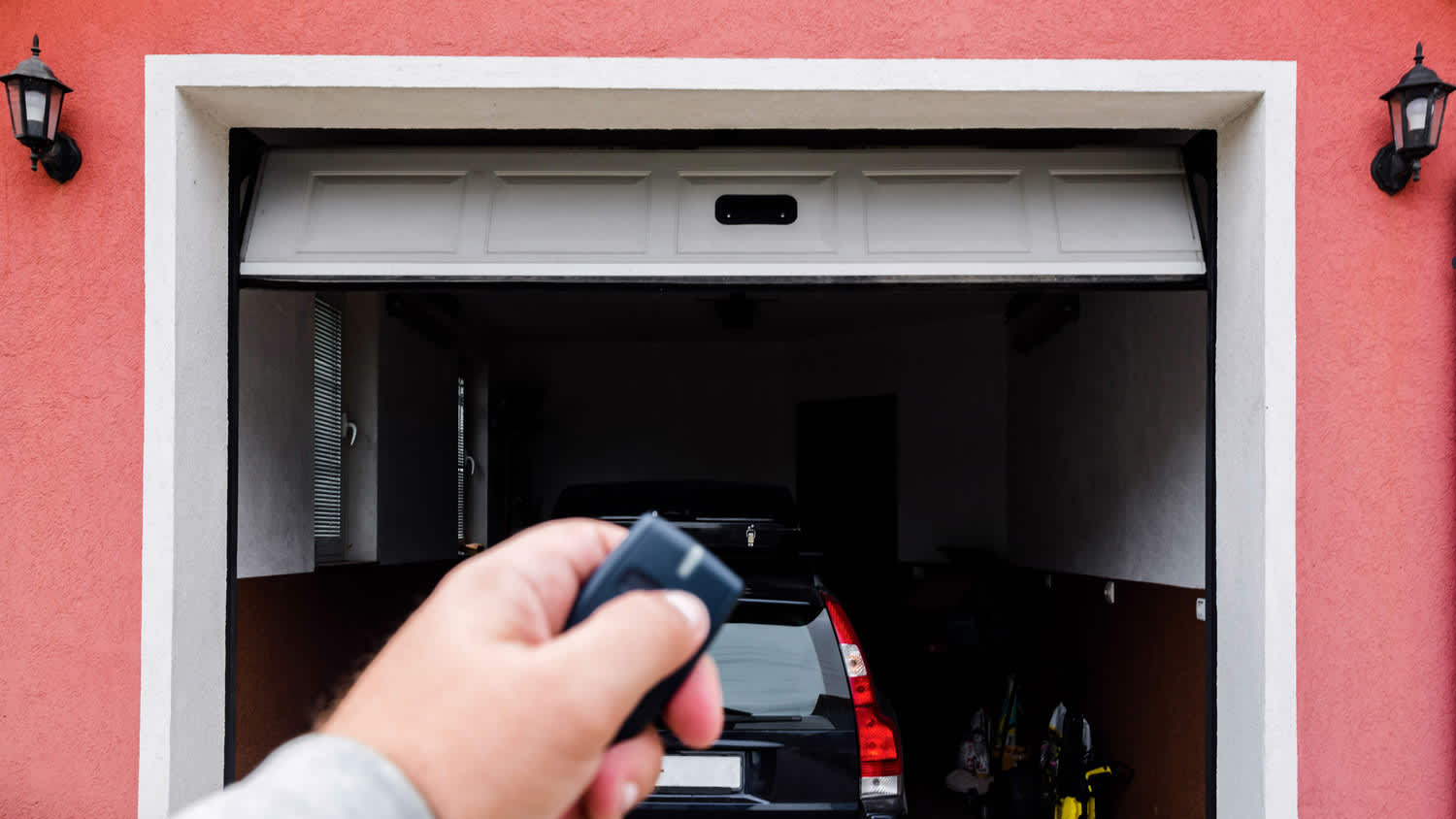
Solve why your garage door isn't opening with your remote control using these common causes and fixes.
It’s such a satisfying feeling when your garage door dutifully rolls itself open to unleash you out onto the world—and such a singular kind of frustration when it won’t.
Resetting a garage door opener can secure your home and fix frustrating remote issues. Keep reading to learn how to reset garage door remotes.