
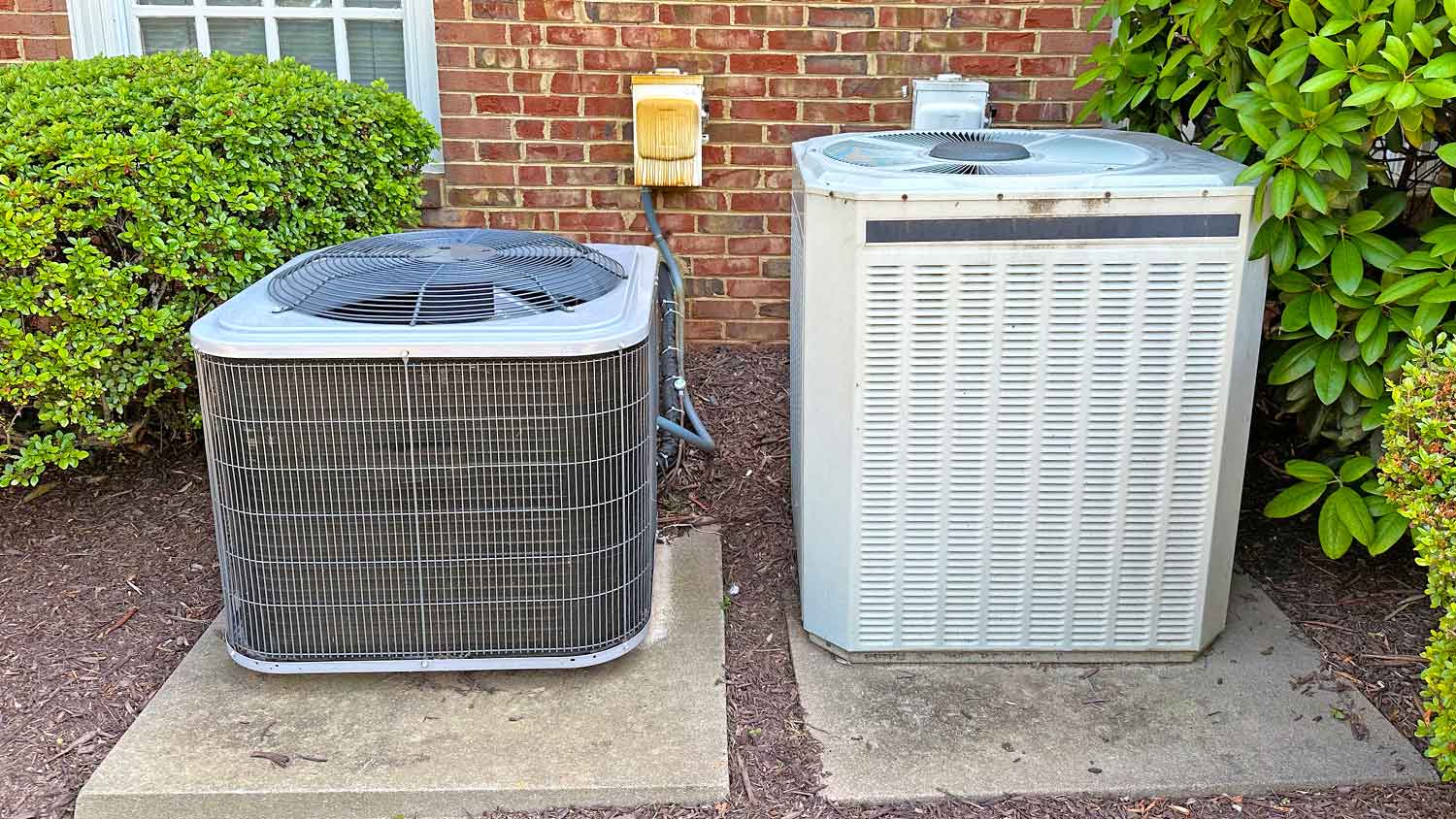
When determining your AC coil cleaning cost, you’ll need to factor in the type, cleaning method, and more. Our cost guide will show you what to expect.
If you can’t remember the last time you cleaned your keyboard, this is your sign to do it

Keyboard grime from crumbs, dust, and oils can cause your keys to stick or stop working, making regular cleaning essential for reliable performance.
Cleaning your keyboard costs less than $25 with supplies like keyboard brushes, cleaning gel, or compressed air, helping you avoid early replacement.
Turn your keyboard upside down and gently tap it to dislodge debris, then use a damp microfiber cloth to wipe away dust and fingerprints.
Hiring a local housekeeping professional provides reliable support when you need deep cleaning or want to maintain your workspace without the hassle.
It can be agitating to type up an email, only to have the E key stick, leaving your professional note riddled with typos. We spend a lot of time with our keyboards, so they tend to accumulate the crumbs from our lunches and snacks, grease or the natural oils of our fingertips, and dust.
This buildup of grime can be a little ick, not to mention it can also keep your keyboard from working they way it is supposed to. If it’s in need of some TLC, here’s how to clean a keyboard inside and out.

From the croutons on your lunchtime salad to the oat pieces that fall off your afternoon granola bar, a lot of crumbs can make their way into your keyboard each day. Not only that, but dust and debris can also get into the many crevices of a keyboard, leading the keys to stick and causing this device to not work as it should. Without regular cleanings, you may need to replace your keyboard sooner.
Cleaning a keyboard is inexpensive, especially if you keep up with regular cleanings. Whether you buy a keyboard cleaning kit with brushes and gels or use supplies you have around the house like tape or cotton swabs, cleaning a keyboard costs less than $25.
Even when the top of the keyboard looks clean, under the keys can be filled with crumbs and dust, making typing more difficult. Your keyboard should be wiped off once a week and deep cleaned once a month or when you notice any of the following:
Visible dirt, dust, crumbs, fur, or other particles on the keys
Keys that stick, skip, or stop working
Fingerprints on the keys or keyboard
Oil, grease, or liquid stains on the keyboard

Before you start cleaning, make sure to turn off the keyboard and unplug it. For laptops, make sure the device is powered down and unplugged from the charger.
Whether you have a standalone keyboard or a laptop, simply turn the object upside down. Don’t shake it around, which can damage the hardware. Instead, flip it over and gently tap it, which will dislodge some of the crumbs and dirt. This method is ideal if you hear something rattling or as the first step to a deeper clean.
Our keyboards can collect a lot of dust, especially as our skin sheds cells or the cat decides to make your computer its bed for an afternoon nap. Use a damp microfiber cloth to wipe away dust, fur, and other debris on the keyboard, then follow up with a dry microfiber cloth. To banish germs, follow up with a disinfecting wipe.
A brush for your hair, a brush for your teeth, and a brush for … your keyboard? You can buy keyboard brushes, which have bristles that reach deep between the keys to dislodge the buildup. These brushes typically come in a kit with other keyboard cleaning tools for about $5 to $10.
If you want to spend less, you can also use a new toothbrush reserved for keyboard cleaning or a bottle brush to gently scrub between the keys.
For about $20 to $40, you can buy a vacuum designed specifically to suck up dirt from keyboards. These tiny vacuums plug into the USB of your computer (meaning you will want to turn the laptop back on if you plan to clean with this method) for power. Simply run the vacuum along the keys to remove any loose dirt.
Keyboard cleaning gel, sometimes called slime, is a putty substance that you can press gently over the keys, working in small sections at a time. Dust and dirt particles stick to the gel, which costs about $5 to $10 per tub.
Alternatively, you can just grab a piece of tape off your desk. Fold the tape in half so both sides are sticky, then slide it between keys to collect dirt. This may not work as well or as quickly as cleaning gel, but it will work in a pinch with some patience.
To clean the top of the keyboard and between keys, you can use a cotton swab to collect dust. With a dry cotton swab or a cotton swab dipped in rubbing alcohol, run the swab over and between keys. Use a fresh swab as the cotton end gets dirty.
To reach deep between the keys, compressed air is an ideal solution. This product comes with a long, narrow nozzle that shoots air between and under the keys to clean them. Position the spray toward the keyboard at less than a 40-degree angle, and follow the package instructions closely to prevent damaging the keyboard.

If you want your keyboard to stay clean and in working order, you’ll want to give it a little extra attention day to day.
When lunchtime rolls around or it’s time for an afternoon snack, step away from the computer. Take an actual break at a table, not your desk, or outside. Not only will this give your eyes a break, but it also means the crumbles from your protein bar won’t fall into the gaps between the keys.
Mark the end of the work week with a tidy desk and spotless keyboard. Before logging off for the weekend, use a damp microfiber cloth to wipe down the keyboard and other parts of the computer. This will help pick up dust particles, preventing them from building up between and underneath the keys.
If you want to keep those oily fingerprints at bay, you can use a disinfecting wipe once per week to clean the keyboard. This will help beat grease and grime and clean up any bacteria transferred from your hands to the keyboard.
Each week, make a note to wipe down and disinfect the keyboard. Then, plan to give it a deeper cleaning about once per month using whichever methods you prefer or a combination of vacuuming, spraying with a can of air, turning it upside down, and cleaning with cotton swabs.
There are a few different ways to clean under the keys of a keyboard. To start, you can simply turn the keyboard upside down, and crumbs and other debris may come loose. Then, you can use a piece of tape, a keyboard slime product, or a cotton swab to reach the gunk between and under the keyboard keys. For keyboards with extra-small gaps between keys, consider a can of air spray to blow grime out of the keyboard.
Check your computer or keyboard manual before trying to remove keyboard keys. While some keyboards have keys that will pop off, most modern computers—especially laptops—are not designed for the keyboard keys to come loose.
I had FabClean 614 clean my apartment, and she did an outstanding job. She was so professional and efficient. My apartment looks absolutely spotless every surface, every corner, all cleaned to perfection. Definitely highly recommend FabClean 614 if you're looking for top-notch cleaning...
 Fab Clean 614
Best cleaning I've had at my property
Fantastic group, very communicative, and they really did a great job cleaning my condo. Will be hiring them for recurring cleaning!
 eMaids of Northern Columbus
Ace Fireplace Services' chimney sweep service is truly exceptional. They used advanced technology to ensure a thorough cleaning process, and my chimney has never looked better. I highly recommend their services.
 Ace Fireplace Services
Excellent the crew was great did what I ask cleaned up and the price was awesome
 All Star Paving and Sealing
On time, clean and finished fast. Windows seem sturdy and the finish is good. Caulking was done with no smudges. Would recommend.
 Window Depot USA of Central Ohio
I definitely recommend Ramonaâ s cleaning service! I have booked services with her many times and she arrives on time, ready to work and provides a great service.
 Your Cleaning Solutions LLC
Mary Cleaning Service is fantastic! The entire team is professional and pay a great deal of attention to detail. They do such a thorough job of cleaning my house. I would definitely recommend!
It was just fine. They did a good job. They cleaned what needed to be cleaned.
 Dezired Cleaners LLC
They cleaned my very dirty basement. They were prompts, quick, thorough and their price was fair.
 JDE House Cleaning LLC
From average costs to expert advice, get all the answers you need to get your job done.
When determining your AC coil cleaning cost, you’ll need to factor in the type, cleaning method, and more. Our cost guide will show you what to expect.
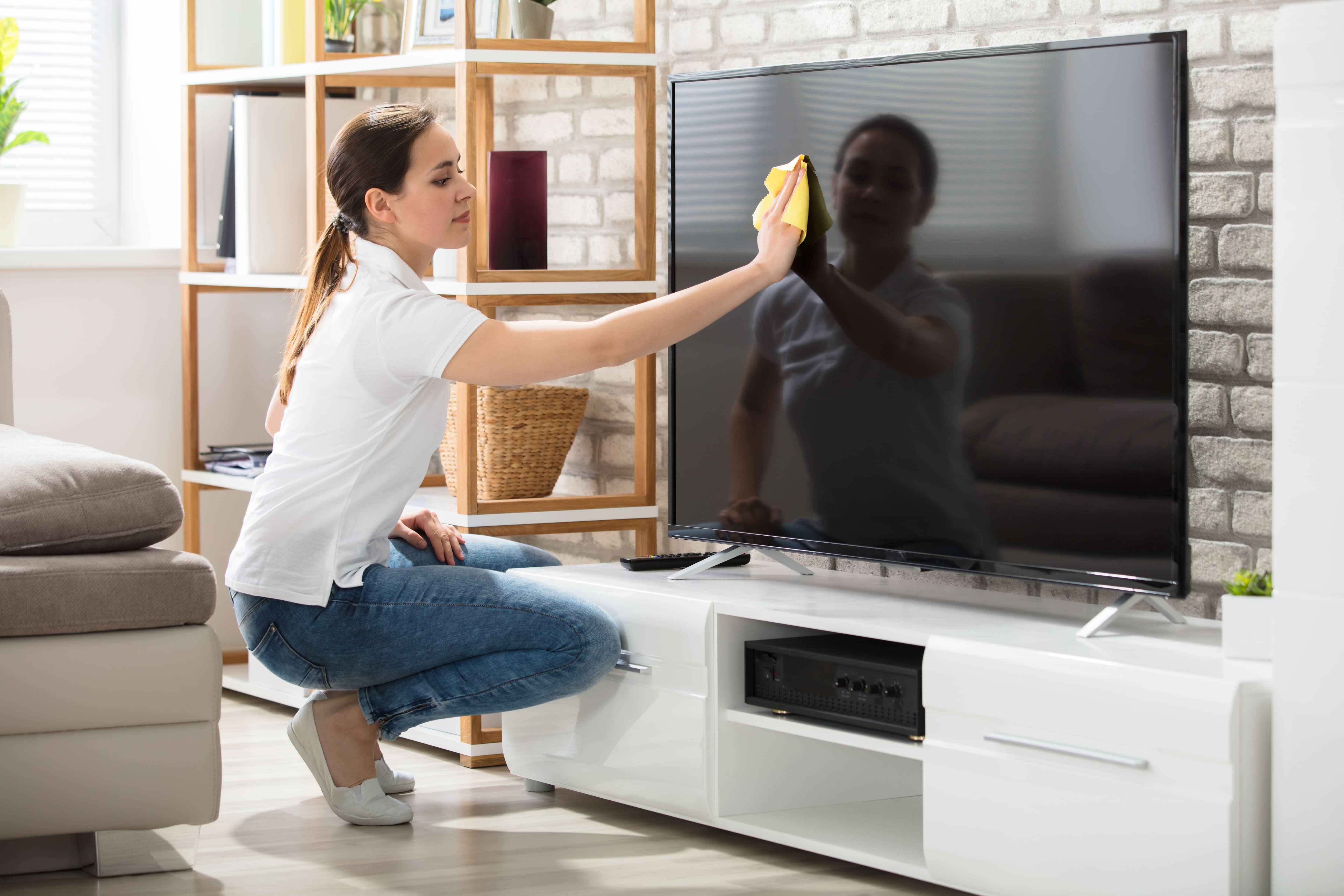
Cleaning your TV may sound simple, but it's easy to damage the delicate screens if you're not careful. Learn how to safely clean your TV in 4 simple steps.
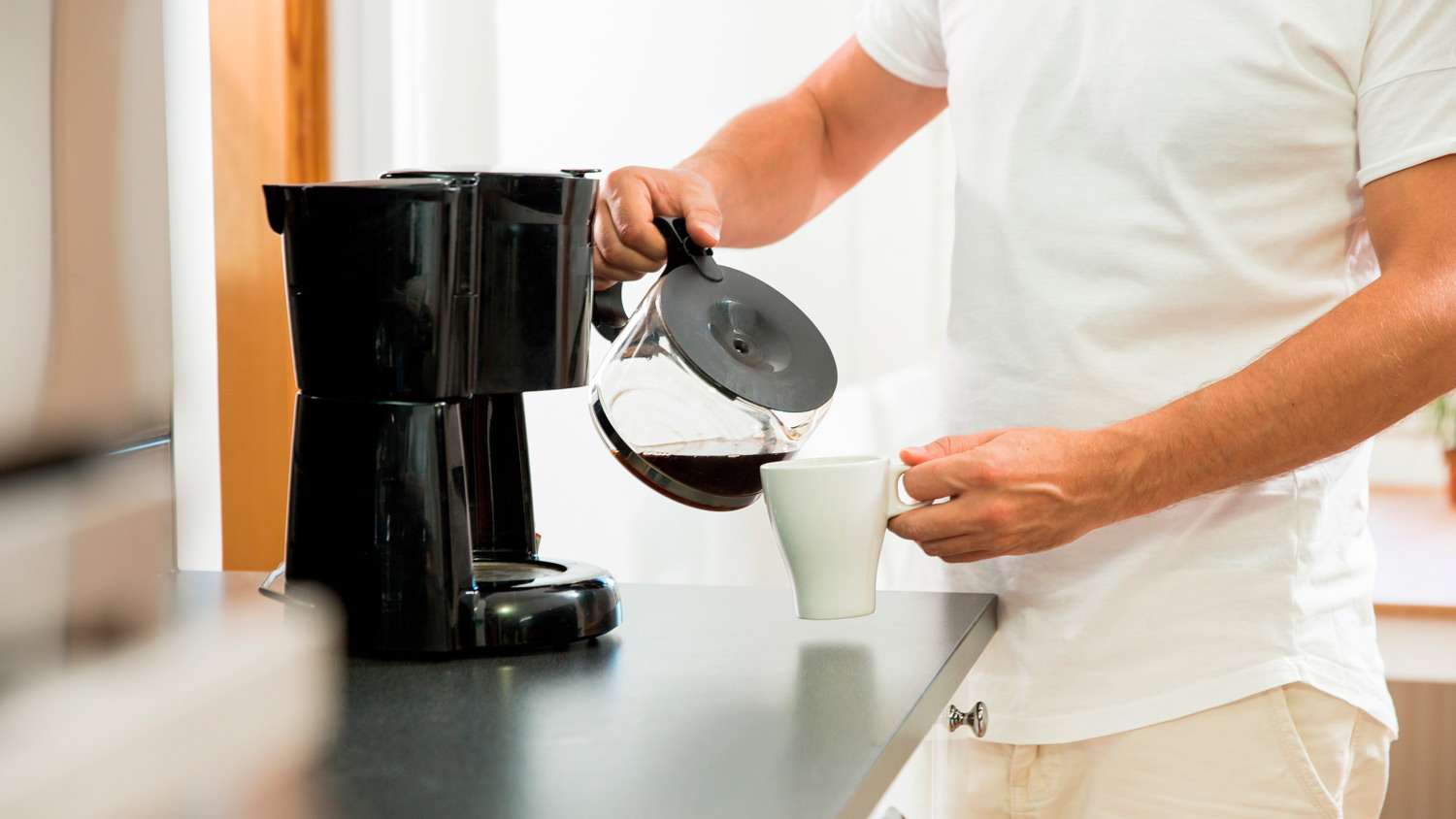
Up your home coffee-making game by keeping the machine clean (and safe from buildup) from brew to brew. We cover both daily and monthly instructions to clean out your coffee maker for tastier and healthier morning cups of joe.
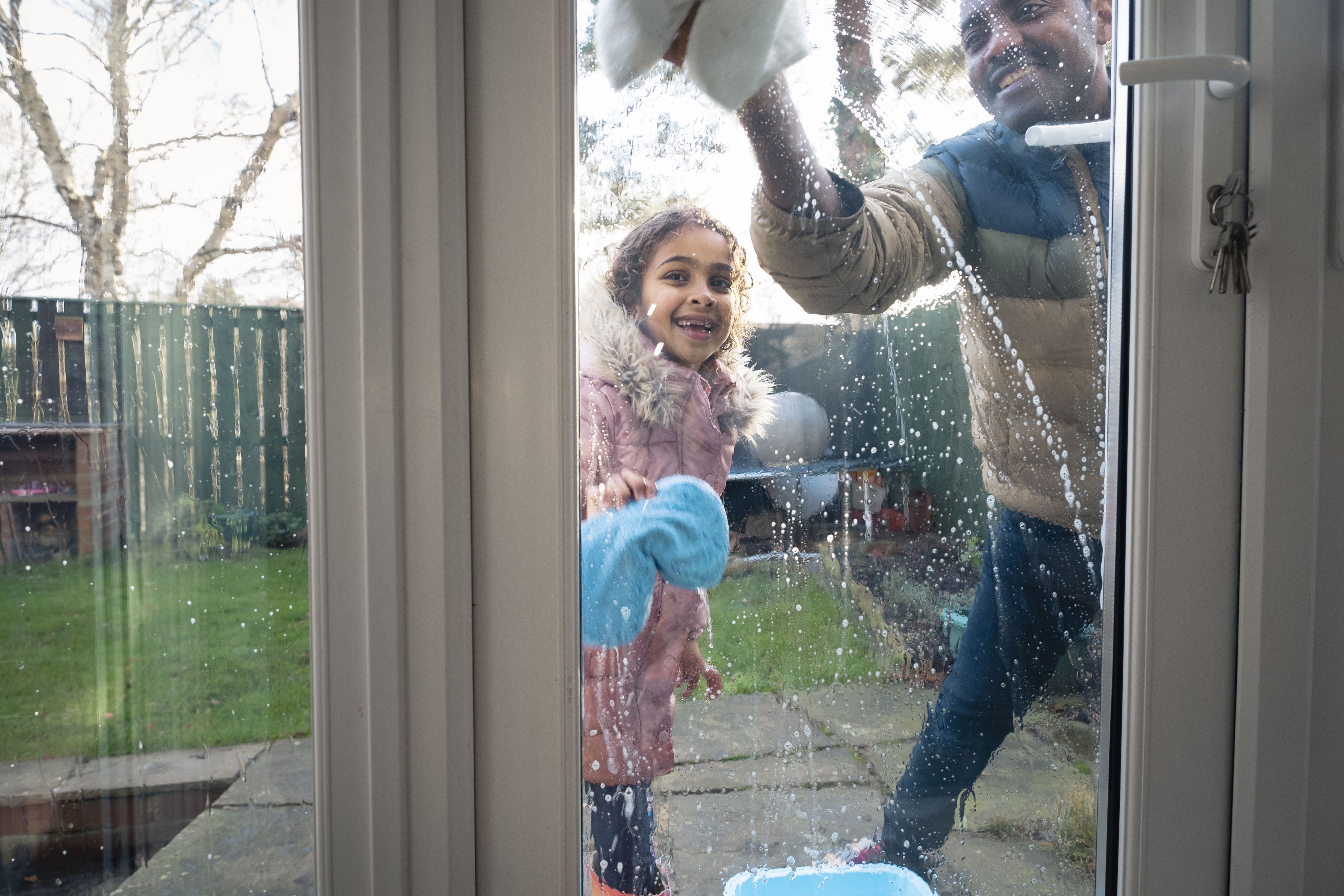
Every homeowner should know how to clean their outside windows, especially if they live in a multi-story home. Here’s how to stay safe while washing outdoor windows.
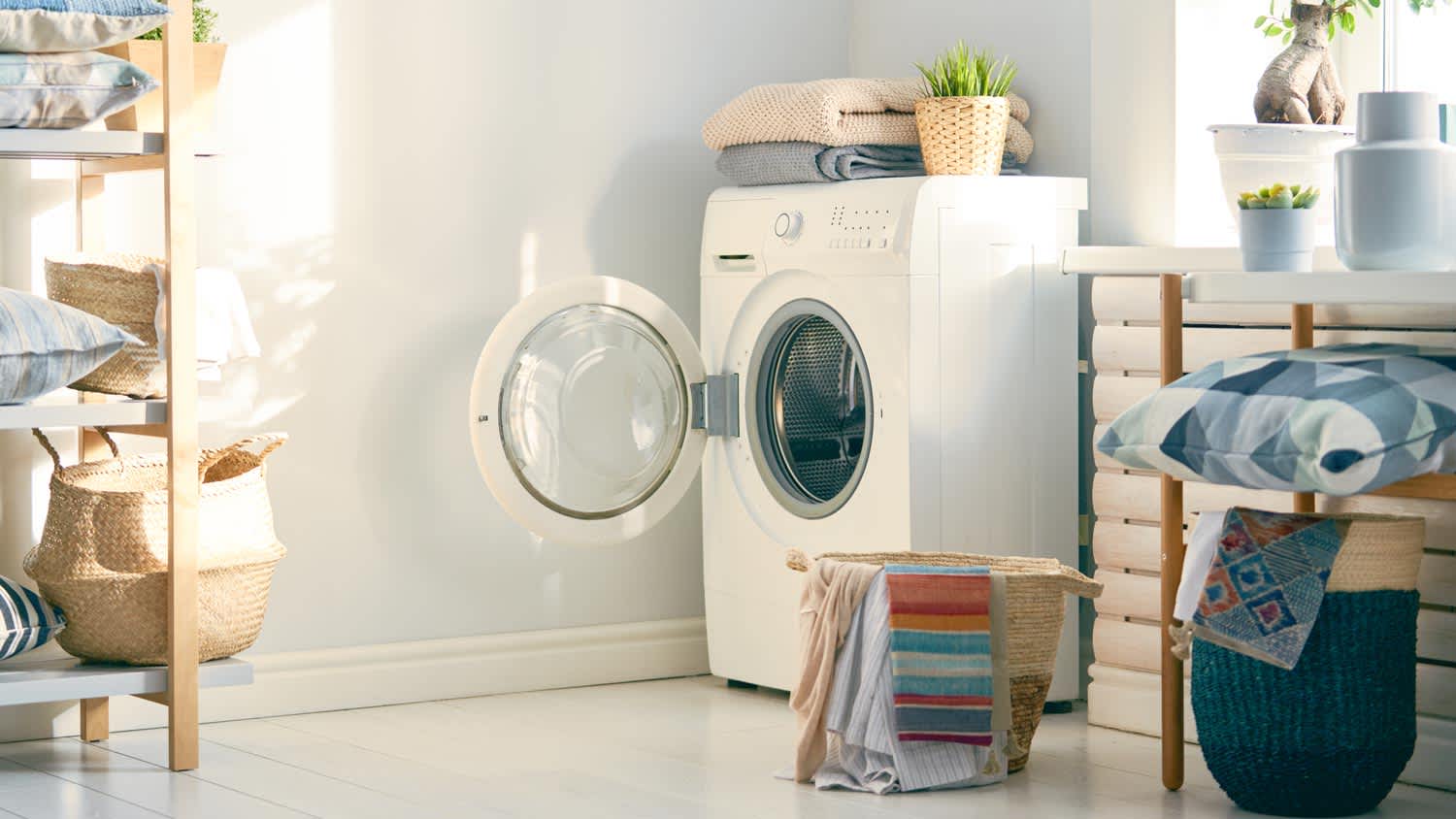
Give yourself a fresh place to do laundry by deep cleaning your laundry room. Follow this guide for simple steps to clean each part of your laundry room.
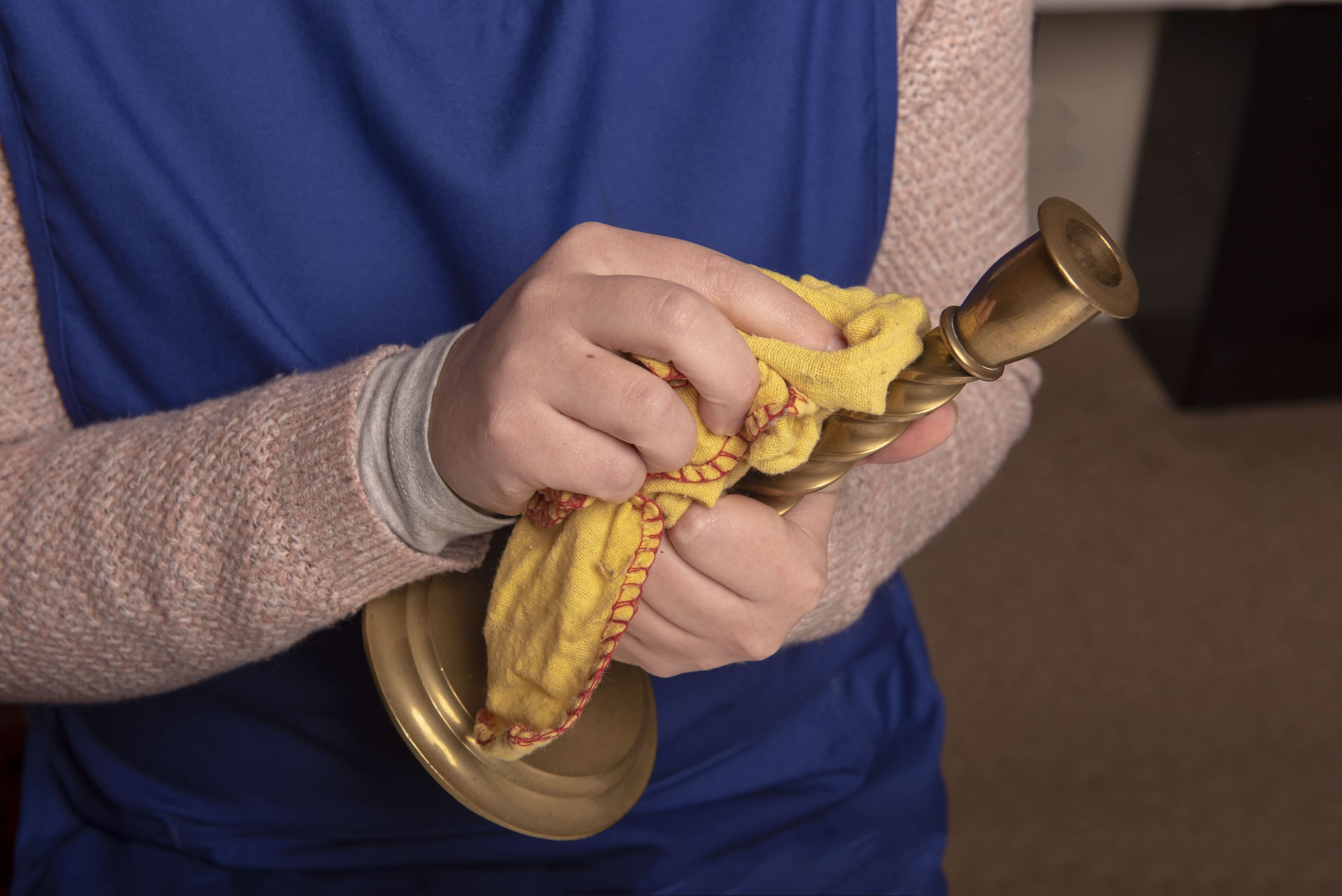
Over time, brass items can start to look dull, dirty, and tarnished. Learn how to clean brass to restore its lustrous glow and extend the life of your items.