
•
Discover the average Ethernet installation cost, including labor, materials, and tips to save. Get transparent pricing and expert advice for your project.
Level up your home computing experience

Running a LAN cable through your walls needs careful planning to find the shortest path using attics, crawl spaces, or wall cavities for your wiring route.
Your DIY project costs $50 to $100 for materials when you purchase ethernet cable, connectors, low-voltage boxes, and wall plates for your installation.
You need to turn off power at the breaker before drilling holes through wall plates and fishing cables to each room you want to wire.
Hiring a local computer repair professional keeps your installation running smoothly with proper cable routing, connector crimping, and wiring panel setup throughout your home.
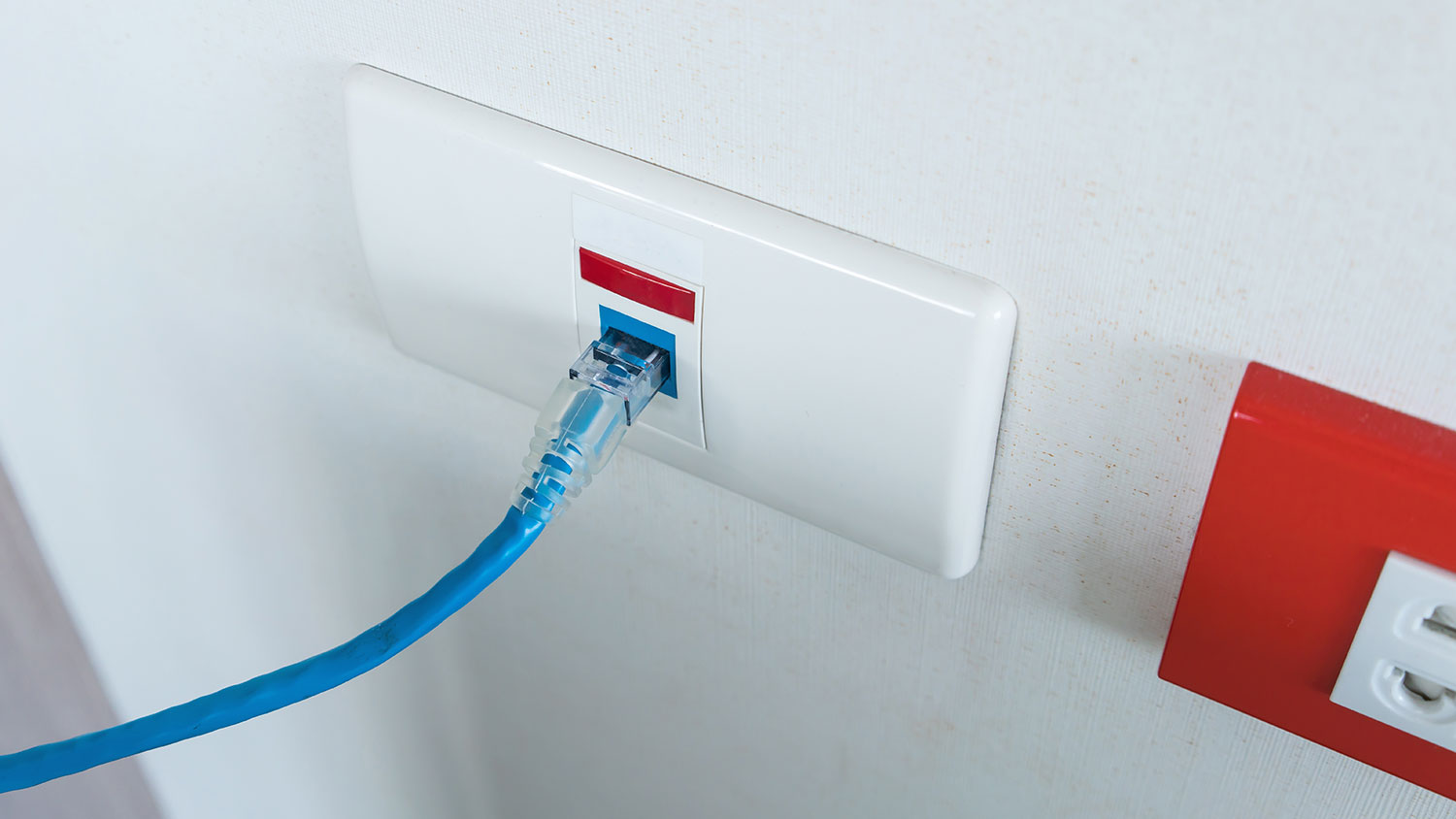
Many people rely solely on Wi-Fi for their home internet. However, with the world of video games only getting wider and more people working from home, you may often need physical wired connections in at least part of your system. An ethernet cable is a type of wire that connects your computer to the modem or router, giving you a more stable and often quicker internet connection.
If this sounds appealing to you, learn how to run ethernet cables through walls and conceal them while getting ethernet hardwiring where you need it in your home.
To get the most from the hard work of installing your system, choose an ethernet cable that matches or exceeds your current maximum internet speed and bandwidth. Keep in mind that the cost increases with higher quality, and some types have distance limits before your data may experience transfer troubles.
You can purchase ethernet cable in bulk, along with RJ45 connectors to put on the end of custom-length wires, or purchase pre-finished cables with connectors already on each end. There are several ethernet cable types readily available for home use. Each is listed below by category, noting their speed and bandwidth.
Category 5: 100 Mbps, 100 MHz
Category 5e: 1,000 Mbps, 100 MHz
Category 6: 10 Gbps, 250+ MHz
Category 6a: 10 Gbps, 500 MHz
Category 7: 10 Gbps, 600 MHz
Category 8: 50 Gbps, 2,000 MHz
Although ethernet cable is low-voltage, and you’ll install cables before ever plugging into your modem or router, there are still some safety considerations to keep in mind.
Turn off the electrical power at the service panel by switching the circuit breakers off for the area where you’ll be working. This step will help you to avoid shock from accidentally puncturing a wire while making holes in the walls.
If you’re planning on cutting into a wall that you suspect may have plumbing behind it, cut a small hole with a drywall saw without going very deep. Then, use a flashlight to inspect for pipes before committing to cutting a larger hole.
If you live in an older home, be aware of dangers such as lead paint, lead pipes, knob and tube wiring, and asbestos. Take preventative measures, like wearing protective equipment, to limit your exposure to these items.

Before randomly poking holes in various walls, create a plan, including which rooms you need to reach. You may find that you don’t need as much wire as expected.
Choose the shortest path possible from each room to your internet router. Look for easily accessible voids in which to run the cables. Attics and crawl spaces are excellent candidates for running cables quickly and easily. If there’s no way to get through a particular wall, you may consider using cable concealer sections or tucking the wires under the baseboard trim.

Before creating any holes in your wall, turn off the electricity to the circuits you’ll be working near. If you’re in doubt, turn off the main breaker to the home. You can turn the power and lights back on to see what you’re doing after cutting the holes.

Choose a location for the new ethernet outlet in the rooms that need wiring. Use a stud finder to ensure that there isn’t a wall stud directly behind the spot. Trace the low-voltage electrical box onto the wall with a pencil, then make a small inspection hole with a drywall or keyhole saw before cutting out the shape of the box. Repeat at each outlet location. Also, create a hole for an ethernet splitter or wiring panel, if necessary, using the same process.

This step is where your creativity will shine. Mentally follow the cable route. Using your drill and spade bit, make holes in the wall bottom or top plates to access the next wall cavity, attic, or crawl space. One trick is to peel back baseboard trim and drill holes through the wall’s bottom or studs to get to the next space. Fish tape may also come in handy for getting through skinny spaces.
Continue the process until each cable ends up at the router. As you install each one, label each cable with its destination.

You can skip this step if you have cables that already have connectors.
If you’re using bulk wire, you’ll need to install connector ends on each cable. Strip the cable on both ends and untwist each pair of wires. Insert them into a J45 pass-through connector in order from left to right: white and orange, orange, white and green, blue, white and blue, green, white and brown, and brown. Double-check the order before crimping the wires in place and cutting off the excess with a J45 crimp and cutter tool.

If you’re running several ethernet cables, you may want to use a wiring panel to keep everything organized. Connect your panel to the modem and install each cable into a slot. Attach the panel to the wall or secure it into its designated hole.

Install and secure low-voltage remodeling boxes in each room that you’re wiring, and insert the cable’s end into an ethernet outlet wall plate. Use the provided screws to attach the plate to the box.

Installing any kind of electrical outlets or wires often leaves a few holes in the drywall. Replace any baseboards and patch the drywall holes before priming and painting.
DIY installation of ethernet cable throughout your home can take some work. Getting a flexible wire through a space that you can’t reach with your hands can test your patience. However, the process is pretty straightforward, and saving the cost of installing a computer network is usually worth the effort.
However, it’s totally understandable if you’d rather continue playing or working this weekend instead of running your own ethernet cable. If that’s the case, a local network installer or nearby electrician will be happy to perform the work for you.
Great company! Price was competitive, technician showed up on time and completed the job (exterior electric Radon fan replacement) quickly. Would hire them again.
 MaGen Property Inspections and Radon Mitigation
I conferred with 2 other contractors before Armstrong Electric. Nick and his crew showed me that the project was not as convoluted as the other contractors made it appear to be. They completed the entire project on time. They were professional, friendly and cleaned up after at completion. I...
 Armstrong Electric LLC
The techs on my project, Shawn and Cliff, were great. They were prompt, courteous, and efficient. I am very happy with the results and would definitely contact Mr. Electric for any future electrical projects.
 Mr. Electric of Columbus
Victor was wonderful. He was on time, professional, and explained everything he was doing. He was thorough and figured out that the problem was electrical instead of with my HVAC system. Very knowledgeable. I will be using this company in the future for any HVAC needs. Thanks!
 Hubbs Heating & Air LLC
They were excellent. They did a great job. I was totally satisfied. They put tremendous effort in making sure the work was completed. They were great. They provided immediate response to any inquires I made. I would hire them again. I would recommend them to anyone who needs electrical work....
 Property-Tech Industries, LLC
Initially, the repairman could not find the problem. Apparently, there was some electrical shortage, but he could not find the definite problem. He left, but called back later to say he had a new idea. He returned and replaced the light switches on the doors. The refrigerator seemed to return...
 Appliance Pro LLC
The initial quoted price from a walk-through seemed high, but we discussed that the quote represented worst case scenario (re-wiring to two floors) and we were excited about the opportunity to have the work done in a timely manner with closing for fire safety reasons, etc. When the job was...
I have to tell you I am all about customer service - I will go out of my way and even pay more for it if you give me great customer service. <br> <br>In a world where this is hard to find, these guys were awesome! I can not sing their praises enough. They were prompt, personable, funny, got...
 Waibel Electric
When I challenged the markup on the generator, Bruder Electric withdrew its bid. They only want naïve customers.
We had no power to any of the electrical outlets in the MBR. We'd had an intermittent problem for a few years and they finally went out all together. We live on the 3rd floor of a 100 year old building and I know from past experience the wiring has been added to in hodgepodge ways over the...
From average costs to expert advice, get all the answers you need to get your job done.
Discover the average Ethernet installation cost, including labor, materials, and tips to save. Get transparent pricing and expert advice for your project.

Running electricity to a detached garage or shed brings life to new areas of your home. If you’re building a workspace, an office, or a loft, you could even see a return on your investment by making that space liveable or useful for projects.
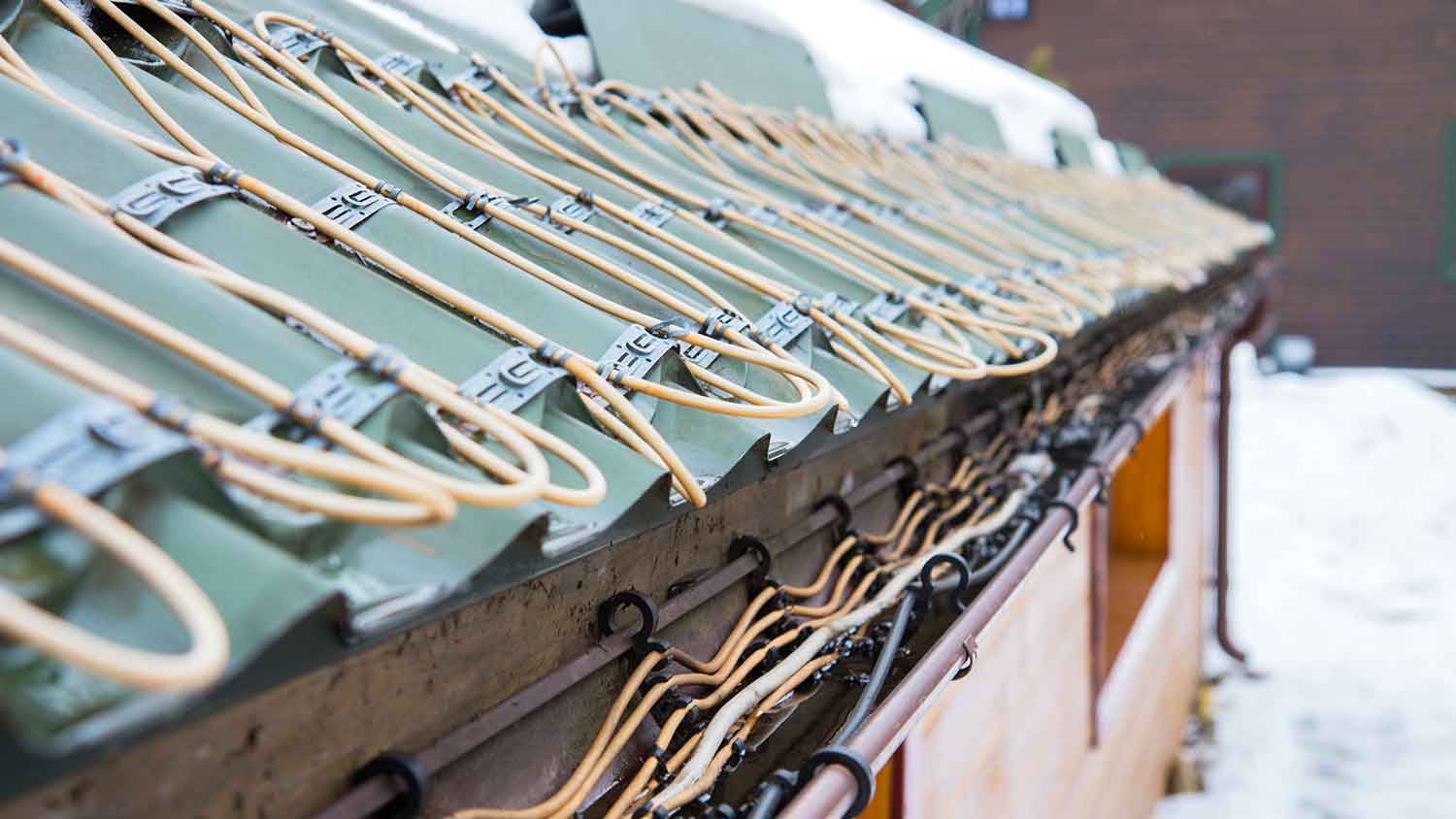
Discover the average roof heating cable installation cost, key price factors, and how to budget for your project. Learn how to save and what to expect.
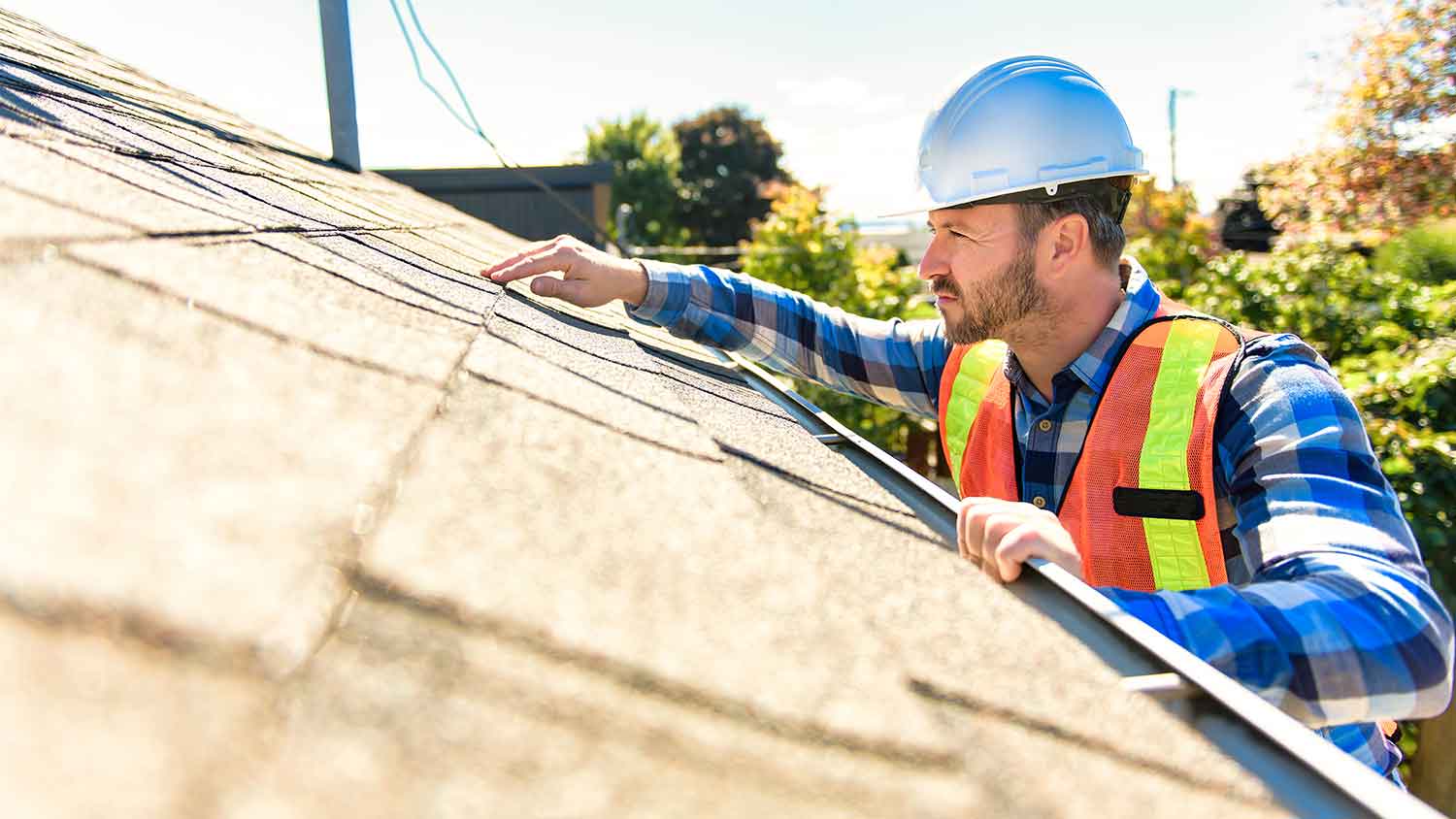
Roof heat cables can prevent damaging ice dams and keep your gutters flowing smoothly. Learn who to call to install roof heat cables before the snow comes.

Are roof heat cables dangerous? These systems come with risks, but they’re nothing you can’t avoid with proper installation and correct usage.

Cables, cords, and wires are needed to power the devices in our homes, but hiding them all can be a real hassle. Learn 11 ways to put them out of sight.